
The AI Human Generator creates realistic still images of fictional adults for storyboards, design mockups, and profile pictures. The gallery is free to view, and a new Fast PNG uses 5 credits ($2.50 at the $5 / 10-credit pack rate). Images reach 3,312 pixels on the longest side, and the site adds no visible watermark.
How to create a realistic AI person
Start with a preset to get a specific framing and setting, or write your own brief in Custom. You can bring a fictional adult character image to carry over their appearance. Once you have chosen a shape and quality, check the credit cost and generate one PNG.
1. Start with a look
Choose Studio, Everyday or Full Body. For an adult age of 25 or older, a specific hairstyle, outfit or setting, choose Custom and describe the person you want.
2. Add a reference if you have one
Upload a clear image of a fictional adult character if you want to keep their face familiar. In Custom, you can also add a style image to guide lighting and colors.
3. Choose a size and generate
Pick a shape and image quality, sign in, and check the credit cost. Download the PNG when it appears in the result panel.
Realistic human image examples
Compare a studio headshot, an everyday indoor portrait, and a head-to-shoes composition before choosing a preset. A close crop makes expressions easier to see. A wider frame shows the outfit and pose. The first image in each pair shows the character reference. These examples keep their original proportions. New images use the 3:4, 4:3, or 1:1 shape you select.
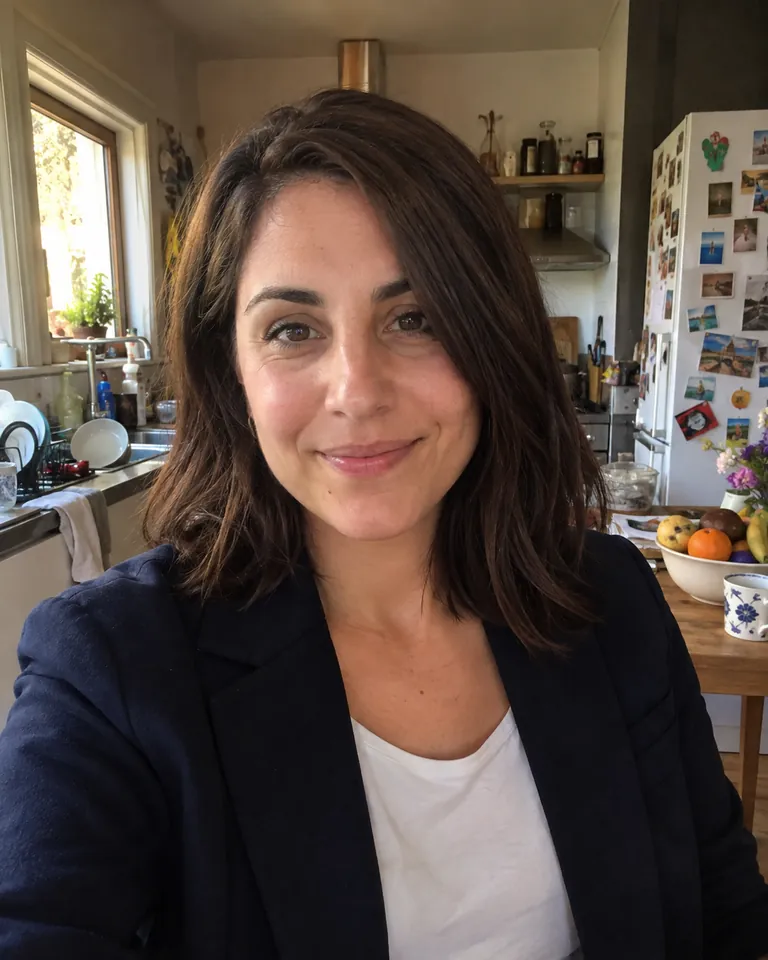
Character reference
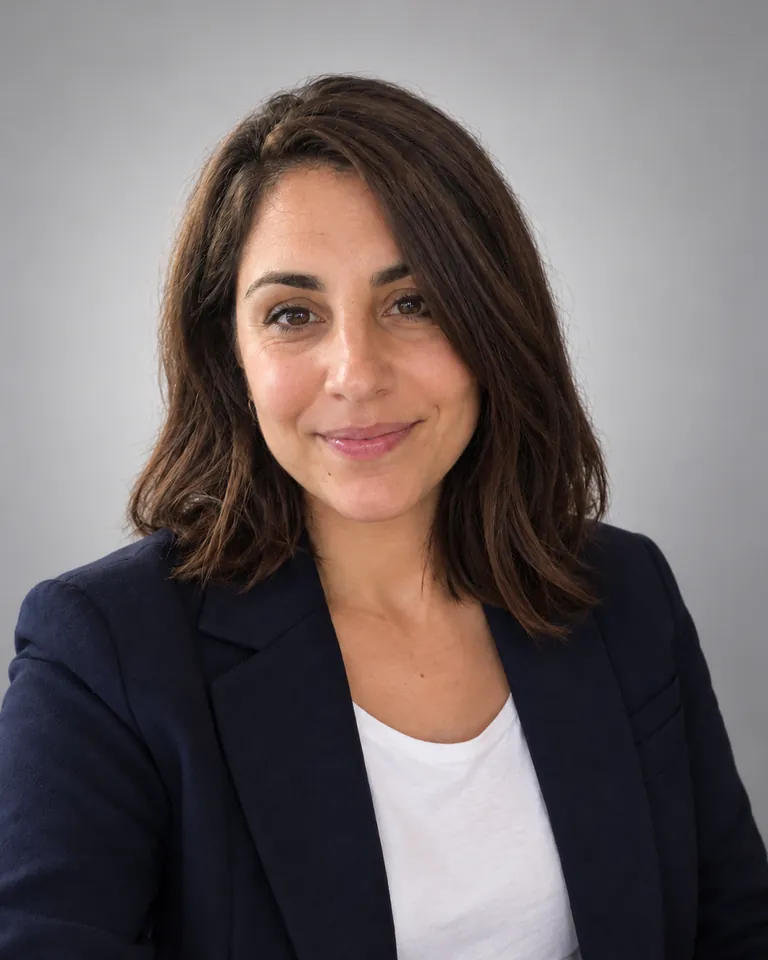
Portrait example
Studio headshot
A gray backdrop and even light draw attention to the face.
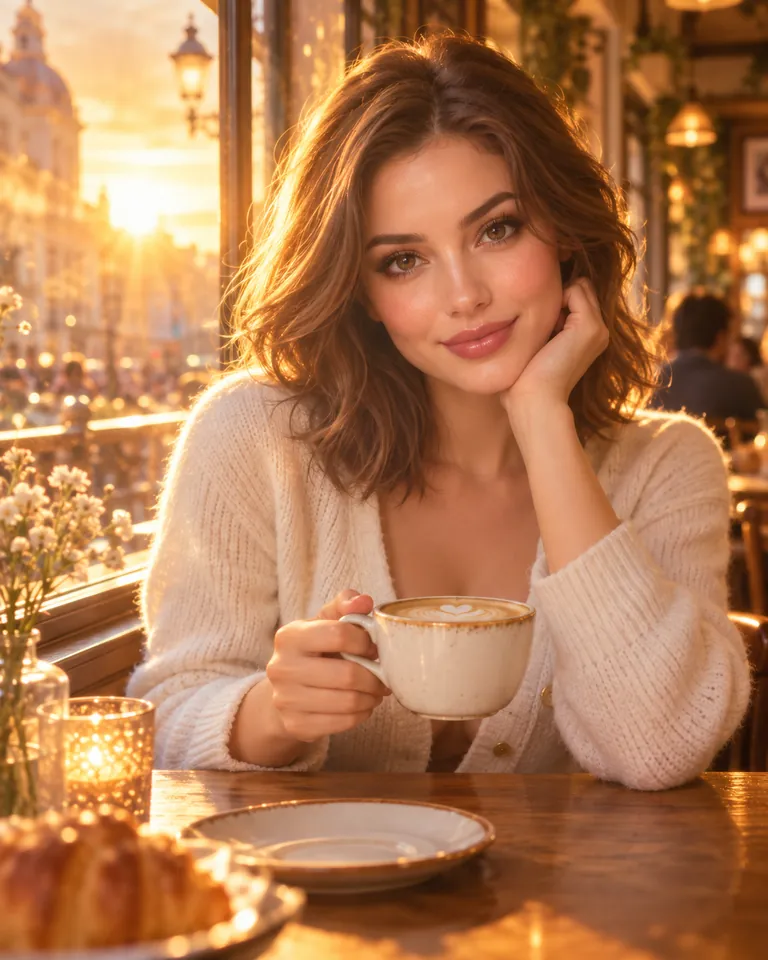
Character reference
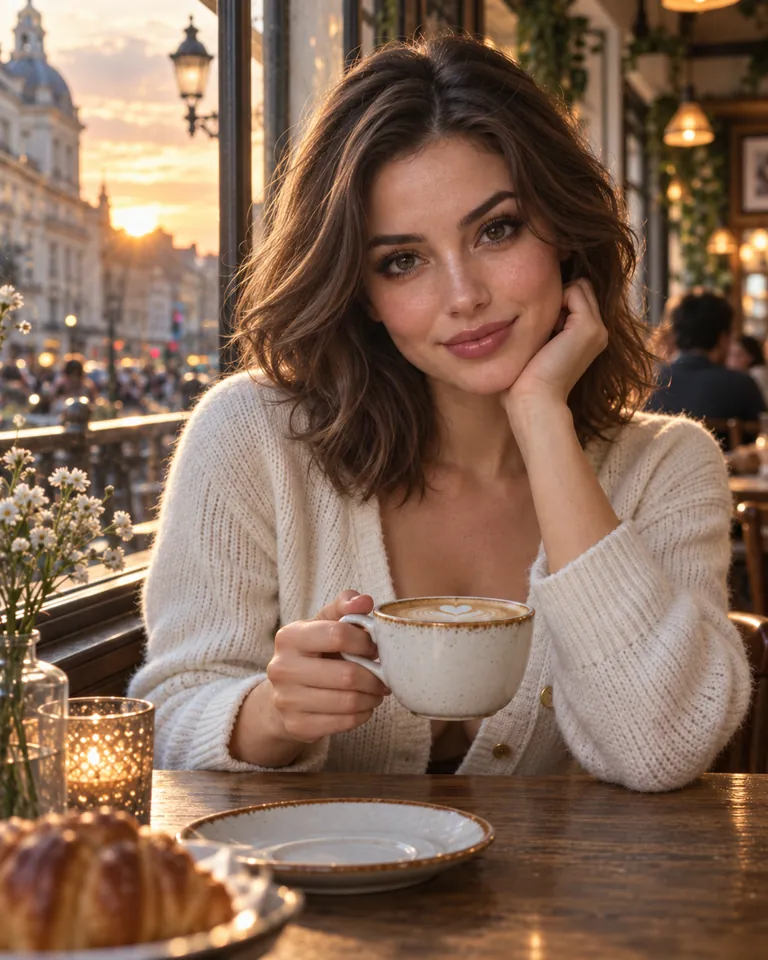
Portrait example
Window-light portrait
Soft café window light brings out skin texture and the warm colors of the room.
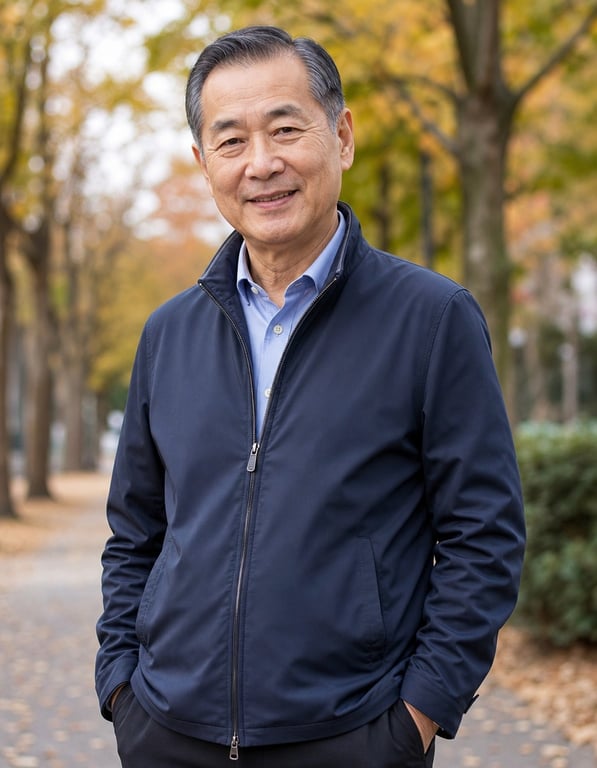
Character reference
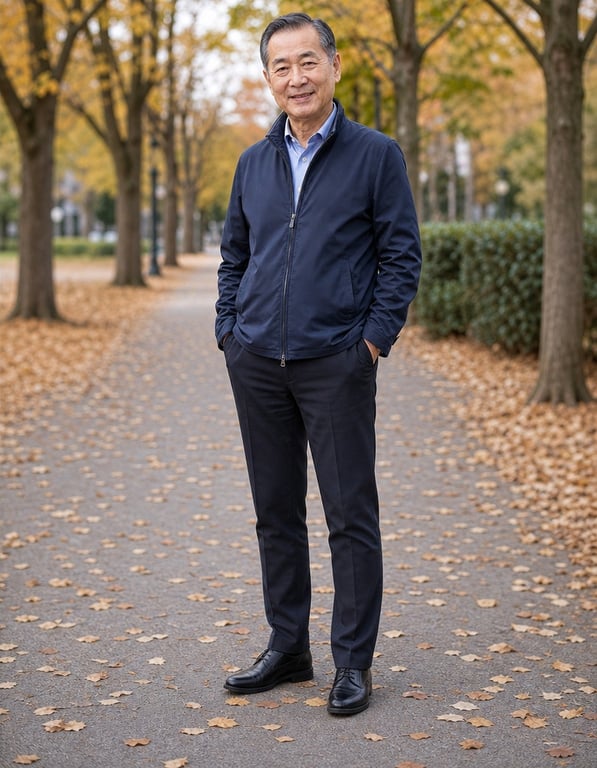
Portrait example
Full-body portrait
A generous vertical frame shows the jacket, trousers and shoes on a tree-lined path.
How do you generate a full-body AI human photo?
The AI Human Generator’s Full Body preset asks for the entire standing figure. Choose 3:4 to give the person more vertical room. For finer control, use Custom and describe the pose, outfit, and framing. Ask for the top of the head and both shoes inside the frame, with some floor visible underneath.
If you already have a cropped photo and want to extend it, try the Full Body AI Generator.
Can an AI person generator start from a photo?
The AI person generator can start from a clear portrait of an existing fictional adult character. Add the image, then choose a new look or describe a new scene. The generator uses the character image to guide facial features and apparent age. A separate style image in Custom can guide lighting or colors while the character image guides the person’s appearance.
Is the AI Human Generator free to use?
The AI Human Generator charges 5 credits for a Fast image, which exceeds the current signup allowance. Browse the examples and set up an image without an account. Sign in to use your credits and download your finished PNG. Downloads use no extra credits. There is no daily free generation quota.
AI Human Generator pricing and credits
GPT Image 2.6 Flare creates one PNG per run. The quality you choose sets its price. The one-time trial pack costs $5 for 10 credits for eligible accounts. Dollar amounts in the table show the share of that pack used by each image. HD, Ultra HD and Studio require eligible paid access.
| Quality | 3:4 | 4:3 | 1:1 | Credits (pack equivalent) |
|---|---|---|---|---|
| Fast | 768 × 1024 | 1024 × 768 | 1024 × 1024 | 5 ($2.50) |
| HD | 1536 × 2048 | 2048 × 1536 | 2048 × 2048 | 7 ($3.50) |
| Ultra HD | 2480 × 3312 | 3312 × 2480 | 2880 × 2880 | 8 ($4.00) |
| Studio | 1536 × 2048 | 2048 × 1536 | 2048 × 2048 | 9 ($4.50) |
| Feature | Details |
|---|---|
| Gallery and settings | Free to browse and set up without an account |
| Signup allowance | Eligible new accounts get 1 credit at signup. Fast requires 5 credits, so you need more credits before generating here. |
| Output | One PNG, with no visible watermark added by the site |
| Download | Included with the completed image in your account |
What the generator can and cannot control
A reference guides the look of a fictional adult and the model redraws the image. Facial details can still drift, especially when the camera angle or lighting changes. Full-body shots can crop shoes or distort hands, so inspect the whole frame before you use a result. The tool outputs a still image.
For multiple scenes built around the same character, use the consistent realistic character tool.
AI Human Generator FAQ
The AI Human Generator creates still portraits in a phone or computer browser. Use a supported JPG, PNG or WebP character image if you want to guide the person’s appearance. Before publishing the result, check your rights to the reference and the policies of the place where you plan to publish.
Does the AI person generator work on a phone?
Yes. Open this page in your mobile browser. You can choose a preset, attach an image from your photo library, and download the finished PNG from the browser.
Which files can I use as a character reference?
Use a JPG, PNG or WebP up to 10 MB. Each side must be between 128 and 2,048 pixels. Choose an image of a fictional adult and confirm that you have permission to upload it.
Can an AI human image be used in a mockup or an ad?
A fictional person can illustrate a mockup. For an ad or another published use, check the rights to any uploaded references and the policies of the place you plan to publish. Avoid presenting a fictional person as an actual customer or employee.
Does an AI human image generator create video or voice?
This tool creates one still PNG per generation. A talking avatar or voice generator is a separate tool for animation or audio.