
This AI Fortnite skin generator suits players making an avatar, thumbnail, or costume concept. Browse the example pairs for free, then generate one PNG from 5 credits ($2.50 at the trial-pack rate). Choose a tall 3:4 or square 1:1 image, with no added watermark and up to 3,312 pixels on the longest edge.
How the Fortnite Skin Generator works
Start with one well-lit portrait, then pick an outfit and setting. The tool uses visible features such as hair, skin tone, glasses, and face shape to guide the design. Choose a square crop for an avatar or a taller frame to show more of the outfit.
1. Upload one portrait
Choose a JPG, PNG, or WebP with one clearly visible face. Use a picture you have permission to upload.
2. Set the outfit and scene
Choose Street, Scout, or Cyber. In Custom, describe the colors, clothes, and setting, with an optional style reference.
3. Generate and save the PNG
Pick a shape and quality. Sign in and review the credits before generating. Download the finished PNG when it is ready.
Fortnite-inspired character concept examples
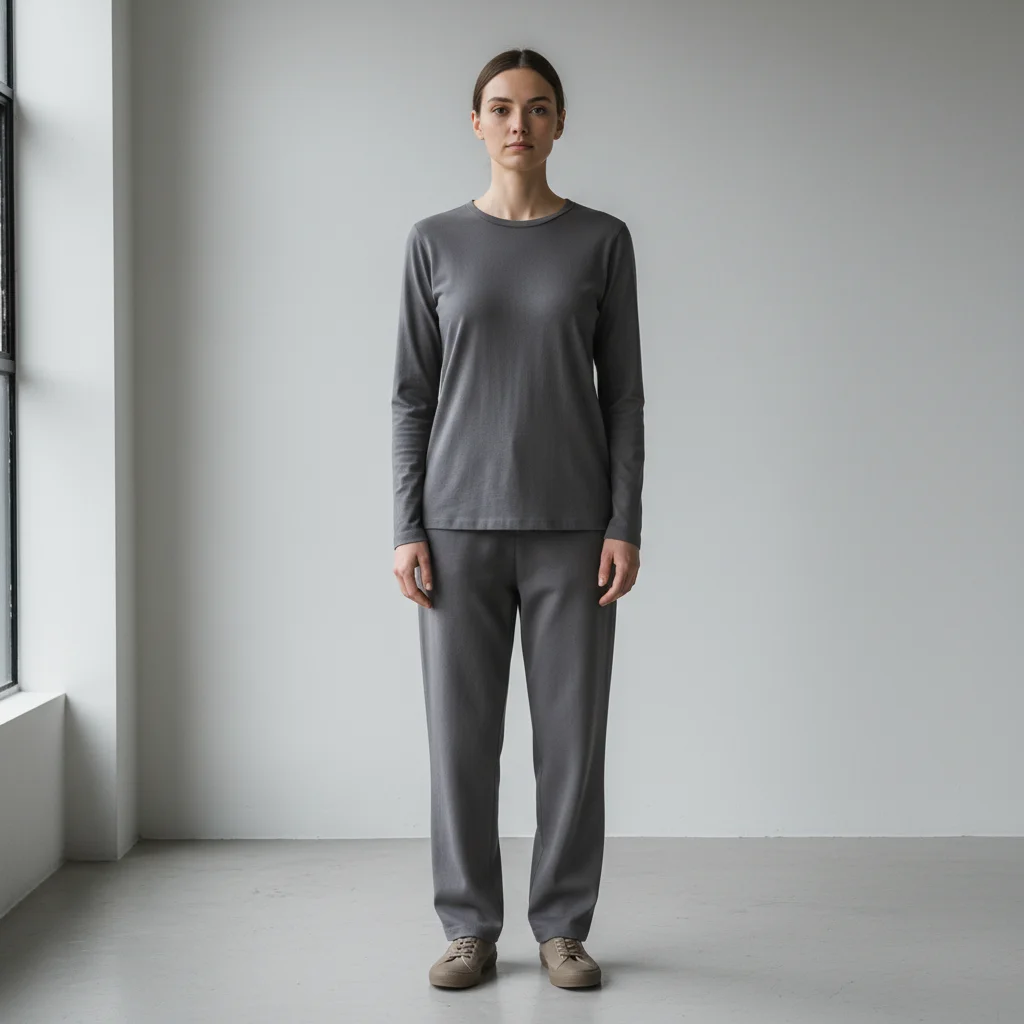
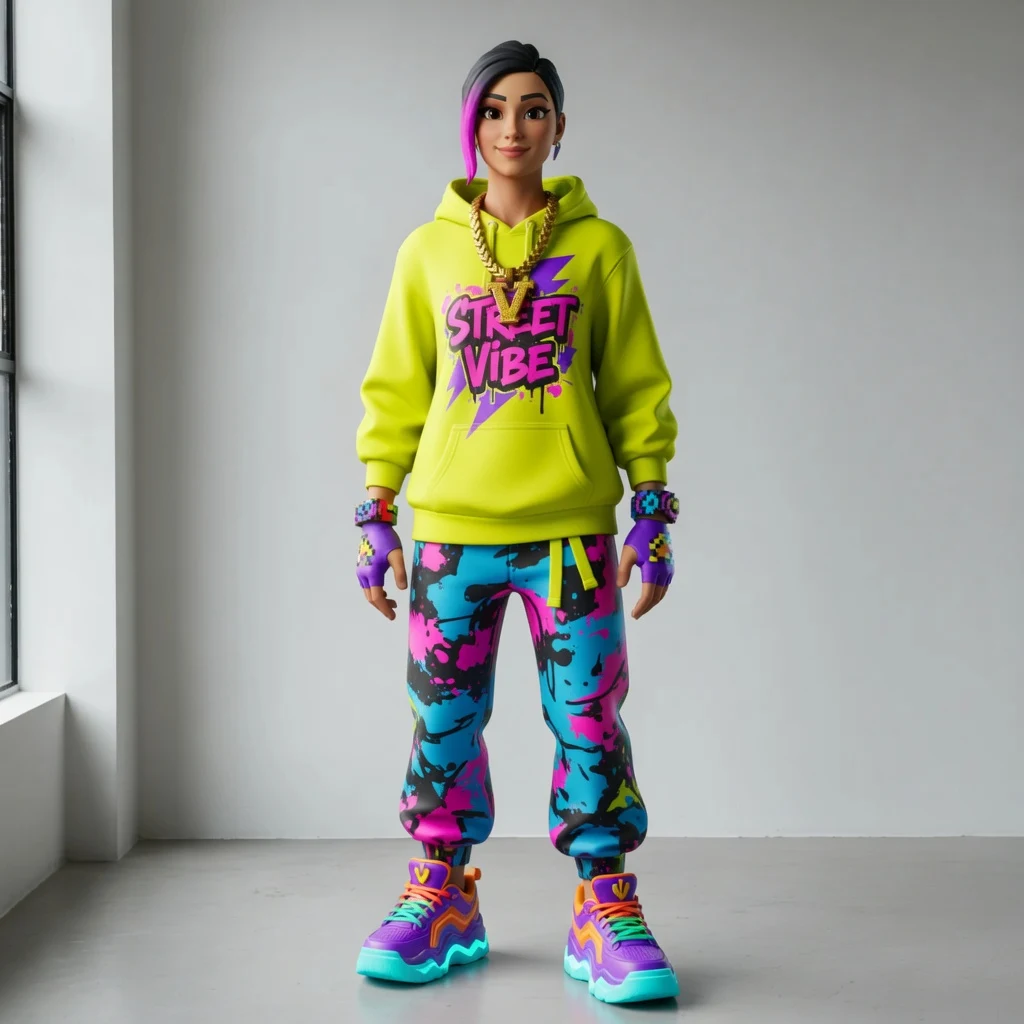
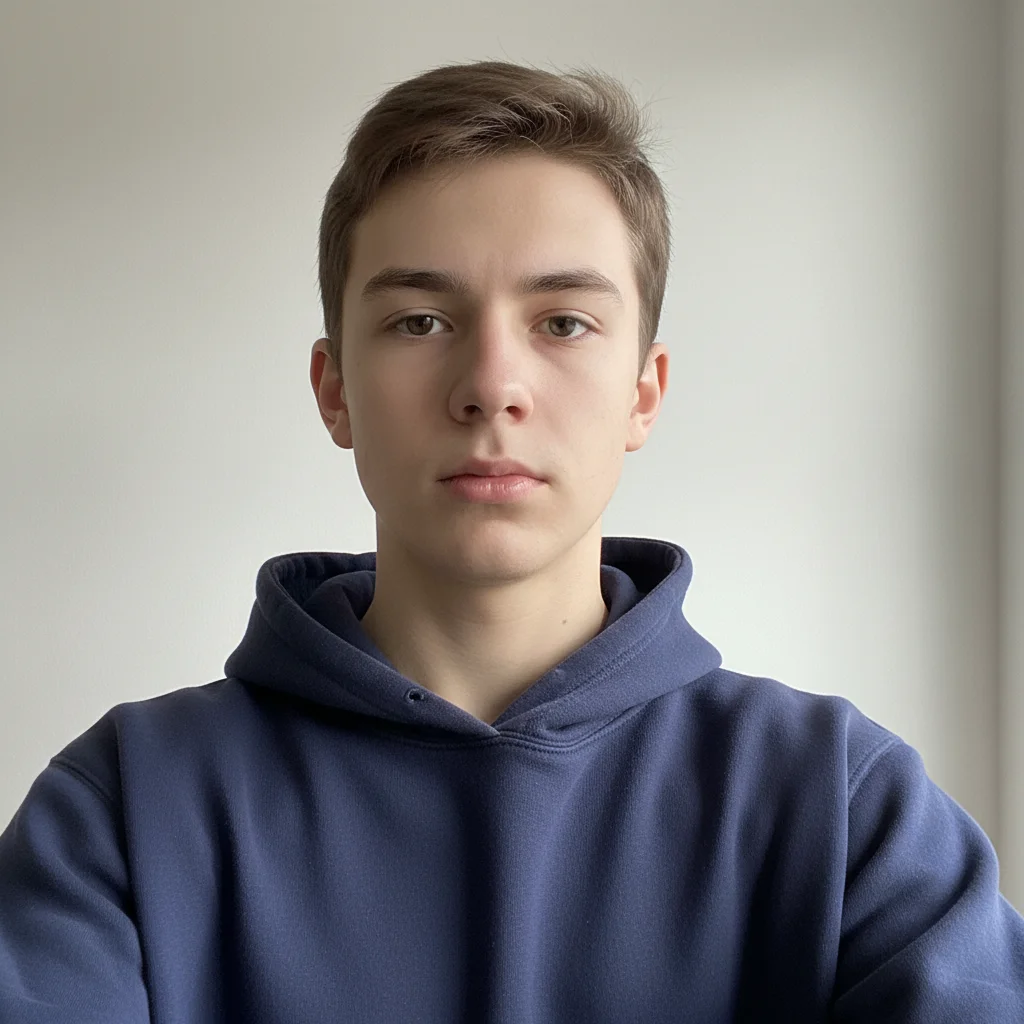
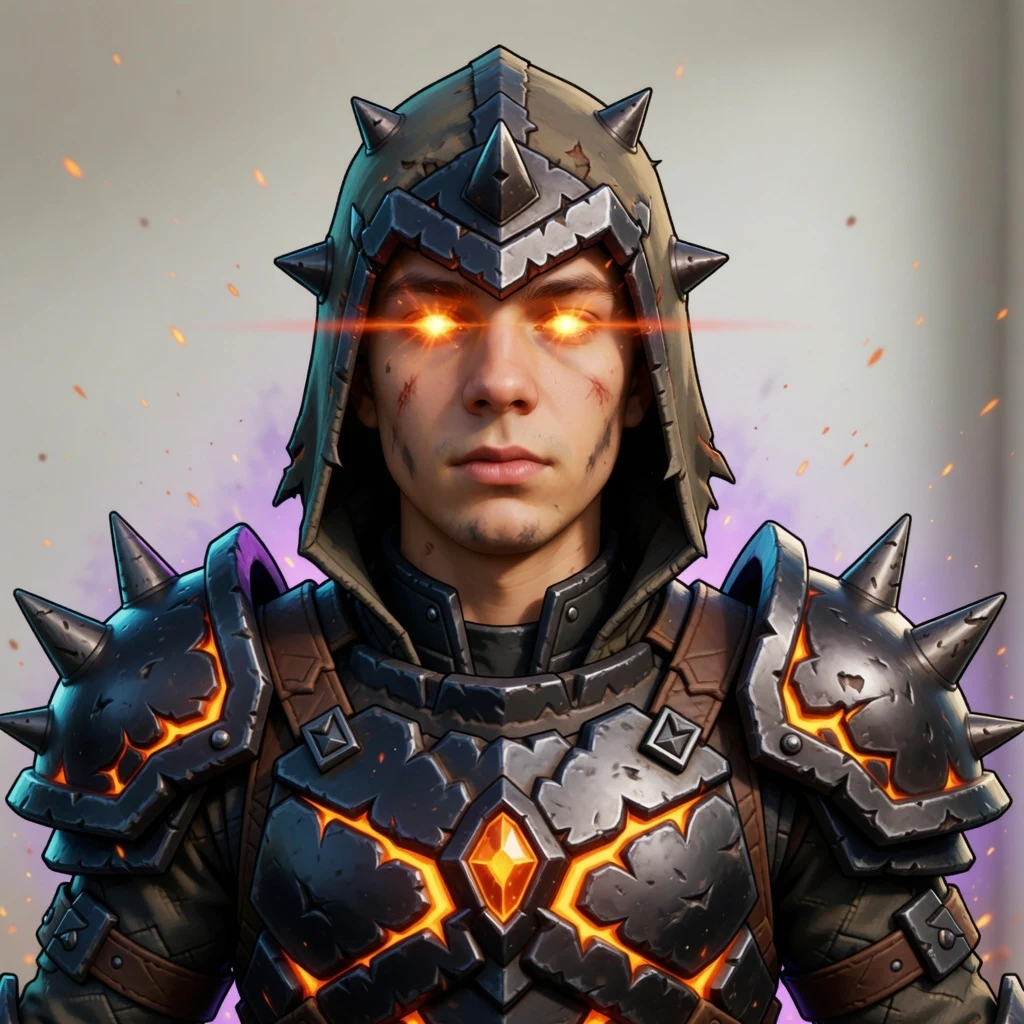
These pairs illustrate how a stylized character concept can carry over visible features from a portrait, such as glasses or hair, while changing the clothes and backdrop. Use the pairs to pick a look before you upload. Your own result will vary with the framing and image quality of your source photo.
Original portrait
Character concept
Neon streetwear
A gray full-body portrait becomes a lime hoodie and colorful sneakers.
Original portrait
Character concept
Ember armor
Dark segmented armor and warm ember details frame an unobstructed face.
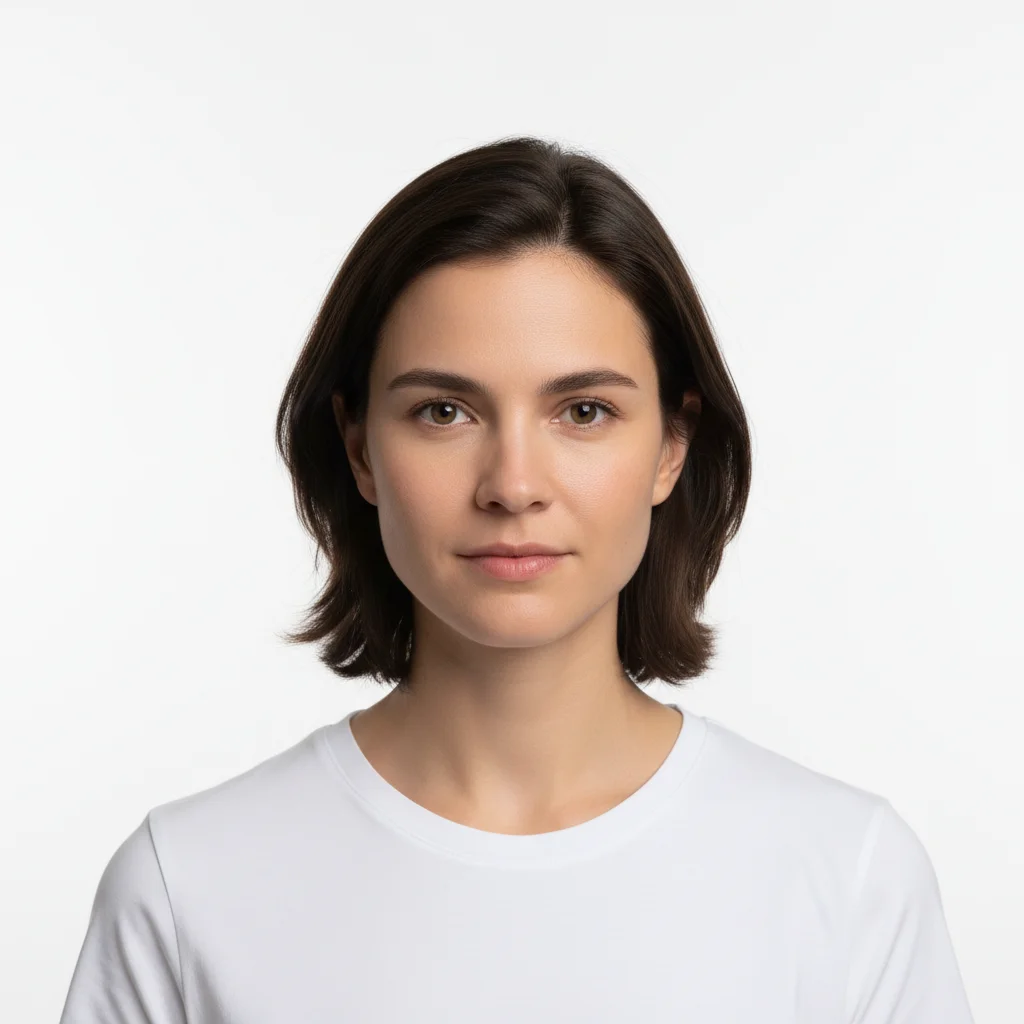
Original portrait
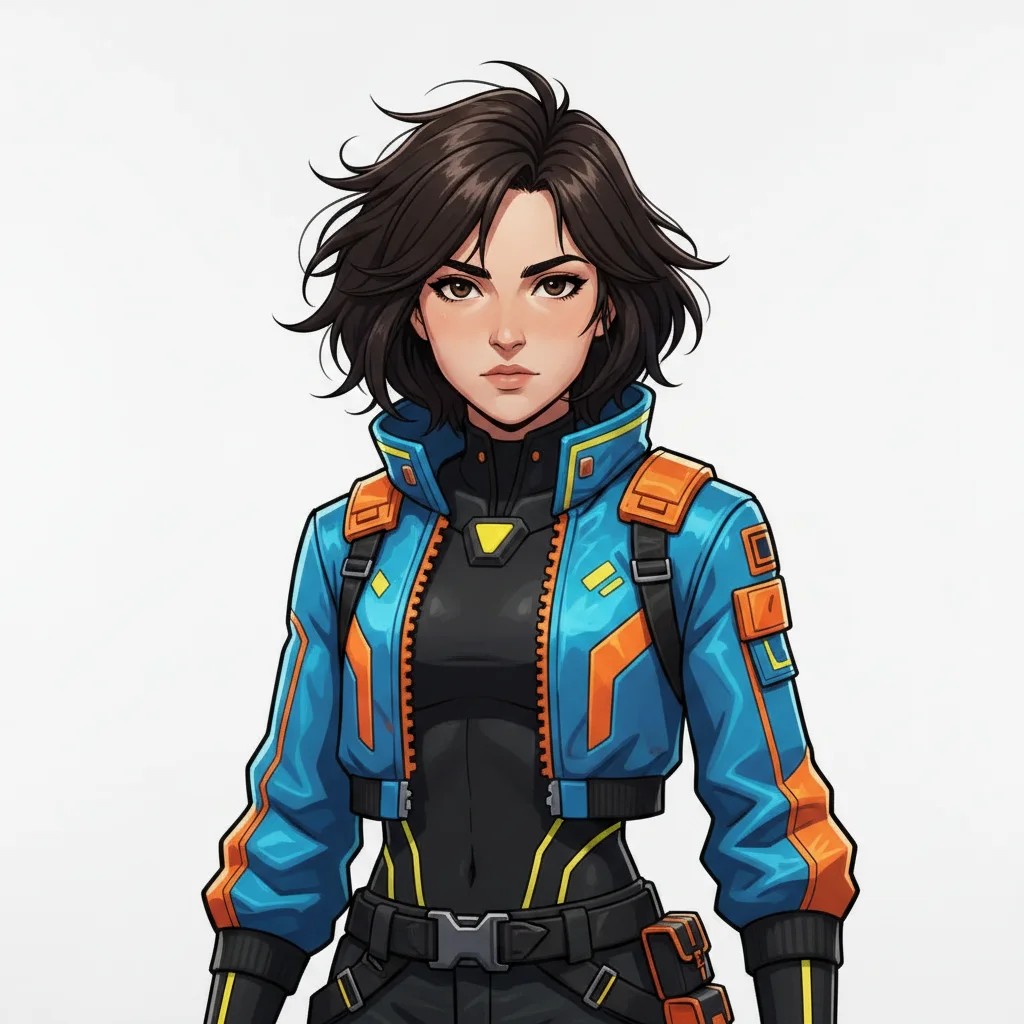
Character concept
Tech jacket
Blue and orange panels and layered tech gear change the outfit and silhouette.
How do I make a Fortnite skin concept from a picture?
Upload a well-lit picture of one person to the AI Fortnite skin generator, then choose a look or describe an original costume in Custom. For a head-to-toe concept, start with a full-body photo and choose 3:4. A closely cropped selfie provides a face reference, so the generator has to invent most of the outfit and pose.
Is this Fortnite Skin Generator free?
You can browse all three examples and try the controls for free without an account. Generation requires sign-in and costs 5 credits for a Fast image. Eligible new accounts get 1 credit and need more credits for a Fast image. The trial pack costs $5 for 10 credits, and a Fast PNG uses $2.50 worth of that pack. The download is included.
Can a Fortnite skin maker create a 3D model?
This Fortnite skin maker draws a still image with a 3D-rendered look using lighting, depth, and costume details. The PNG works for profile pictures, concept boards, and sharing character ideas. A rigged 3D character has a mesh, textures, and joints for animation. Those assets require a separate 3D workflow.
Fortnite Skin Generator pricing and image sizes
Each generation costs 5–9 credits and includes one PNG. Both image shapes cost the same at a given quality. The dollar equivalents use the $5 for 10 credits trial pack. HD, Ultra HD, and Studio require an active subscription or eligible paid credits.
| Quality | 3:4 | 1:1 | Credits (pack equivalent) |
|---|---|---|---|
| Fast | 768 × 1024 | 1024 × 1024 | 5 ($2.50) |
| HD | 1536 × 2048 | 2048 × 2048 | 7 ($3.50) |
| Ultra HD | 2480 × 3312 | 2880 × 2880 | 8 ($4.00) |
| Studio | 1536 × 2048 | 2048 × 2048 | 9 ($4.50) |
| Feature | Details |
|---|---|
| Browse and preview | Examples and controls are free to browse. |
| Signup allowance | Eligible new accounts get 1 credit and need more credits for a Fast image. |
| Download | One PNG per generation. |
| Watermark | The site adds no visible watermark. |
What the Fortnite Skin Generator can make
The generator makes original concept art as a PNG. It is an independent tool with no Epic Games affiliation. There is no in-game skin import, cosmetic unlock, or locker integration. Locker randomizers shuffle existing game cosmetics. Stylization can change fine features or invent costume details, especially when a face is small, shadowed, or covered in the source photo.
For other character styles and scenes, see the AI character generator.
Fortnite Skin Generator FAQ
The custom Fortnite skin generator runs in your web browser and works with photos you have permission to use. Check the image before sharing it, especially when it is based on someone else’s face. Keep the original photo if you want to try the same person with another outfit later.
Can I use the Fortnite skin creator on my phone?
Yes. Use the generator in your mobile browser and choose a picture from your photo library. Generate after signing in, then save the finished PNG on your device.
Can I make a square Fortnite-inspired profile picture?
Yes. Choose 1:1 and use a portrait with the face near the center. The square output fits profile picture slots, though the app where you use it may crop the corners.
Can I share my Fortnite-inspired character art?
Use a photo and outfit references you have permission to use. For public or commercial projects, check the rights to the material you include and avoid suggesting the art is official.
What happens to my uploaded photos?
Uploaded photos are kept permanently and sent to the image provider when needed for generation. In-site result previews and downloads require your account. Anyone with the direct storage link may be able to open that file.