
Your photo. A whole new character.
Minecraft Character Creator from Your Photo
Turn yourself into a Minecraft character with a photo, a style, and a little imagination. Keep the hair, glasses, and outfit colors that make you recognizable, reimagined as blocky character art.
Create your blocky character
The Minecraft Character Creator starts with one clear photo and Blocky Game selected. Try a featured look or browse all art styles, then add a scene if you have one in mind.
Style illustration
Blocky Game
Character image for creative use. Not an importable Minecraft skin.
An independent creative tool. Not affiliated with or endorsed by Mojang or Microsoft.
How your uploads are handledAI-created style illustrations
From familiar details to a blocky new look
A Minecraft Character Creator does more than add square pixels to a photograph. It redraws the person with simplified shapes and textures. A dark bob, round glasses, or a bright jacket can remain useful identity cues, even as the head and body become block-shaped. Small patterns and facial details may change.
These original illustrations show creative directions, not measured results from this generator. Your photo and settings will produce a new image.
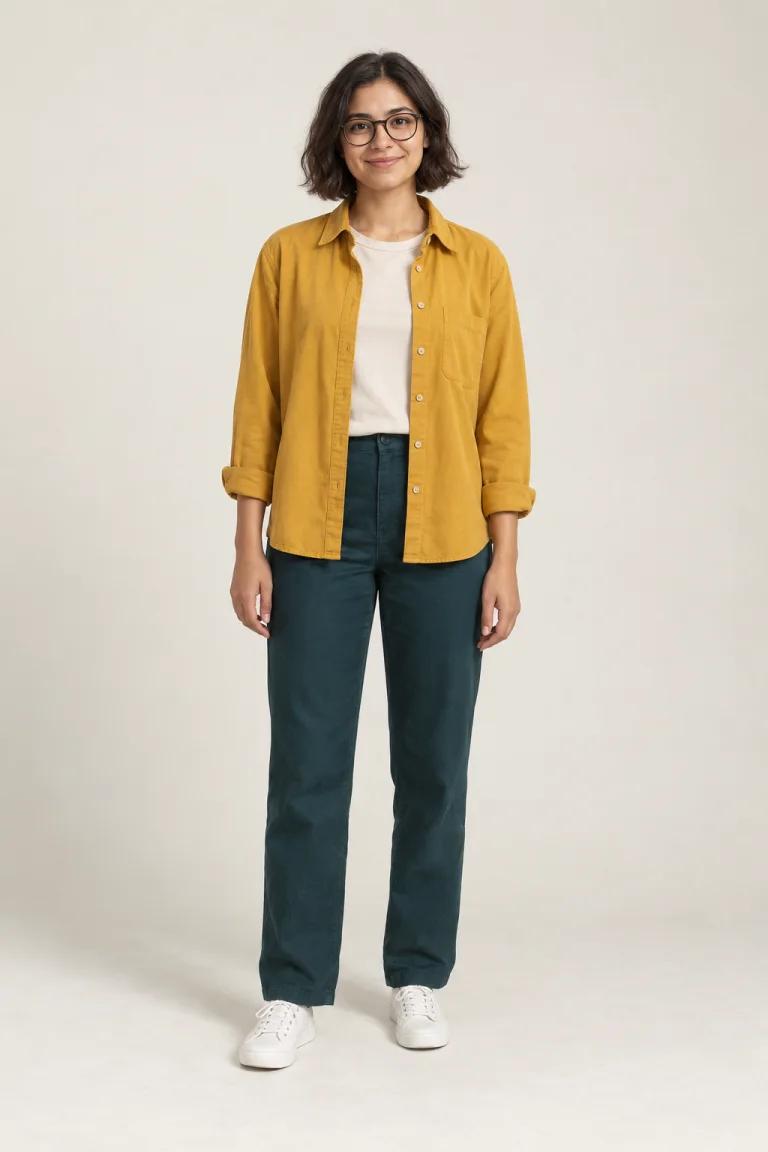
Start with these Minecraft-inspired looks
Use the Minecraft Character Creator for a clean game-inspired portrait, a scene with cinematic lighting, or flat pixel art. These three featured looks are ready to try. Open All art styles in the tool to explore the full collection, including anime, watercolor, claymation, and realistic portraits.
Clean character portrait
Blocky Game
Start here for a full-body character with a cubic head, straight limbs, and pixel textures. The default simple background keeps clothing colors and character details easy to see.
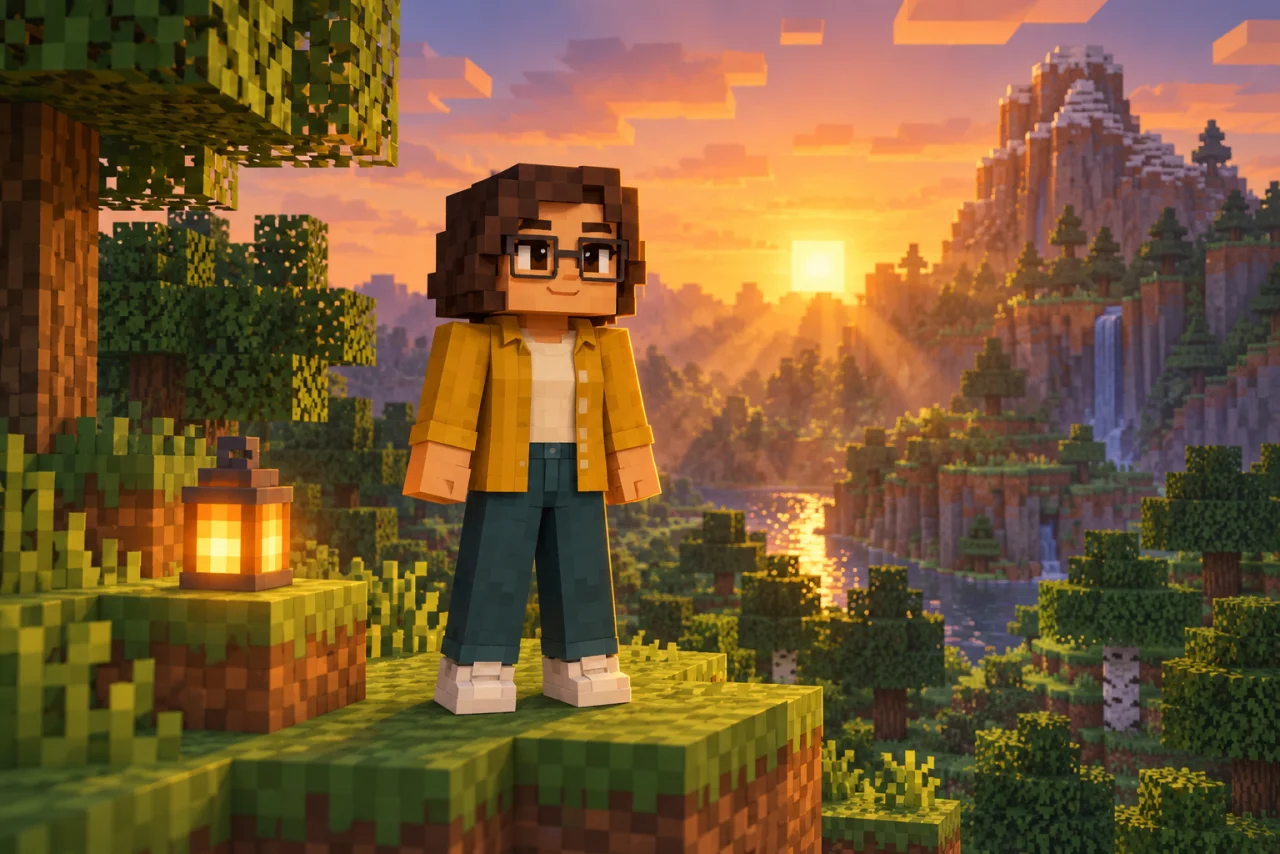
Light, depth & scenery
Cinematic
Keep the block-built character and add depth, atmosphere, and directional light. A forest at sunset or a lantern-lit village gives a gaming post a stronger sense of place.
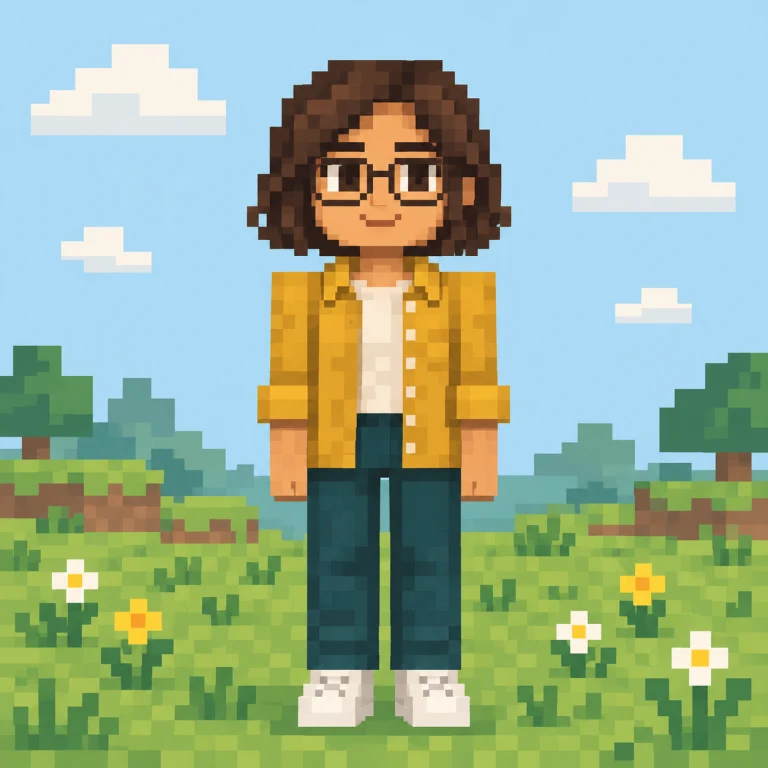
Flat illustrated pixels
Pixel Art
Choose a two-dimensional illustration with square pixels, clear outlines, and a compact palette. This is a finished image; it does not include editable sprite layers or animation frames.
These original illustrations show creative directions, not measured results from this generator. Your photo and settings will produce a new image.
How to create a Minecraft character from a photo
1. Choose a clear photo
Upload one JPEG, PNG, or WebP image under 20 MB. Pick a single person with a visible face and enough detail to see their hair and clothing. A well-lit portrait gives the Minecraft Character Creator a clearer starting point.
2. Set the style and scene
Start with Blocky Game, Cinematic, or Pixel Art, or open All art styles for anime, watercolor, realistic portraits, and more. Select a square, vertical, or wide picture. Leave the scene empty for the selected style, or describe a place, prop, and lighting mood in a few words.
3. Generate and download
Sign in and generate one 1K-class picture for 1 credit. Inspect the finished image, then download it. A fresh generation costs another credit; checking the status of an existing task does not start another generation.
Give your Minecraft character a place to belong
A useful Minecraft character prompt describes the setting instead of repeating the whole photograph. Try one scene, one prop, and one lighting direction. The Minecraft Character Creator already supplies the character-style instructions.
Forest explorer
“Standing on a grassy block ledge beside a lantern, tall blocky trees behind me, warm sunset light.”
Village portrait
“Outside a small stone-and-wood village house, a few flowers nearby, soft morning light and a simple background.”
Clean profile picture
“A centered character on a pale sage background, clear glasses and jacket details, gentle light and no extra props.”
A better photo gives the AI better clues
Show the features you want to keep
Choose even lighting, visible eyes, and an unobstructed face. Hair shape, glasses, facial hair, and clothing colors are easier to reinterpret when they are clear in the original.
Keep it to one person
This Minecraft character generator is designed around a single subject. Crop out other people and distracting objects. Group photos and pets are outside this tool's intended workflow.
Use full-body photos for full outfits
A headshot can still inspire a character, but the AI has to invent clothing below the crop. Upload a full-body photo when you want the shoes, trousers, or a particular outfit to guide the result.
A Minecraft avatar maker for profiles and creative posts
Choose the picture shape for where it will appear. The Minecraft Character Creator produces ordinary image files, so you can use the result in a profile, a social post, or your next visual idea.
1:1 · Profile pictures
A square gives you room to crop an avatar for Discord or a gaming profile. Keep the face large enough to read at a small size.
9:16 · Full-body posts
A vertical image leaves space for the whole outfit. Use it for a character introduction or a mobile story, then crop for your platform.
16:9 · Scene artwork
A wide image gives the landscape more room. Use it as a starting point for a channel graphic or gaming post, adding any text in your editor.
Character pictures and playable skins are different
The Minecraft Character Creator makes character pictures. A playable skin needs a specific texture layout that wraps correctly around a game model. Shrinking a portrait to 64×64 pixels does not create that layout.
This tool: portraits, avatars and scene artwork
A skin editor: game texture layouts and in-game import
Minecraft Character Creator questions
How do I turn myself into a Minecraft character?
Upload one clear photo, choose a style and picture shape, and add an optional scene. Sign in, check your credit balance, and generate. The AI reinterprets visible features and outfit colors as a new character illustration.
Is this Minecraft Character Creator free?
Eligible new accounts receive 1 signup credit, valid for 30 days. One generation costs 1 credit, so that gift can cover a first picture. Sign-in and signup eligibility rules apply, including limits on repeated registrations from the same IP. Further generations require available credits.
Can I import the result into Minecraft as a skin?
No. The result is a character picture, not a 64×64 skin texture or a 3D model. Use a dedicated skin editor when you need a file that can be applied to your in-game character.
Which photos and file formats work best?
Use a JPEG, PNG, or WebP under 20 MB showing one person in clear light. Avoid heavy face filters, sunglasses that hide the eyes, and very small subjects. A full-body photo gives more information about the outfit.
Can I use Minecraft Character Creator online on my phone?
Yes. Open this page in your mobile browser, choose a photo from your device, and use the same style and aspect-ratio controls. You do not need to install a separate app. An internet connection and sign-in are required to generate.
Does it preserve every detail of my face and clothes?
No. The image is redrawn, so identity cues may be simplified or changed. Large features and strong clothing colors are usually more useful references than tiny prints. Check your result before using it as a profile picture.
What size is the downloaded image?
Each request produces one image in the 1K resolution tier. The exact width and height depend on the selected aspect ratio and the image service's output. The result panel shows the dimensions of the actual image when it loads.
What happens if generation fails or takes longer?
A task that reaches a failed state goes through the site's credit refund process. A connection interruption or a long-running task is not automatically a failed generation. Use Check status to resume checking without creating another task, or find the task in your generation history.
Can I choose styles other than Minecraft?
Yes. Blocky Game is the default, and the three featured cards offer Minecraft-inspired looks. Open All art styles to choose any style from our full collection, including anime, watercolor, comic, 3D, and realistic portraits. The generator follows your selected style; other styles do not force block-shaped characters.
Keep creating with your characters
Your next character starts with a photo
Bring a familiar face into a block-built world. Open the Minecraft Character Creator, choose your style, and give your character a scene of their own.
Create my character