
The speech bubble meme generator turns a saved reaction image into a chat reply: the empty shape at the top makes the character look as though it said the message above. Upload a photo or GIF, adjust the bubble and download a PNG or animated GIF. Editing and exports are free, with no account, credits or added watermark. Photos export up to 1,600 pixels on the longest side; GIFs export up to 640 pixels.
How the speech bubble meme generator works
The speech bubble meme generator changes only the top bubble area, keeping the rest of the picture in place. Start with a photo or GIF that leaves a little room above the character. You can adjust the cutout before saving, so the tail points toward the speaker without hiding the face. The checkerboard shows transparent space; it does not become part of the downloaded file.
1. Choose a reaction image
Upload a PNG, JPG, static WebP or GIF up to 10 MiB. Files are checked and edited in your browser.
2. Point the bubble at the speaker
Choose transparent, white, dark or a custom color. Adjust the bubble height, tail position and tail width while watching the preview.
3. Save your chat reaction
Download a PNG or keep a GIF animated. For a still image, copy the PNG when your browser allows it, then paste it into a chat.
Speech bubble meme examples
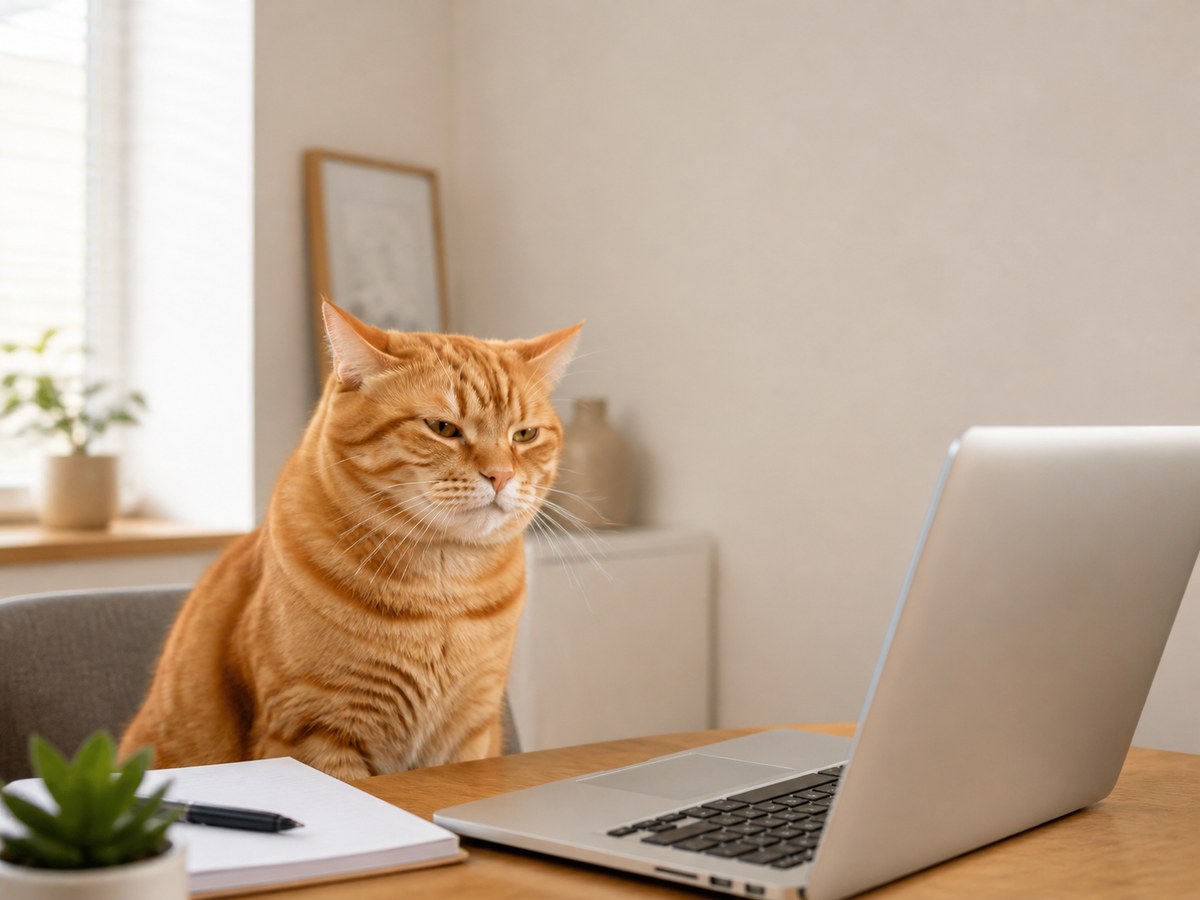
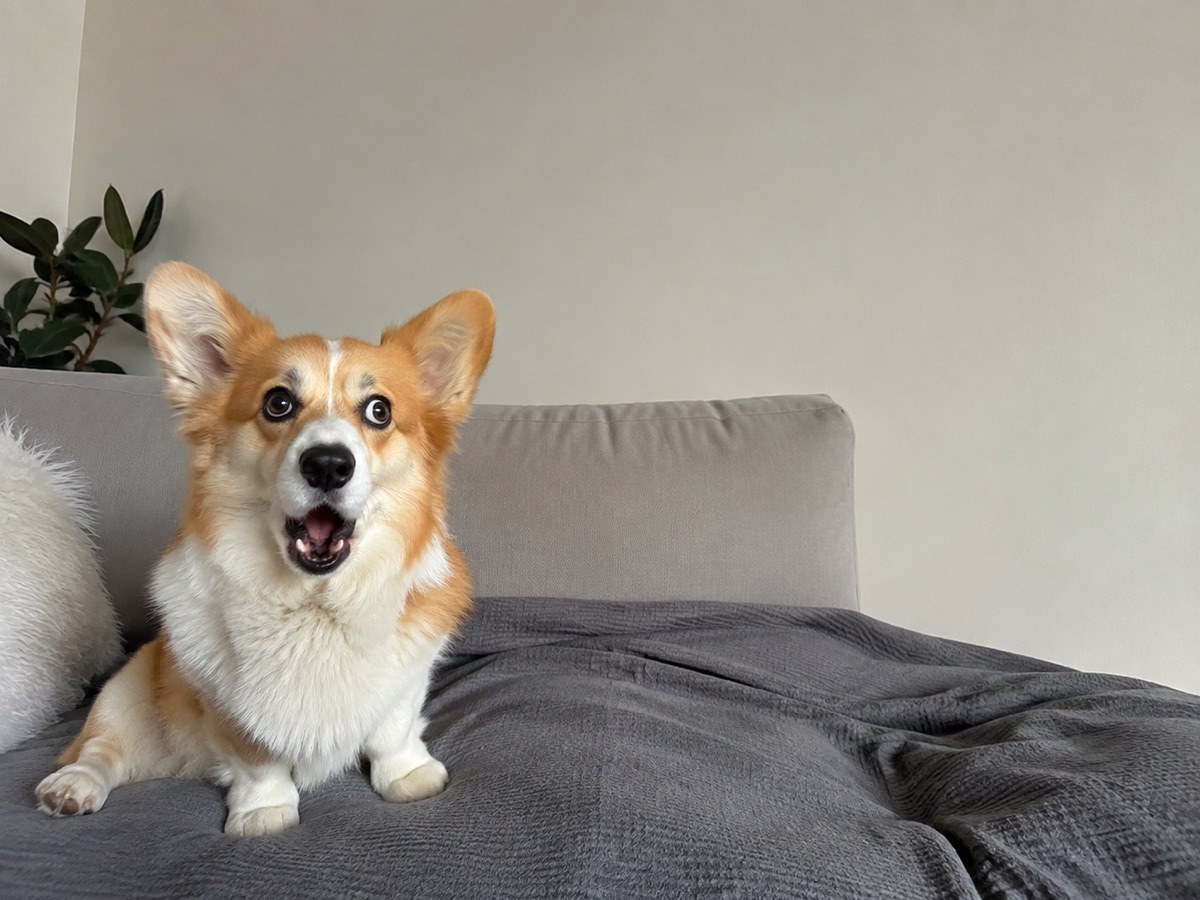
Compare each original with the same picture after a top speech bubble is cut out. These bubble meme edits leave the subject and the rest of the image alone. A narrow tail can point at one character, while a wider bubble leaves more empty space above the reaction. Choose transparent mode when you want the surrounding chat background to show through.
Original
Bubble edit
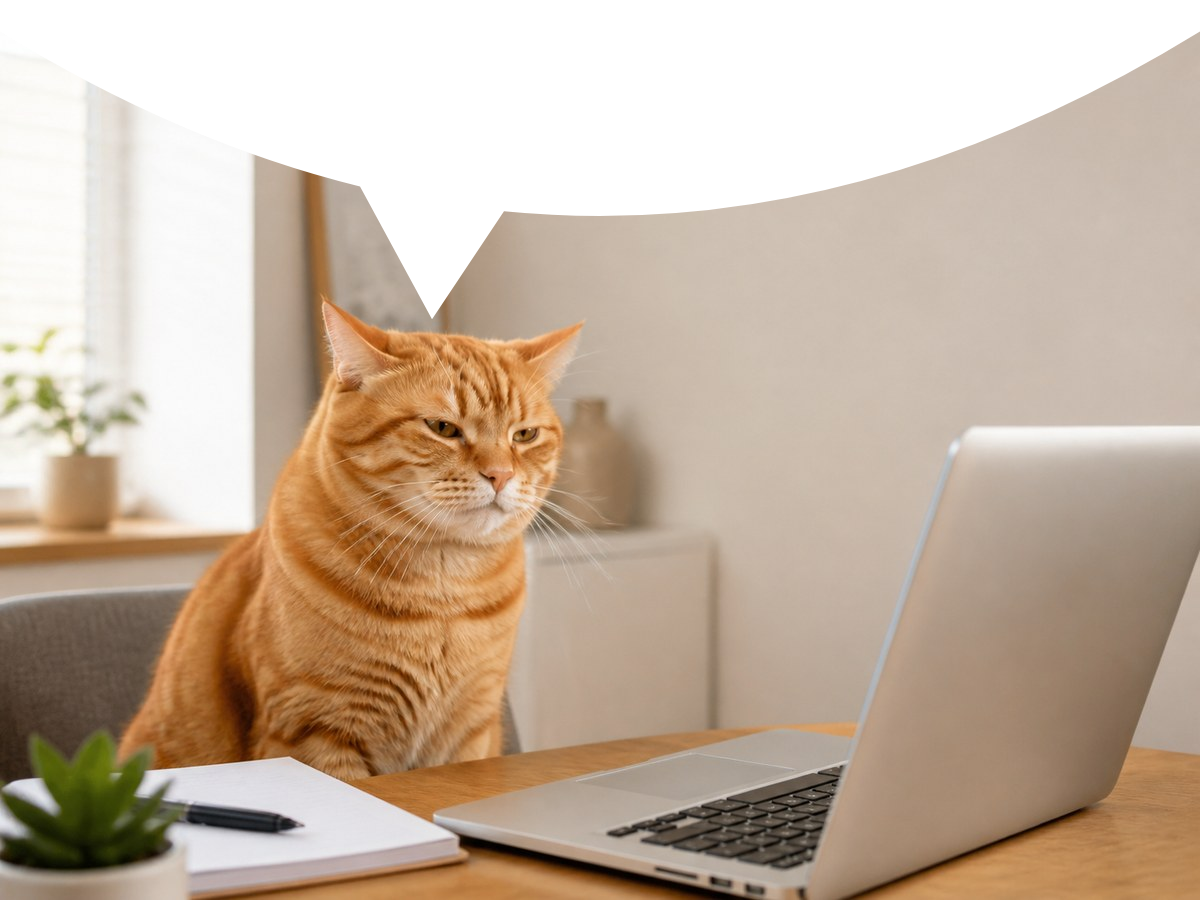
An orange cat at a laptop with a transparent top bubble and a tail above its head.
Original
Bubble edit
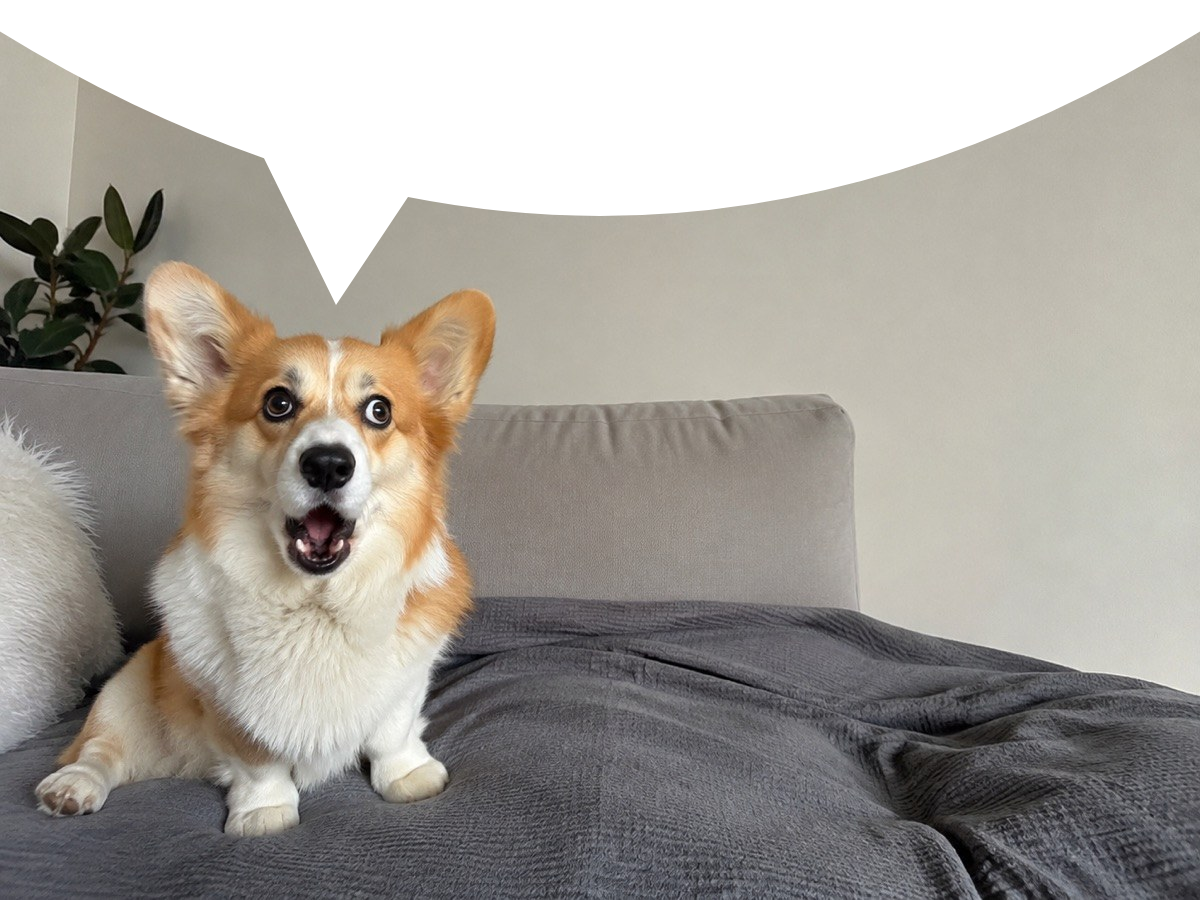
A corgi on a sofa with a white top bubble and the tail above its face.
Original
Bubble edit
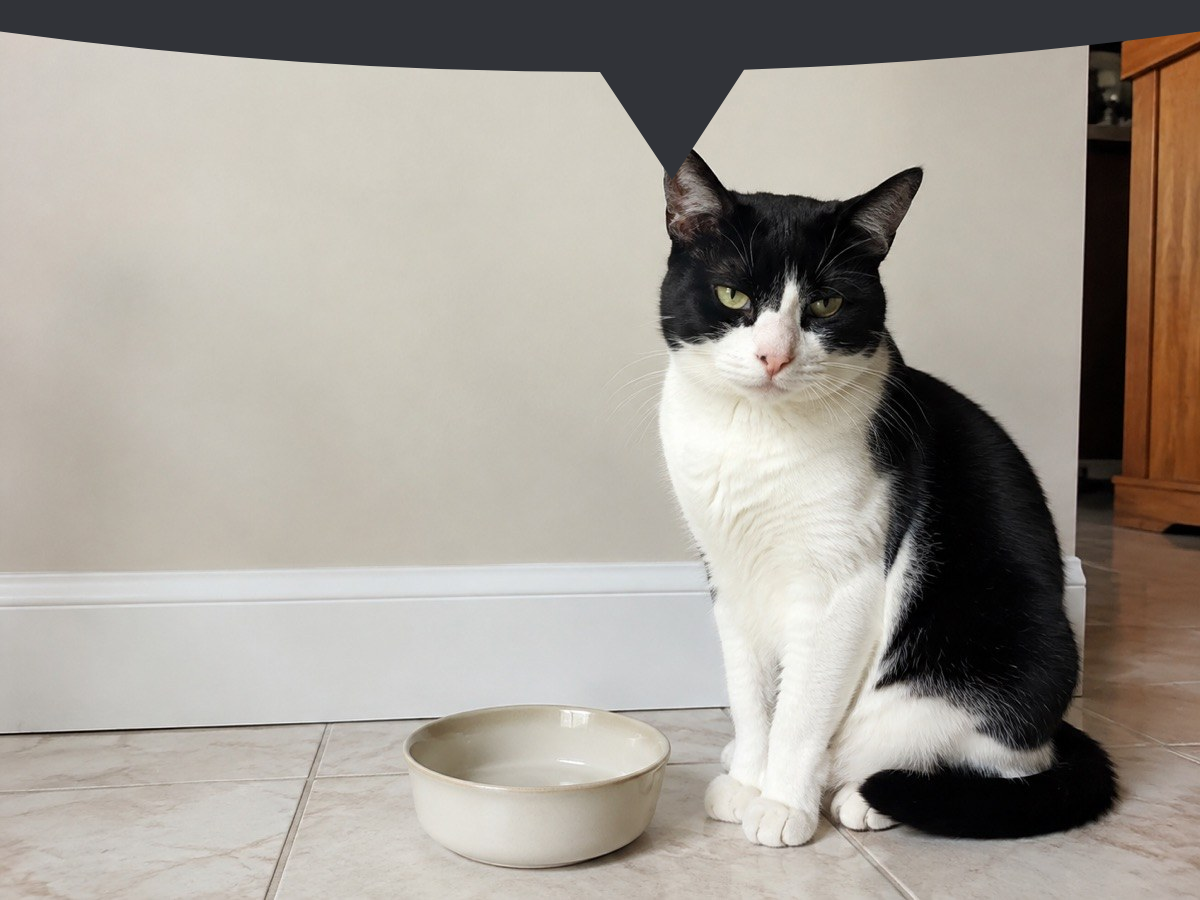
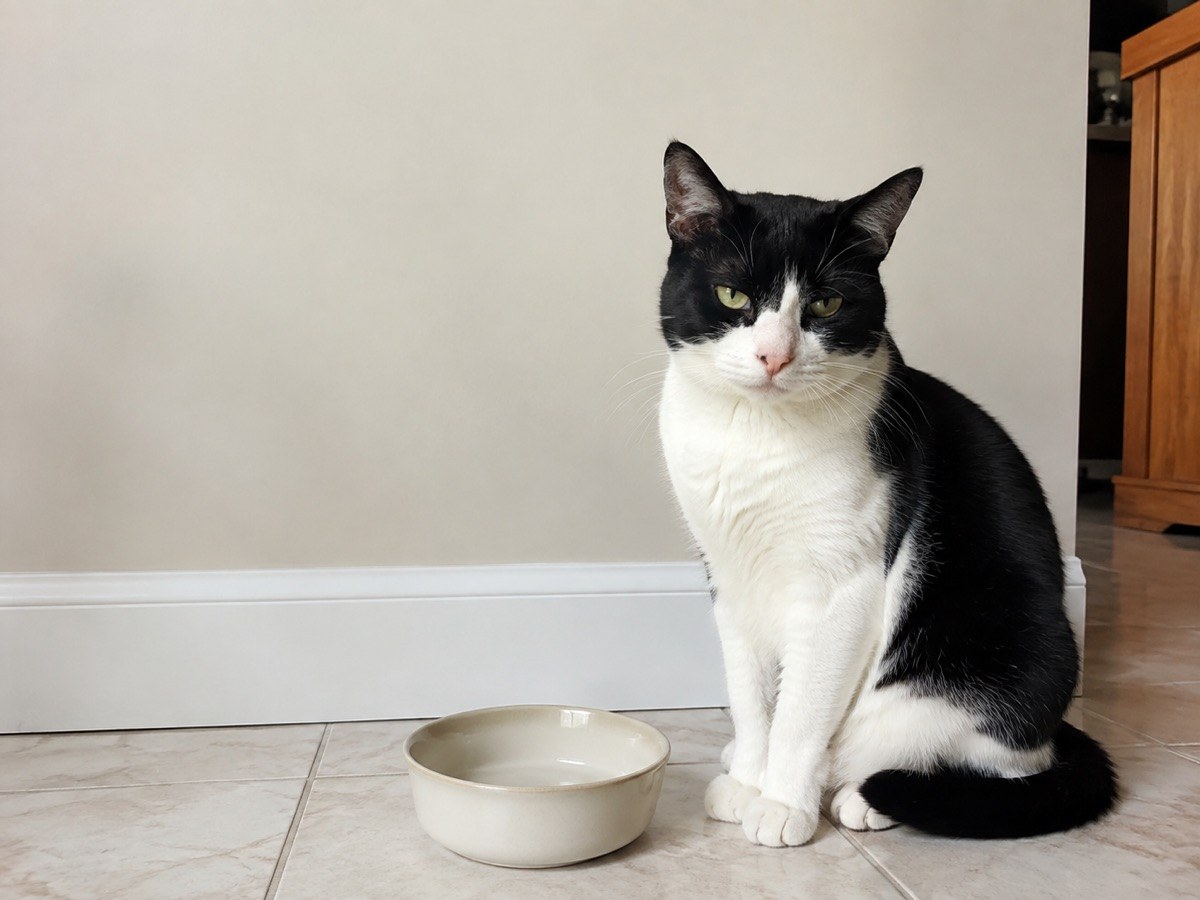
A black and white cat beside an empty bowl, with a shallow dark bubble above its head.
What is a speech bubble meme edit?
A speech bubble meme is a reaction picture or GIF with an empty bubble-shaped space along its top edge. Posted below a message, it makes the pictured character look as if it said those words. A bubble meme edit usually leaves that space blank rather than adding a caption. The downward tail links the empty bubble to the character, which is why its position matters.
How do I make a bubble meme edit online for Discord?
The speech bubble meme generator adds a top bubble to an image for Discord in your browser. Upload a reaction picture, choose Transparent and move the tail toward the character. Download the PNG and attach that file beneath the message you want the character to appear to say. Transparent space follows the chat background instead of fixing a white rectangle into your picture. Send the original downloaded file, because a screenshot removes the transparency.
Can a bubble meme edit keep a GIF animated?
The speech bubble meme generator keeps a GIF animated when you choose Download GIF. Upload a GIF to add the same bubble to every frame while keeping its timing and loop setting. GIF export is limited to 640 pixels on the longest side, 180 frames and 40 million total source-frame pixels. Colors may shift because GIF has a limited palette. Choose First-frame PNG only when you deliberately want a still reaction instead of the animation.
Pricing & credits
This speech bubble meme generator is free for previews, PNG downloads and animated GIF exports. Each edit costs $0 and uses 0 credits, with no daily quota or separate download charge. You do not need to sign in or buy a plan. The file and animation limits below keep processing manageable on your device.
| Action | Price / credits | What you get |
|---|---|---|
| Preview and adjust | $0 / 0 credits | Unlimited edits; no account |
| Download or copy PNG | $0 / 0 credits | Up to 1,600 px; no added watermark |
| Download animated GIF | $0 / 0 credits | Up to 640 px; no added watermark |
What this bubble meme generator cannot do
The speech bubble meme generator cuts or fills a blank bubble at the top of your existing picture; it does not draw a new character, generate a scene or add caption text. The bubble can cover part of the original, so leave room above the face. It accepts image files, not videos. Animated PNG and animated WebP are rejected so they are not silently turned into still images.
| Input / output | Limit |
|---|---|
| Any uploaded file | Up to 10 MiB; maximum 4,096 px per side |
| PNG, JPG or static WebP input | Up to 16 megapixels |
| GIF input | Up to 4 megapixels, 180 frames and 40 million total frame pixels |
| PNG output | Longest side up to 1,600 px; original proportions |
| GIF output | Longest side up to 640 px; 256-color palette and on/off transparency |
Speech bubble meme FAQ
Does my photo leave my device?
Your selected image is checked and edited in your browser. This editor does not upload it to our server or send it to an image model. Saving a result creates a file on your device.
Can I use this on an iPhone or Samsung phone?
Yes, use a current mobile browser and select a supported image from your phone. No app is required. If copying an image is unavailable, download the PNG or GIF and attach it from your files or photos. Convert HEIC photos to JPG first.
Can I put words inside the empty bubble?
This page makes the blank top-bubble reaction style. It does not add text. Post the file below a chat message so that message supplies the words, or add a caption in another image editor.
Why does copying the PNG sometimes fail?
Image copying depends on browser support and clipboard permission. A browser can block copying even when the edit succeeds. Use Download PNG instead; it saves the same transparent image without needing clipboard access.
Want to draw a character before making a reaction image? Create a character or turn a photo into a cartoon.