
Photo to crayon drawing turns a selfie, couple photo or pet picture into a single downloadable PNG with colored wax strokes and a paper background. Generation starts at 2 credits ($1.00 using the $5 trial pack); the 1-credit signup gift does not cover a drawing. Choose 1K, 2K or 4K; we add no visible site watermark, although Fast images include invisible SynthID.
How photo to crayon drawing works
Photo to crayon drawing starts with one clear photo and a ready-to-use crayon setting. Upload the picture, choose the paper treatment and image quality, then sign in to generate. Download the finished PNG from the result panel; the image quality changes the credit cost shown on the button.
1. Upload one photo
Choose a JPG, PNG or WebP up to 20 MB. Keep every person or pet you want drawn inside the picture.
2. Choose your crayon look
Use Crayons for colored strokes on paper, Hearts for small doodles around the subjects, or Custom for your own instructions.
3. Generate and download
Review the credit cost, sign in and generate one image. Save its PNG when the result is ready.
Photo to crayon drawing examples
These photo-to-crayon pairs show how portraits, clothing, fur and a couple selfie look with layered colored strokes on white paper. Compare the same subjects on both sides: the yellow shirt, blue hoodie, golden fur and two faces remain visible while the backgrounds become much simpler.
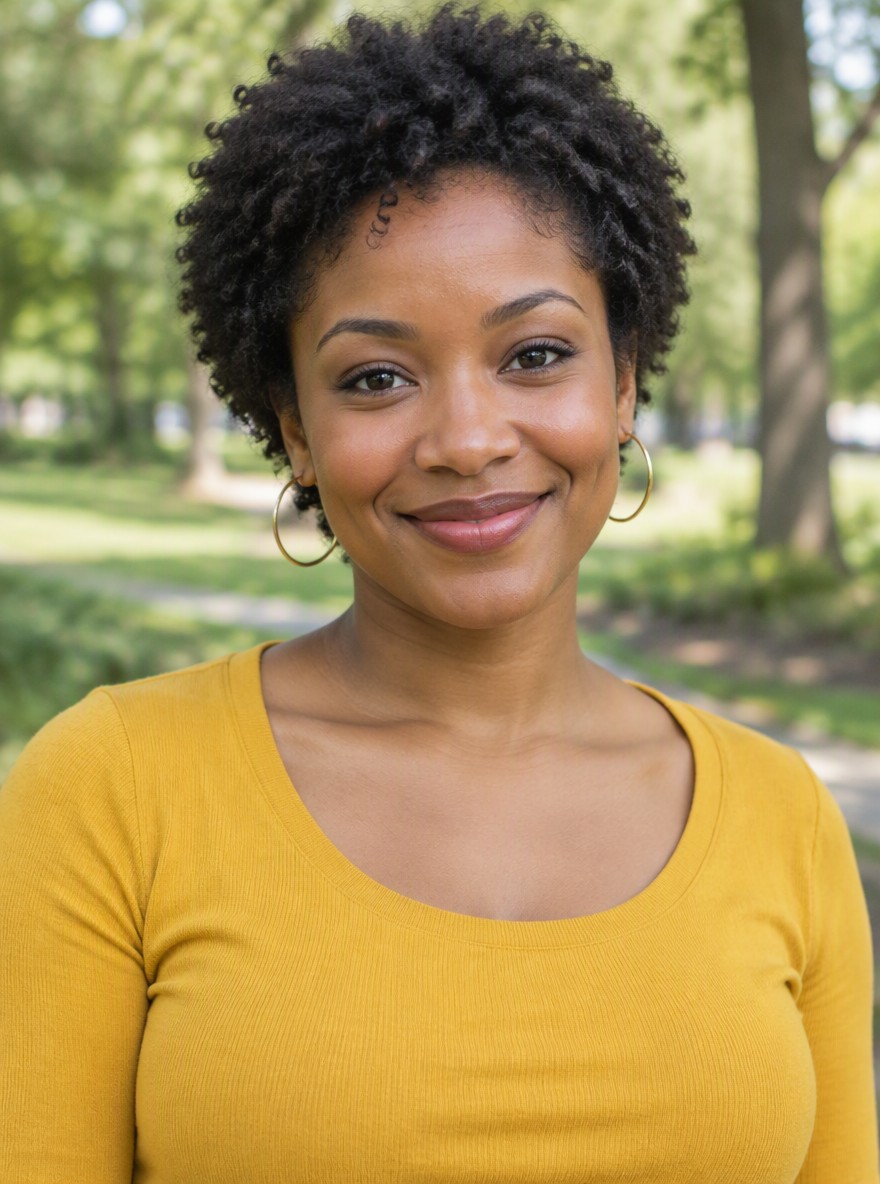
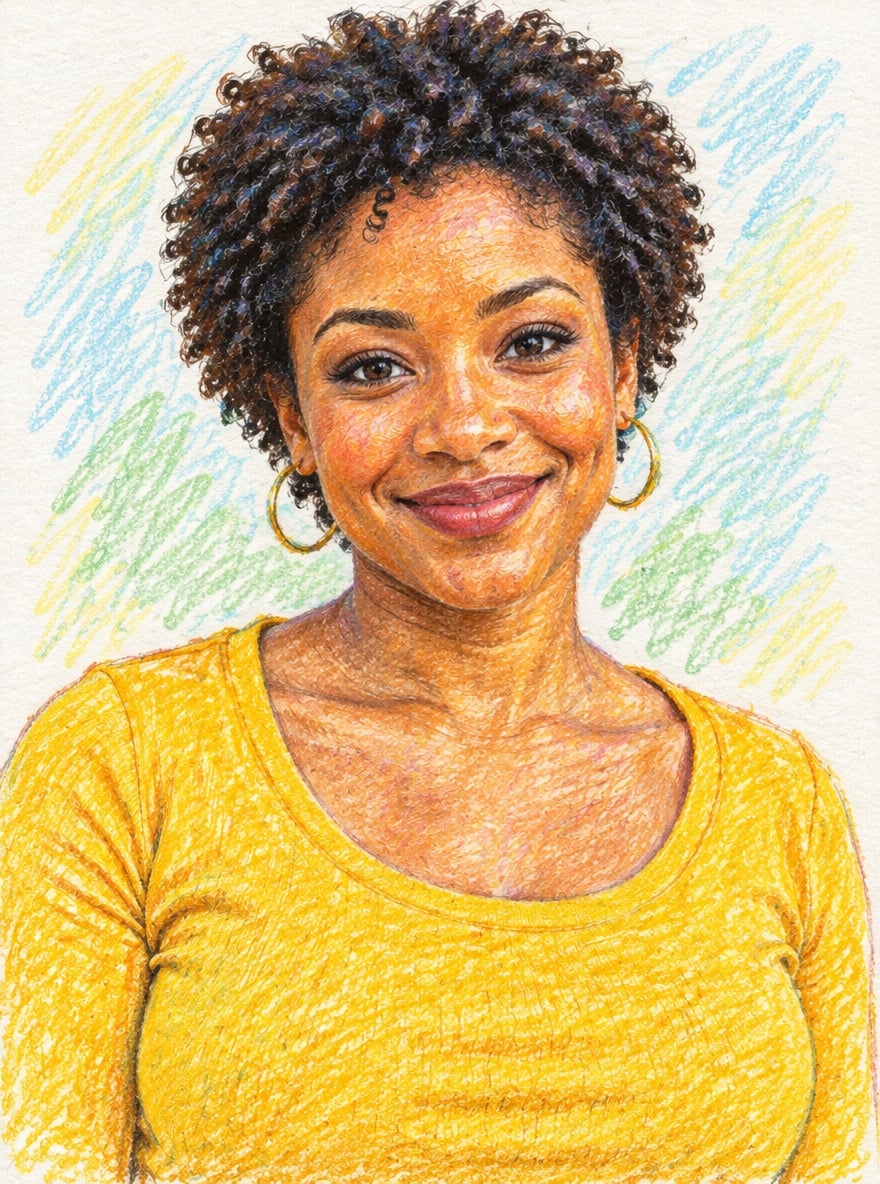
A portrait in yellow
Short curls and a yellow shirt become layered orange, gold and dark crayon strokes.
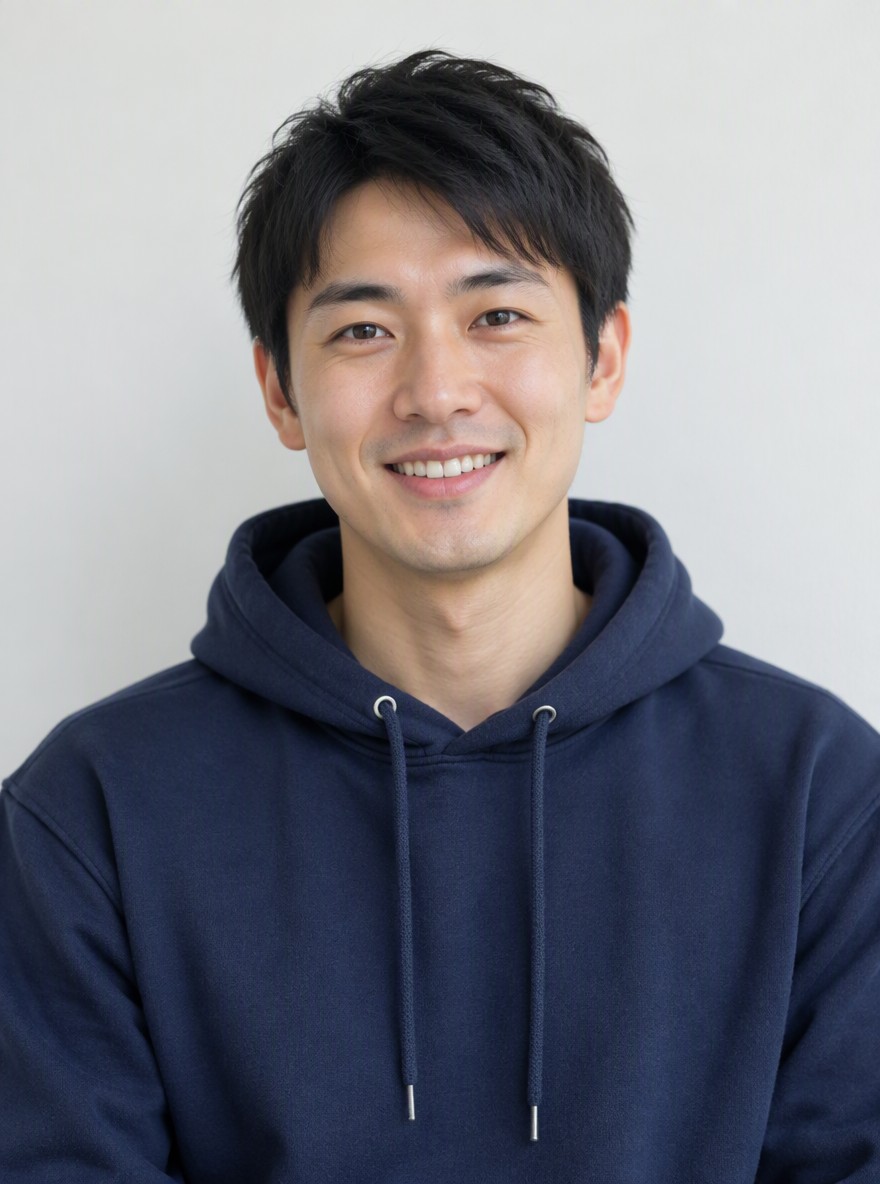
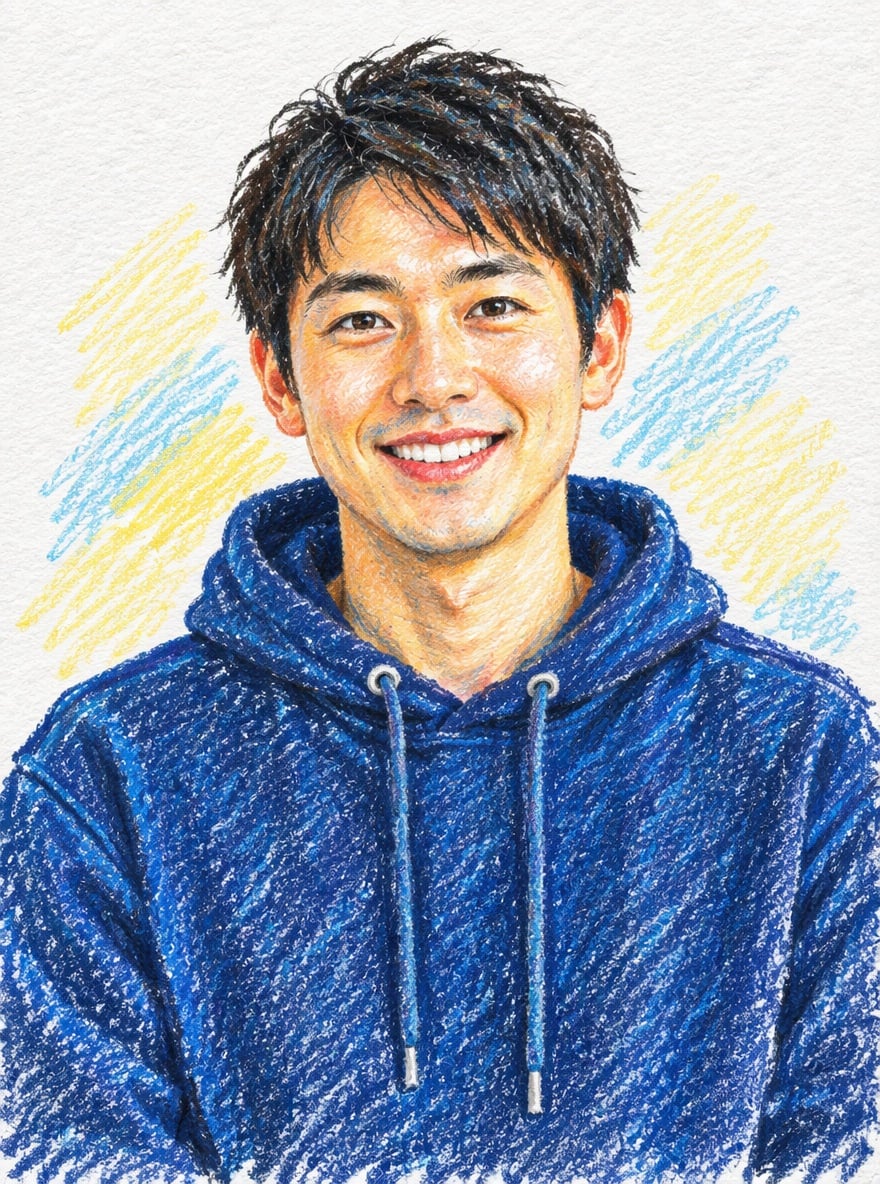
Blue hoodie portrait
Blue wax strokes and pale paper hatching replace the smooth fabric and background.
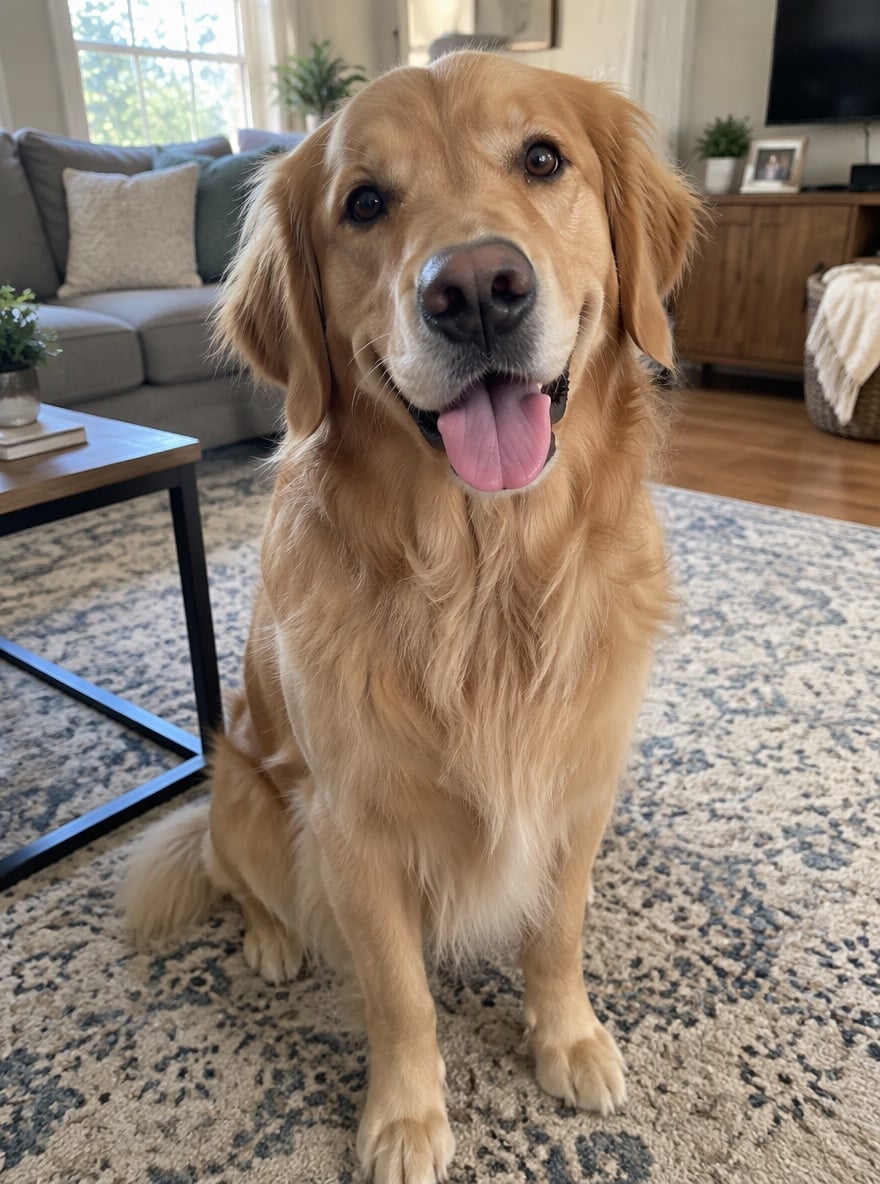
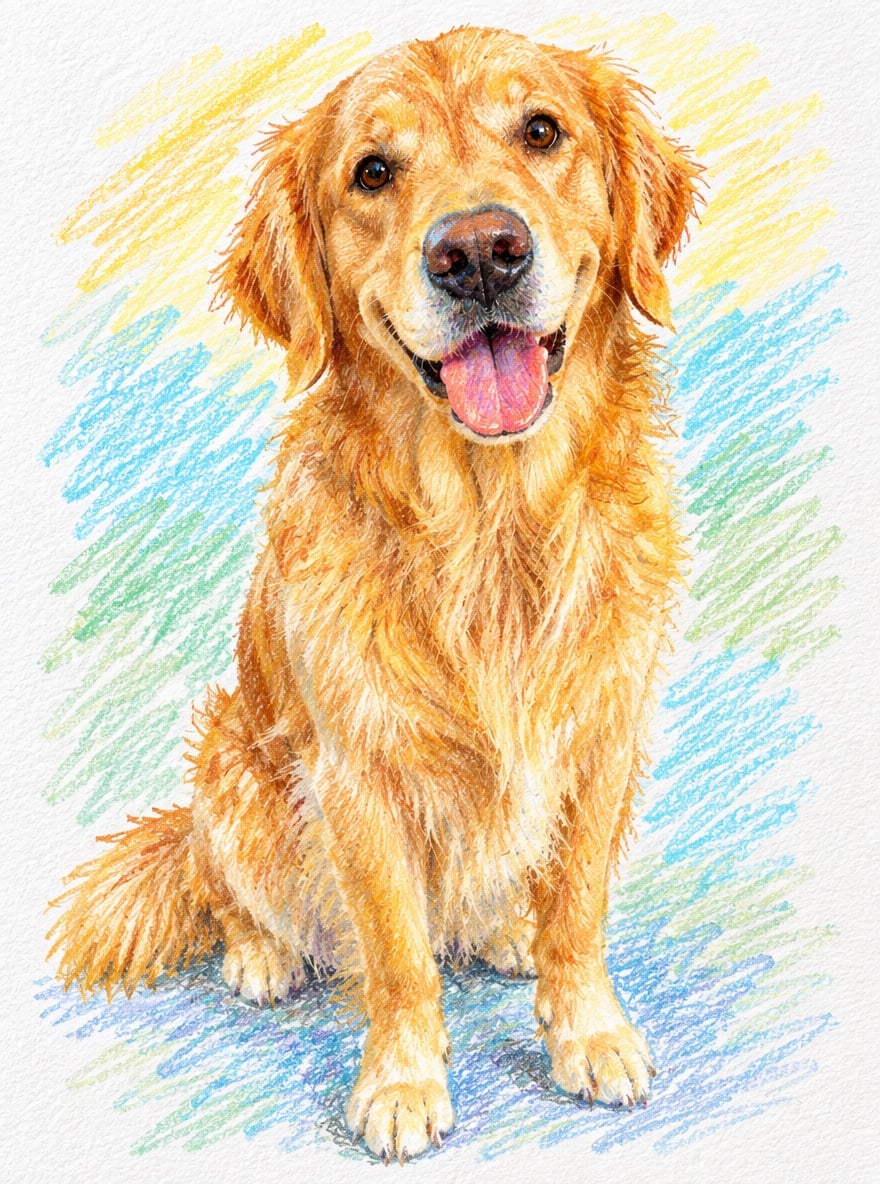
Golden retriever
Golden fur, a pink tongue and a seated pose rendered with directional crayon marks.
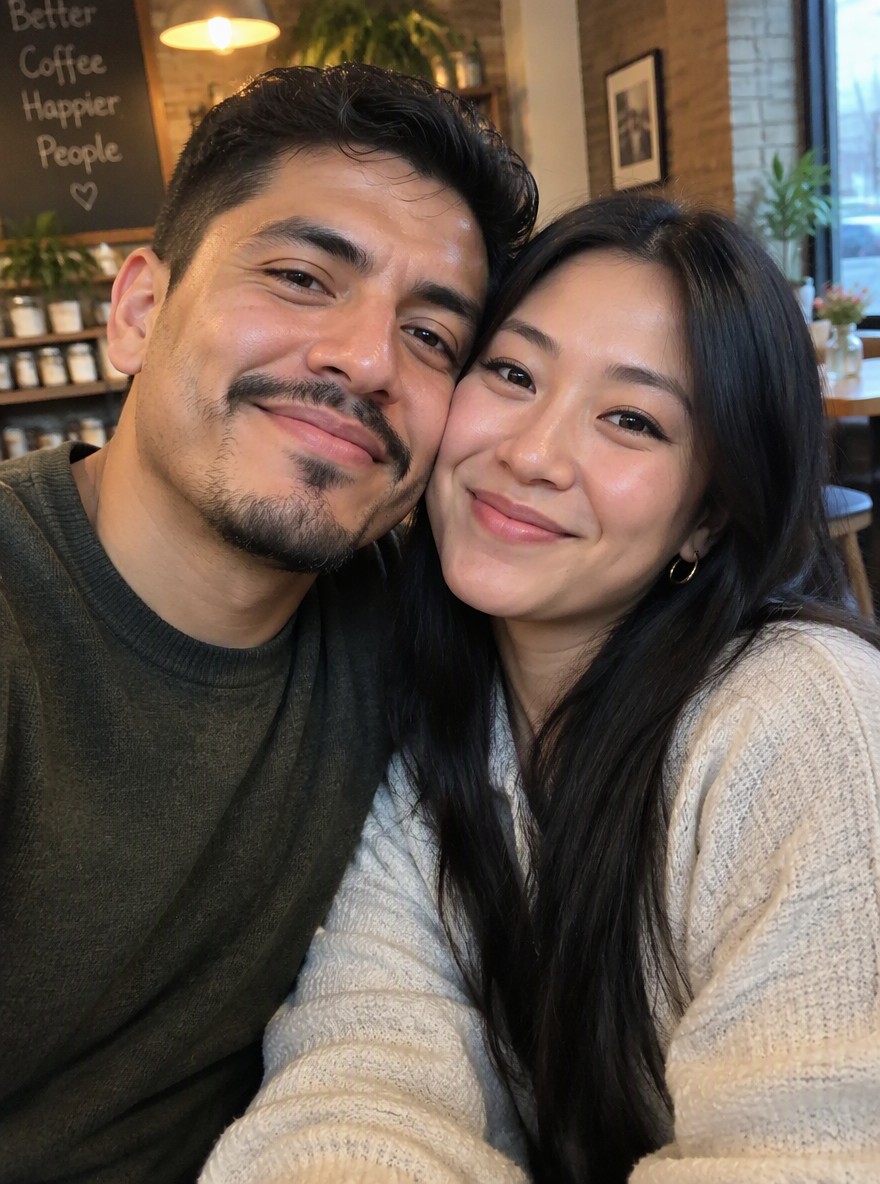
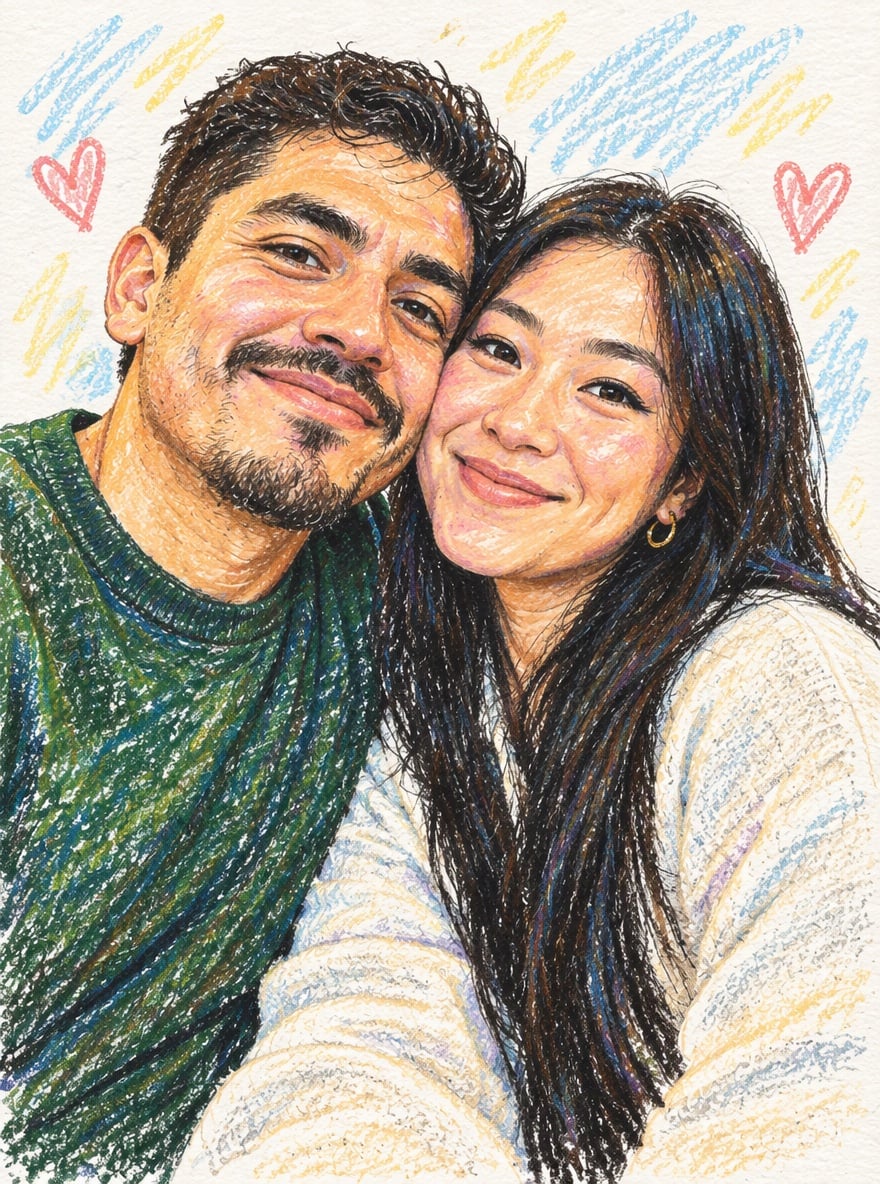
Two faces, little hearts
Two people lean together, surrounded by small crayon hearts and colored hatching.
Is this crayon filter free?
This crayon filter requires credits to generate an image; the 1-credit signup gift is less than the 2-credit starting cost. Looking at examples and choosing settings is free. The smallest purchase is the $5 trial pack with 10 credits, enough for 5 Fast drawings from an empty balance. PNG downloads have no extra fee or visible site watermark; Fast includes invisible SynthID.
Can I use a crayon filter online on my phone?
The crayon filter works in a phone browser without installing an app. Upload a photo from your library, choose the look and quality, then sign in and generate. Use Download PNG after the result appears; your browser decides where the file is saved. If your phone photo is HEIC, export a JPG or PNG before uploading.
How is a crayon drawing filter different from a pencil effect?
A crayon drawing filter aims for broad waxy strokes, layered color and small gaps where white paper shows through. A colored-pencil effect usually emphasizes finer lines and tighter shading. This tool asks an image model to redraw your photo in the crayon style; it is not a Photoshop brush or a texture layer pasted over the original pixels.
Crayon drawing pricing & credits
A crayon drawing costs 2–18 credits for one image, depending on quality. Fast is $1.00 when paid from the $5 trial pack, which is also the minimum purchase from zero credits. The prices below include an optional style reference in Custom. Higher-quality modes require paid access; their 2K and 4K outputs are experimental and may take longer.
| Quality | Output | Credits | Using the trial pack |
|---|---|---|---|
| Fast | 1K · PNG | 2 | $1.00 |
| HD | 2K · PNG | 6 | $3.00 |
| Ultra HD | 4K · PNG | 8 | $4.00 |
| Studio | 2K · PNG | 18 | $9.00 |
| Item | What is included |
|---|---|
| Signup gift | Signup credits: 1; a Fast drawing needs 2 |
| Download | One PNG; no extra download charge |
| Watermark | No visible site watermark; Fast includes invisible SynthID |
| Paid quality modes | HD, Ultra HD and Studio require paid access |
| If generation fails | Provider failures return credits. A delivered image awaiting storage recovery stays available without a new charge. |
What a crayon filter cannot promise
A crayon filter redraws the image, so exact facial likeness, lettering and small details are not guaranteed. The prompt asks for the same faces, poses, clothing colors and pet markings; more childlike instructions can also simplify those features. Use a clear photo and check every face before sharing. Uploaded images are stored at unlisted public links for processing; anyone with those links can open them.
Crayon drawing FAQ
The crayon editor supports a ready-made look and an optional custom description for the same wax-on-paper style. These answers cover pets, color changes and when text instructions are useful. The first uploaded photo supplies the subjects; an optional second image in Custom supplies only a style reference.
Can the crayon drawing filter handle pets?
You can upload a dog or cat photo. The prompt asks the model to keep the species, pose and fur markings while redrawing the coat in waxy strokes. The golden-retriever example shows that visual style; your result can vary.
Can I change the crayon colors?
Choose Custom and describe the colors you want, such as a softer pastel palette or a blue-and-yellow paper background. A style reference image is optional, but the written description is required. The instructions still ask the model to preserve the subjects in your first photo.
Does this crayon editor need a prompt?
Crayons and Hearts have ready-to-use instructions, so you only need to upload a photo. Custom requires a short description of up to 300 characters. For a childlike crayon drawing, describe simpler shapes and uneven coloring; those instructions can reduce fine detail.