
For anime fans and artists turning small fan art, screenshots or avatars into wallpaper-sized files: upload one JPG, PNG or WebP image up to 10 MB and get one upscaled image back, up to 4096 px on the longest side, with no watermark added. Results up to 2048 px cost 2 credits and larger ones 4; the 1 free signup credit does not cover an upscale, and the $5 Trial Pack includes 10 credits.
How the anime upscaler works
Step 1: Upload the anime image
Choose one JPG, PNG or WebP file up to 10 MB and at least 32 px on each side. The tool reads its size and works out the result before anything is charged.
Step 2: Check the upscale factor
4x is picked automatically when the result stays within 4096 px; otherwise 2x is used. Change it under Advanced settings. The button shows the final size and the credits.
Step 3: Compare and download
Drag the slider across the same frame to compare the original and the upscale, then download the file. A failed upscale returns its credits.
Anime upscaler examples: before and after
Each pair shows the same frame before and after upscaling, at the same display size, so the difference is in the line work rather than the framing. Drag a slider to compare.
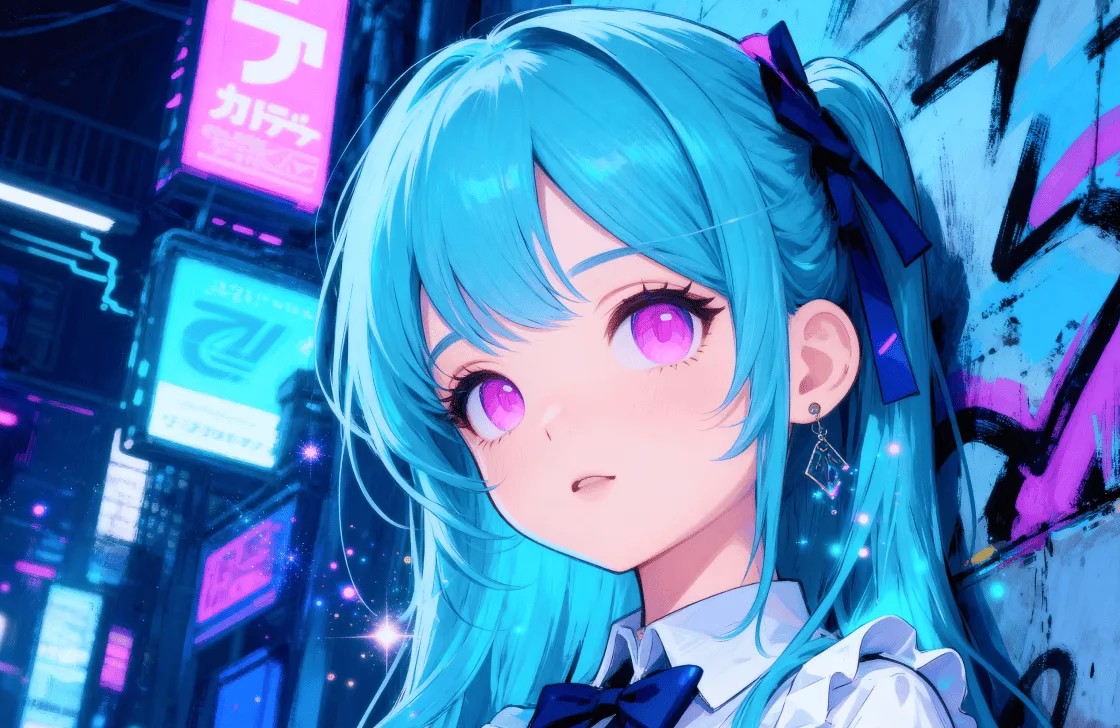
A digital illustration of a blue-haired girl under neon signs. In the soft version the hair, eyelashes and sign shapes melt together; after upscaling the strands separate, the eye highlights are crisp and the framing and colors stay the same.
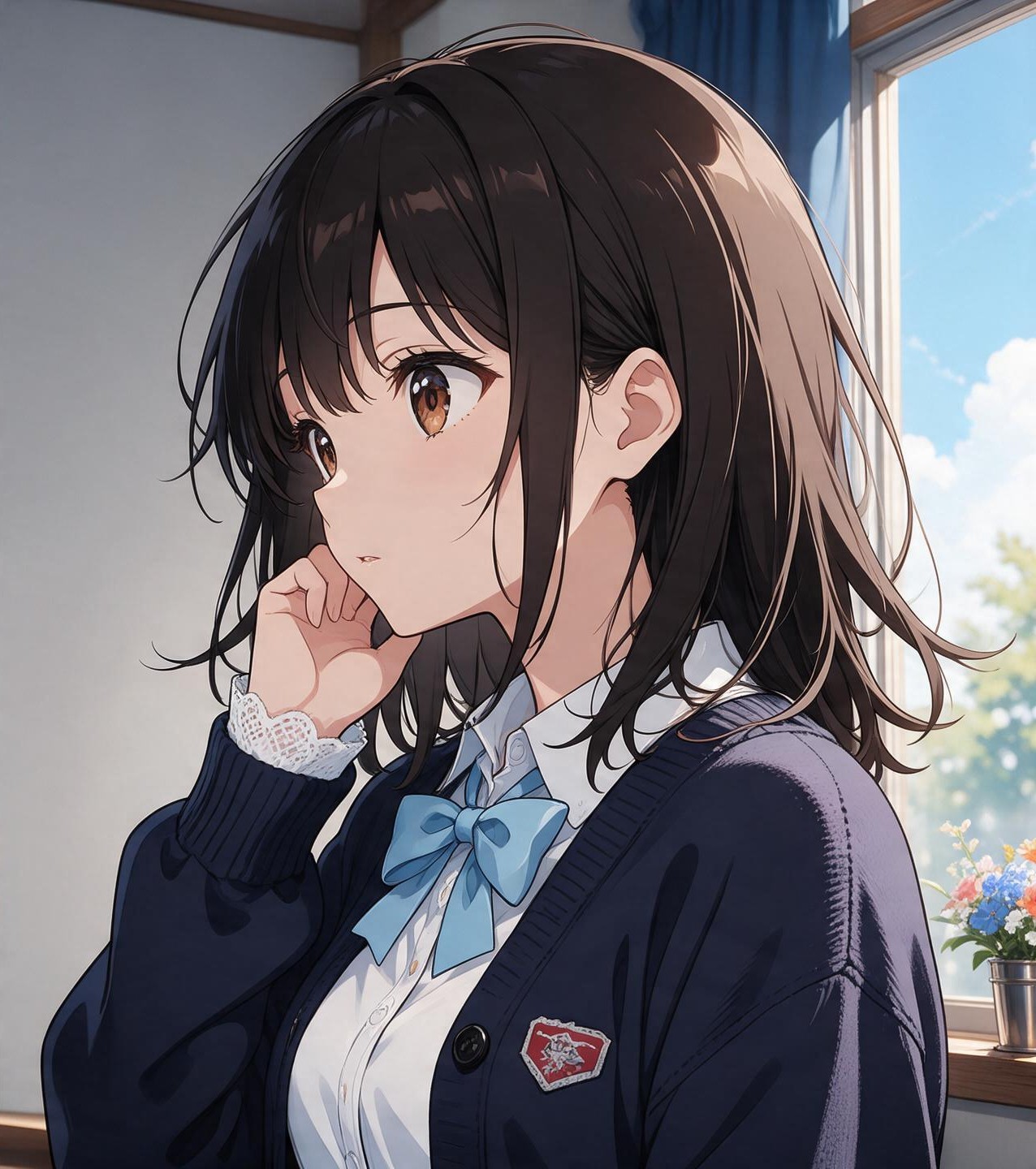
A schoolgirl by a classroom window. The before frame is soft around the eyes, ear and hair; the after frame has firmer outlines on the eyelashes, ear and blue bow while her pose, uniform colors and the window light do not change.
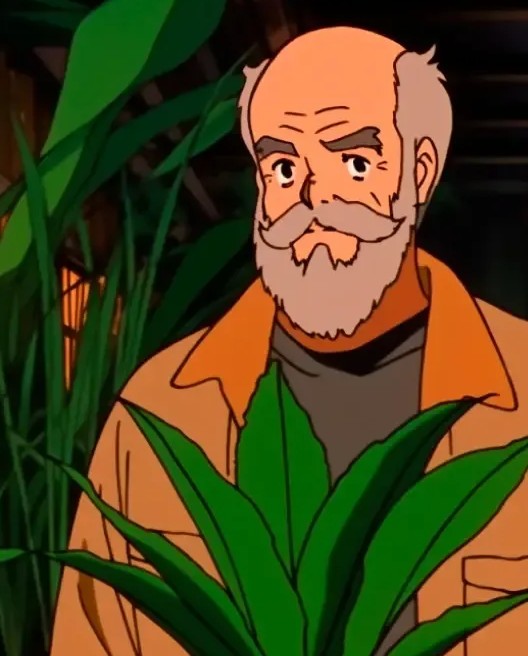

A blocky frame of a bearded man behind leaves, enlarged four times. The square pixels become clean outlines and flat color fills. At this level of pixelation the eyes and wrinkles are drawn anew rather than recovered, so the face is close to the original but not identical.
Is this anime upscaler free, and what does it cost?
This anime upscaler is not free to run. One upscale uses 2 credits when the result is up to 2048 px on its longest side and 4 credits up to 4096 px, which is large enough for a 4K wallpaper. Eligible new accounts get 1 free signup credit, which is not enough for one upscale. The $5 Trial Pack’s 10 credits cover 5 smaller or 2 4K-sized upscales. No watermark is added and downloading the finished file costs nothing extra.
| Result size (longest side) | Credits | Cost | Watermark |
|---|---|---|---|
| Up to 2048 px | 2 credits | $1.00 with the Trial Pack | None added |
| 2049–4096 px | 4 credits | $2.00 with the Trial Pack | None added |
Can an anime upscaler make an image 4K?
Yes, when the original is big enough. A 960×540 frame becomes 3840×2160 at 4x, and a 1920×1080 screenshot reaches about the same size at 2x. This tool keeps the longest side at or below 4096 px, so it chooses 4x only when the result fits and otherwise offers 2x. Upscaling adds pixels, smooths jagged edges and firms up line art; it cannot bring back detail the source never had.
For a phone wallpaper, crop to the screen’s shape first and upscale afterwards, so the added pixels go to the part you keep. For desktop use, a 4K-sized file is plenty; 8K versions mostly make the file larger without looking sharper on a 4K screen.
How is this anime upscaler different from waifu2x?
waifu2x is a free, open-source anime upscaler. Its cloud site, www.waifu2x.net, accepts images up to 5 MB and upscales inputs up to 1500×1500 px; its in-browser version, unlimited.waifu2x.net, runs on your own device without those limits. Both can also reduce JPEG noise. This page runs the Topaz image upscaling model on our servers instead, accepts files up to 10 MB, returns results up to 4096 px and charges credits. waifu2x suits quick free enlargements of small, clean art; this tool suits a 4K-sized file with a before-and-after check and no install.
| Option | Price | Size limit | Factors | How you use it |
|---|---|---|---|---|
| This page | 2–4 credits per image | 10 MB; result up to 4096 px | 2x, 4x | Sign-in, browser |
| www.waifu2x.net (cloud) | Free | 5 MB; 1500×1500 px for upscaling | 1.6x, 2x, 4x | No account, browser |
| unlimited.waifu2x.net | Free | Limited by your device | 1x, 2x, 4x | Runs in your browser |
| Upscayl | Free open-source desktop app; paid cloud plan | Limited by your computer | Several models | Install the app |
| Real-ESRGAN Anime6B | Free, open source | Limited by your computer | 4x model | Install and run locally |
The project started in 2015 as open-source code by nagadomi. The name joins “waifu”, fan slang for a favorite female character, with “2x”, the doubling it was built for, and it became shorthand for upscaling anime art in general.
Do you need a Chrome extension to use an anime upscaler?
Not for still images. This anime upscaler runs in any modern browser, including Chrome on Android and Safari on iPhone: upload, upscale and download on the page. Browser extensions sold as anime upscalers, usually built on Anime4K shaders, do something else. They sharpen streaming video while it plays and do not create a file you can save. Because they work on every frame, they can also make Chrome slow on older laptops.
If you searched how to use an anime upscaler in Google Chrome because you want a sharper picture to keep, this page is the no-install route. For sharper episodes while you watch, use a player or extension that upscales video in real time.
What the anime upscaler can’t fix
It cannot recover detail that was never in the file. A tiny avatar, heavy pixelation or strong JPEG blocks can come back with eyes, mouths or hair tips that are redrawn and differ slightly from the original, so check faces at 100% before you post. Fine screentones and small lettering in manga can soften. The tool does not upscale video or GIFs, does not remove watermarks or subtitles, and refuses results larger than 4096 px.
Need color on a black-and-white page? Try the manga colorizerAnime upscaler FAQ
Do I need an account to upscale an anime image?
Yes. Sign in before upscaling so the credits and the finished image are tied to your account, and the result stays in your generation history. The examples, the output size of your image and the credit cost are all visible before you sign in.
Can it upscale manga pages?
Yes. Black-and-white manga pages and single panels upload like any other image. Straighten and crop a phone photo of a page before upscaling, and pick 2x when the page is already large. Upload one page or panel at a time; each upscale returns one image.
Can I use the upscaled image commercially?
Upscaling does not change who owns the artwork. Your own drawings, and images you have the rights to, can be used under our terms. Screenshots of a studio’s anime stay the studio’s work, so a higher resolution does not make them free to sell or to use in paid thumbnails.
Read the terms of serviceWhat happens to my credits if an upscale fails?
If the upscale fails, the credits go back to your balance automatically and the reason appears under the button. Finished upscales stay in your generation history, so you can download them again later.