
Updated 2026-11-08
Clown Filter — Add Makeup to Your Photo
Clown Filter by Consistent Character AI adds makeup to a saved portrait, with illustrated styles, adjustable paint coverage and your own custom prompt.
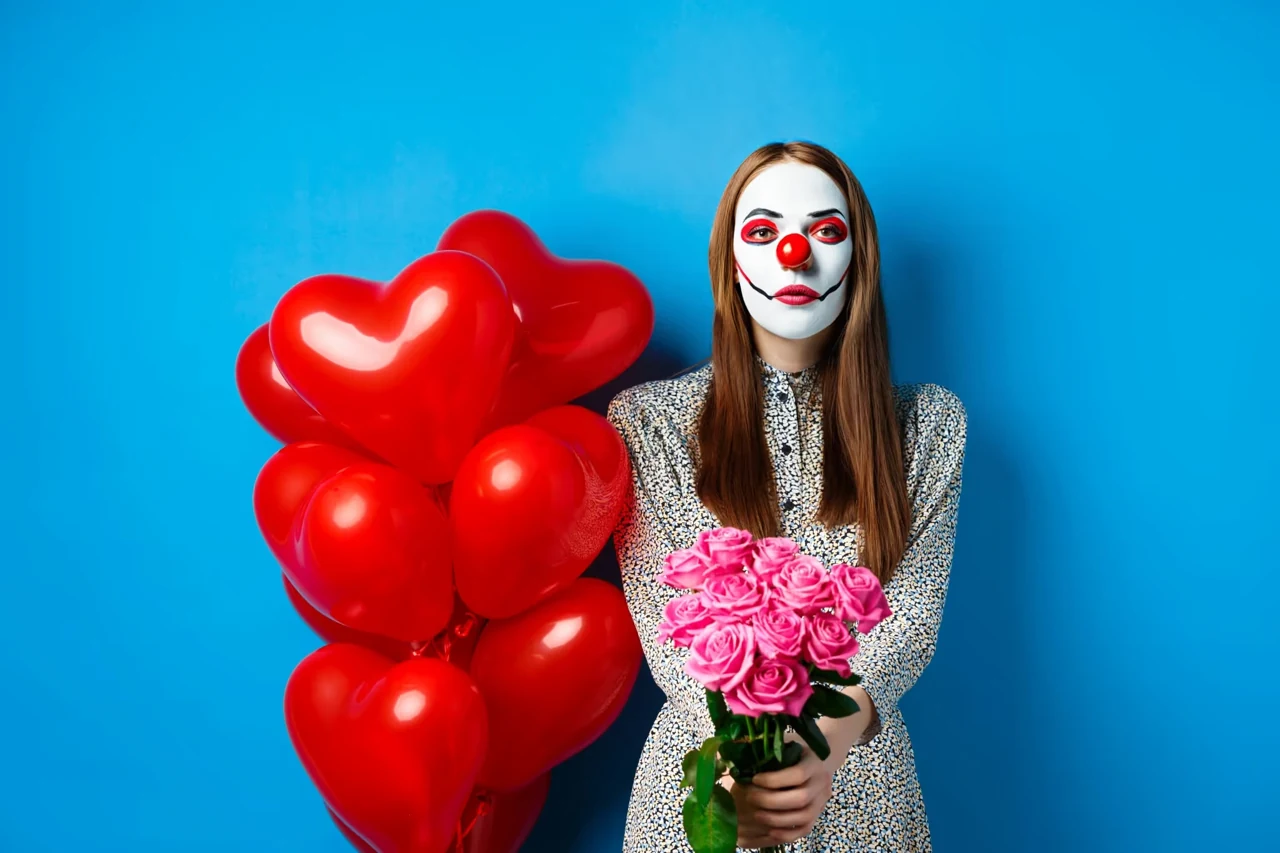
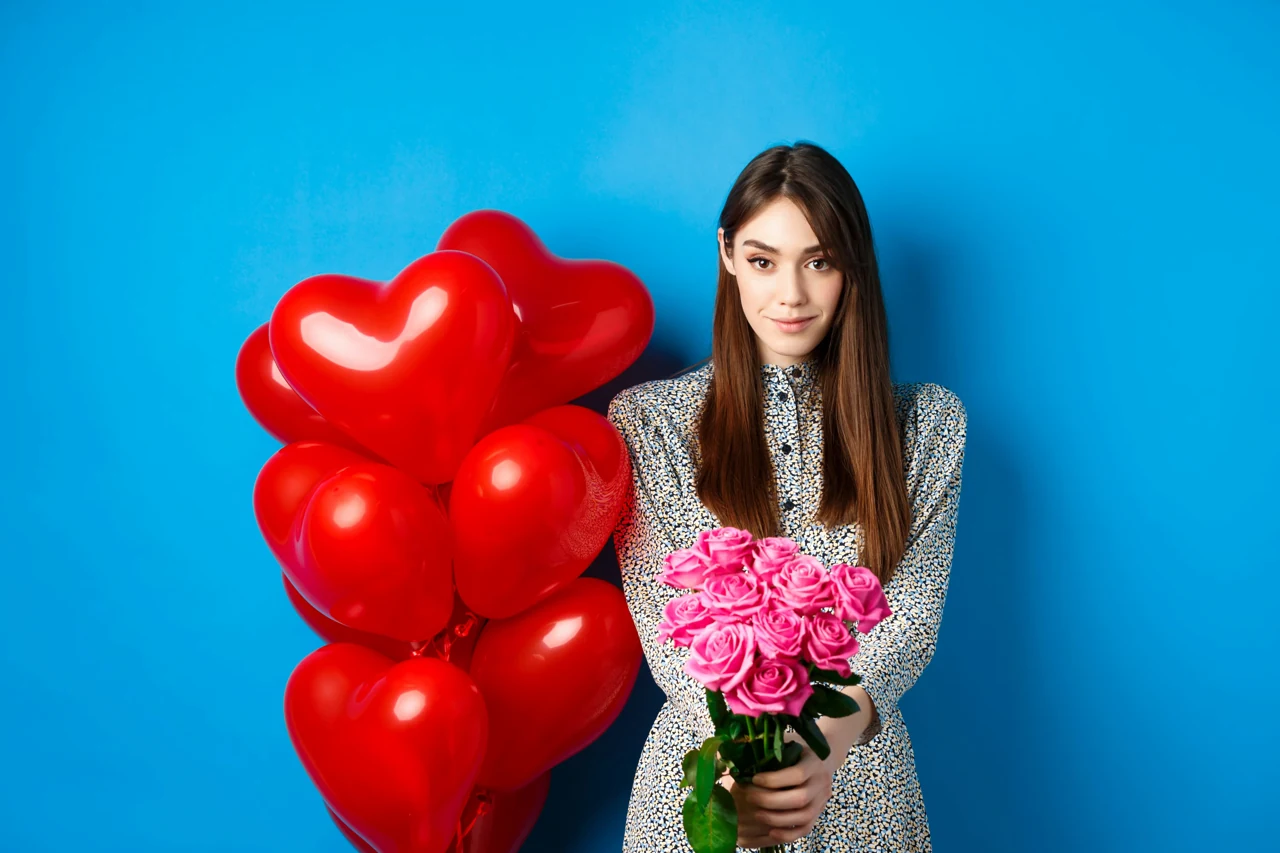
Clown filter edits add face paint to a saved selfie for a makeup preview or profile picture; facial details and the background can still shift. Choose a pictured style or describe your own makeup for one square PNG at 1K–4K without an added watermark; sign-in is required and edits start at 2 credits. The 1-credit signup gift alone does not cover an edit.
How the clown filter works
Clown filter starts with one saved portrait and applies the makeup you choose. Upload a clear face photo, select a pictured style or Custom, and check the credit total before generating. Light coverage leaves more skin visible; Stage uses opaque paint. Advanced settings control coverage and output quality. Save the finished square image when it is ready.
- 1. Upload a saved portrait
Pick one JPG, PNG or WebP up to 20 MB with one clearly visible face.
- 2. Choose or describe your makeup
Pick a pictured style, or select Custom and write your own prompt. Set Light or Stage coverage and output quality under Advanced settings.
- 3. Generate and download
Check the credit charge, generate one square image and download the finished PNG.
Clown makeup photo examples
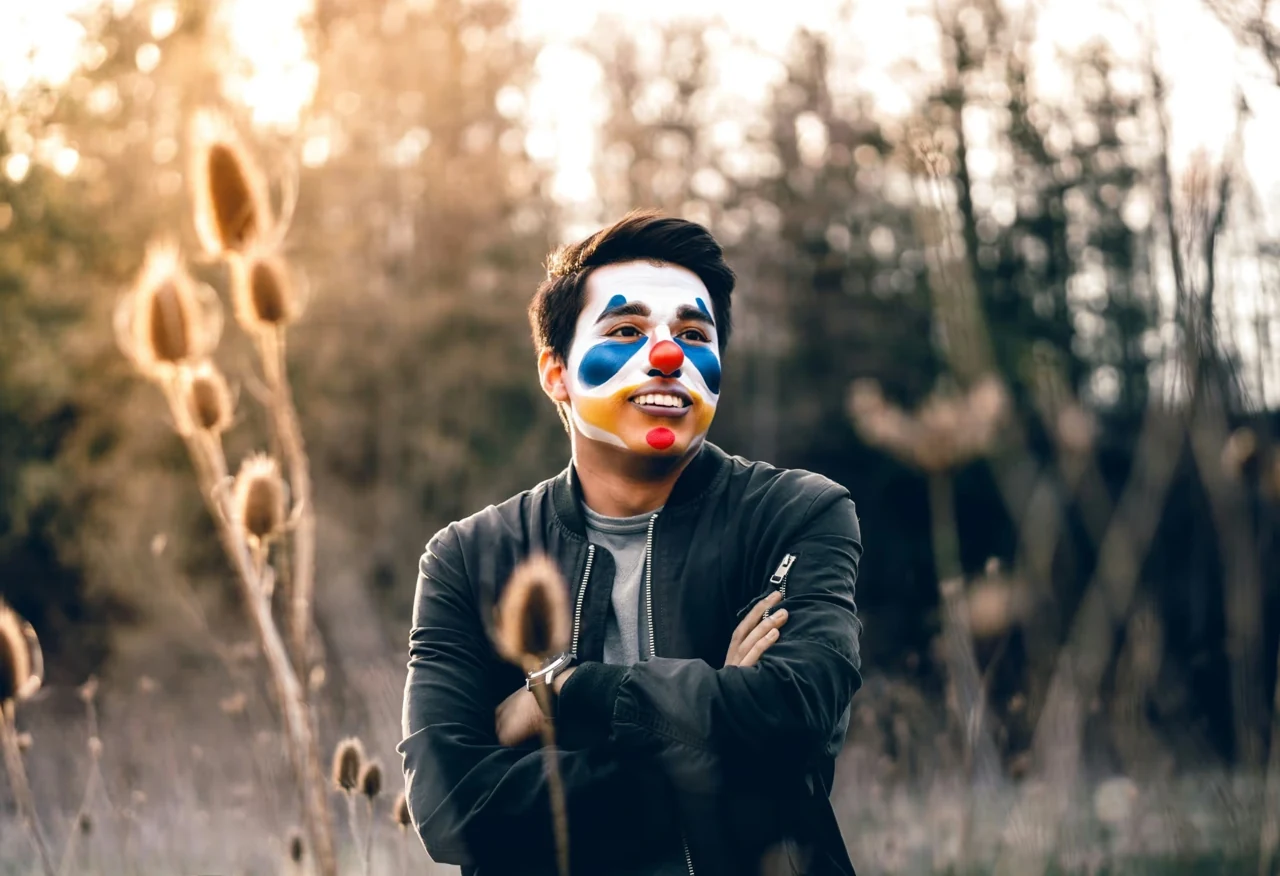
Clown makeup photos show how painted eyes, a red nose and a drawn smile look in different portraits. Compare the original and painted version of each image below, especially around the eyes and mouth. These examples help you choose a direction; your result will vary with the uploaded photo, makeup brief and coverage setting.
OriginalWith makeup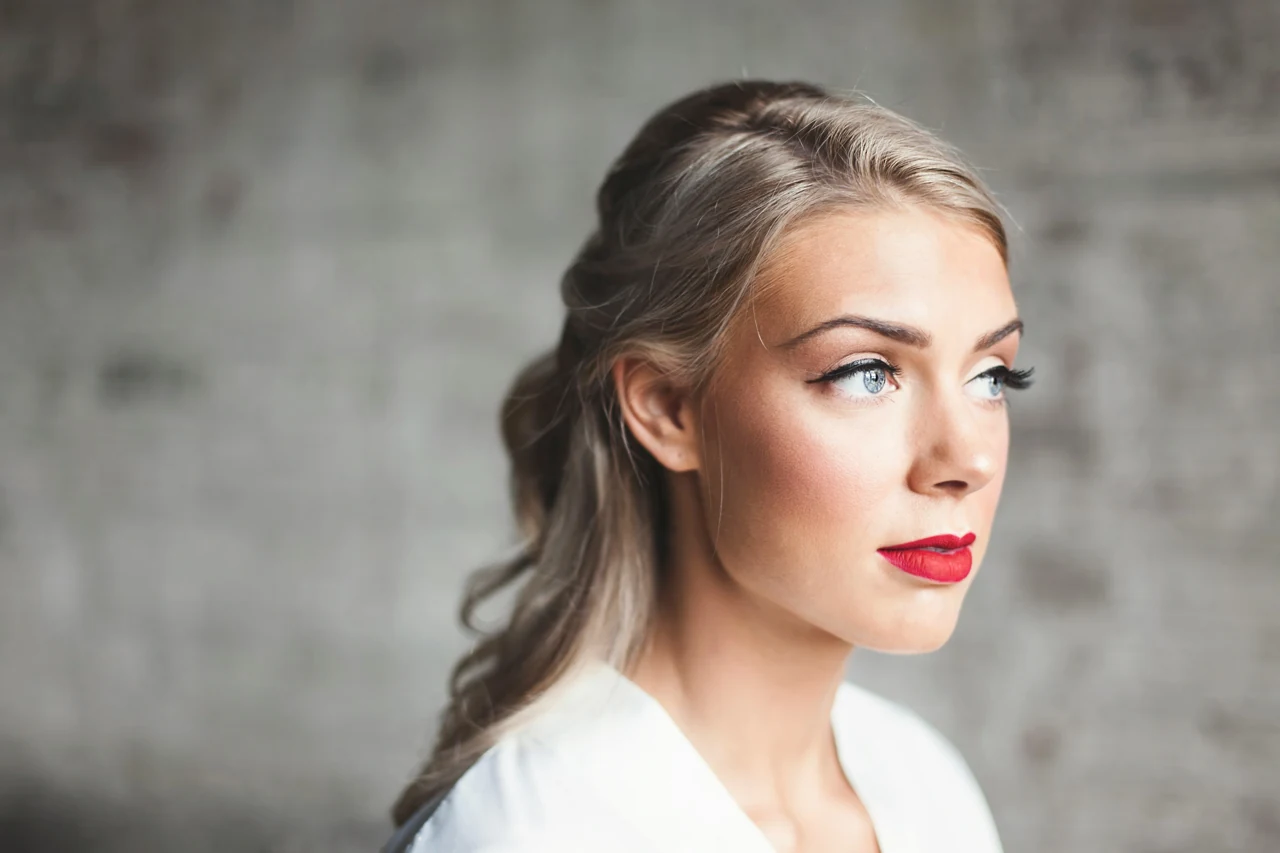 Original
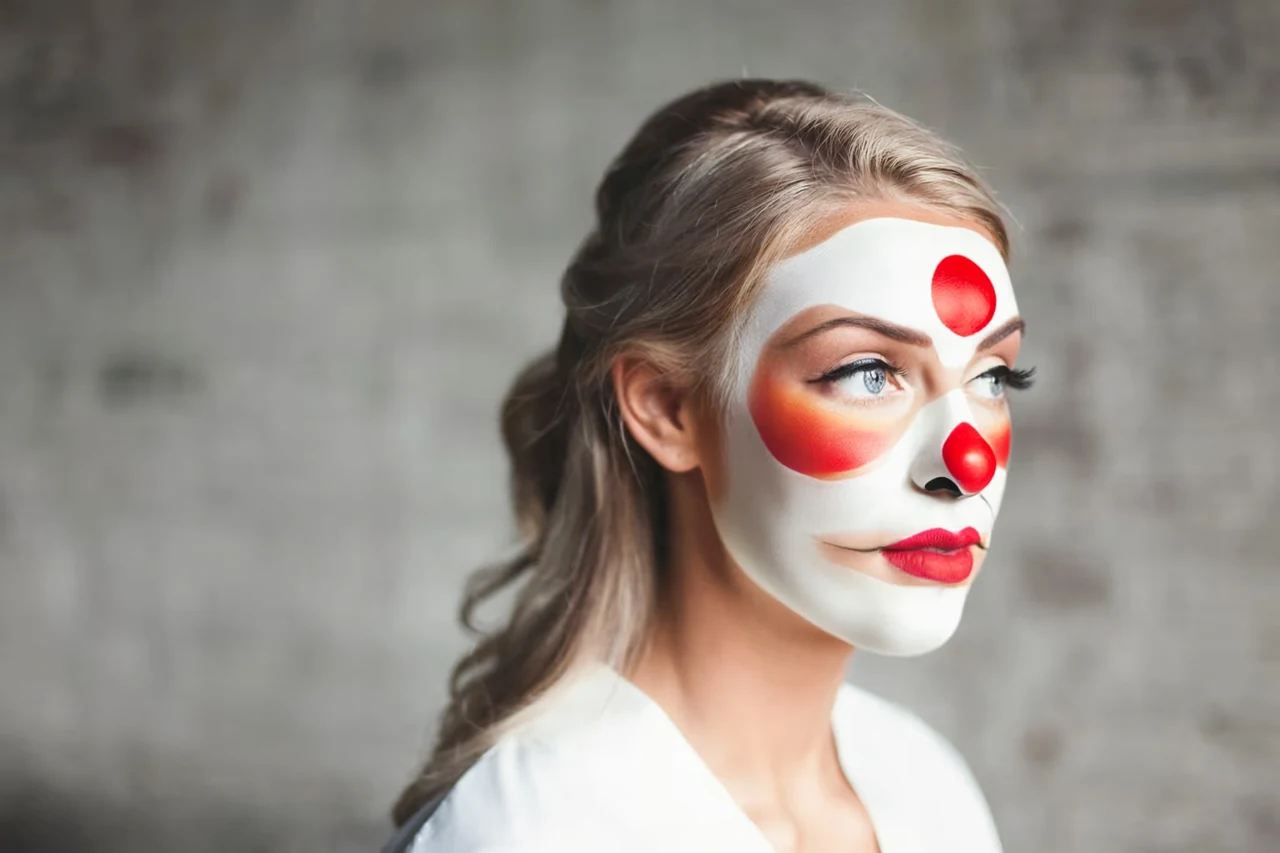 With makeup
 Original
 With makeup
How do I add a clown filter to a picture?
Clown Filter applies makeup to a picture already saved on your phone or computer. Upload one JPG, PNG or WebP up to 20 MB with a single clear face, then choose a style and generate. The photograph does not need to be a new selfie. For iPhone photos saved as HEIC, export a JPEG first. The result downloads as a still image; nothing is posted to your social accounts.
How do I make a creepy clown filter photo?
A creepy clown filter combines ivory face paint, charcoal around the eyes and a narrow burgundy smile. Choose the Creepy thumbnail, then open Advanced settings: select Light for small accents or Stage for more opaque paint. Custom lets you write a different makeup prompt and optionally add a makeup reference. Describe colors and painted shapes while keeping the look recognizable; this tool does not need a costume or a replacement face.
Is this clown filter online free?
Clown Filter examples and style selection are free to browse. Generating your own portrait requires sign-in and at least 2 credits. The 1-credit signup gift alone does not cover an edit. Eligible signup credits expire after 30 days. Finished downloads have no added watermark and no extra download charge. A credit pack can be used without a recurring subscription; HD, Ultra HD and Studio require paid access.
| Quality | Portrait + prompt | With makeup reference | Access |
|---|---|---|---|
| Fast · 1K | 2 credits | 2 credits | Sign-in and credits |
| HD · 2K | 5 credits | 6 credits | Paid access and credits |
| Ultra HD · 4K | 8 credits | 8 credits | Paid access and credits |
| Studio · 2K | 17 credits | 18 credits | Paid access and credits |
One finished PNG per edit, with no added watermark or download fee. From zero credits, the $5 trial pack contains 10 credits and covers 5 Fast edits ($1.00 each on that pack). Higher-quality edits use the credits shown above.
See credit packs and monthly plansWhen clown makeup edits struggle
Clown makeup edits can change facial details because the model redraws the photo. Start with a sharp, evenly lit portrait and Light coverage, then compare the eye spacing, jawline and mouth with the original. Glasses, hair across the eyes, heavy white paint and multiple faces make placement less reliable. This is a still-photo editor with square output, without live camera tracking, video effects or a pixel-locked background.
Clown filter FAQ
Does the clown filter work on iPhone and Android?
Clown Filter runs in a mobile browser on iPhone and Android. Upload a saved photo and download the result without installing an app. A supported JPG, PNG or WebP file is required.
Is this a Snapchat or CapCut clown face filter?
Clown Filter edits one uploaded photo here. It does not install a Snapchat lens or open a CapCut template. For a live effect that follows your face, use the camera effects in those apps.
Can I write my own clown makeup prompt?
Yes. Choose Custom under Makeup style to open Your makeup prompt. Describe the colors, shapes and placement in up to 500 characters, for example: “Peach eye arcs, a small pink nose and a red smile; leave my freckles visible.” You may also upload an optional makeup reference; your first portrait still supplies the identity.
Can I download a transparent clown filter overlay?
Clown Filter returns a complete square portrait as a PNG. It does not export a transparent face-paint sticker or a separate makeup layer. Keep your original photo if you want to adjust the paint later in an image editor.