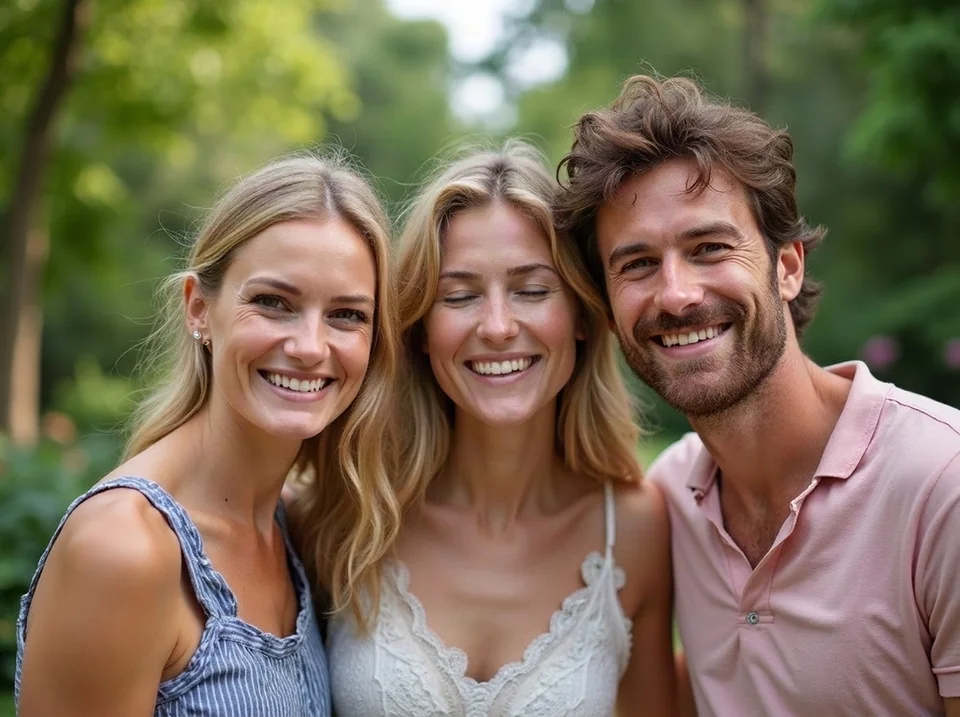
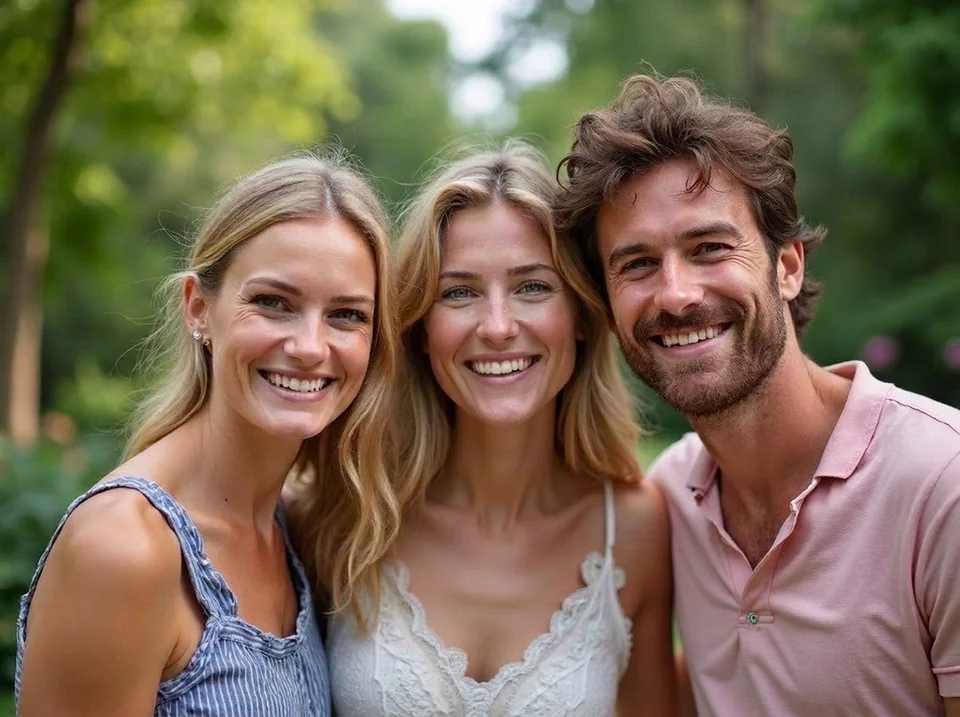
Three friends, one blink
The woman in the middle blinked while the others smiled at the camera.
AI PHOTO REPAIR
Box the blink. AI opens those eyes, and everything outside the box stays your original photo.
Drop the photo with the blink here
JPG, PNG or WebP, up to 20 MB
Sample: one blink in a group portrait, before and after.
Fix closed eyes in photo means repairing a blink after the shot. On this page you box one person's eyes and AI redraws only that box, so the rest of the picture stays original. It suits anyone with a single JPG and no Live Photo. One fix costs 1 to 17 credits, depending on the quality you choose, with no watermark. It outputs one PNG, not video.
Updated 2026-10
Five everyday cases, from one portrait to a family at a birthday table.
The woman in the middle blinked while the others smiled at the camera.
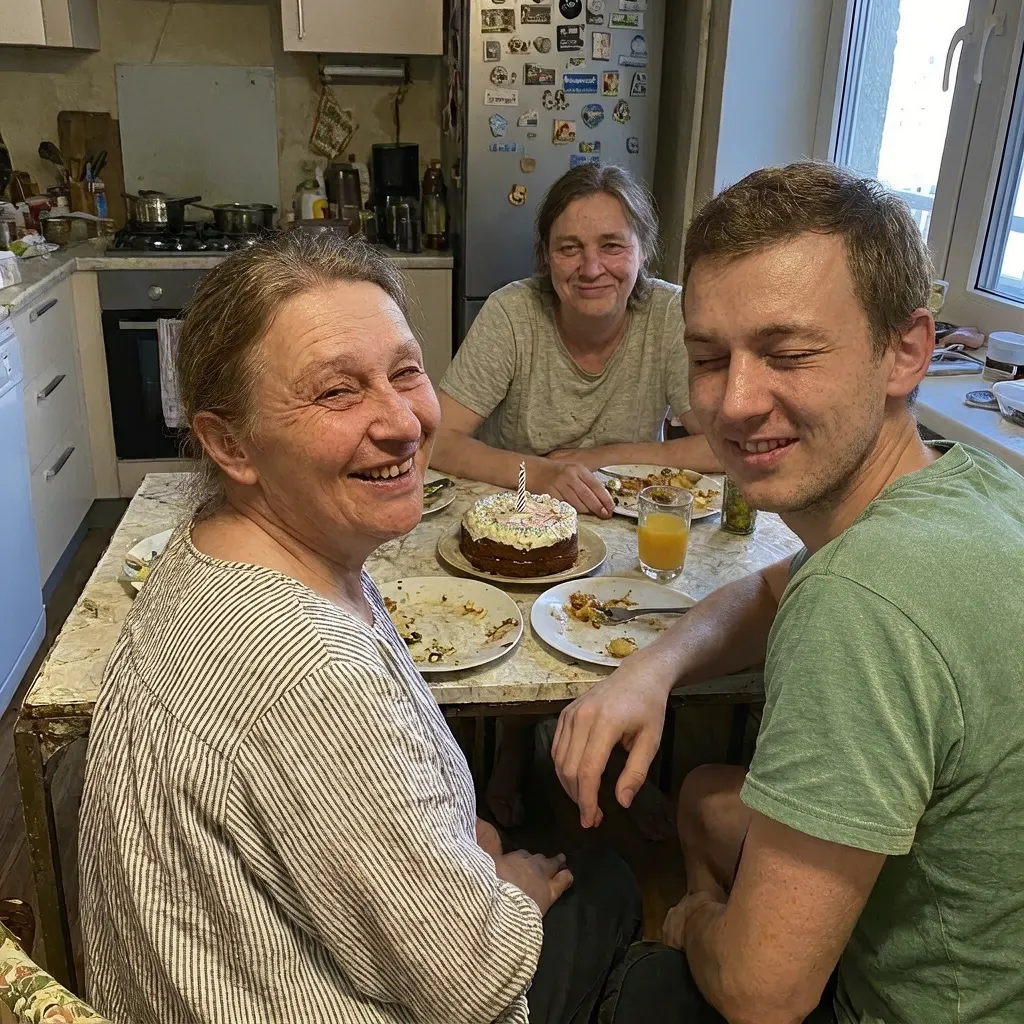
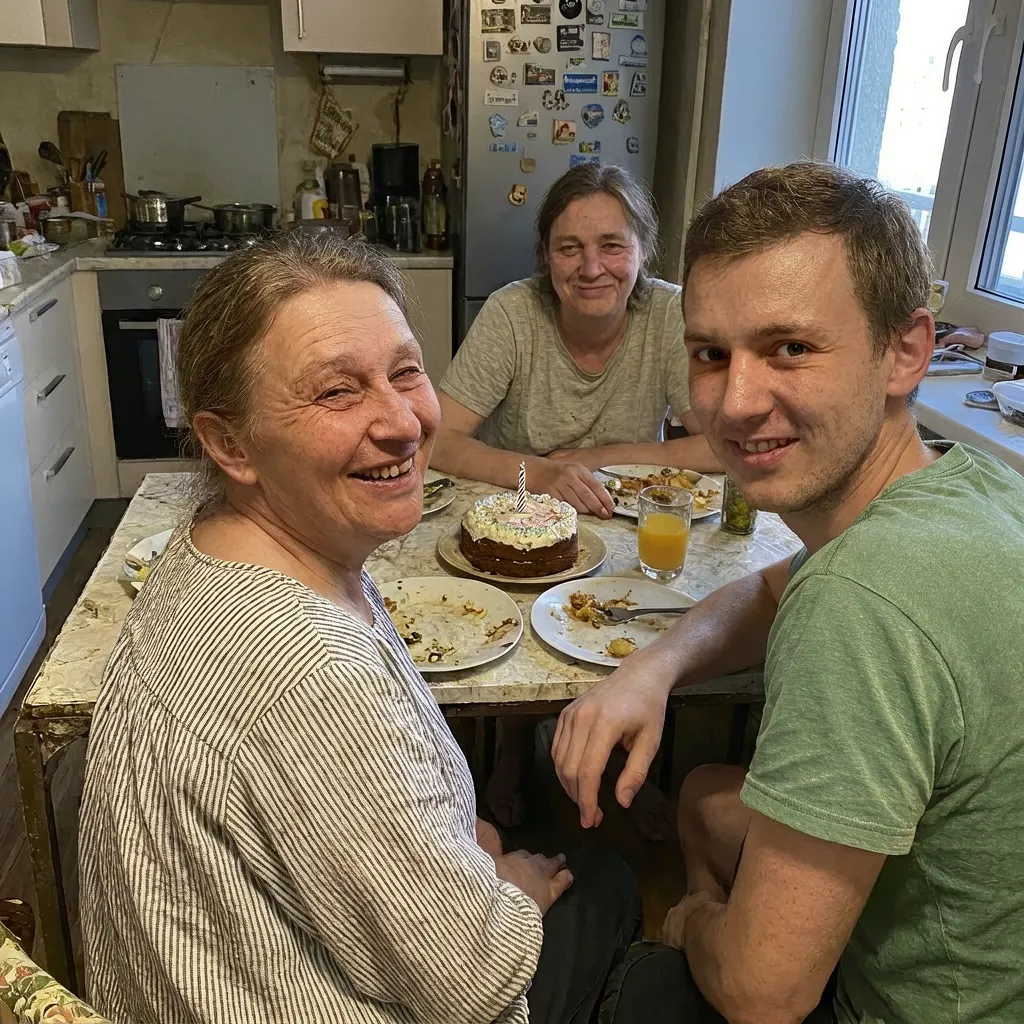
A laugh closed one man's eyes in a crowded kitchen shot with three people.
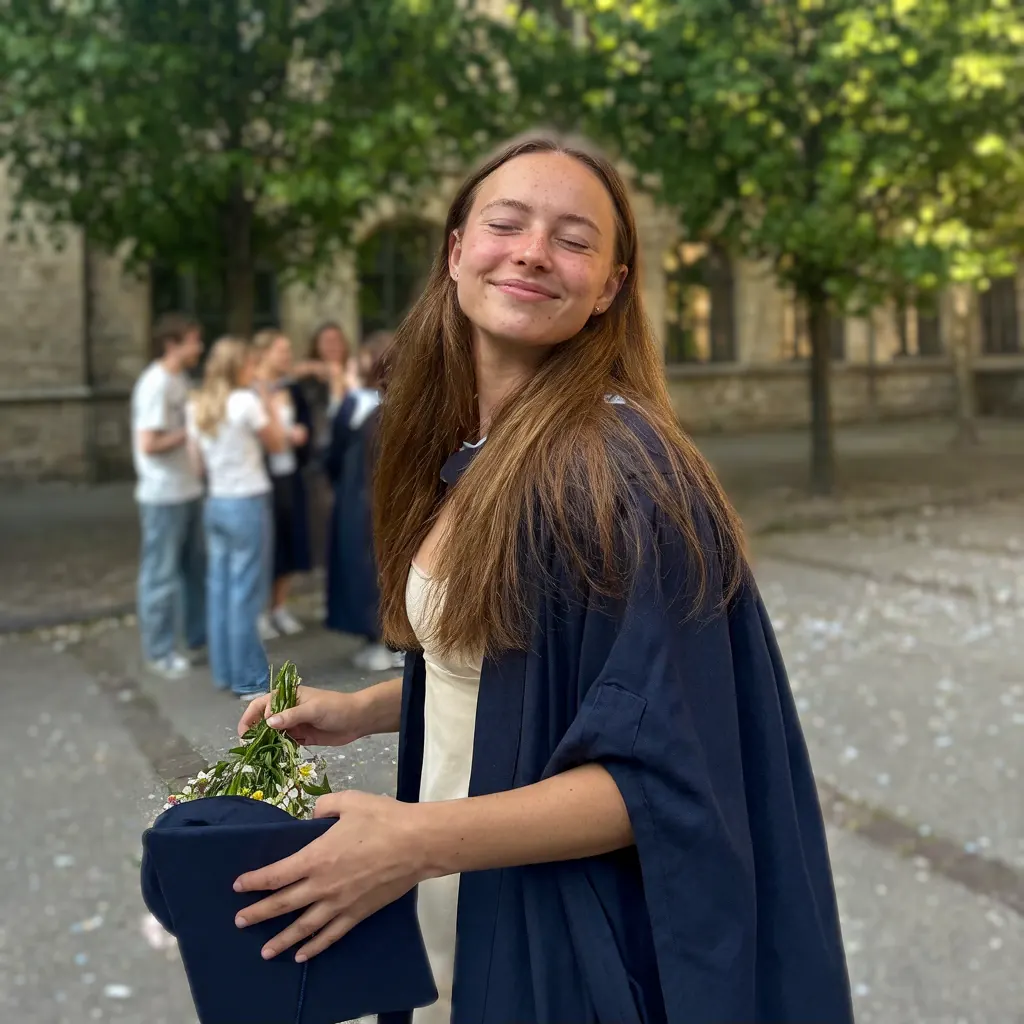
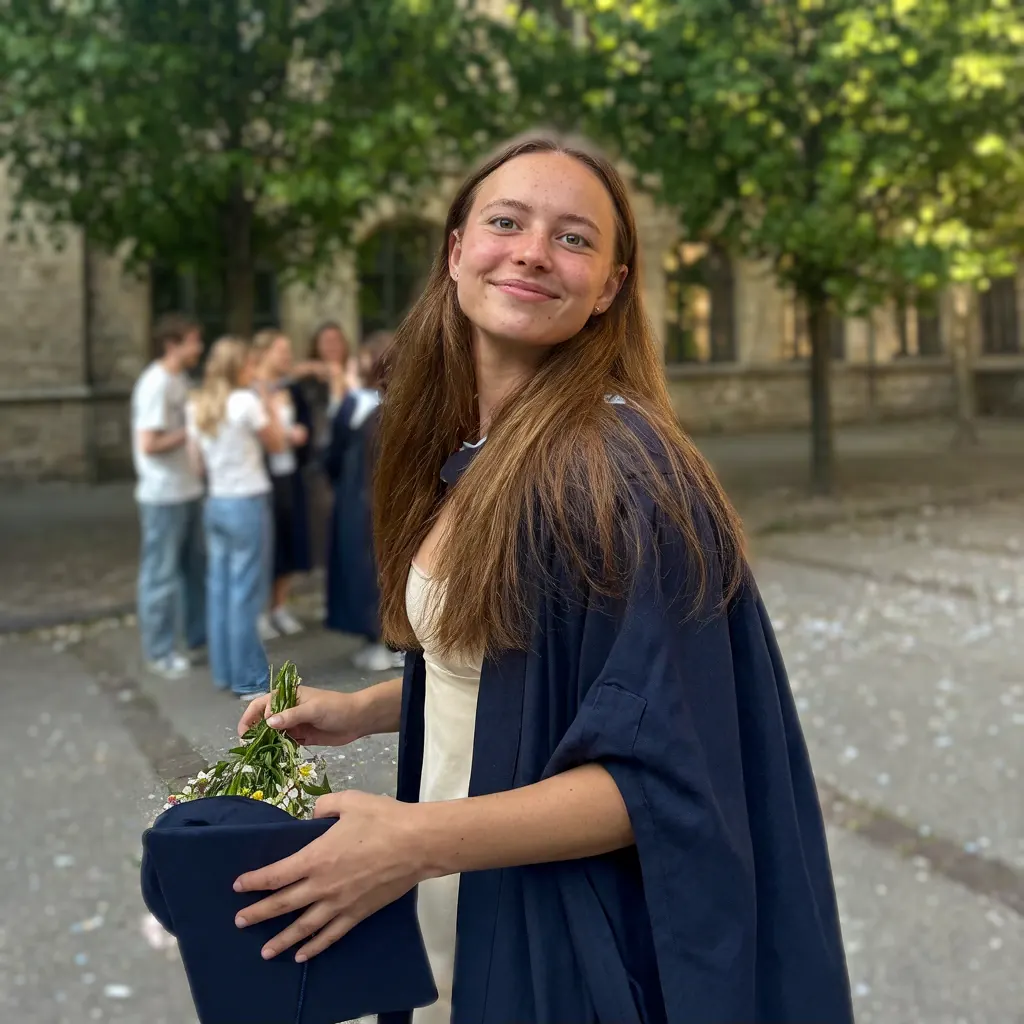
Closed eyes on the one picture of the day, with classmates behind her.
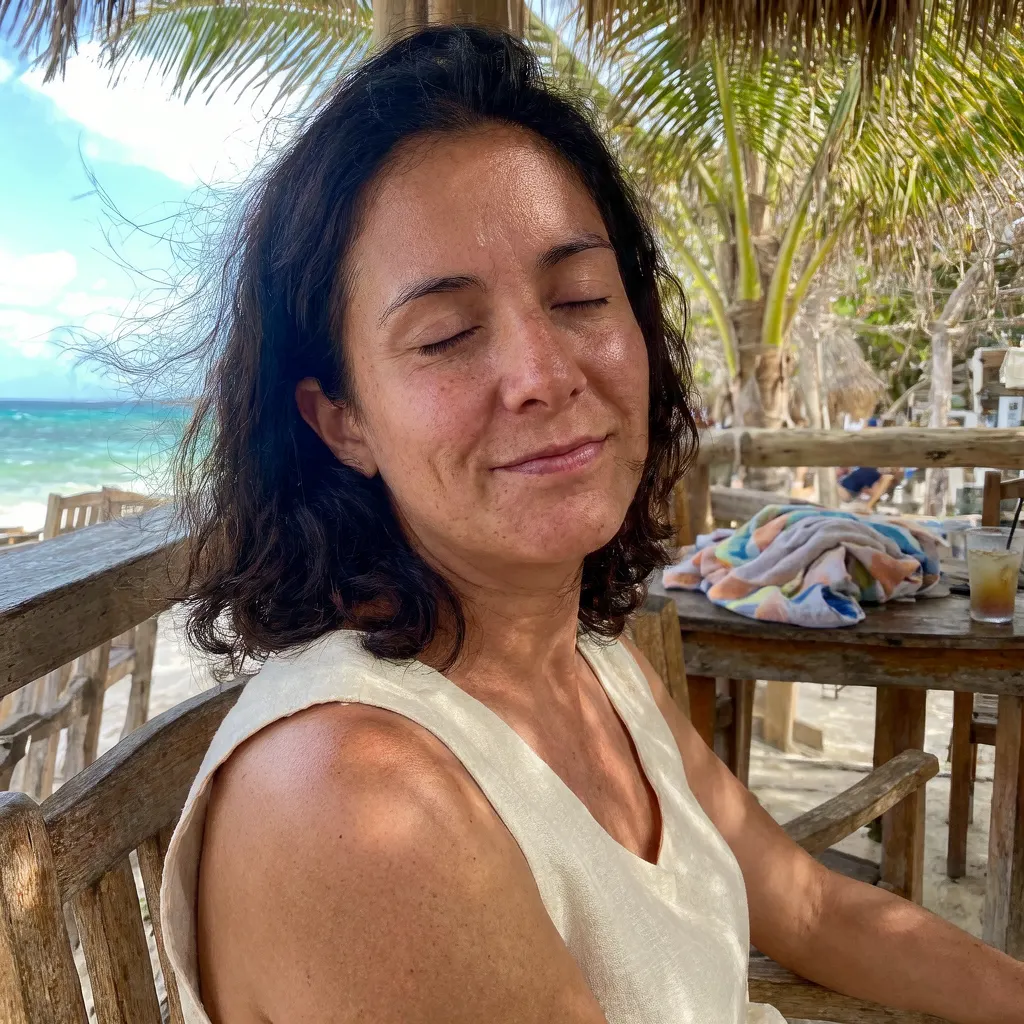
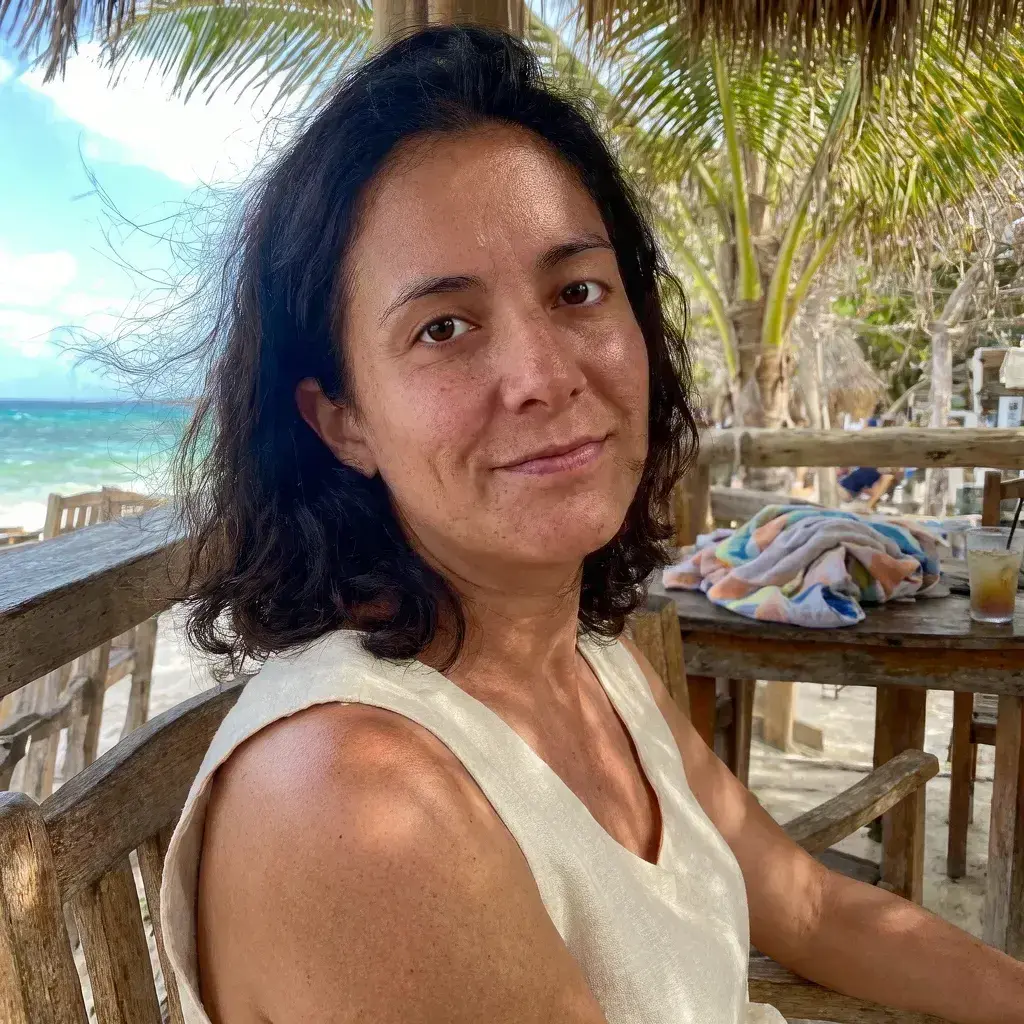
Bright sun and a relaxed pose left this seaside picture with shut eyes.
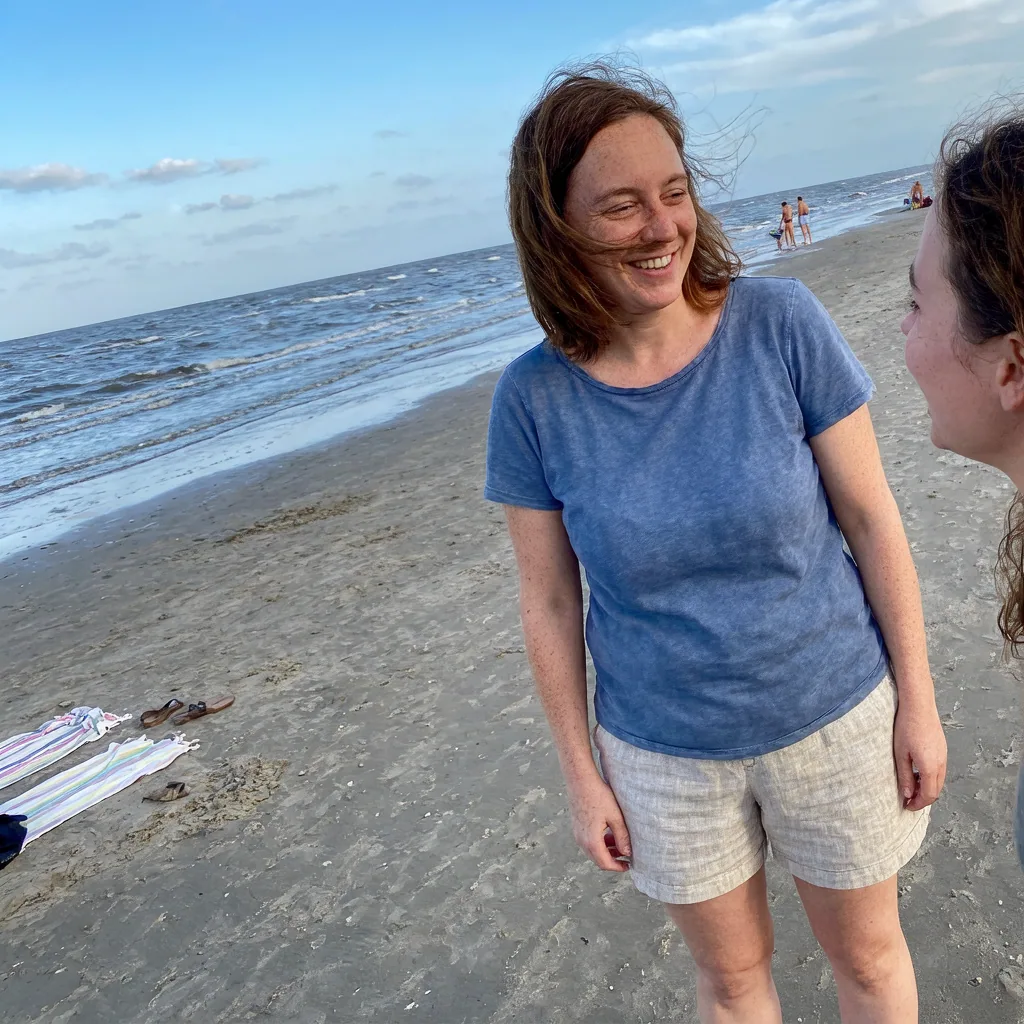
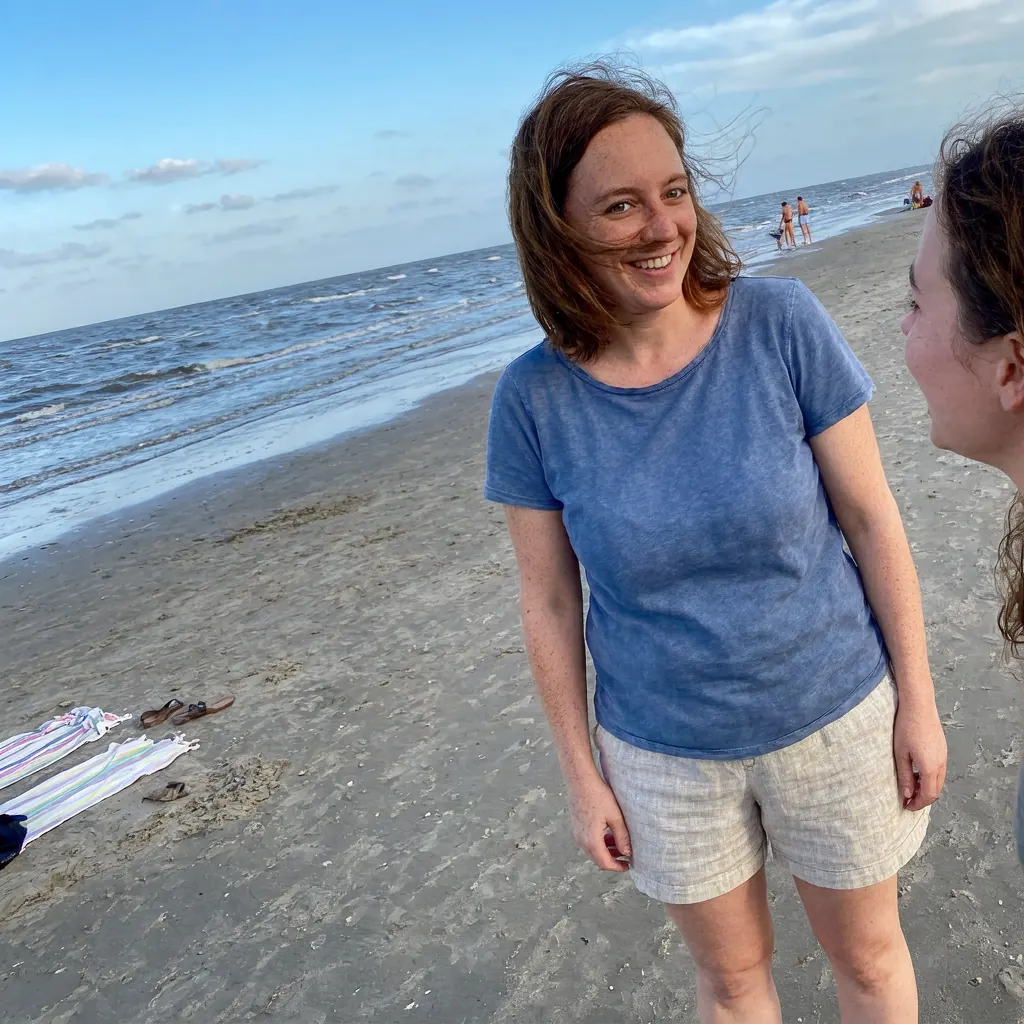
The face takes up a small part of this wide picture.
Keep the AI away from the rest of the picture. A tool that redraws the whole photo can shift backgrounds, skin and other faces, even when you ask it not to. Here the order is different. You mark the eyes, and your browser uploads only a square crop around that face. The model edits the crop, then your browser blends just the marked box into your original picture and saves a PNG. Pixels outside the box are never replaced, so the background, clothes and other people stay as they were. Leave a small margin around the eyes when you draw the box, because its edges fade softly into the original. You can open closed eyes in a photo online this way without installing Photoshop or any app.
Yes, one person at a time. In a group shot you box the eyes of the person who blinked, and nobody else's face is copied back into the picture. The model may see a neighbour at the edge of the square crop, but only your box is used. If two people blinked, press Fix another person, box the next pair of eyes and run again. Each run starts from the fixed picture, so earlier repairs stay, and each run is charged separately. For a small face, tap the eyes and press the zoom button, and the box gets smaller. A face under about 100 pixels wide will come back soft, because there is very little detail to work from. For a large class photo with many blinks, a retake is often cheaper than ten fixes.
A closed eyelid hides the iris, the eye shape and the fold of the lid, so the model has to invent them, and a model asked to edit a face often redraws more of it than you wanted. Face shape, teeth and skin texture are the usual casualties. Two things reduce that here. The eye box limits the damage: the jaw, nose, mouth and hair outside it cannot change, whatever the model did to them in the crop. An optional open-eye reference then gives the model the real eye shape, lid crease and iris colour to match. Use a clear photo of the same person, ideally at a similar age and angle. Without one, a result can look natural and still not be quite theirs, so compare it with a real photo before you share it.
Sometimes, so check before you use AI on the eyes. iPhone and Samsung tools reuse frames the camera already recorded. Google Photos goes further: its Help me edit tool can open eyes on request, drawing on your private face groups, but availability depends on your country, language and phone. If your file is a plain JPG of someone outside your library, such as a download or a picture a friend sent you, most of these routes run out.
| Device or app | Option | What it needs | Works on one plain photo? |
|---|---|---|---|
| iPhone Photos | Make Key Photo picks another frame | A Live Photo with an open-eye frame | No |
| Samsung Galaxy Gallery | Best Face merges better frames of the same moment | Motion Photo on when you took the shot | No |
| Google Pixel Photos | Best Take combines faces across shots | Several similar shots seconds apart, Pixel 8 or later | No |
| Google Photos app | Help me edit opens eyes on request | Face groups, plus a supported country, language and phone | Where available |
| Adobe Lightroom mobile | Open Eyes generates new eyes | The Lightroom mobile app | Yes |
| This page | AI redraws the eyes inside your box | A browser, sign-in, credits and one JPG, PNG or WebP | Yes |
On an iPhone, open the Live Photo, tap Edit, tap the Live Photo button, pick a frame with open eyes and choose Make Key Photo. That keeps real eyes, so try it before any AI fix.
Yes. Choose Look at camera when the eyes are open but aimed elsewhere, such as a speaker glancing at slides or a friend watching someone else in a group shot. The tool asks the model to move only the irises and pupils and to leave the lids and head angle alone. Because the fix is limited to your box, the head will not turn, so this works best on small gaze errors. A face in strong profile will look strange with its eyes pointed straight ahead. The workflow and the price are the same as for closed eyes. Relax a squint works in a similar way for half-closed eyes in bright sun. It opens the lids a little and keeps smile lines, so you get a natural look instead of a wide stare.
Three steps in your browser. Nothing is charged until you press Fix eyes.
Add a JPG, PNG or WebP up to 20 MB. Only the square around the marked face is uploaded.
Tap between the eyes, or drag from the eyebrows to the upper cheeks. Small face? Tap it, then zoom in.
Pick a mode, add an open-eye reference if you have one, compare the slider and save the PNG.
Not for free on this page, but there is no watermark. Every fix uses credits: 1 on Fast, 4 on HD, 6 on Ultra HD or 17 on Studio. HD, Ultra HD and Studio are for subscribers. The price is shown before you submit, and adding a reference photo costs nothing extra. Each run returns one fixed PNG at your photo's own size, up to 40 megapixels (browsers with stricter limits use 16). Failed tasks are refunded; a finished result you dislike is not. If you need a free route, try the phone and app options above or the free allowances in the comparison below.
| Option | Photos out | Credits | Watermark |
|---|---|---|---|
| Fast · 1K | 1 | 1 | No added watermark |
| HD · 2K | 1 | 4 | No added watermark |
| Ultra HD · 4K | 1 | 6 | No added watermark |
| Studio · Finest detail | 1 | 17 | No added watermark |
It depends on what you have. For a Pixel burst or a Live Photo, start with the tools on your phone. For a family picture where only one face should change, a box-limited edit is the safer choice. For a photographer retouching a whole wedding set, desktop software with batch tools fits better than this page. Figures come from each product's own public pages in October 2026, and anything we could not find there is marked Not listed.
| Product | Price | Free allowance | Watermark | Output |
|---|---|---|---|---|
| This page | 1 to 17 credits by quality | None | None added | One PNG, only the boxed eyes change |
| Evoto AI Open Eyes | Credit plans; 3 credits per generation at 2K | 3 generations per account | Not listed | Edited photo, up to 3 reference photos |
| BeautyPlus Open Eyes | Free tier plus paid monthly plans | Up to 3 images a day | None on those free images, per its tool page | Edited photo, 1 to 5 reference photos |
| Adobe Lightroom mobile | Adobe says Open Eyes is free; limits not listed | Limits not listed | Not listed | Edited photo inside Lightroom |
Eye repair is a guess made from what the picture shows, so some photos will not work well.
Short answers on how the fix works, what it costs and when it falls short.
Yes, by generating new eyes, not by recovering the real ones. A closed lid holds no information about the iris, so AI paints a plausible eye that fits the light and the face. Results tend to be better on clear, front-facing faces and weaker on tiny or turned faces. An open-eye reference of the same person brings the new eyes closer to the real ones.
Yes. One photo is enough, and the reference is optional. If any of the iris shows, the model is told to keep that colour. If the eyes are fully shut, it picks a natural colour that suits the person, which may not match. Add a reference whenever eye colour matters.
Yes, one at a time. After the first result, press Fix another person. The fixed picture becomes the new starting point, so earlier repairs stay, and you can download it at any step. Each person is a separate run at 1 to 17 credits. Save the final picture before you leave the page, because it is built in your browser.
No. This page edits one still image and outputs a PNG. For an iPhone Live Photo, first try choosing an open-eye frame with Make Key Photo. A still fixed here does not carry into the moving part of a Live Photo, and video needs a different kind of tool.
1 credit on Fast, 4 on HD, 6 on Ultra HD or 17 on Studio for one person, whether or not you add a reference. What that means in dollars depends on your plan. Failed runs are refunded.
It can, if the eyes are reasonably visible through the lenses. Box the eyes and the lens area around them. Reflections can come back wrong because the model redraws them, so a reference of the same person in the same glasses gives the best chance. Heavy glare over the eyes is a separate problem to solve first.
Outside the box, no, as long as your browser can hold the full photo. Those pixels are not replaced, and the PNG is saved without lossy compression. Very large photos are reduced first, to 40 megapixels or to 16 in browsers with stricter limits. Inside the box, detail depends on the quality you choose. If the face crop is larger than about 1,400 pixels, choose HD or higher, and the tool suggests this when it applies.
Less of the photo leaves your device here. Only the square around the marked face is uploaded, plus any reference photo, and the final PNG is built in your browser. On a tight close-up that square can cover most of the picture. The crop goes to our image model provider and is kept with your generation history. Use photos you have permission to edit, and ask a parent or guardian before editing a child's picture.