
Your character. Your place beyond the walls.
Attack on Titan OC Maker
Give your original scout a face, an outfit and a story to step into.
Describe your character and let this AOT OC maker turn the idea into an image. Give your scout a weathered cloak, your cadet a determined expression, or your civilian a life inside the walls. Add a reference to guide their appearance.
Text or up to 5 reference images · Sign-in required · Fast, HD, Ultra HD and Studio from 1 to 17 credits
Explore AOT character ideasDescribe your OC, add optional references, and choose an art style.

Attack on Titan style preview
Your description and any uploaded references are sent for AI processing. Privacy Policy
Imagine your original character beyond the walls
A role, a silhouette and a setting give your OC a place in the world. Explore these Attack on Titan-inspired character ideas, then describe the details that make yours different.
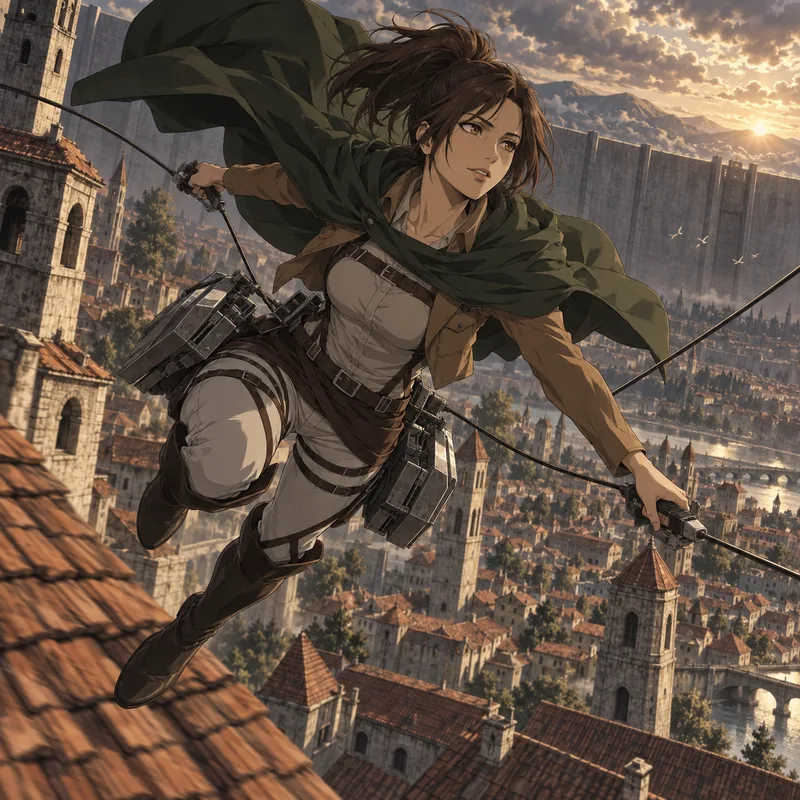
A scout above the rooftops
A wind-swept cloak, a focused gaze and cable gear in motion. Pair your scout’s defining features with a wide city view to give an expedition scene a sense of speed and scale.
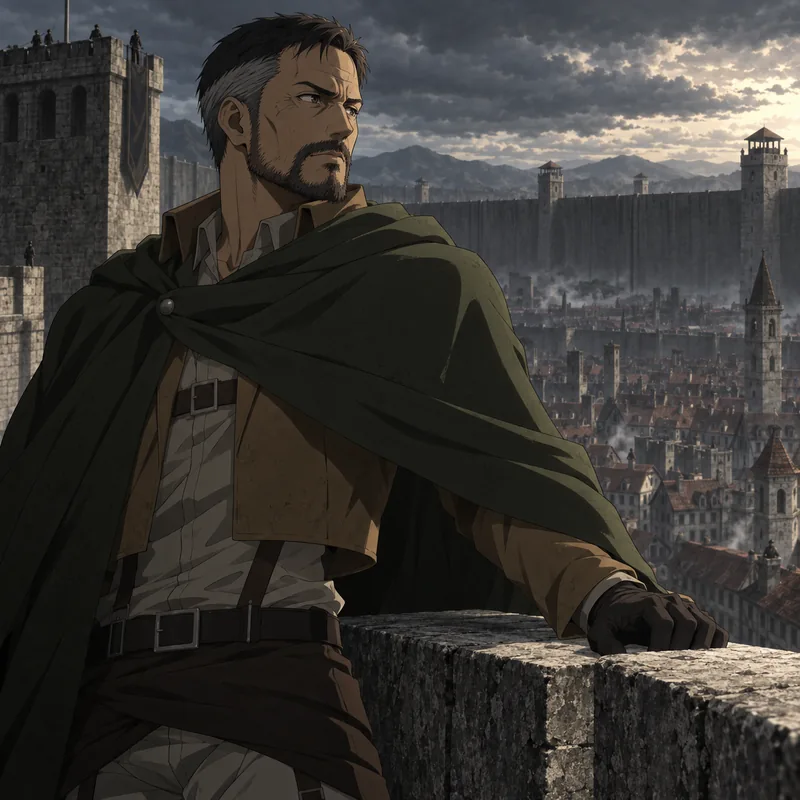
A commander on the wall
A weathered jacket and a steady expression suggest years of keeping watch. Use the stone parapet, distant rooftops and a heavy sky to set the mood for your Garrison character.
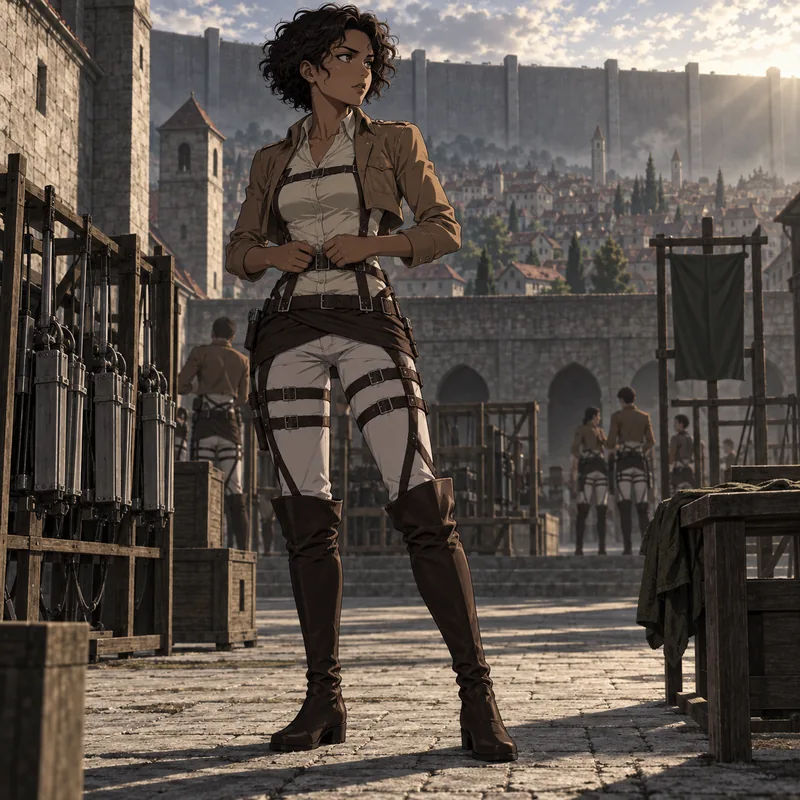
A cadet finding their resolve
Start with the small details: cropped curls, a worn harness, the way your cadet holds their shoulders. A quiet training-yard portrait can say as much about them as an action scene.
AI-generated character concepts in an Attack on Titan-inspired style. Use them as inspiration for your own description.
Create my AOT characterHow to use the Attack on Titan OC maker
1. Describe a character you can picture
Write their age, face, hair, outfit and role, then add a pose and setting. A tired field medic at a supply station gives clearer direction than a list of unrelated traits. You can start with text alone or add up to 5 reference images.
2. Choose the look and framing
Attack on Titan is selected when you open the page. Keep it for a dark military-anime look, or choose another preset in Art style. Use a portrait frame for a character study, square for an avatar, or landscape for a scene.
3. Generate, review and download
Sign in and check your balance. Each request generates one image for 1 to 17 credits, depending on the quality you choose. Preview the face, fingers, cloak and equipment before downloading the PNG. Adjust your description to try another version.
Attack on Titan character creation starts with a clear prompt
Build your Attack on Titan character creation prompt around a person, an outfit and a moment. These illustrated concepts show how a few concrete details can shape an original scout, medic or inventor.
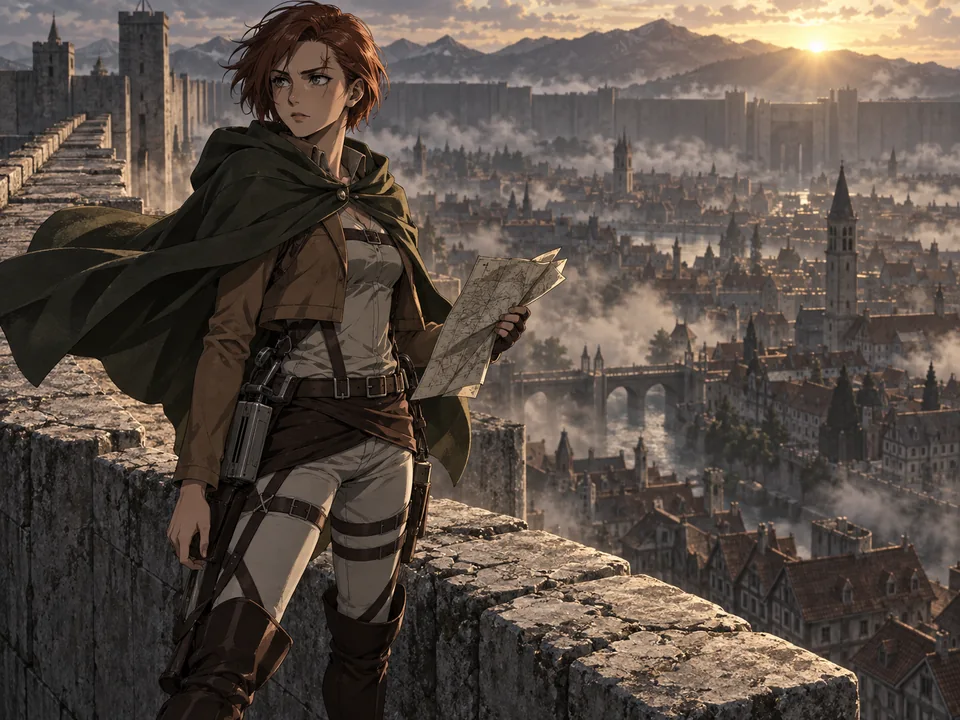
01 / Character prompt
A scout before an expedition
An original adult scout with short auburn hair, grey-green eyes and a small scar through the left eyebrow. Olive cloak, weathered tan jacket, dark leather harness and field boots. Standing on a stone wall at dawn, one hand holding a folded map, wary but determined expression. Three-quarter full-body view, no lettering.
02 / Character prompt
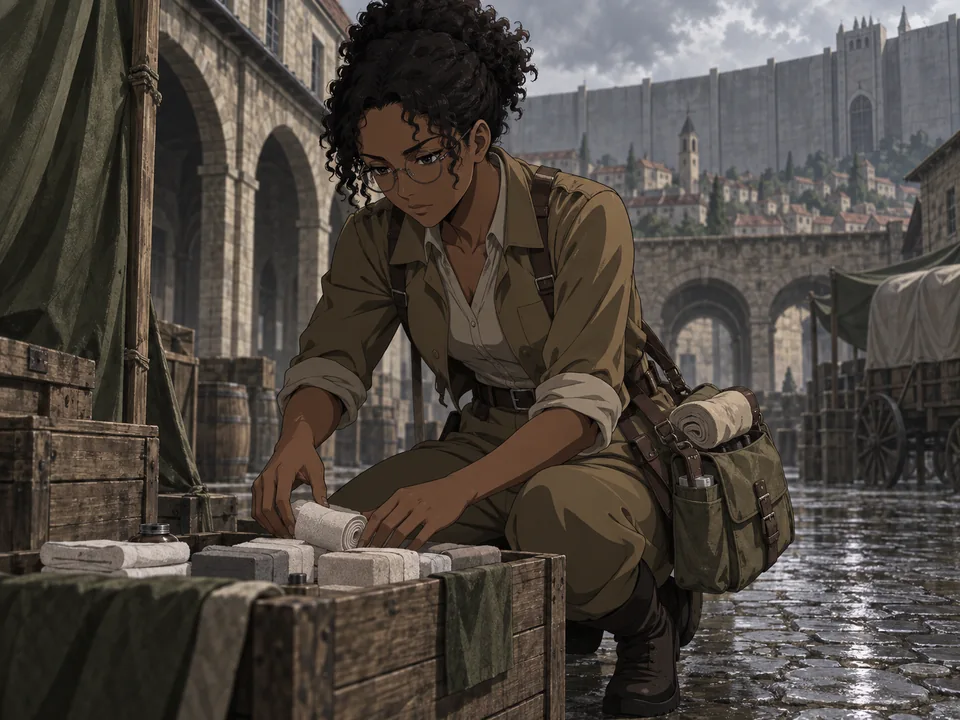
A Garrison field medic
An original adult Garrison medic with dark skin, tightly curled black hair and round glasses. Practical tan uniform, canvas medical satchel and rolled sleeves. Kneeling beside a supply crate in a quiet walled-town courtyard after rain, focused expression, soft overcast light. One character, no text.
03 / Character prompt
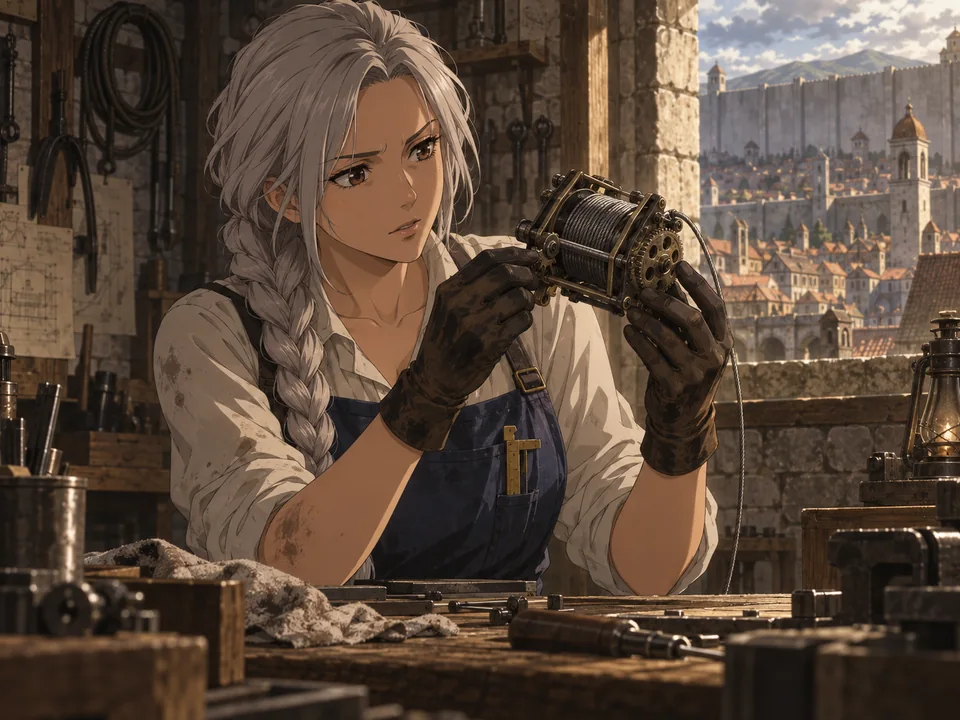
A civilian inventor inside the walls
An original adult mechanic with a silver braid, brown eyes and oil-stained gloves. Navy work apron over a cream shirt, a brass measuring tool tucked into one pocket. Inspecting a compact cable mechanism at a wooden workshop bench, curious expression, warm window light. Waist-up portrait, no lettering.
Build a character you can use in your next project
Use this AOT char generator to explore an original cast through images. A few deliberate choices about role, clothing and expression make each design easier to recognize.
Fanfiction and roleplay references
Turn a written character idea into a visual reference for your story notes. A medic, cadet or civilian can be as distinctive as a front-line scout. Write the biography yourself and use the image to support it.
Avatars and character portraits
Ask for a head-and-shoulders portrait with a simple background. Check that the face and hairstyle remain readable when the image is small, then download a version for your profile or character introduction.
Outfit and scene studies
Try a cloak on or off, a different expression, or a quieter location. Change one detail at a time so you can judge its effect. Each version is a separate generated image, ready for your own reference board.
How can I keep my AOT OC recognizable?
Once you like a design, download it and add it as a reference for the next request. References help guide appearance, but they do not lock every detail. Keep a short list of features to check between versions.
Continue in the consistent character generatorKeep a few identity details fixed
Repeat the same eye color, haircut, face shape and distinctive accessory in your description. A small, consistent set of details is easier to preserve than a long list that changes on every attempt.
Separate the person from the scene
Say which reference shows the character, then describe the new action and location. Avoid mixing several unrelated faces unless you want a different cast. Start with one clear character reference and add more only when they help.
Inspect the small things
Compare the face, hands, straps and equipment. Complex harnesses and cable mechanisms can be inconsistent. Keep the version closest to your idea and simplify the prompt if too many details compete.
What this character maker creates
This tool generates a single character image from your description and optional references. It does not create playable game characters, game-save files, 3D models, combat statistics or written biographies. Fine details and exact likeness can vary. This is an independent fan-creation tool and is not affiliated with the Attack on Titan rights holders.
Attack on Titan OC maker questions
What is an Attack on Titan OC maker?
It is a tool for visualizing an original character inspired by the setting and mood of Attack on Titan. Describe the person you have in mind, choose an art style, and generate one image. OC means original character.
What should I put in my character prompt?
Start with age, appearance and role, then describe an outfit, expression, pose and background. For example, a field medic with round glasses, a worn satchel and a focused expression gives the generator specific visual details. Avoid contradictory outfits or multiple actions in one request.
Can I use a photo or an existing character drawing?
Yes. You can add up to 5 reference images, or leave the reference area empty to create from text. Use clear JPG, PNG or WebP images that you have permission to upload, and describe which features you want to keep. Exact likeness is not guaranteed.
Can I generate the same character with small changes?
Add your preferred result as a reference and repeat its defining features in the prompt. Change one element, such as expression or pose, then compare the new result. Each request costs 1 to 17 credits depending on quality, and may need another adjustment to keep details close.
Do I need an account, and how many credits does it use?
You need to sign in and have enough credits for the quality you choose. Each request produces one image: Fast costs 1 credit, HD 4, Ultra HD 6 and Studio 17, and HD and above are for subscribers. Check your displayed balance before you start; each variation is a new generation.
Can I choose manga, comic or another style?
Yes. Attack on Titan is the default preset, but you can open Art style, search or browse the gallery, and confirm a different look. Your description and reference images stay in place. The next request uses the newly selected style.
Does this AOT char generator randomly pick an existing character?
It generates a new image from your description. It does not spin a wheel or select a name from the original cast. Describe your own face, outfit and role if you want an original design.
Is this the Attack on Titan 2 character creation editor?
No. This is a browser-based image generator. Its PNG output can serve as a visual reference, but it cannot be imported as a playable character or used to change a save file in Attack on Titan 2.
Keep creating with your character
Marvel AI Generator
Turn an existing photo into superhero comic art with the same style gallery.
Create Character
Explore original characters beyond this setting with text and reference images.
Consistent Anime Character AI
Use a character reference to explore more poses, expressions and scenes.
Magical Girl AI Generator
Create original magical heroines and animal companions
Your next character starts with a few details
Choose a role, a recognizable feature and a place to begin. Bring your own scout, cadet or civilian to life in the world inside the walls.
Create my AOT character