What exactly is an AI caricature generator, and how is it different from a regular cartoon photo filter?
A cartoon filter can outline a face and replace skin texture with flat color while leaving the proportions alone. A caricature changes the proportions themselves. Look at the glasses in the three strength tiles above. In the subtle drawing they sit close to the eyes. In the expressive drawing the eyes open wider, and in the big-head drawing the shoulders almost disappear beneath the hair. To judge a photo to caricature result, cover the clothing and background with your hand. The outline of the face, the part in the hair or the shape of the smile should still give you a clue to the sitter.
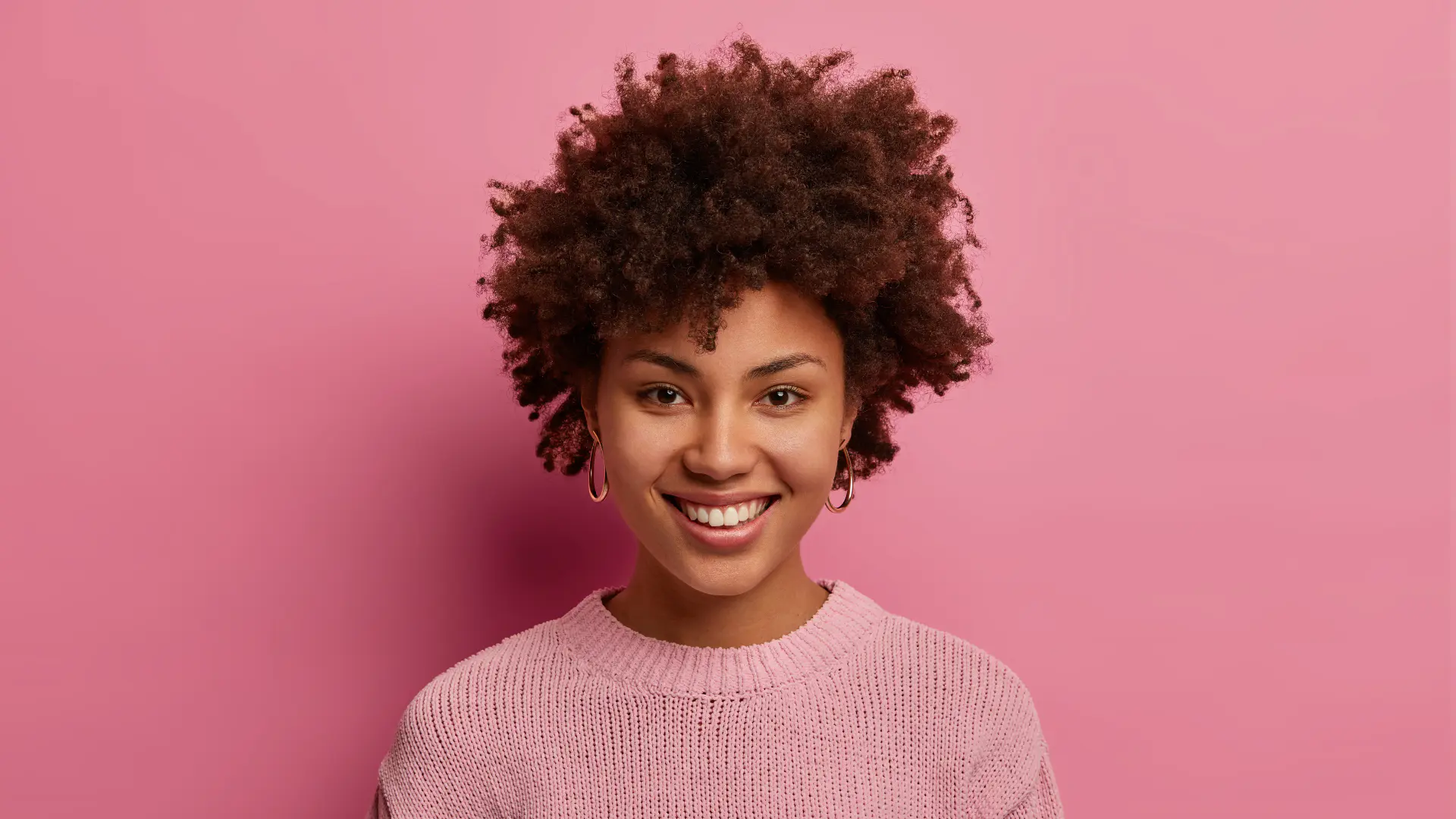
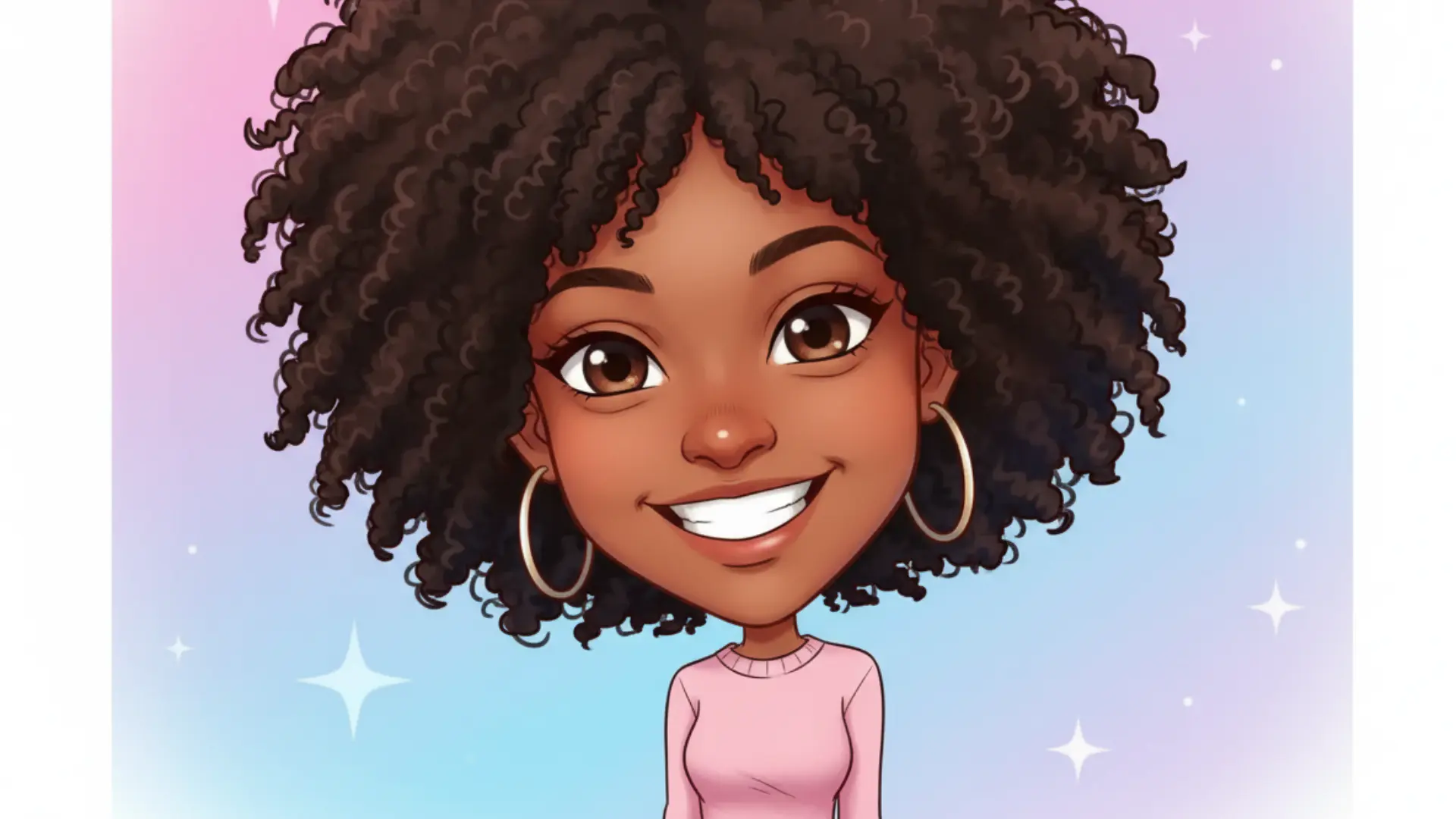
A smile framed by curls
The drawn head takes up more of the frame. The hoops, curls and pink neckline keep the portrait easy to recognize.
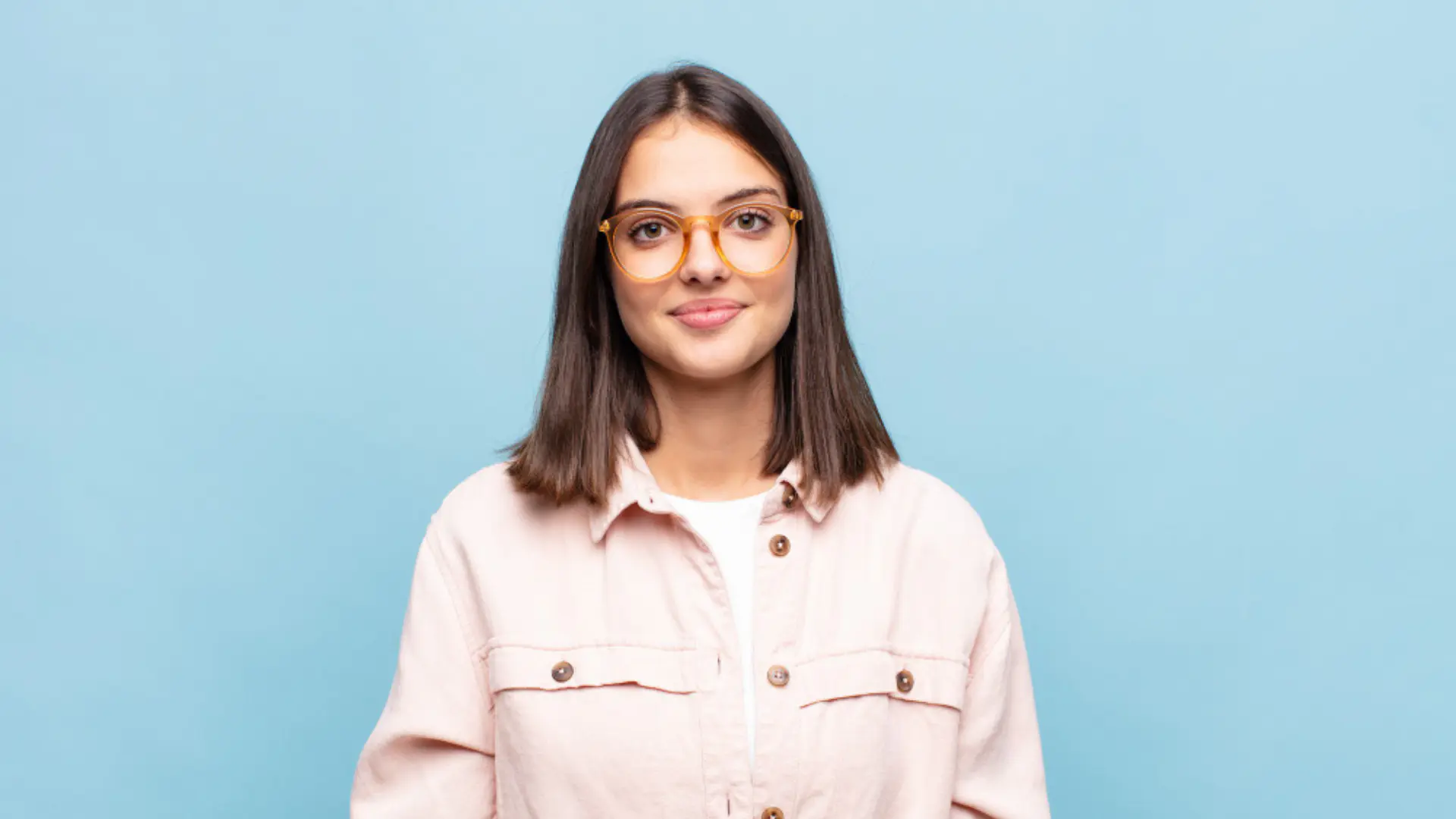
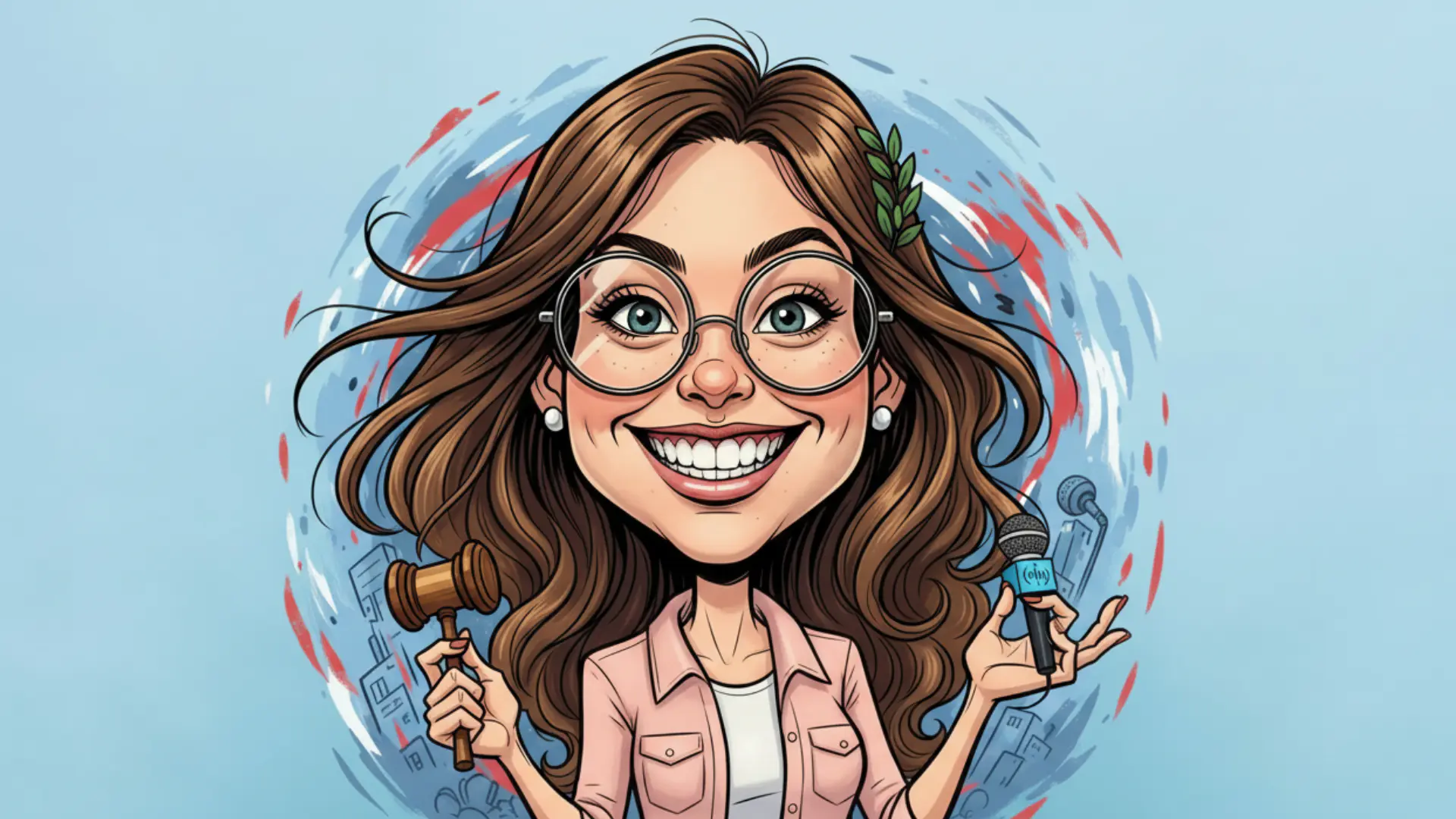
Glasses and a pink collar
The drawing enlarges the eyes behind the glasses and adds a gavel and microphone. Props in a picture can suggest a job the photo never showed.
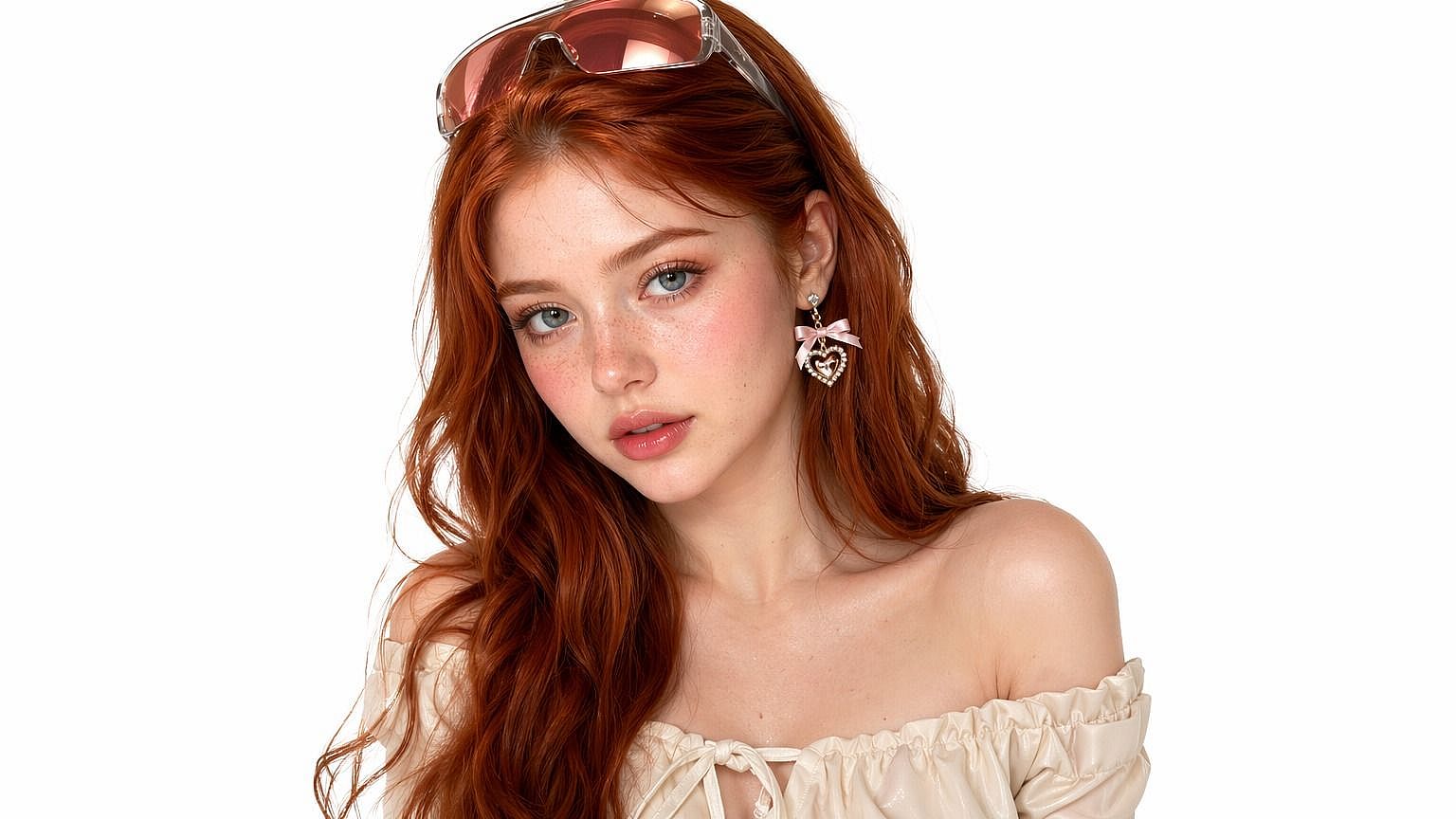
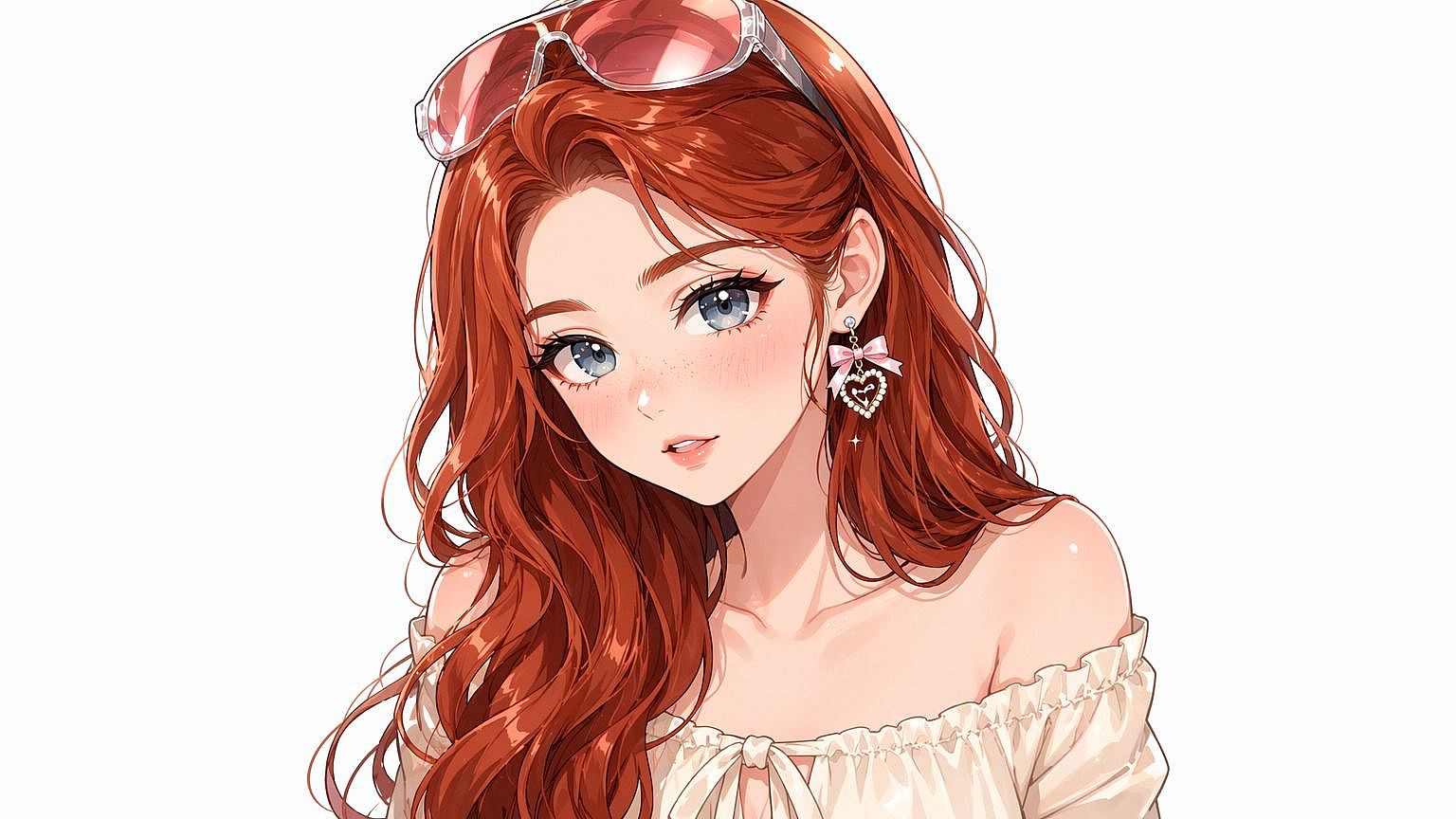
A red-haired line portrait
Sunglasses stay perched on the head and the earring keeps its outline. The drawing sharpens the chin and opens the eyes.
Is there a good online caricature maker where I can upload a JPG, pick a style, and download the result directly in Chrome without installing anything?
Open the photo picker in Chrome and choose a JPG, PNG or WebP portrait up to 20 MB. You can look at the selected photo and choose an exaggeration level before signing in. Subtle suits a small profile icon, Expressive brings out an existing smile or raised brow, and Big head gives the face more space than the shoulders. To direct the drawing yourself, select Custom and enter a prompt such as “pencil sketch, holding a coffee mug.” Choose a quality, check the credits on the button, then start the edit. When the picture is ready, use Download PNG to save the full result through your browser. A screenshot would only capture the size displayed on screen.
Where likeness can break down
Why does my AI caricature look like a completely different person, and how can I make the generator preserve my actual facial features?
A caricature can lose someone’s likeness when a small change affects a feature you use to recognize them. Start with one well-lit face, preferably at eye level, with the eyes and jaw visible. A wide-angle selfie taken very close to the nose already stretches the center of the face. Exaggeration can magnify that distortion. Try Subtle first and compare the outline of the glasses, the hairline and the distance between the eyes. Covered features, group photos and strong side views leave more to guess. This tool cannot lock an individual face in a group or reconstruct details hidden by a hand.
Does an AI caricature maker give you a downloadable picture, an animated avatar, or a video?
You get one still PNG from each completed edit. Download it at the selected quality and keep the original file if you plan to crop a smaller profile icon later. Leave some space above the hair and around the ears when placing the drawing in a circular avatar. The February 2026 ChatGPT “me and my job” trend featured portraits surrounded by workplace details. Here you can select Custom and name a profession or prop in your drawing prompt. A headshot alone cannot tell the tool what you do for a living, and it has no access to your ChatGPT history.
How much does a good AI caricature generator usually cost per image, and is it cheaper to pay per download or get a monthly subscription?
On this page, the cost covers one finished image and its PNG download. Fast costs 2 credits, HD costs 5, Ultra HD costs 7 and Studio costs 16. Studio spends more on rendering detail at 2K, while Ultra HD gives you a larger 4K image. The three presets and Custom cost the same at each quality. Regular Max monthly pricing works out to about $0.13 for a Fast edit if you use all 1,200 credits in the month. For an occasional portrait, compare the total pack price with the monthly charge, including any extra versions you expect to make.
| Quality | Output | Credits | Access |
|---|---|---|---|
| Fast | 1K | 2 | Signed in, with credits |
| HD | 2K | 5 | Active paid access |
| Ultra HD | 4K | 7 | Active paid access |
| Studio | 2K | 16 | Active paid access |
Is there a completely free AI caricature generator that doesn't put a watermark on the downloaded image?
Caricaturer advertises free, unlimited caricatures and watermark-free image downloads. CACTUSPAINTS offers one credit after email verification and lists a ten-credit pack for $9.99. Its public page does not specify a watermark policy. On ConsistentCharacterAI you can inspect all three photo pairs before signing in. Eligible new accounts get one credit once, while the least expensive edit needs two. There is no daily free allowance for this tool. The site adds no visible watermark and does not charge separately to save the PNG. A second finished drawing of the same portrait counts as another edit.
| Tool | Price | Free allowance | Visible watermark | Output |
|---|---|---|---|---|
| ConsistentCharacterAI | 2–16 credits per image | 1 welcome credit if eligible. An edit starts at 2. | None added | Full-size still PNG |
| Caricaturer | Free | Unlimited, per its site | None added | Downloadable still image |
| CACTUSPAINTS | $9.99 for 10 credits, 1 per drawing | 1 credit after email verification | Not published | High-resolution image file |