
Your photos, with a hand-drawn touch
Turn Photo into Color Sketch
Give your photo colored pencil strokes, layered shading and a paper-texture finish.
Upload a portrait, pet photo or everyday scene to create a color sketch with AI. The drawing starts from your photo’s subject and main colors, while AI reinterprets the details.
JPG, PNG or WebP · Up to 20MB · Sign-in required · 1K costs 1 credit
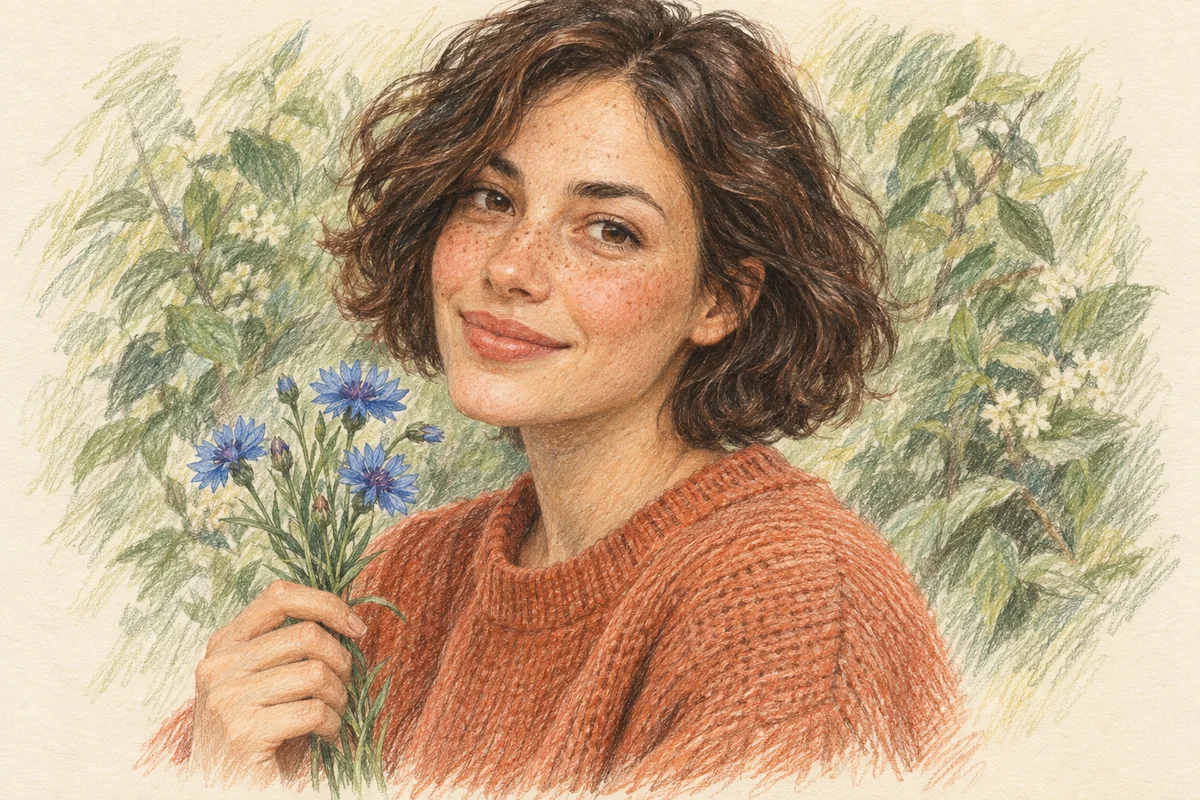
Portrait study
Warm skin tones, loose hair strokes and softly layered color.
AI-generated style illustrations, not tool results. Your sketch will depend on your photo.
Colored pencil is selected by default. Switch styles to explore other looks.
Up to 20MB. Choose a clear photo with visible colors.
1KQuick drafts for trying ideas.
AI-generated style illustrations, not tool results. Your sketch will depend on your photo.
Your photo is uploaded for AI processing. Read the Privacy Policy before uploading personal images. Privacy Policy
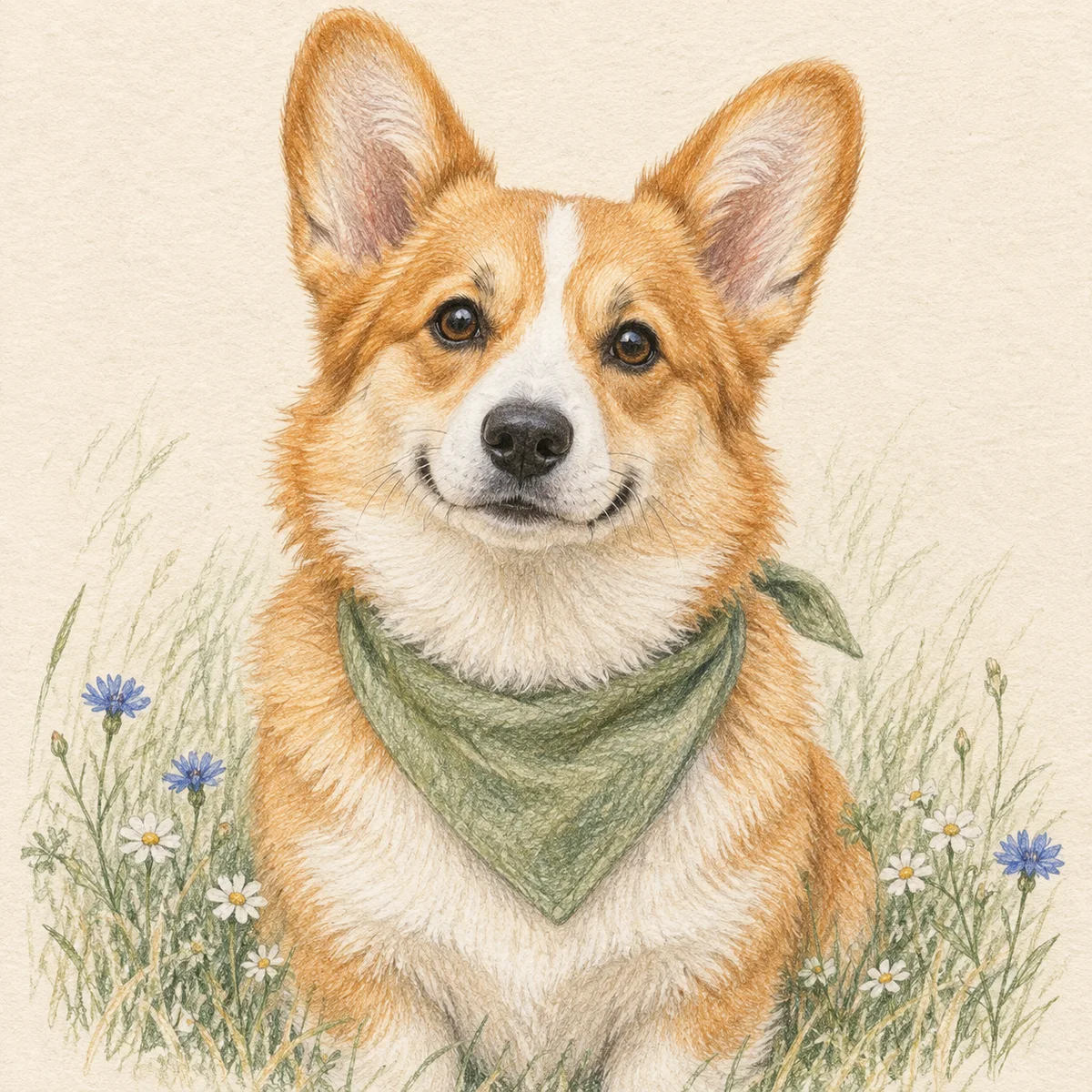
Small strokes. Plenty of personality.
Directional pencil strokes bring out the fur, bright eyes and little markings.
Colored pencil
A Colored Pencil Look, from Your Own Photo
Look for visible pencil strokes, overlapping color and lightly textured paper. Colored pencil is selected by default. Open the drawing style selector to explore other looks, including watercolor, charcoal and black-and-white line art.
Image to Color Sketch AI
Start with your photo’s colors
The preset asks AI to carry the source’s main colors into the drawing, including clothing, fur and background tones. Small details and exact shades can change.
Pencil texture without writing a prompt
Colored pencil is already selected. The preset asks for fine strokes, layered shading and paper grain, so you can concentrate on choosing a clear source photo.
Preview before you download
Check the finished image in the result panel and open the larger preview. Download the version you want to keep, or generate again after choosing a better source photo.
From your camera roll to your sketchbook
How to Convert an Image to a Color Sketch
1. Upload a clear photo
Sign in, then choose a JPG, PNG or WebP image up to 20MB. Use a photo with a distinct subject, visible colors and enough light to show important details.
2. Choose the output quality
Colored pencil is preset. Choose 1K for 1 credit, 2K for 4 credits or 4K for 6 credits. The 2K and 4K options require paid access: an active subscription or eligible unexpired paid credits.
3. Generate, inspect and download
Select Create color sketch and wait for the result. Open Preview to check the colors and features, then use Download to save the image. Processing time varies.
 Colored pencil
A sketch can keep its color
Why Does a Sketch Converter Remove My Photo’s Colors?
Some sketch effects intentionally convert the image to grayscale to imitate graphite. A very low saturation setting can also leave a drawing looking black and white. Choose a colored pencil effect when the original palette matters.
Start with a color image
A black-and-white source has no original color information to retain. AI may invent colors for it; that is colorization, not recovery of the original palette.
Keep useful color detail in the source
Deep shadows, washed-out highlights and heavy filters can hide the colors you want to preserve. Try a well-lit, lightly edited version of the photo.
Check the generated interpretation
This preset requests the source’s main colors, but AI can shift hues or redraw small features. Compare the result with your source before using it in a project that needs accurate colors.
Find your inspiration
Convert JPG to Pencil Sketch: Choose a Better Source
JPG works well, and PNG or WebP are also accepted. The subject and lighting matter more than the file extension. Upload one photo at a time.
Portrait study
Portraits
Choose a sharp face with natural light. Keep hair, clothing and the features you care about in frame; small faces in a group photo give AI less detail to work with.
Pet study
Pets
Use a photo that clearly shows the eyes, ears and coat markings. Check those details in the preview, because stylization can change fine fur patterns.
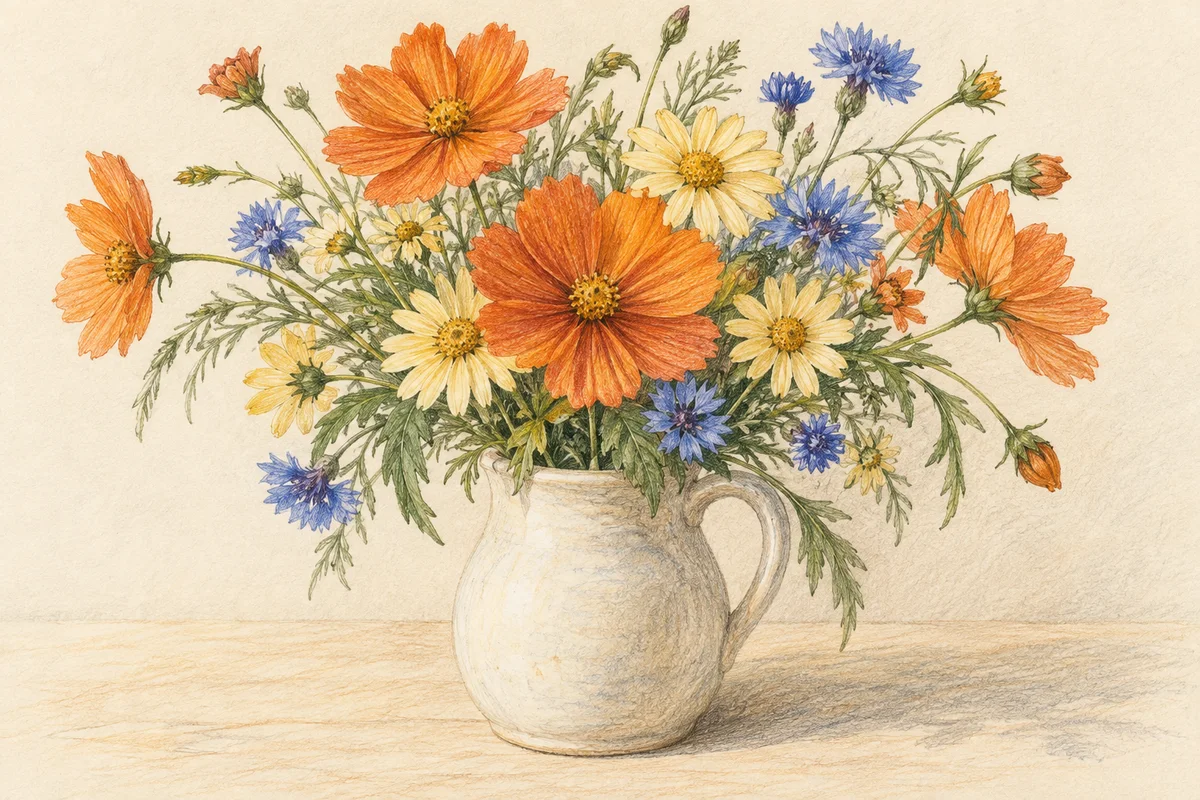
Botanical study
Flowers, objects and scenery
Choose a clear focal point and separate it from a busy background. Fine lettering, tiny textures and distant objects may be simplified in the drawing.
AI-generated style illustrations, not tool results. Your sketch will depend on your photo.
Make something personal
Ways to Use Your Color Sketch
A profile with personality
Create a colored pencil profile image from a portrait.
A card for a pet lover
Turn a pet photo into an illustration for a personal card.
Little everyday memories
Explore a hand-drawn treatment for a travel photo or garden scene.
A thoughtful portrait gift
Try a portrait concept for a gift, then check the downloaded size and details before printing.
Color Sketch Questions
How do I turn my photo into a colored pencil sketch?
Sign in, upload a JPG, PNG or WebP photo, choose the quality and select Create color sketch. The colored pencil preset is ready to use. Preview the finished image before downloading.
Why can’t I get the colours in my picture in an image-to-sketch converter?
The converter may use a graphite or grayscale effect, or its saturation may be set too low. Use a colored pencil style and a source photo with visible colors. This tool requests the main source colors, but AI may still change shades and small details.
What kinds of photos work best for a color sketch?
Start with a sharp, well-lit photo and a clear subject. Portraits, pets, flowers and scenery are useful starting points. Blurry faces, deep shadows and busy backgrounds can lead to simplified or changed details.
Can I convert a JPG to a pencil sketch?
Yes. Upload a JPG or JPEG, PNG or WebP image up to 20MB. Colored pencil is the default; you can also choose another drawing or art style in the selector.
Can I turn an image into cartoon pencil art?
You can use a photo or an existing cartoon image as the starting point. Keep the default colored pencil treatment, or open the style selector for 3D, anime, watercolor, comic and other looks.
Do I need to sign up, and how many credits does it cost?
Sign-in and enough credits are required. A 1K image costs 1 credit, 2K costs 4 credits and 4K costs 6 credits. The 2K and 4K options require paid access: an active subscription or eligible unexpired paid credits. Your account balance is shown in the tool after sign-in.
Can I download a color sketch for printing?
Yes, you can download the generated image. Choose a quality level appropriate for your project and inspect the downloaded image dimensions, faces and fine details before printing. Print quality also depends on the print size and your source photo.
How long does it take to generate a colored pencil sketch?
Processing time varies with the selected quality, the image and service demand. The result panel shows progress while the task runs; accounts using the free queue may wait before generation begins. Keep the page open until the result is ready.
Continue with a Related Tool
Give Your Photo a Colored Pencil Finish
Choose a clear color photo and check the result before you download. Start at 1 credit for a 1K image.
Create My Color Sketch