
Online manga coloring
Manga Colorizer: Color Black & White Manga with AI
Bring your black-and-white artwork into color. Start with classic manga coloring, or explore watercolor, comic-book, colored-pencil and other styles.
JPG, PNG or WebP · Up to 20MB · Sign in to generate · 1K starts at 1 credit
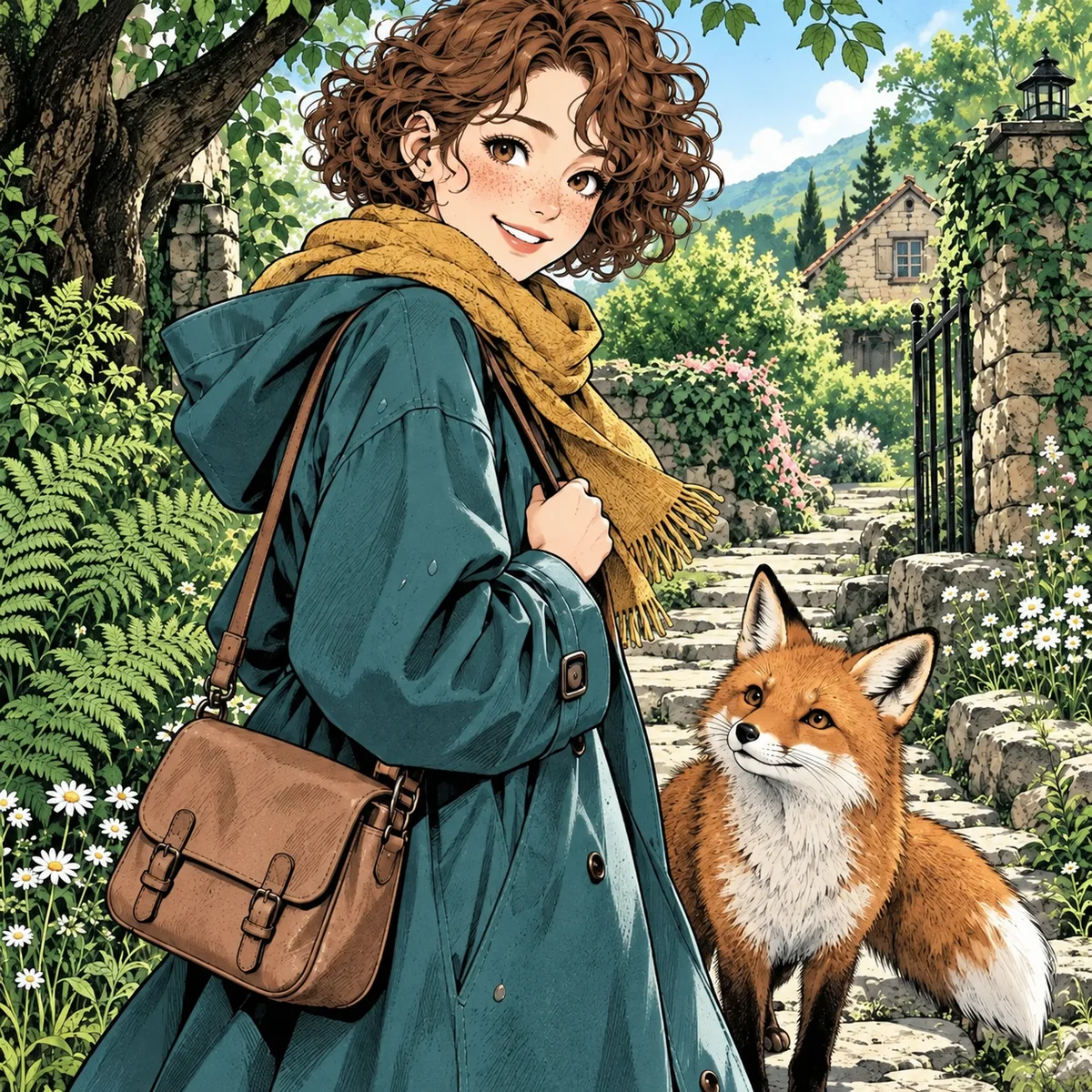
 Source drawing
Manga colorization
Crisp ink with a full-color anime palette.
Illustrative artwork, not a live result from this tool. Your image and selected style will shape the output.
This AI manga colorizer works with manga panels, comic pages and clean line art. Choose a color treatment for your own artwork, then check the result before downloading. If you need a website for coloring a black-and-white manga panel, start with the upload tool below.
Upload a panel, choose a style, and bring it into color.
JPG, PNG or WebP · Up to 20MB · One image per generation
1KQuick drafts for trying ideas.
AI-generated style study
Illustrative artwork, not a live result from this tool. Your image and selected style will shape the output.
Upload artwork you own or have permission to use. Images are uploaded for processing; this is not an offline tool. See how your data is handled in our Privacy Policy
Find your finish
More ways to use the manga colorizer
Start with Manga colorization for a classic color pass. The full style picker also includes painterly, pencil, animation and 3D treatments. These six examples are a starting point; choose your style in the generator above.
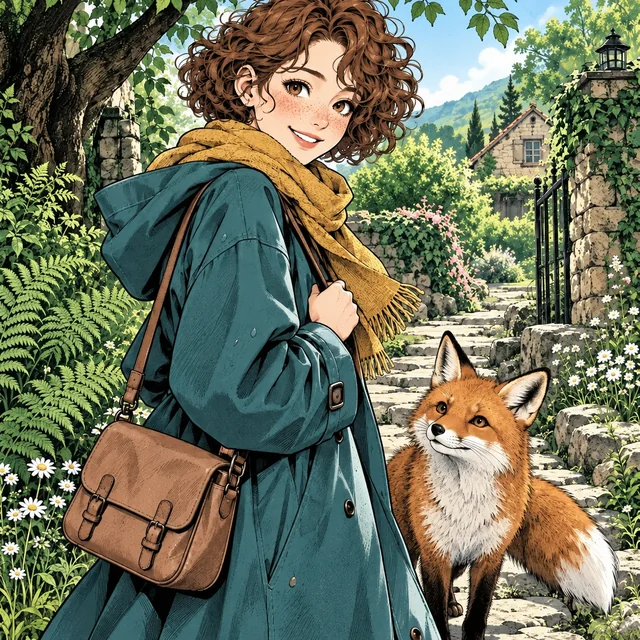
Manga colorization
The default color pass: readable ink and an anime-inspired palette.
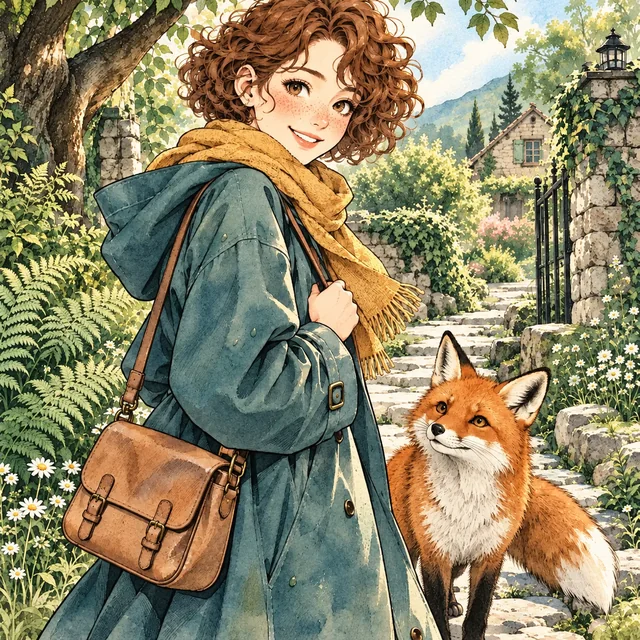
Watercolor
Soft color washes and textured paper for a gentler finish.
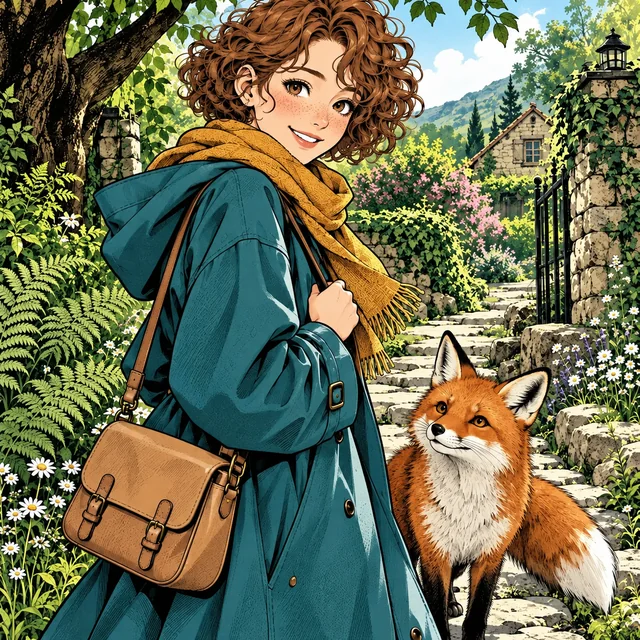
Comic book
Graphic shadows and saturated colors for a bold illustrated look.
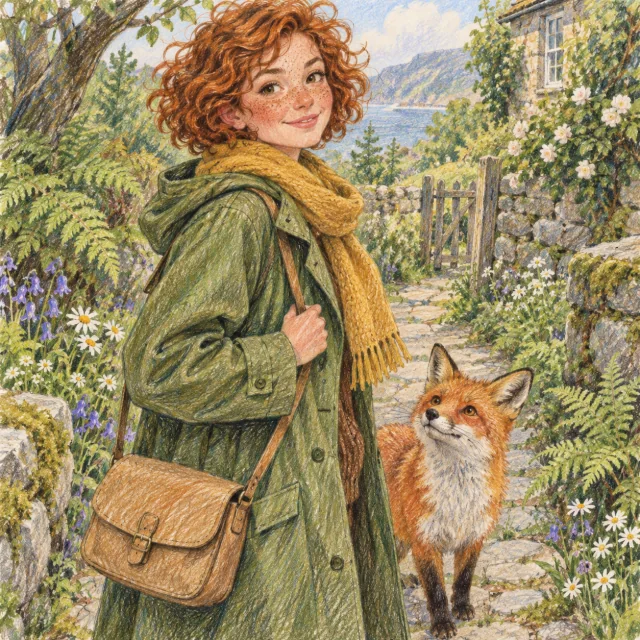
Colored pencil
Layered pencil strokes and a tactile, hand-drawn surface.

3D cartoon
Dimensional characters, soft light and an animated-film treatment.
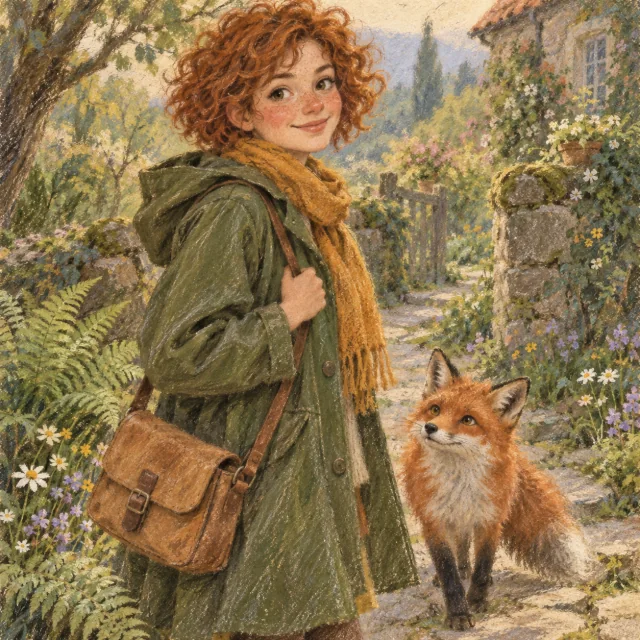
Soft pastel
Powdery color, soft edges and a quiet, atmospheric finish.
Style illustrations show possible visual directions. Other styles may redraw the source rather than only adding color.
Choose a style in the generator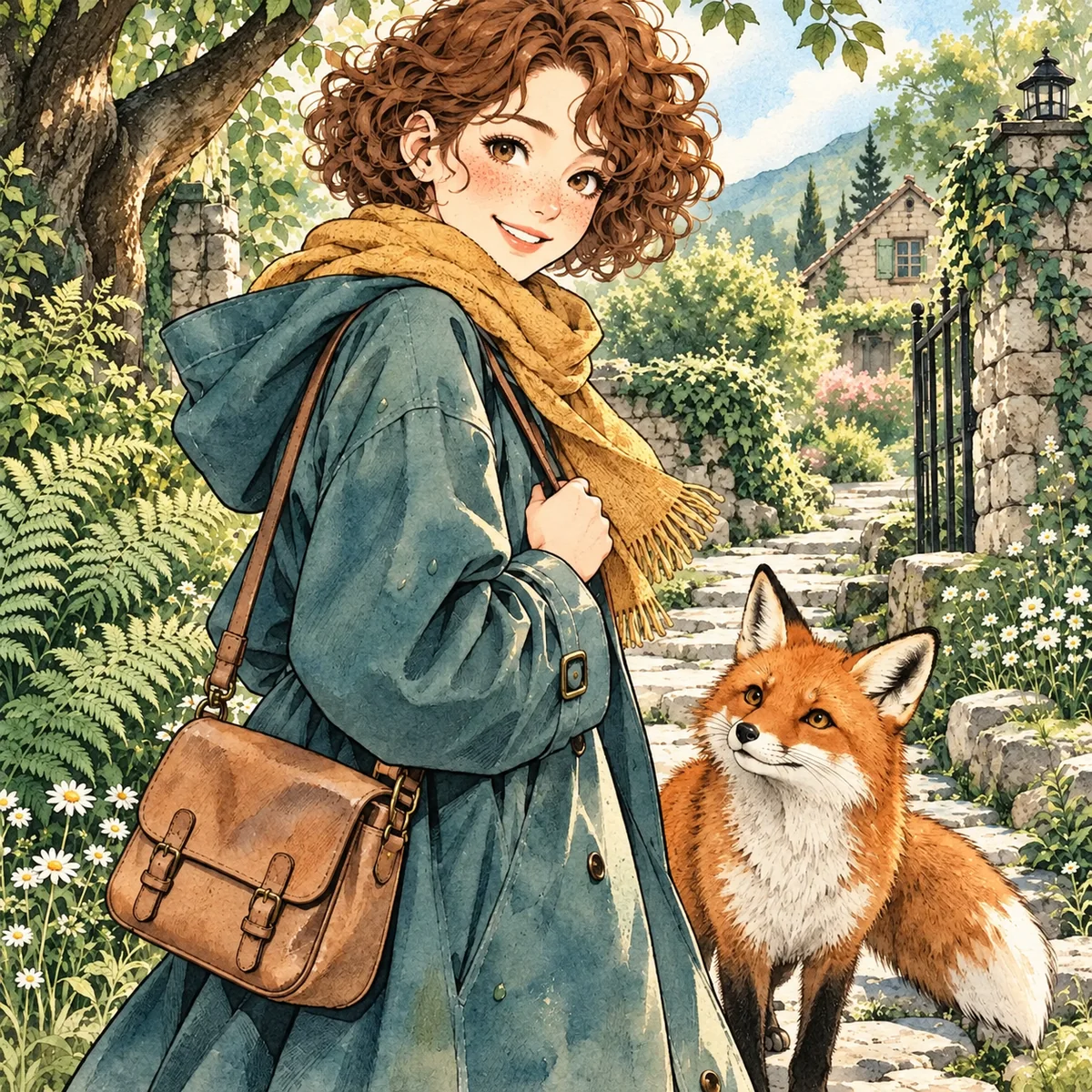
Ink, color and texture
Translucent washes and softly painted texture.
An AI manga colorizer for your existing artwork
Add color to the drawing you have
Use AI to color manga without starting a new drawing. The default Manga colorization style asks the manga colorizer to add color while retaining the composition, characters and black ink. It creates a color interpretation; it cannot recover an artist’s original palette.
Choose the finish you want
Stay with Manga colorization for an ink-led color pass, or open the style picker for watercolor, comic-book, pencil, 3D and more. Other styles can redraw textures and details as they apply a different medium. Each style has its own generation direction.
Review, preview and download
Your result appears beside the upload controls. Open the larger preview to inspect details, then download the colored image. Keep the source file so you can compare fine outlines and lettering, or finish small corrections in your usual image editor.
From panel to palette
How to color manga online in three steps
Upload a clear manga panel
Sign in and add one JPG, PNG or WebP image up to 20MB. Choose a black-and-white panel, a short comic page or your own line art. Start with one uncluttered scene so faces, ink and speech bubbles are easy to review.
Pick a style and quality
Keep Manga colorization selected, or browse another style. Choose 1K for a first pass at 1 credit. Subscribers can select 2K for 4 credits or 4K for 6 credits. Press Colorize Manga; the manga colorizer uses your selected style, with processing time depending on the queue and quality.
Check the color, then download
When the manga colorizer finishes, compare the result with your source at full size. Check hair, skin, clothing, panel edges and every speech bubble. Download the image when you are happy with it, or make a new attempt with a cleaner crop.
Color manga panels while keeping the drawing readable
When you use AI to colorize manga, check what changed alongside the color. The default manga colorizer style asks for the original drawing to stay intact; watercolor, 3D and other treatments can reinterpret it more freely. Use this short review before sharing a result.
Compare ink and panel borders
Look at eyes, hands, fine hatching and the edges between panels. Heavy screentones may become softer or darker after coloring. If a crowded page loses detail, crop one panel and try that instead.
Read every speech bubble
The default coloring instruction asks the AI to preserve existing lettering, leave white bubble interiors and avoid new text. Other art styles may reinterpret more details. Read every bubble and restore altered lettering from the original before publishing.
Check recurring character colors
Review hair, eyes, clothing and distinctive markings against your own reference. Automatic colors can vary between attempts or separate pages. The manga colorizer does not lock a character palette across a chapter or guarantee official colors.
Source drawing / Manga colorization
Use the larger preview to inspect faces, fine lines and the details that make your artwork yours.
Illustrative artwork, not a live result from this tool. Your image and selected style will shape the output.
A sample from our existing manga artwork collection. It illustrates suitable input, not a generated before-and-after result.
What works best in the manga colorizer?
A clean source gives the AI more useful information than a blurry screenshot. Keep an untouched copy, and prepare one image for each attempt.
Single manga panels
Use a crop with clear black lines, visible facial details and enough surrounding context to understand the scene. Avoid browser controls, large empty margins and tiny screenshots. Colored manga panels are easier to inspect when the source stays readable.
Comic pages and short strips
You can use AI to color comic pages saved as a single image. Give each panel enough space to remain legible, and check all frames after generation. Long pages may lose small details when processed as one image.
Original sketches and line art
Export a clean scan or a drawing with a light background. Faint pencil marks and compression noise can confuse the color pass. The sample shown here is black-and-white manga art; your result depends on your own input.
Can you use the manga colorizer for free?
You can colorize manga with free AI credits when your account has eligible gift credits available. Choose 1K and check your balance before generating. Each attempt uses credits, and a new account is not a promise of unlimited coloring or a fixed number of free images.
| Quality | Credits per image | Access |
|---|---|---|
| 1K | 1 | Signed-in users with enough eligible credits |
| 2K | 4 | Subscription required |
| 4K | 6 | Subscription required |
Start with 1K to check the color treatment. Higher quality uses more credits and does not guarantee perfect lettering or palette consistency. If your balance is empty, review the available plans before trying again.
View plans and creditsMake it your own
Use a manga colorizer for a first color pass
Preview your original comic
Color manga pages you are drawing to explore how characters and backgrounds read together. Treat the output as a draft you can revise, especially when a story needs a fixed character palette.
Prepare an illustration study
Try a color interpretation of line art you own, then compare contrast, foreground separation and lighting. An AI manga colorizer can give you a starting point for a more deliberate manual paint-over.
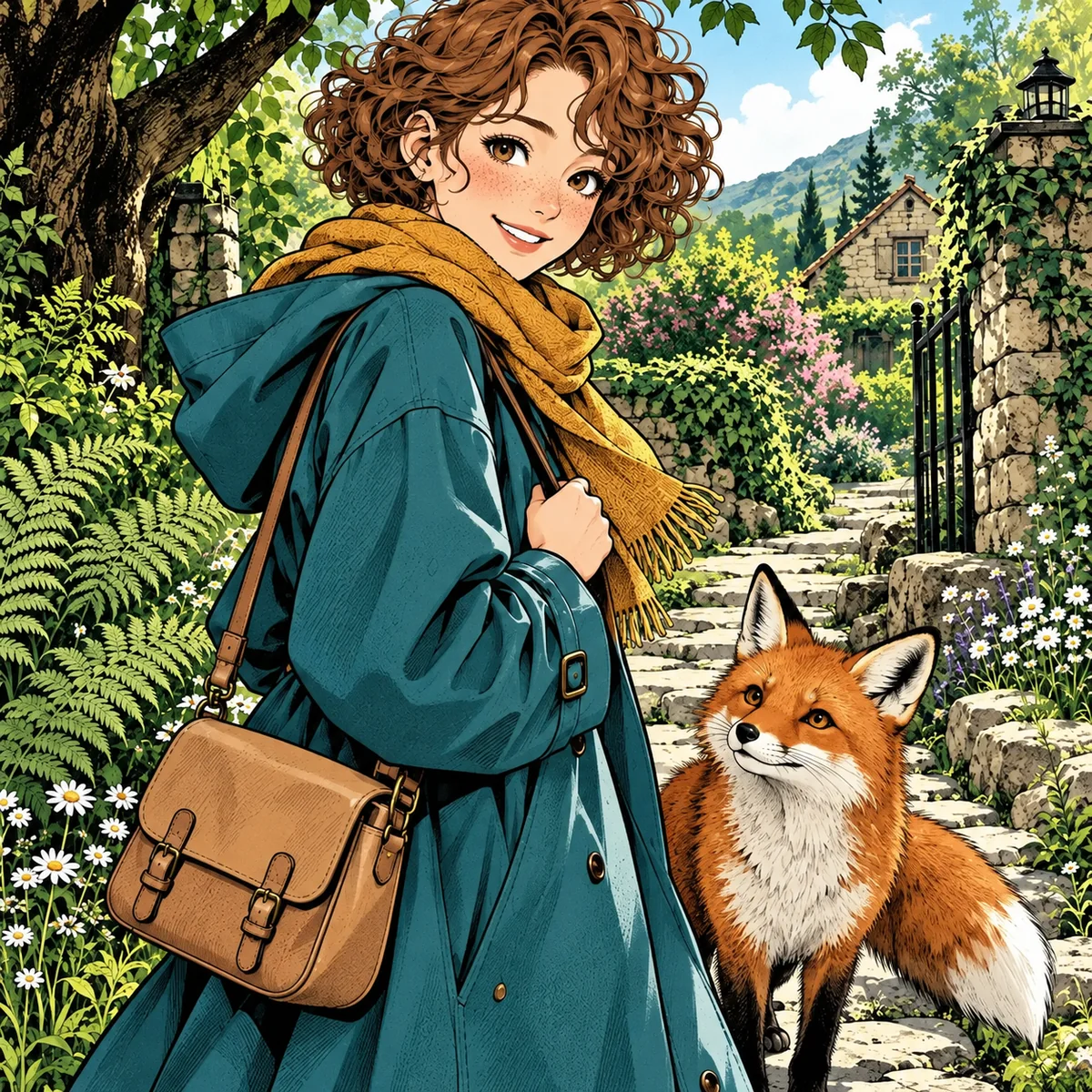
Continue a character workflow
Download a result you like and use it as a reference for later character or story experiments. Separate generations can change colors and details, so keep a reference sheet when consistency matters.
Keep working on your artwork
Anime Reference Sheet Generator
Build front, side and back views or a six-expression study from a character description or one reference image.
Photo to Color Sketch
Turn a photograph into a colored-pencil drawing.
Photo to Cartoon
Explore cartoon and illustrated treatments for photographs.
AI Character Generator
Use a character reference to continue your visual story.
Manga colorizer FAQ
What is an AI manga colorizer?
An AI manga colorizer adds a generated color treatment to an existing black-and-white manga image. It uses the drawing as its input rather than creating a new comic from a text description. Choose classic manga coloring or another visual style; the colors are an interpretation, not recovered original colors.
Can I colorize manga for free with AI?
Yes, if your signed-in account has eligible free credits. The 1K option costs 1 credit per image; 2K costs 4 and 4K costs 6, with a subscription required for both higher quality options. Free-credit eligibility and balance follow your account’s current rules. There is no unlimited free or no-login generation mode.
How do I make a black-and-white manga panel colorful online?
Upload one clear JPG, PNG or WebP, choose a style and quality level, then press Colorize Manga. Review the completed image in the larger preview, compare it with the source, then download it. You do not need to train a model or install a local manga coloring tool.
Will the manga colorizer preserve line art and text?
The default Manga colorization style asks the AI to retain ink lines, panel borders, speech bubbles and existing lettering. Other styles can redraw more of the image. Results can still change fine details or text, so read each bubble and compare the outlines with your original before sharing.
Can I colorize manhwa or webtoon drawings?
You can try a black-and-white manhwa panel or webtoon drawing as an image. For a long vertical strip, crop it into clear scenes before uploading. The output is your own colorized manhwa artwork; this page does not provide a manga reading library or chapters of the series named Colorize.
Can I choose another style or set exact colors?
Yes. Open the style selector to choose watercolor, comic-book, colored-pencil, 3D and other treatments. The manga colorizer chooses a palette within the selected style. It has no color brush, masking control or saved character palette, so it is not a manga line art color changer for precise local edits.
Can I upload a manga PDF or color an entire chapter at once?
This page processes one image per generation. It does not accept PDF or CBZ files and does not batch-process a chapter. Export a page or panel as JPG, PNG or WebP first, then upload it. Each new generation uses the credits shown in the tool.
Which image formats and sizes does the tool support?
Upload JPG, PNG or WebP images up to 20MB. The generator offers 1K, 2K and 4K quality tiers and a downloadable image result. These are output quality choices, not a promise to keep the exact pixel dimensions of your source. Start with the clearest scan available.
Try the manga colorizer on one clear panel
Upload your own black-and-white artwork, start with 1K for 1 credit, and check the result before moving on to the next page.
Colorize My Manga