
Body Shape Visualizer is a photo editor for adults exploring small changes to waist, hip, shoulder and leg width. Upload one photo and request one 1K–4K PNG; the prompt asks for the same face, clothing, pose and background, but details can change. Fast costs 3 credits, with no added visible site watermark; eligible new accounts receive 1 signup credit, which does not cover one preview.
How the body shape visualizer works
Body Shape Visualizer starts with your photograph rather than building a body from numbers. Choose a small adjustment for one or more areas, select image quality and shape, then generate a still preview. The percentages guide an image model; they are not measured centimetres. Compare the result with your original photo and check clothing patterns, facial details and background edges before using it.
1. Choose a full-body photo
Use one consenting adult, facing the camera in fitted, opaque clothing. JPG, PNG or WebP up to 10 MB; 128–2048 pixels per side. Convert HEIC first.
2. Adjust body proportions
Move waist, hip, shoulder or leg-width controls between −10 and +10. Zero requests no change. Positive values request a wider appearance; negative values request a narrower one.
3. Generate and compare
Choose Fast, HD, Ultra HD or Studio and an output shape. Confirm permission, sign in and generate. Review the original beside the result, then download the PNG without another credit charge.
Body visualizer photo comparisons
These photo comparisons illustrate the appearance of local proportion edits, with an original view and an edited view. They are visual references, not measured body scans or forecasts of physical change. Look at the silhouette alongside the clothing and surroundings. Your uploaded photograph and chosen adjustments guide a new image request; likeness, proportions and edge details can vary.
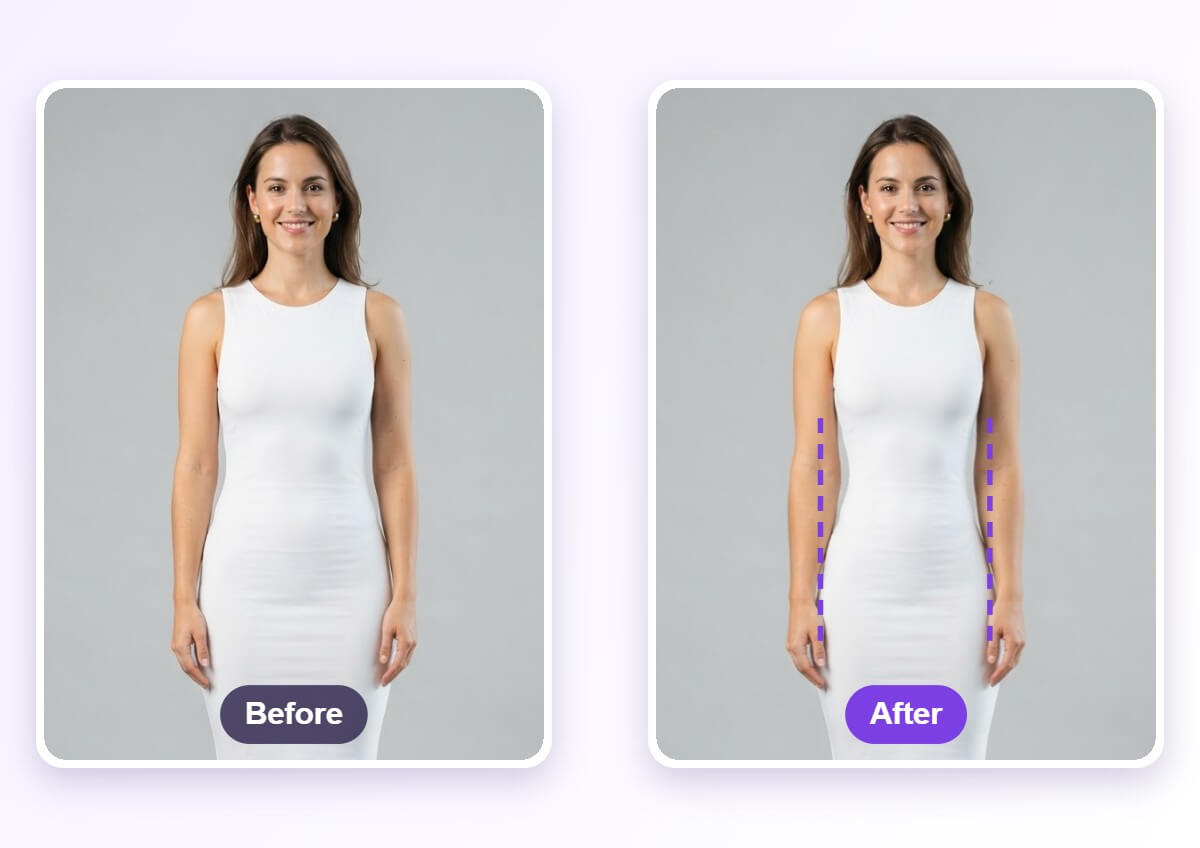
Waist outline in a fitted dress
Original on the left, edited waist on the right. Dashed lines highlight the outline; this is a visual comparison, not a measurement.
Open original view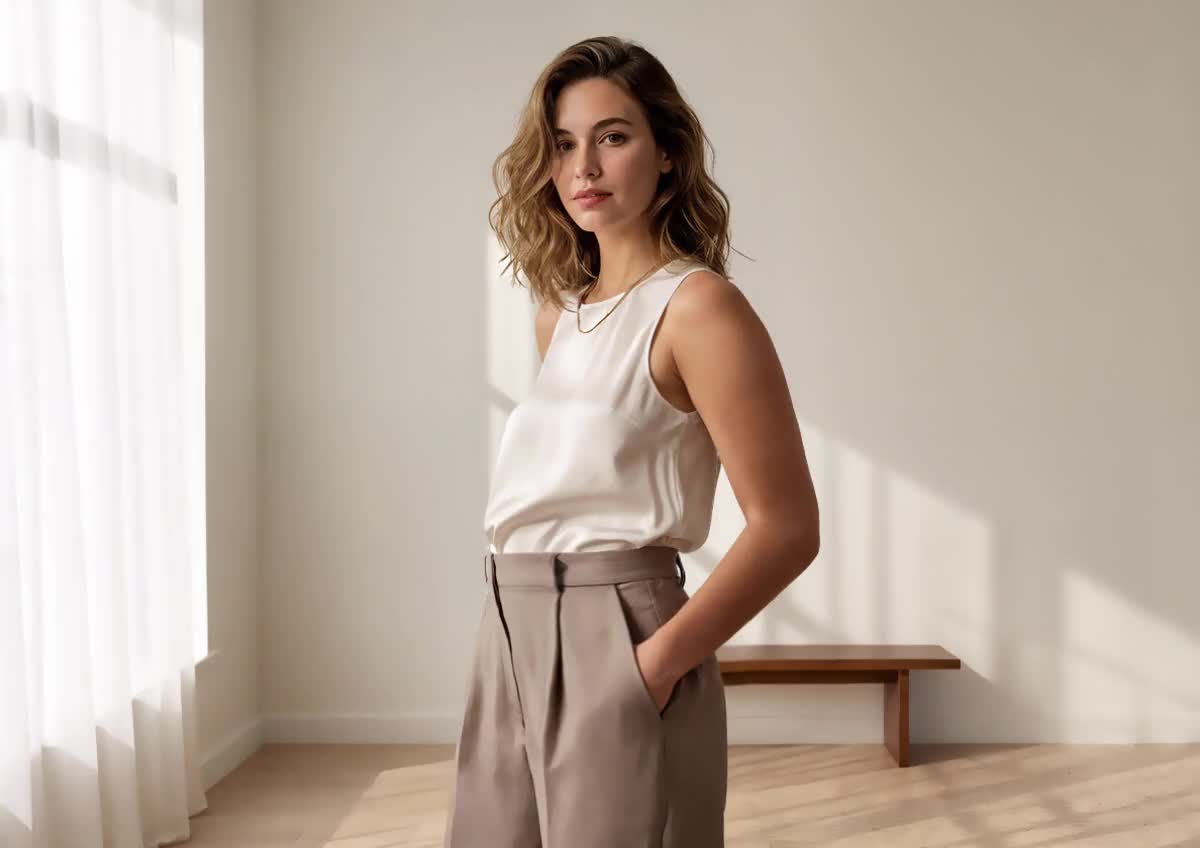
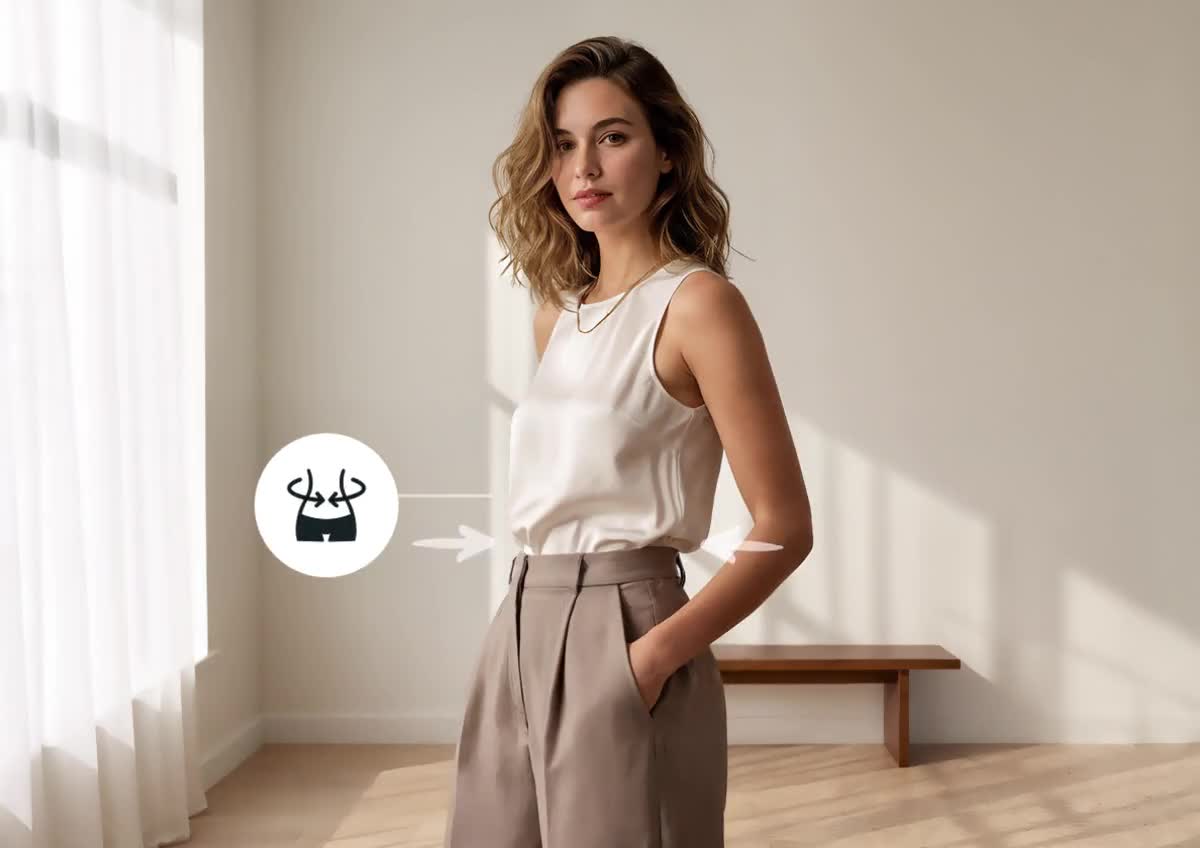
Casual clothing and local proportions
Compare the starting view and edited view of the same outfit. Look at the torso outline and the wall and furniture lines.
Open original view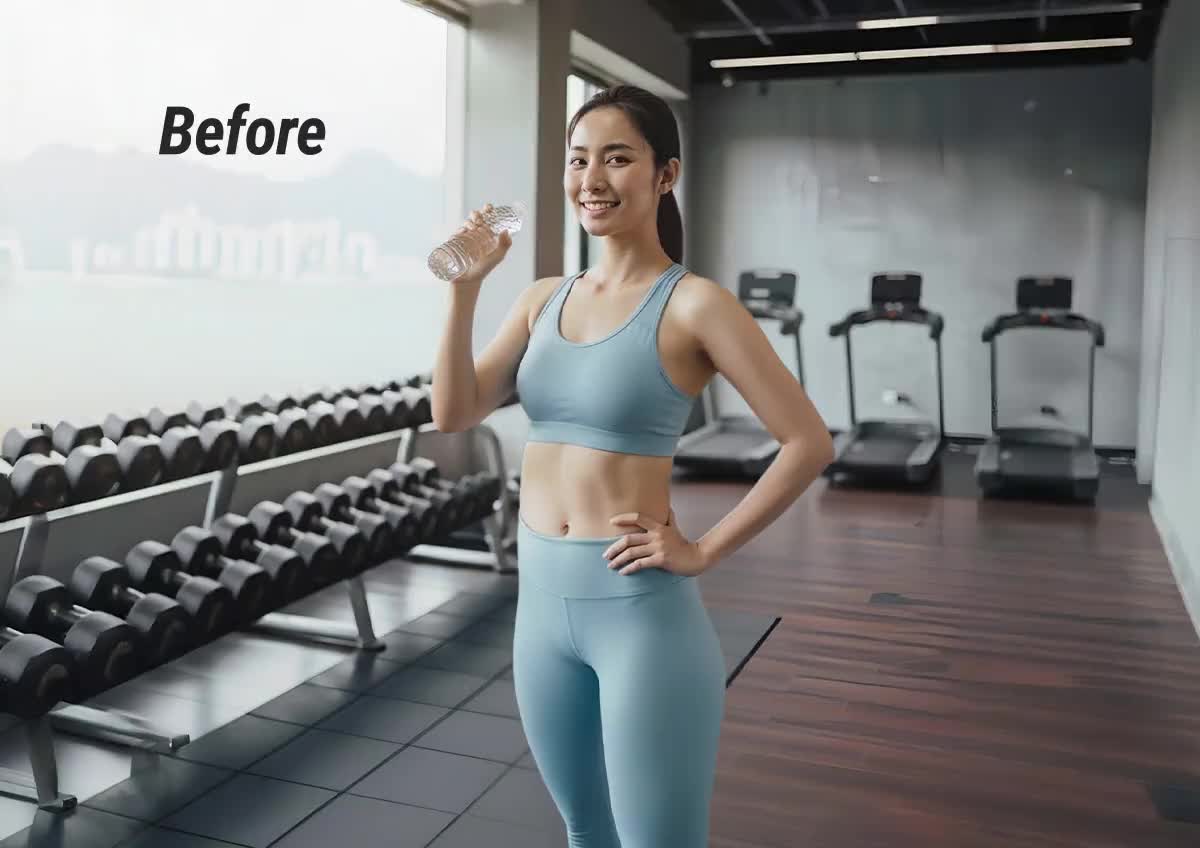
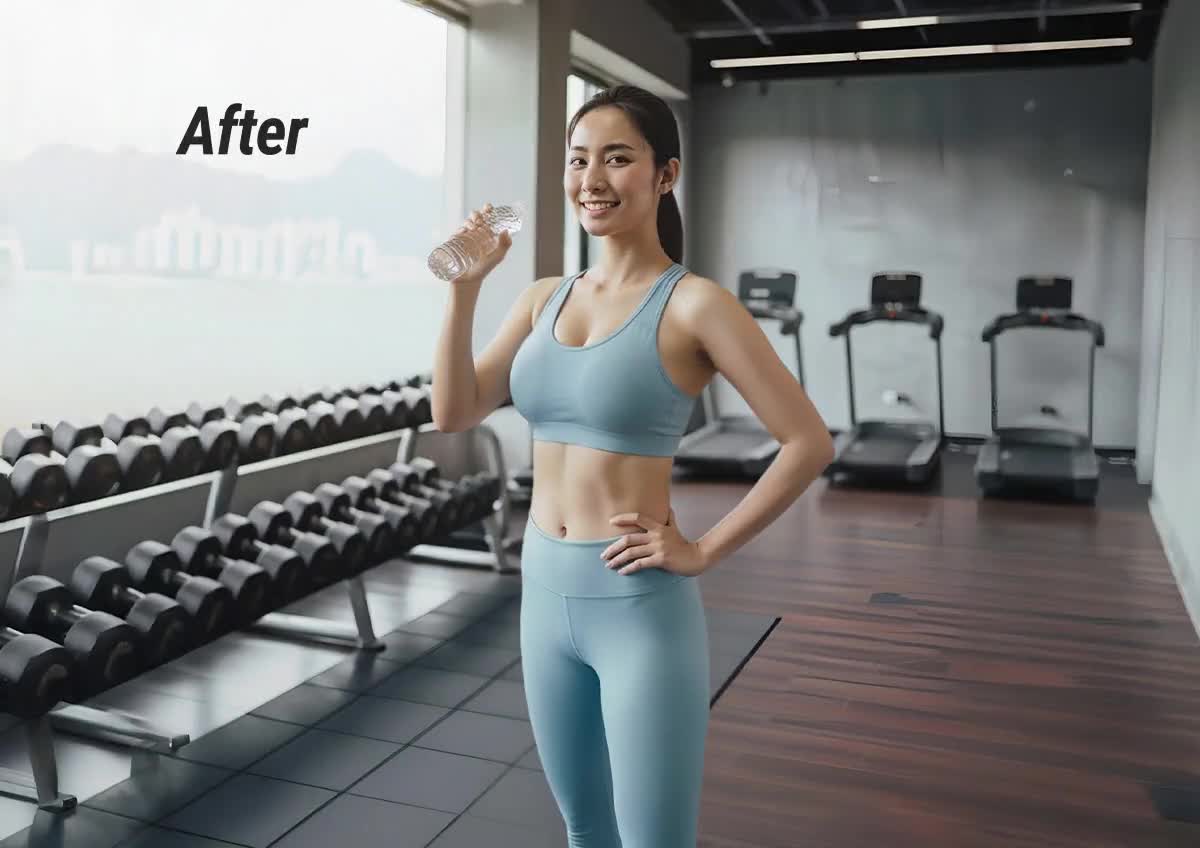
Sportswear proportion comparison
The two images show an original and edited appearance. They do not document real fitness progress or predict a change in body weight.
Open original viewCan I use a body shape visualizer with measurements?
This Body Shape Visualizer edits a photo; it does not convert chest, waist or hip measurements into a calibrated body model. Entering centimetres is not required, and a −5% waist setting is a visual request rather than a promise of a five-percent circumference change. For sewing, clothing fit or physical measurements, use a tape measure and an appropriate measurement-based tool instead of reading dimensions from this image.
Can a body shape visualizer use height and weight alone?
This photo-based Body Shape Visualizer needs an uploaded photograph, not just height and weight. Those two numbers do not determine someone’s waist, shoulders or fat and muscle distribution. The preview does not calculate BMI, body fat or a target weight, and it does not predict a future body. Choose it for an illustrative edit of your own picture, rather than a numeric height-and-weight simulation.
Is this a 3D body shape visualizer for women and men?
This Body Shape Visualizer produces a flat PNG photo preview for adults of any gender; it does not provide a rotatable 3D model, an avatar mesh or a body scan. The controls apply the same way to female and male photos, without assigning an ideal body type. If you need front, side and back dimensions or a downloadable model for design work, a generated photograph cannot supply that information.
Body shape visualizer pricing & credits
Body Shape Visualizer charges for generating one image, while adjusting controls and viewing examples cost no credits. Fast is 3 credits ($1.50 at the trial-pack rate). From zero balance, the $5 one-time trial pack with 10 credits covers three Fast images; existing trial eligibility applies. Eligible new accounts receive 1 signup credit, which does not cover one preview. Other packs and subscriptions have different effective rates. Completed PNG downloads cost no extra credits.
| Quality | Resolution | Credits | Trial-pack equivalent |
|---|---|---|---|
| Fast | 1K | 3 | $1.50 |
| HD | 2K | 4 | $2.00 |
| Ultra HD | 4K | 5 | $2.50 |
| Studio | 2K | 6 | $3.00 |
Resolution labels describe model size tiers; pixel dimensions depend on output shape. Dollar equivalents use the trial-pack rate; other plans differ.
| Feature | Details |
|---|---|
| Signup allowance | Eligible new accounts receive 1 signup credit, which does not cover one preview. |
| Smallest purchase | $5 one-time trial pack · 10 credits; existing trial eligibility applies. |
| Free preview | Choosing a local photo and adjusting settings is free. Creating a new image uses the displayed credits, including any eligible allowance. |
| Paid access | HD, Ultra HD and Studio require paid access. All four options use GPT Image 2.6 Flare on this page. |
| Watermark and export | One PNG with no added visible site watermark. Existing marks in an input are not promised to disappear. |
| Failure and recovery | Confirmed provider rejection, generation failure or a returned image with invalid bytes or incorrect dimensions returns the original credits. An unconfirmed submission is kept for checking. A delivered result awaiting storage is saved again without another generation charge. |
What a body shape preview cannot tell you
A body shape preview cannot measure your body, assess health, select a clothing size or forecast weight loss or muscle gain. The model may alter your face, clothing or straight background lines despite instructions to preserve them. Use only your own or permissioned adult photos, inspect the result closely, and describe edited comparisons as illustrative when sharing. This tool creates one still image, without video, live sliders on the finished image or 3D export.
Body visualizer FAQ
Body Shape Visualizer works through a browser and an online image service. The details below cover access, photo preparation and storage so you can decide what to upload. Signing in links your image request to your account; it does not make a generated preview a measured or verified representation of your body.
Can I use the body shape visualizer online on a phone?
Yes. Use a current phone or desktop browser; no app installation is required. Choose a saved JPG, PNG or WebP and use the same proportion controls. Generation needs an internet connection and an account.
What photo should I upload to the body visualizer?
Choose a clear full-body photograph of one adult in fitted, opaque clothing, with arms slightly away from the torso and a simple background. Use even light and keep the outline visible. These are preparation recommendations, not automatic body-detection checks or a guarantee of the result.
Are my uploaded photo and generated preview private?
Private storage is not guaranteed. Photos use this project’s storage and are sent to its image provider for processing. The website checks account ownership for result previews and downloads, but a person holding a direct storage link may be able to open an image. Automatic deletion and provider training restrictions are not promised.