
Your photo. An animated adventure.
Dream Works AI Generator
Turn your photo into an expressive 3D cartoon character.
Upload a photo for an expressive 3D cartoon look, then explore other styles with the same image. No text prompt needed.
JPG, PNG or WebP · Up to 20MB · Sign-in required · 1K costs 1 credit
DreamWorks is selected by default. Upload a photo and choose any style; no text prompt is needed.
Up to 20MB. Keep the face, hair and outfit clearly visible.
1KQuick drafts for trying ideas.
Your generated image will appear here. Until then, explore these independently created style references.
Explore all 6 examplesYour photo is uploaded for AI processing. Privacy Policy
THE STYLE, IN PICTURES
A little attitude. A whole new world.
From a knowing smile to a moonlit adventure, explore six ways expressive 3D characters can come to life.
Personality & expression
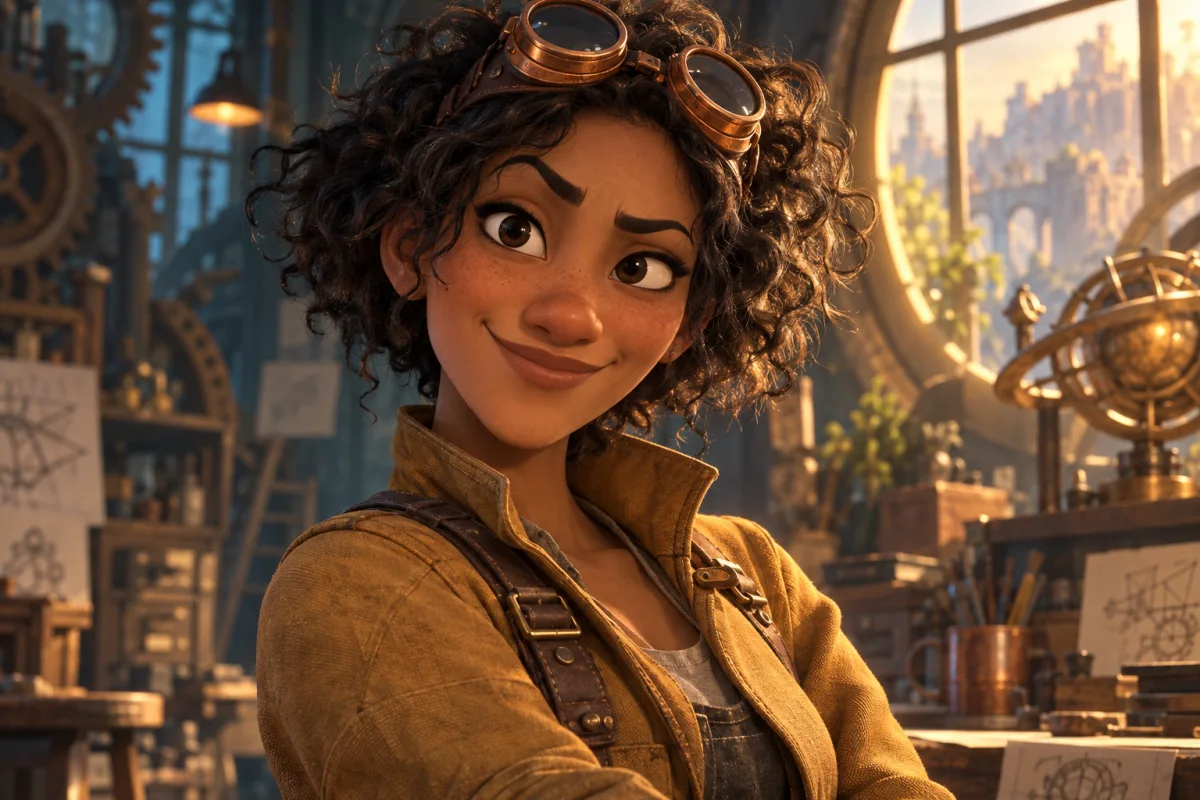
The expressive inventor
A lifted eyebrow and a lopsided smile do the storytelling. Sculpted curls and warm rim light give the portrait depth.
Pets with personality
The skeptical sidekick
An uneven pair of ears and a sideways glance make a familiar pet feel like a character with an opinion.
Silhouette & attitude
The rooftop adventurer
Swept hair, an angled pose and a confident grin create an adventurous silhouette. Sunset colors frame the face.
Shape & tactile detail
The gentle forest giant
A broad silhouette contrasts with a tiny butterfly. Soft fur and a curious expression make a fantastical creature feel approachable.
Character chemistry
An unlikely friendship
Two different shapes share one small moment. The mechanic’s expression and the robot’s tilt carry the scene.
Cinematic atmosphere
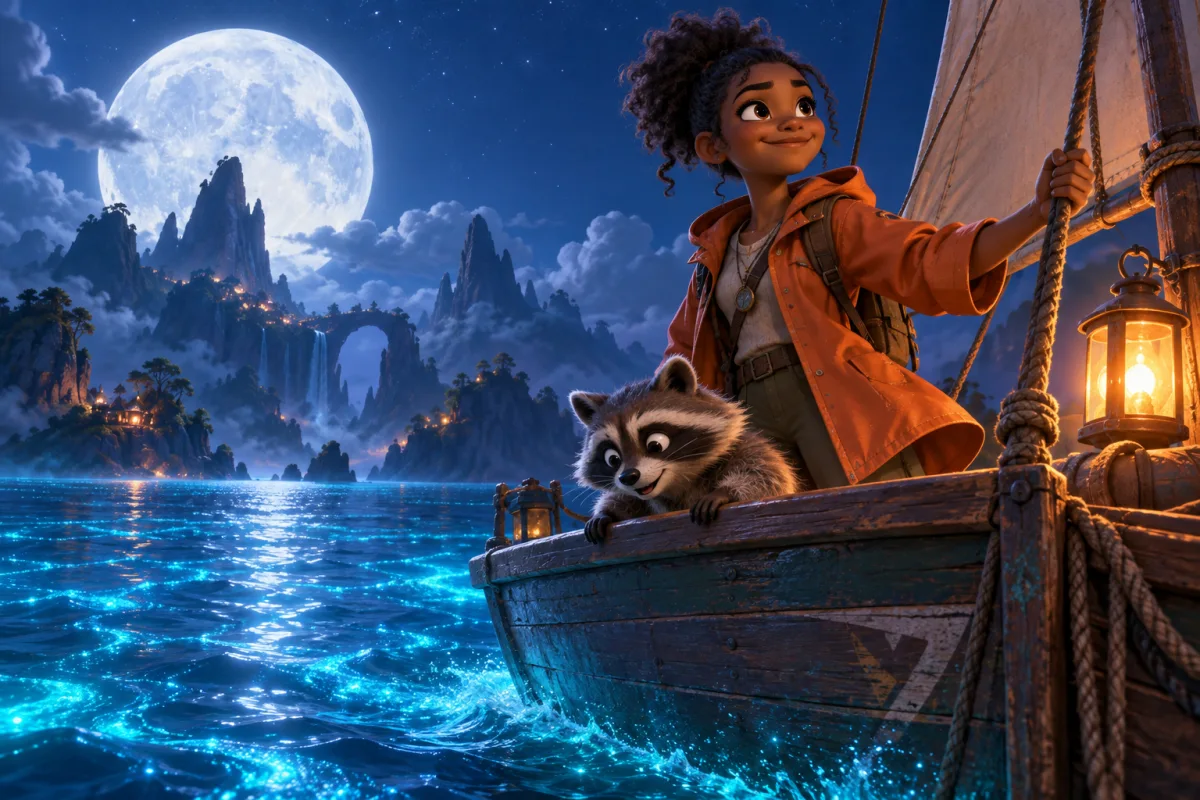
A moonlit voyage
Cool moonlight meets a warm lantern. Foreground characters, glowing water and distant islands build a world around the portrait.
AI-generated style studies, created separately as visual references. Your result depends on your photo and the selected style.
UNDERSTAND THE LOOK
What does “DreamWorks style” look like?
DreamWorks Animation is a studio with many visual languages. On this page, the name describes an expressive 3D adventure-comedy look: characters with personality, readable shapes and cinematic light.
Expressions with a point of view
A raised brow, a crooked smile or a skeptical glance gives the character a feeling you can read immediately.
A silhouette you can recognize
Strong shape contrasts and slightly exaggerated proportions make the pose clear, even before you notice the details.
Touchable, sculpted surfaces
Clumps of fur, strands of hair and woven clothing give simplified forms a convincing three-dimensional finish.
Light that sets the scene
Warm highlights, cool shadows and layered backgrounds turn a character portrait into a moment from an adventure.
One studio. Different visual worlds.
The studio’s films take different approaches. Our examples focus on dimensional 3D character art; these filmmaker interviews explain some of the broader visual range.
The Bad Guys
Graphic poses, face linework and 2D effects give its CG characters an illustrated quality.
Pierre Perifel on the visual stylePuss in Boots: The Last Wish
Painterly surfaces and pushed poses help create the feeling of a living fairy-tale illustration.
Joel Crawford on the painterly lookThe Wild Robot
Hand-painted environments bring loose color and visible artistic texture into the film’s wilderness.
Chris Sanders on the painted worldWant to take your photo in another direction?
Start with DreamWorks, or keep the same photo and explore a different look. Open Art style in the generator to search, preview and choose from all 50 styles.
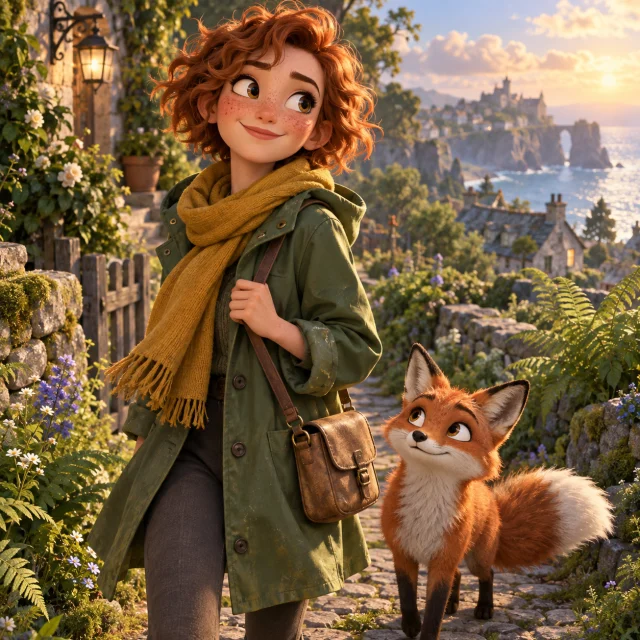
DreamWorks
Playful facial acting, shaped silhouettes, detailed hair and dramatic rim lighting for an adventure-comedy feel.

Pixar 3D
Rounded cartoon forms and soft shading for a gentler, polished 3D character treatment.
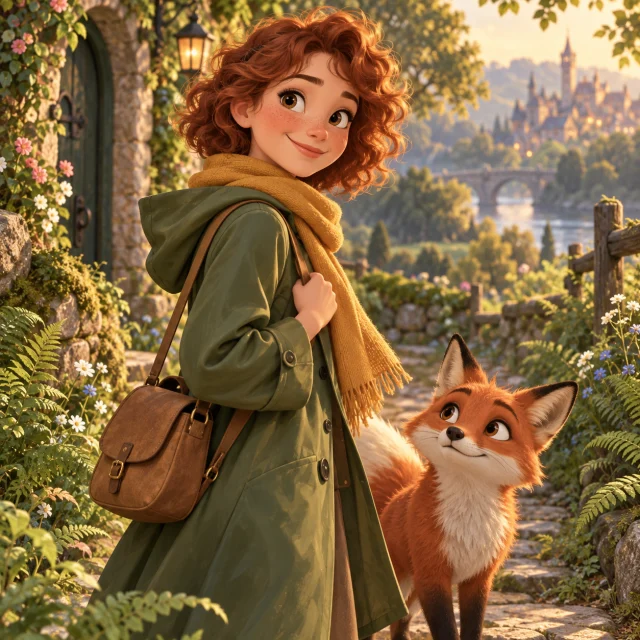
Disney Style
Flowing shapes, warm highlights and a fairy-tale palette for a storybook atmosphere.
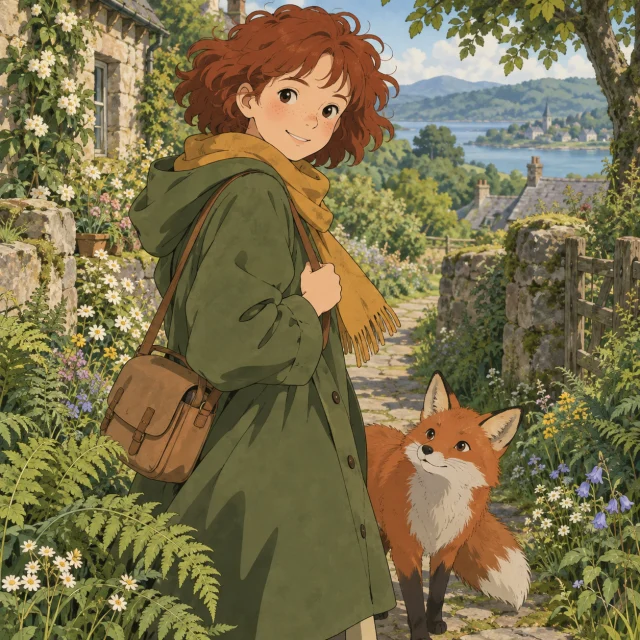
Studio Ghibli
Hand-painted scenery and softer 2D shapes for quiet, nature-filled illustrations.
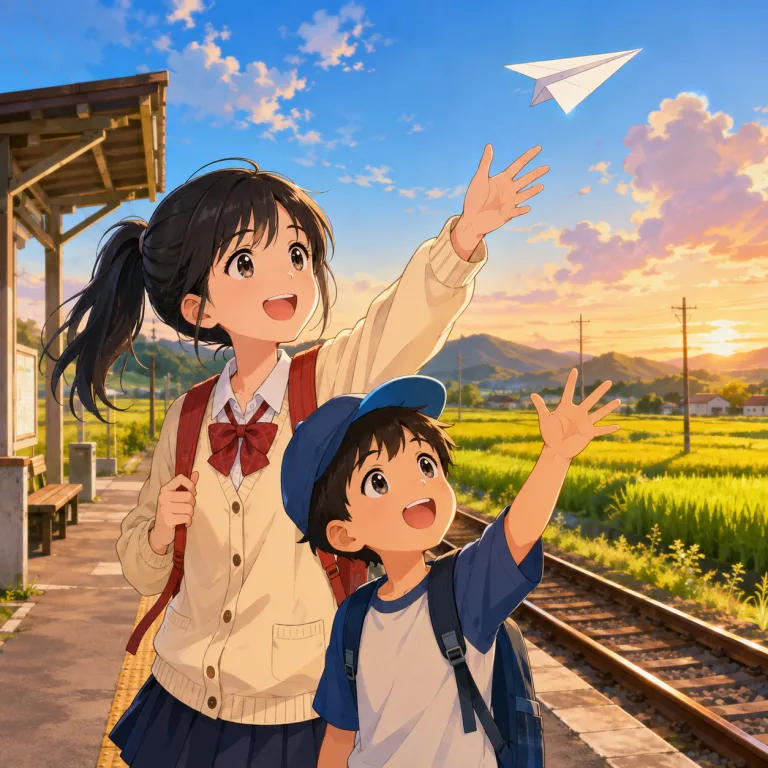
Anime
Expressive eyes, clean lines and painted backgrounds for a drawn animation look.

Marvel Comic
Bold ink, saturated colors and halftone shading when you want a comic-book finish instead.
AI-generated style illustration. This is a preview of the look, not a before-and-after result from an uploaded photo.
Changing a style keeps your uploaded photo. It changes the next generation; it does not alter an existing result. Each new image uses credits.
Explore the stylesHow to use the DreamWorks AI generator
1. Upload a photo you want to restyle
Choose a clear JPG, PNG or WebP file up to 20MB. A well-lit face with visible hair and clothing gives the generator useful details. For a pet, keep the eyes, ears and coat markings in view.
2. Choose your style and quality
Use DreamWorks for an expressive 3D cartoon look. To try something else, open Art style, preview a preset and confirm your choice. Select 1K, 2K or 4K and check the displayed credit cost.
3. Generate, review and download
Sign in with enough credits, generate your image and wait for the result. Check the face, hands, clothing and background before downloading. Keep your source photo to compare another style; a new generation costs credits again.
What can you make with a DreamWorks-style photo?
Your reference supplies the subject, pose and setting. The selected style changes how they are rendered, giving familiar photos a different visual treatment.
A character portrait for your profile
Restyle a selfie or portrait with sculpted features and lively cartoon expressions. Use a close, uncluttered reference, then check whether the face is still recognizable at avatar size.
A playful portrait of your pet
Try a clear photo of your cat, dog or another animal. The style can exaggerate expression and shape, so compare the ears, muzzle and distinctive coat markings with your original.
An illustrated memory or scene
Give a travel photo or an outdoor moment an animated-film feel. The generator restyles the background along with the subject; choose a source that already contains the composition you want.
Which photos give the clearest cartoon likeness?
A style change can simplify a face or exaggerate its proportions. Start with details the model can see, then judge the output against your source instead of expecting an exact copy.
Continue with a consistent characterKeep the important details visible
Choose an evenly lit photo with a visible face and a clear outline. Avoid heavy blur, a face hidden by accessories, or a tiny subject in a crowded scene. Include the outfit if its colors and shape matter.
Compare the whole image
Check face shape, eyes, hairstyle, fingers and clothing as well as the background. For groups, inspect each person separately. The preset transforms the whole scene, so small details and exact likeness may change.
Keep one approved character reference
If you want more scenes, download a version you like and reuse it in the consistent character generator. Keeping the same reference makes comparisons easier, but every new scene still needs a visual check.
A cartoon image, ready for your next idea
This page creates one static image from your photo. It does not produce a 3D model, an animated movie or a scene with a selectable film character. The DreamWorks preset describes an animation-inspired look; it does not guarantee an exact character or face match. Use the character tools below when you want to describe a new design or continue into another scene.
Dream Works AI generator questions
What is the Dream Works AI generator?
This independent photo-to-art tool turns an uploaded image into expressive 3D character art. DreamWorks Animation has a range of film styles; this preset focuses on sculpted shapes, lively facial expressions and cinematic lighting. You can also select another art style. The tool is not an official DreamWorks Animation product.
What photo works best for the transformation?
Start with a clear, well-lit portrait with the face, hair and outfit visible. Pet photos and wider scenes can also be used. Blurry faces, tiny subjects and heavy obstructions give the generator less detail to work with. Upload a JPG, PNG or WebP file up to 20MB.
Can I turn myself into a specific DreamWorks character?
The preset applies an overall 3D animation look. This workbench has no Shrek, Kung Fu Panda or other film-character selector, and it does not guarantee a particular costume or character likeness. Your photo supplies the subject and pose. Use Create Character for a new design described in your own words.
Can I choose other styles besides DreamWorks?
Yes. Open Art style to search, browse categories or enlarge a preview, then confirm with Use this style. Choices include Pixar 3D, Disney Style, Studio Ghibli, Anime, Marvel Comic, Watercolour and more. Your uploaded photo stays in place; generating the next version uses the newly selected style and costs credits.
How many credits does an image cost?
A 1K generation costs 1 credit, 2K costs 4 credits and 4K costs 6 credits. For 2K and 4K, you also need an eligible subscription or unexpired paid credits. Check your balance and the selected quality before generating. Every additional version uses credits; this page does not offer unlimited free generations.
Do I need an account to generate an image?
Yes. You can browse the page and style gallery first, but you must sign in and have enough credits to generate. Your photo is uploaded for AI processing. See the Privacy Policy for information about how uploads and account data are handled.
How long does generation take?
Timing varies with the selected quality, service load and any queue shown in the workbench. The tool displays progress while the task runs. If a request takes longer than expected, check the task and your balance before starting another attempt.
What resolution can I choose?
The workbench offers 1K, 2K and 4K quality tiers, with the cost shown next to each option. Higher tiers need paid access. These are image-generation quality settings, not a guarantee of exact facial detail or a fixed print size. Preview the finished image before downloading or using it in a larger project.
Keep creating with your character
See your photo in a new animated world
Start with DreamWorks or compare another style from the gallery. Pick your quality, check the credit cost, and create an illustration from your own photo.
Create my cartoon