
T-Shirt Mockup Generator requests still product previews from your artwork, with model, flat-lay or hanger scenes in a desktop or mobile browser. The prompt asks for the design to follow the fabric, and results vary; one 3:4 PNG costs 5–9 credits at 1K–4K. New accounts currently receive 1 signup credit, below the 5 needed for one Fast mockup; the $5.00 trial pack contains 10 credits, with no visible site watermark or separate download fee added.
How to create a t-shirt mockup
Upload your existing artwork, choose a photographic scene and select an image quality. A transparent PNG is useful when you want only the graphic printed, without a rectangular background. The model receives the design and a scene prompt; it is asked to preserve the artwork, but lettering and placement can change. Inspect the result before downloading or publishing.
1. Upload your design
Use a clear PNG, JPG or WebP of artwork you have permission to use. A transparent PNG helps avoid an unwanted white rectangle.
2. Choose the scene and quality
Pick On model, Flat lay or Hanger. Choose Custom for your own scene, shirt color or print placement, with an optional reference image.
3. Generate, check and download
Sign in and generate one PNG. Check every letter, print position and garment detail before downloading; results vary by image and model.
T-shirt mockup examples: artwork and scenes
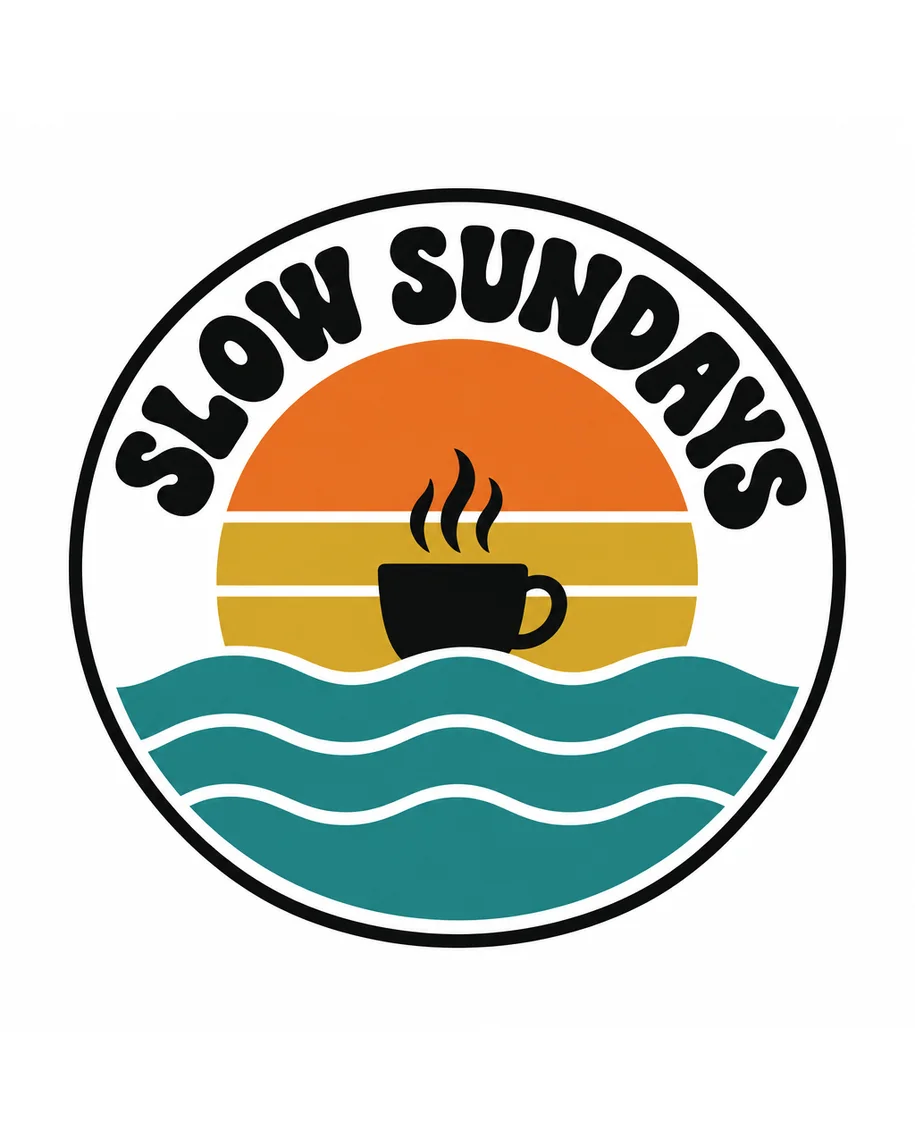
These three pairs show one circular SLOW SUNDAYS design beside an on-model, flat-lay or hanger product image. Compare the print size, fabric folds and framing across the scenes. They illustrate different ways to present the same artwork; the generator returns a new image rather than an editable template, and its result can differ from these examples.
Artwork
Mockup
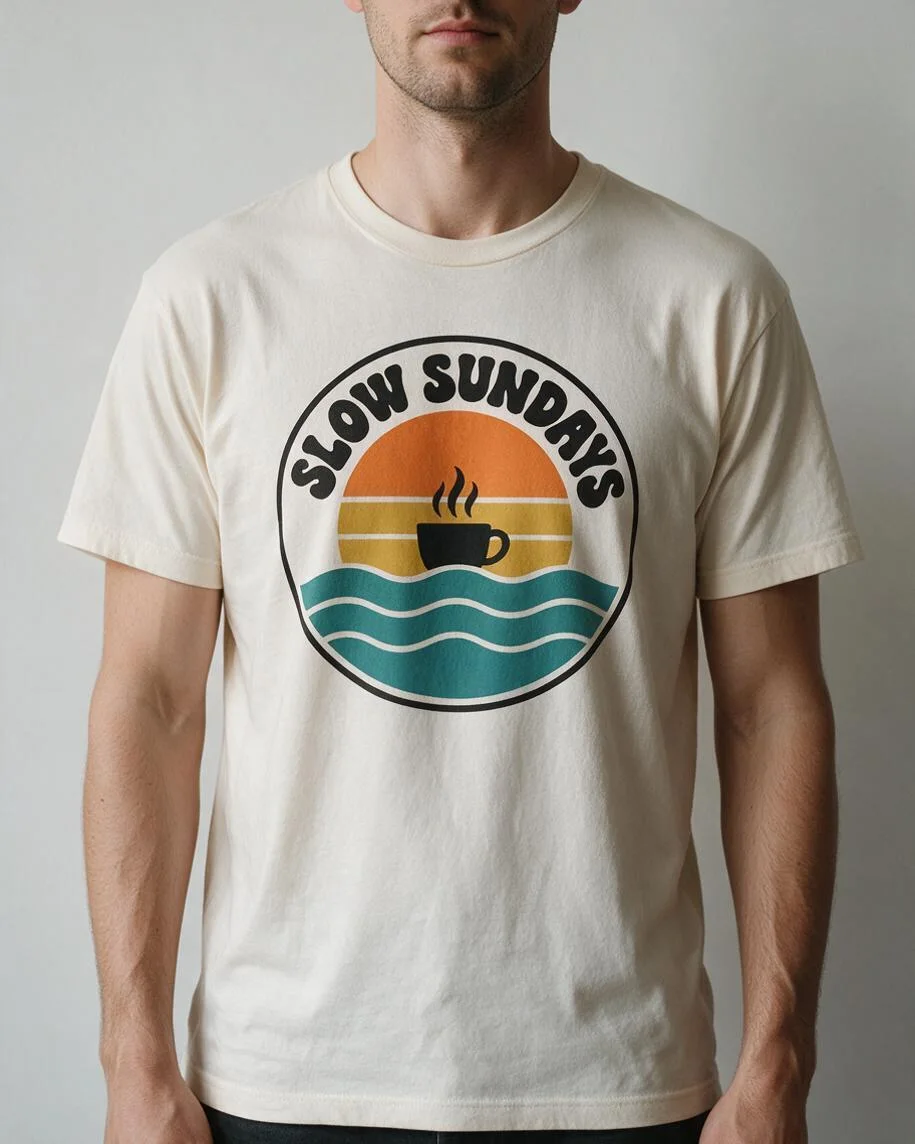
On-model t-shirt mockup
The circular SLOW SUNDAYS graphic shown on a T-shirt worn by a model.
Artwork
Mockup
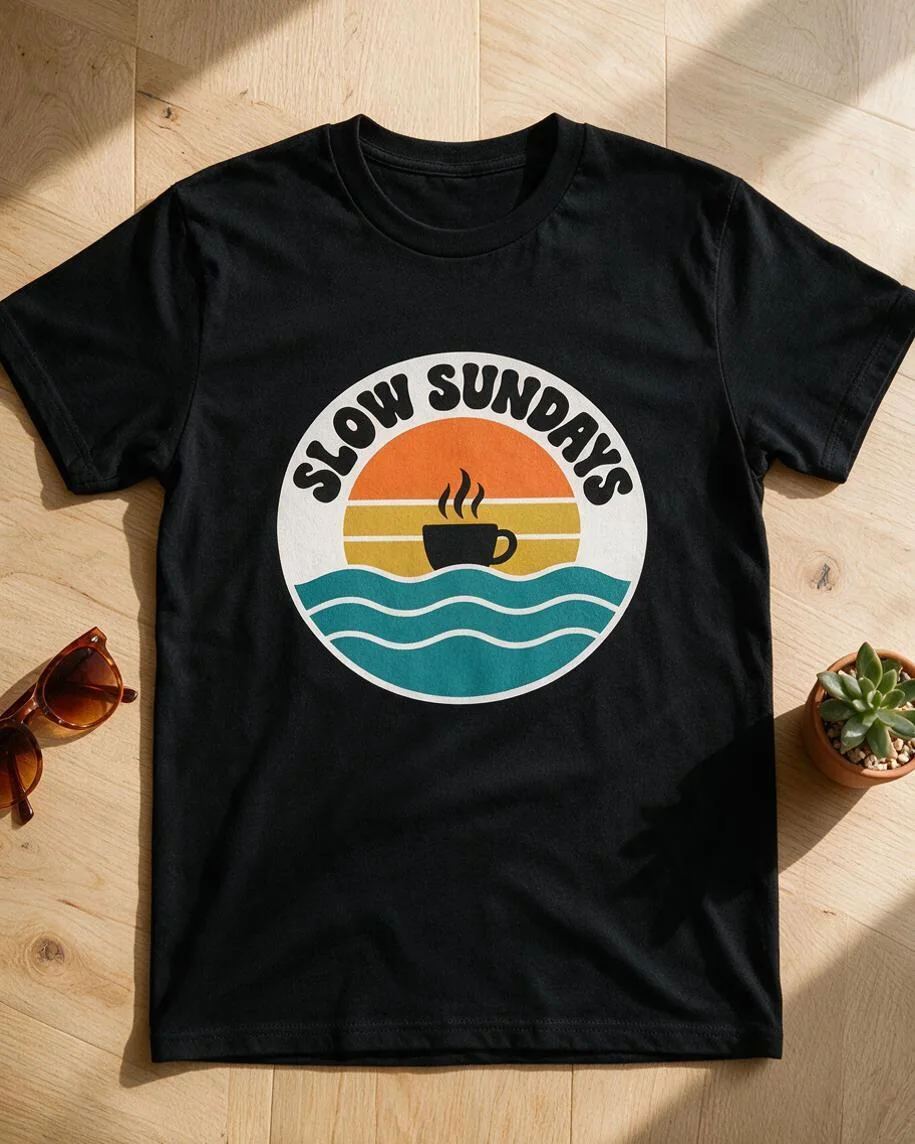
Flat-lay t-shirt mockup
The same circular graphic shown on a T-shirt laid out as a product photo.
Artwork
Mockup
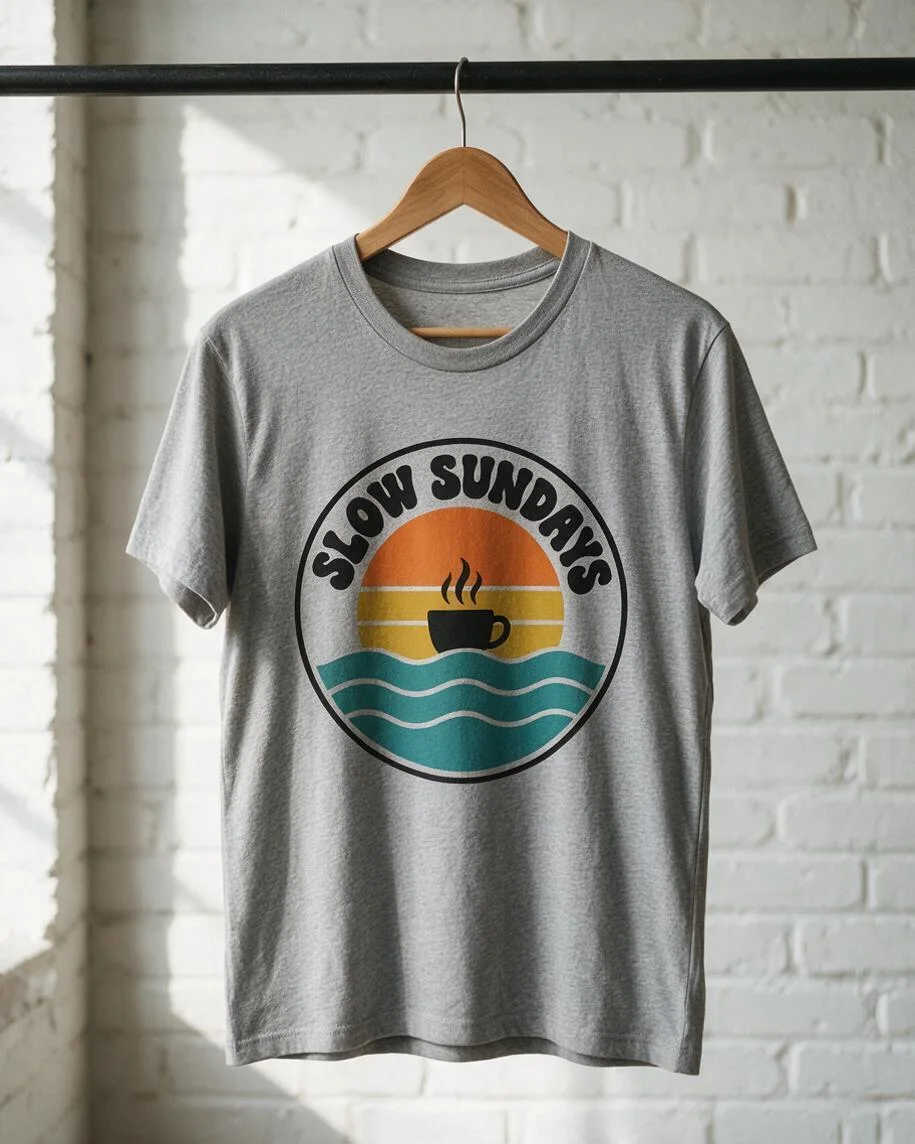
Hanger t-shirt mockup
The circular graphic shown on a hanging T-shirt.
Is this t-shirt mockup generator free without a watermark?
T-Shirt Mockup Generator is not free with the current signup gift. New accounts currently receive 1 signup credit, below the 5 needed for one Fast mockup. One image costs 5–9 credits, depending on quality. The $5.00 trial pack contains 10 credits. Downloads have no added visible site watermark and no separate download charge. Sign in before generating; unused signup credits do not renew daily.
How do I create front and back t-shirt mockups?
T-Shirt Mockup Generator offers front and back previews as two separate images: upload the front design first, then the back design for a second generation. Choose Custom and describe the print position, shirt color and scene for each view. Each image uses its own credits. The prompt asks for your chosen details, but separate generations can change the model, shirt fit or colors; review both before using them together.
Is this a 3D t-shirt mockup generator?
T-Shirt Mockup Generator outputs a still PNG image, not a rotatable 3D garment. You can request a dimensional product-photo look in Custom, but the result remains a flat image with a fixed viewpoint. There is no 3D model, turntable animation or video export. For a front and back presentation, make two separate images and check their visual consistency yourself.
T-shirt mockup pricing and credits
Each generation makes one fixed 3:4 PNG and costs 5, 7, 8 or 9 credits. The $5.00 trial pack contains 10 credits. At that pack rate, a Fast image is equivalent to $2.50; this is a credit conversion, not a separate single-image purchase. The optional Custom reference is included in the listed price. Downloads do not use additional credits.
| Quality | Output | Credits | Trial-pack equivalent |
|---|---|---|---|
| Fast | 1K · 3:4 PNG | 5 | $2.50 |
| HD | 2K · 3:4 PNG | 7 | $3.50 |
| Ultra HD | 4K · 3:4 PNG | 8 | $4.00 |
| Studio | 2K · 3:4 PNG | 9 | $4.50 |
| Feature | Details |
|---|---|
| Signup gift | New accounts currently receive 1 signup credit, below the 5 needed for one Fast mockup. |
| Trial credit pack | The $5.00 trial pack contains 10 credits. |
| Downloads | PNG download is included in the generation price. |
| Visible watermark | No visible site watermark is added. |
| Account | Sign in to generate and retrieve your own results. |
| Daily allowance | There is no recurring daily gift. |
| Failed generation | Failed generation tasks return their charged credits. |
| Storage | Uploads and results use this site’s storage. Anyone holding a direct storage link may be able to open it; avoid uploading confidential designs. |
What this t-shirt mockup generator cannot guarantee
The prompt asks the model to retain your artwork and place it on fabric; it cannot guarantee exact lettering, logo geometry, colors or print dimensions. This is not a garment-specific proof for Bella+Canvas, Gildan or Comfort Colors blanks. Separate views may show different people or fits. You receive a still PNG, not a sewing pattern or production-ready print file. Check a physical sample before making manufacturing decisions.
T-shirt mockup FAQ
Use an existing design that you are allowed to upload, and choose a clean file for the print area you want to show. A mockup is a product preview rather than a manufacturing proof. The questions below cover artwork preparation, downloadable files, sublimation previews and commercial use of your own designs.
What should I upload for a t shirt logo mockup?
Upload a clear PNG, JPG or WebP, up to 10 MB and 2048 pixels on its longest side. Use a transparent PNG if only the logo should be printed. Check small lettering in the output, because the image model may redraw it.
Can I download a t-shirt mockup PSD or print file?
The download is a flattened PNG product preview. It does not include a layered PSD, smart object, vector artwork or print-ready separation. Keep your original design file for printing.
Can I make a sublimation t-shirt mockup?
Use Custom to describe an all-over or sublimation-style print and upload your design. The prompt asks for that appearance, but the result is a visual preview, not a measured wrap or a sublimation production template.
Can I use a mockup for my store or advertising?
Use only artwork and reference images you have permission to upload and publish. A generated mockup does not clear third-party rights or confirm a marketplace’s listing requirements. Review the image and the terms that apply to your design before commercial use.