
Upload one solo photo to add a fictional adult husband beside you; no partner photo is needed. The edit aims to retain your appearance and scene, though details can change. A 1K image costs 5 credits ($2.50 at the $5/10-credit pack rate); 1 signup credit, fewer than the 5 needed for one Fast photo. Sign in to generate and download a watermark-free PNG.
How to add a husband to your photo with AI
Start with one solo adult photo and choose a companion style. The model adds a fictional man while being instructed to retain your face, outfit and original setting. Your photo is the only required image; Custom lets you describe his look without supplying a male face. Review the completed picture before downloading or sharing it.
1. Upload your solo photo
Pick a sharp photo with your face visible and space beside you. Use a photo you have permission to edit.
2. Choose his look
Pick Casual, Matching outfit or Close together. Choose Custom for a required description and optional clothing or style reference.
3. Generate and compare
Check the displayed credit cost, sign in and generate. Compare your face and hands with the original, then download one PNG.
AI husband photo generator examples
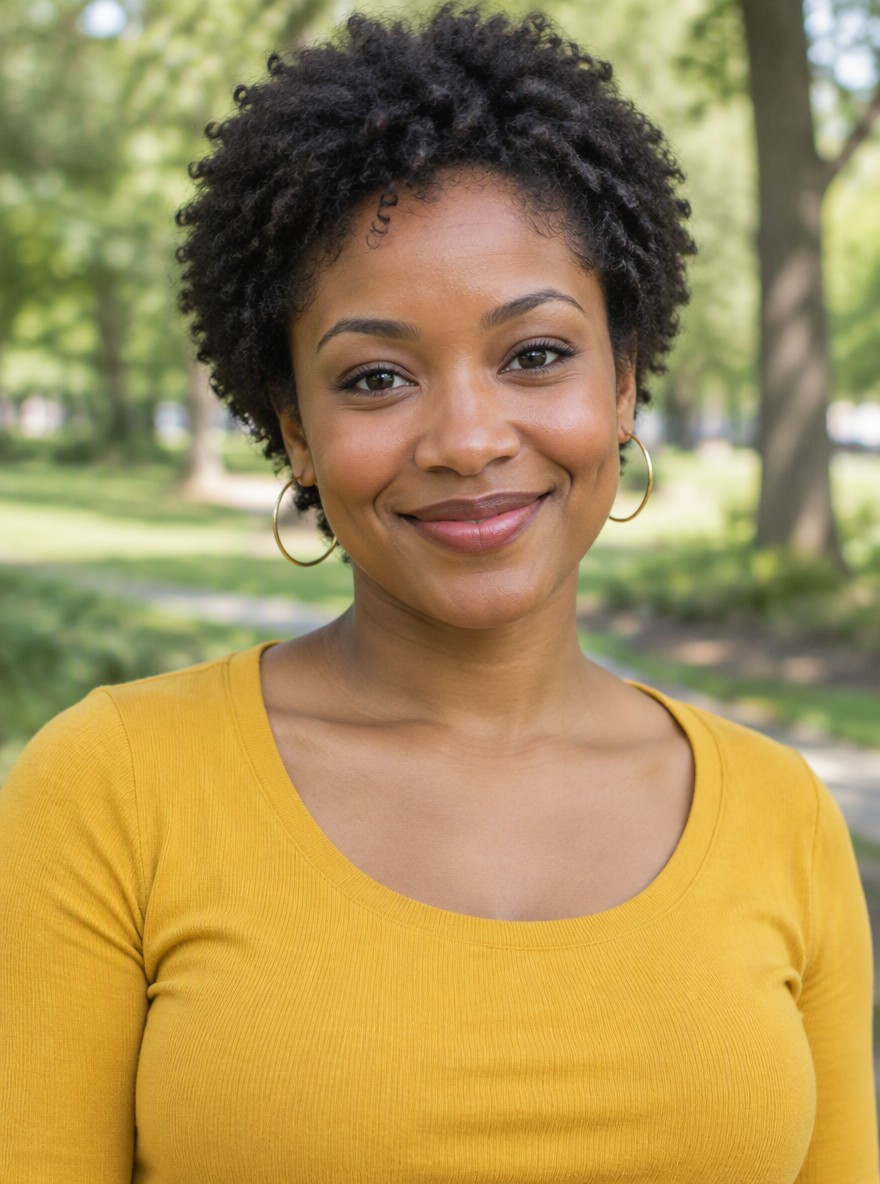
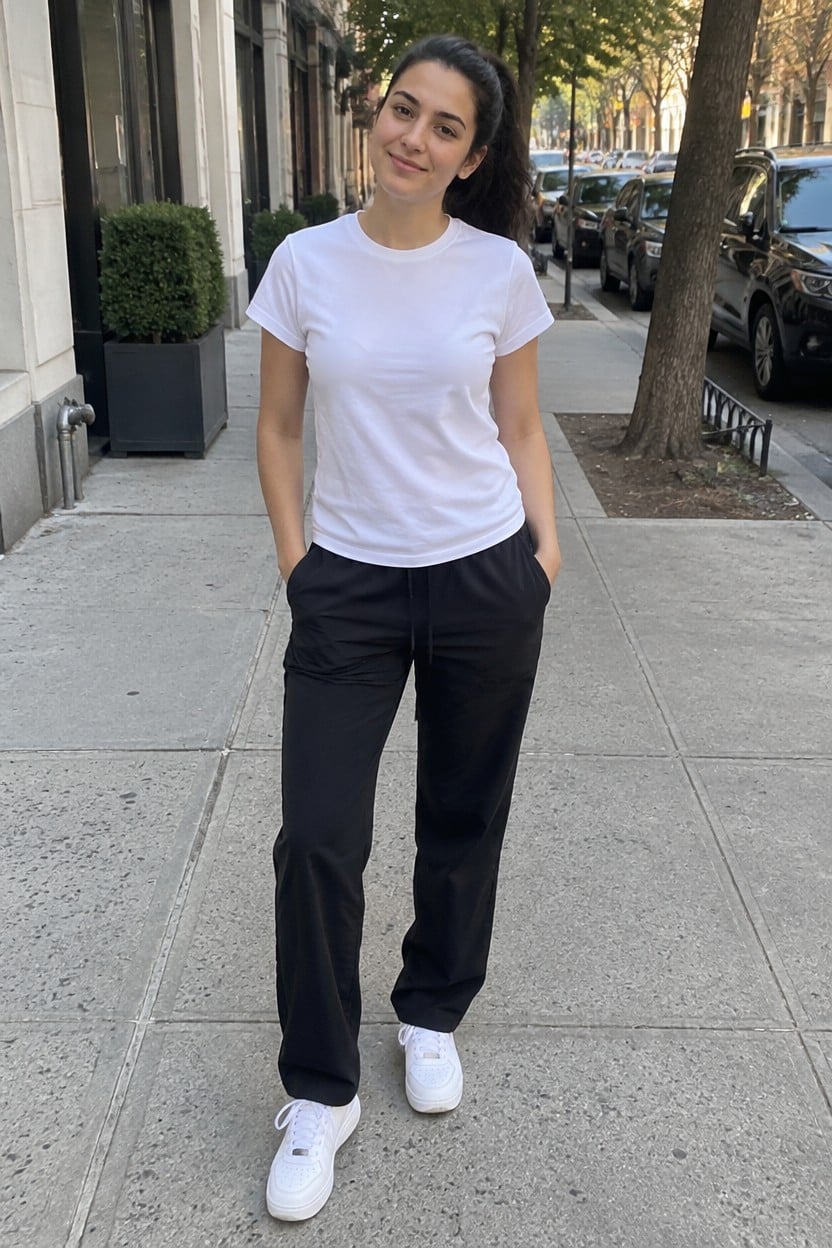
These before-and-after pairs show the intended edit: one adult in a solo photo becomes two people in a couple photo. The original portrait sits beside the result so you can compare the face, clothes, pose and background. The examples illustrate casual, coordinated and close companion styles; every new photo can produce different details.
Original solo photo
With a fictional husband
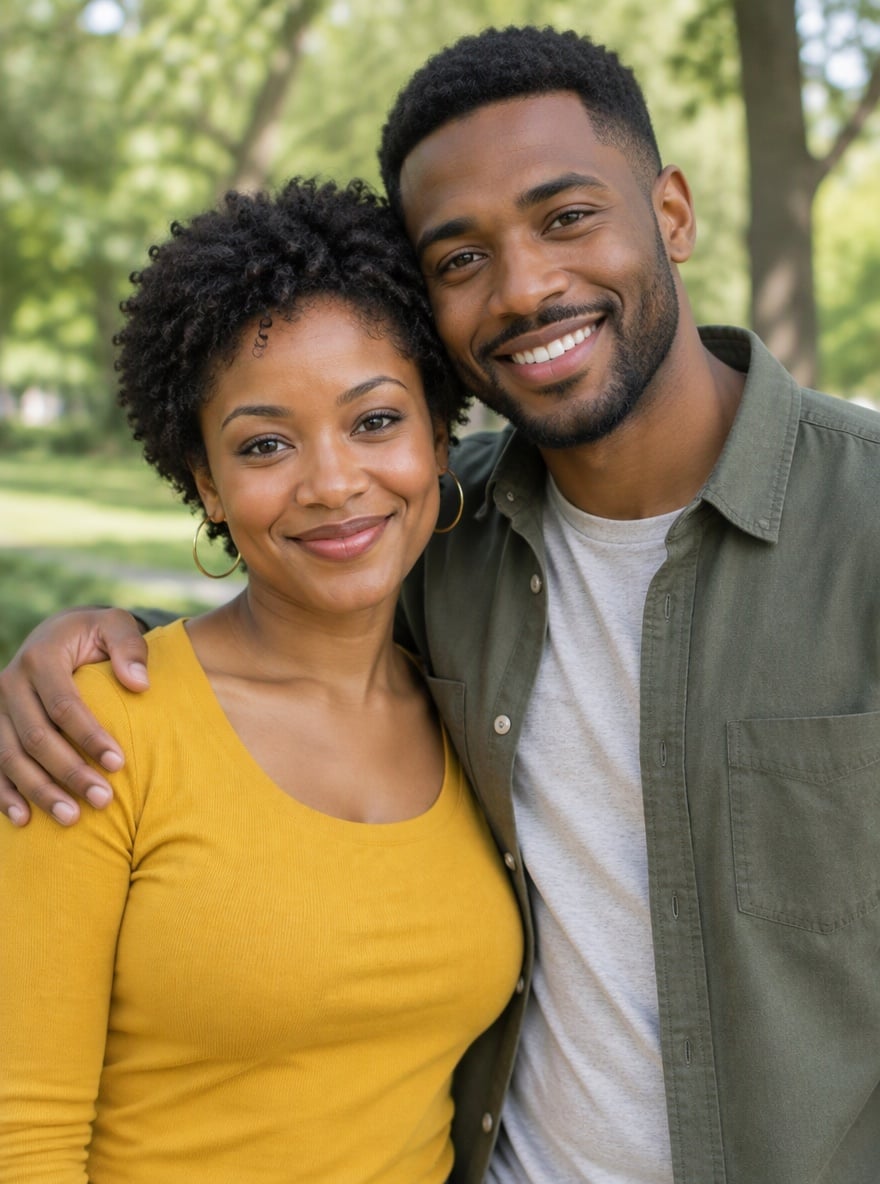
A relaxed park date
A woman in a yellow top gains a companion in a green jacket, with an arm around her shoulder in the same park.
Original solo photo
With a fictional husband
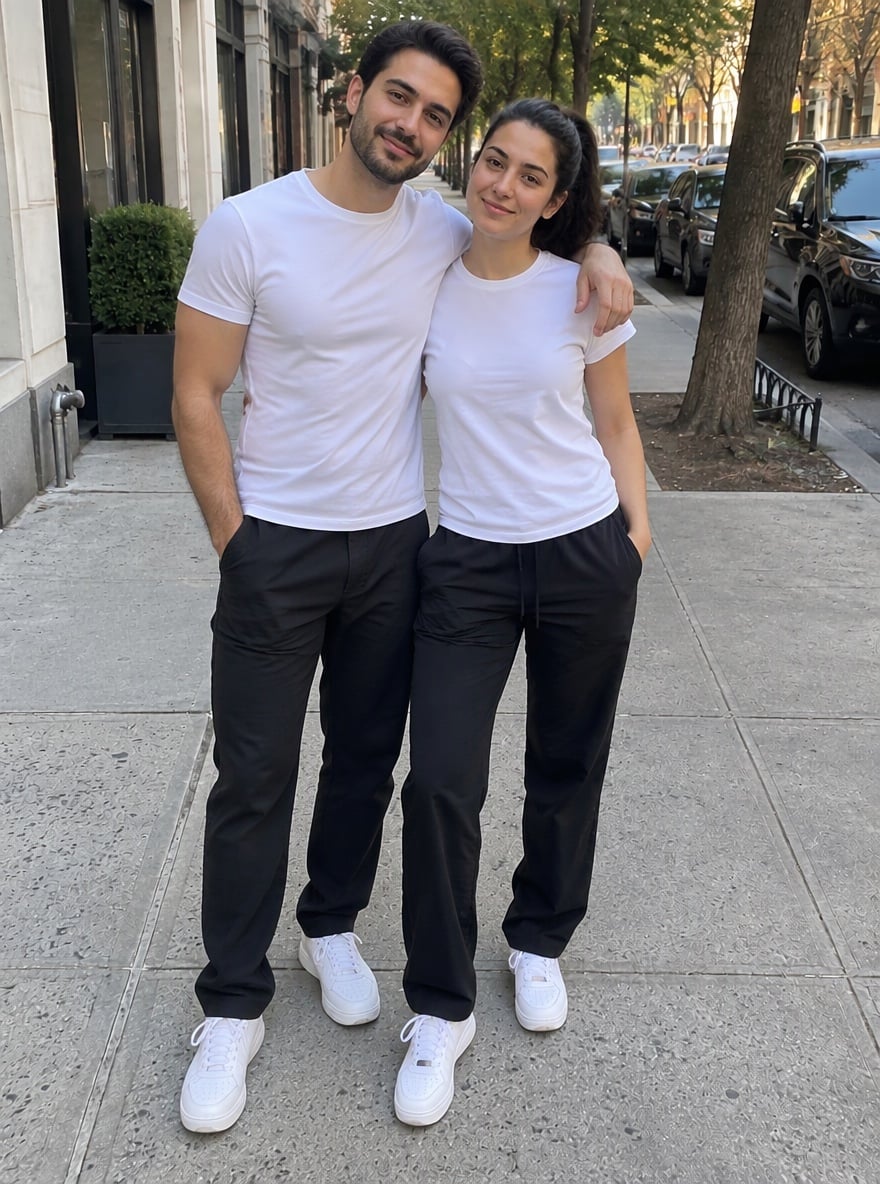
Matching streetwear
A white T-shirt and black-trousers street portrait gains a companion in coordinated casual clothing.
Original solo photo
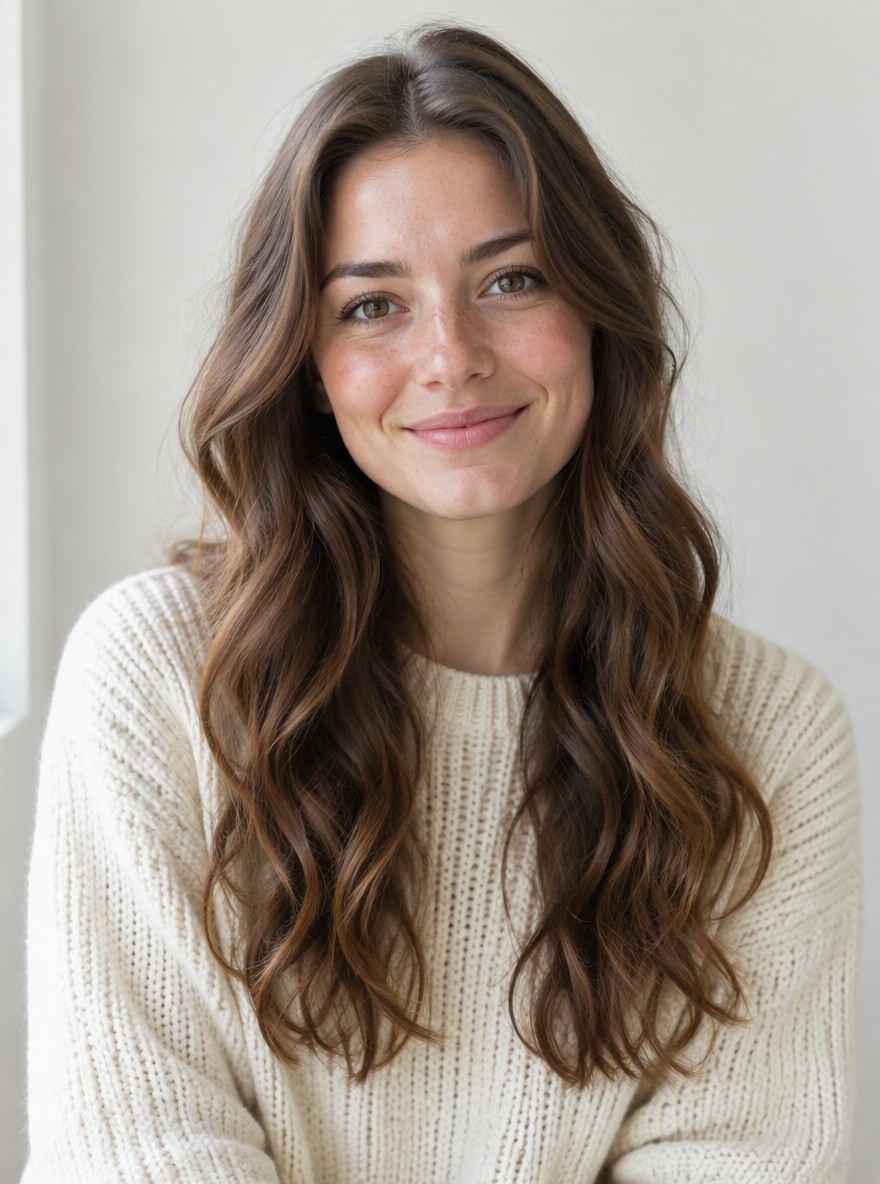
With a fictional husband
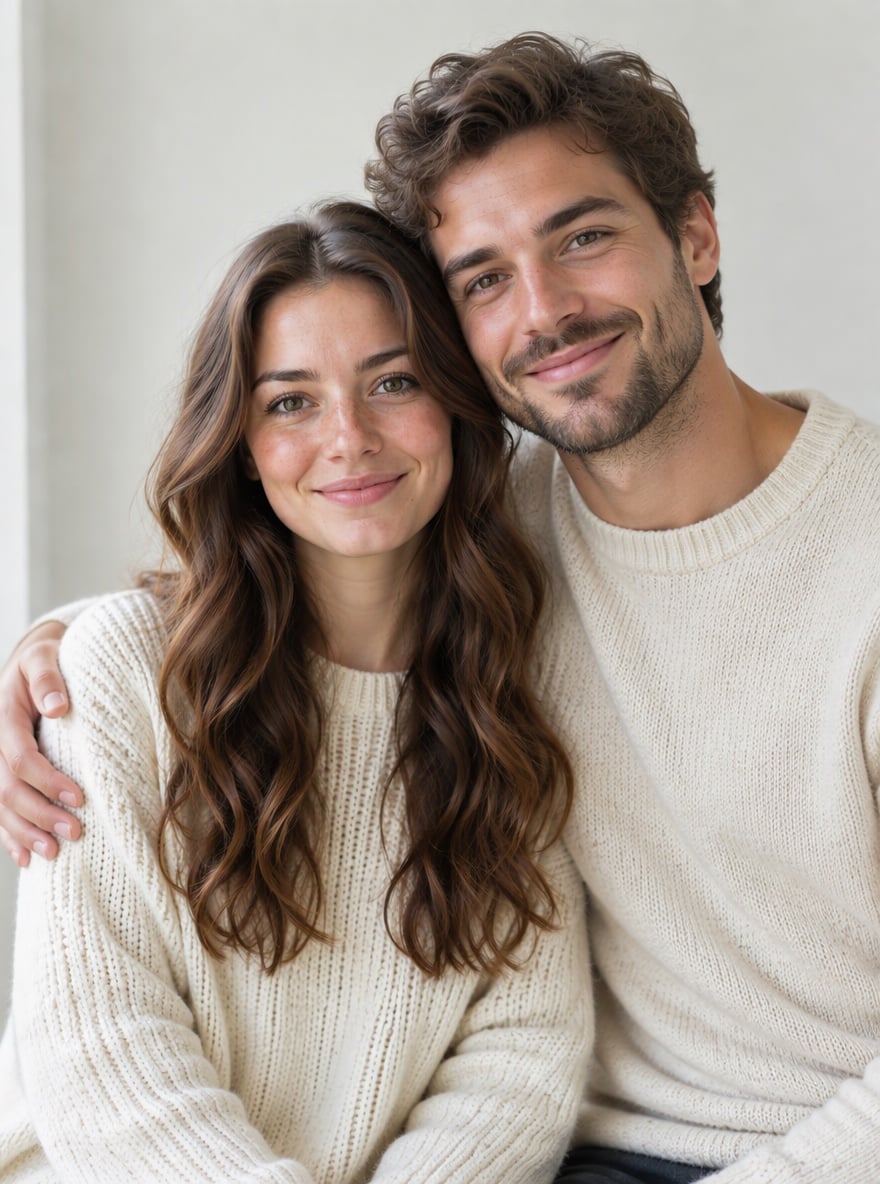
A cozy indoor portrait
A solo white-sweater portrait becomes a close couple portrait, with the fictional man leaning beside her.
Original solo photo
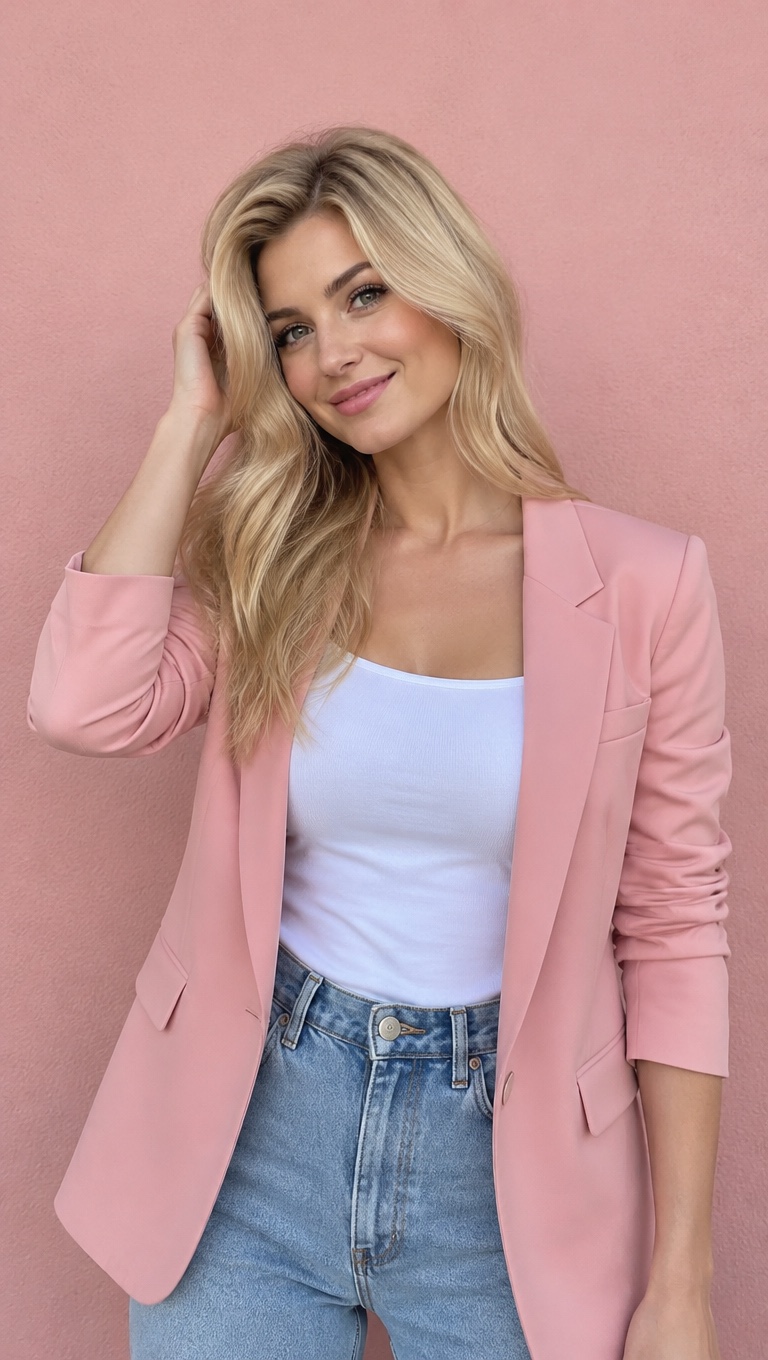
With a fictional husband
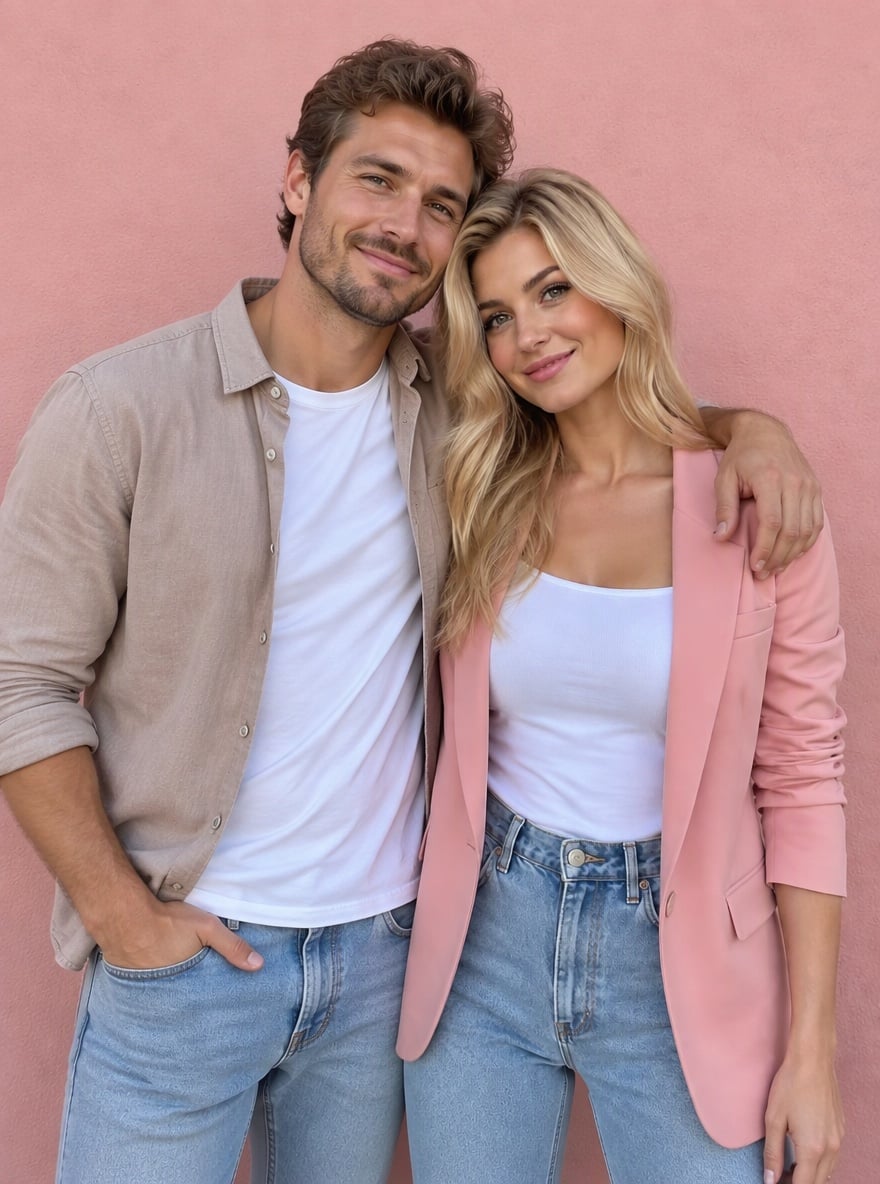
A portrait against a pink wall
A solo pink-jacket portrait becomes a couple photo with a man in a light brown shirt beside her.
Is the AI husband generator free?
Browsing the examples is free; generating your own husband photo requires credits. The current allowance is 1 signup credit, fewer than the 5 needed for one Fast photo. A Fast image costs 5 credits, equivalent to $2.50 at the $5/10-credit trial-pack rate. The smallest purchase is that $5 one-time pack, not a separate $2.50 purchase. Finished PNG downloads add no credits and no visible site watermark.
Can an AI future husband generator predict my partner?
An AI future husband generator invents a fictional adult man; it cannot predict whom you will marry. This photo editor uses your uploaded picture as a visual reference and adds a companion in the same scene. It does not analyze your birthday, zodiac sign or romantic compatibility. Choose a preset, or use Custom to describe his adult age, hairstyle, clothes and position. The result is a creative couple photo, not evidence about your future.
Do I need an AI husband app to make a couple photo?
You can make an AI husband photo in a current phone or desktop browser without installing an app. Upload one solo JPG, PNG or WebP photo, choose how the fictional man should look, then sign in and generate. No second person’s photo is required. This AI photo generator for husband and wife pictures returns one still PNG rather than a chat companion or animated boyfriend video. Save the image for a before-and-after post after checking the faces and hands.
AI husband generator pricing & credits
One image uses 5–9 credits, depending on the output option. At the $5/10-credit trial-pack rate, that is $2.50–$4.50 of credits per image. The smallest purchase is a $5 one-time pack; no subscription is required for that pack. Higher-resolution options require eligible paid access. Downloading an existing result is included; generating another variation uses credits again.
| Quality | Output | Credits | Pack-rate equivalent |
|---|---|---|---|
| Fast | 1K · 9:16 PNG | 5 | $2.50 |
| HD | 2K · 9:16 PNG | 7 | $3.50 |
| Ultra HD | 4K · 9:16 PNG | 8 | $4.00 |
| Studio | 2K · 9:16 PNG | 9 | $4.50 |
| Feature | Details |
|---|---|
| Signup allowance | 1 signup credit, fewer than the 5 needed for one Fast photo |
| Smallest purchase | $5 once for 10 credits |
| Download | One PNG; no extra download credits |
| Watermark | No visible site watermark added |
| Access | Account required; HD, Ultra HD and Studio need eligible paid access |
| Failed requests | Confirmed failures return credits; unresolved requests stay on the same task |
What this AI husband photo tool cannot do
This tool creates fictional adult couple photos. It cannot predict a future spouse, verify romantic compatibility, guarantee an unchanged face or make a particular real person your partner. It does not generate chat conversations, baby predictions or video. Severe cropping, occluded faces, busy backgrounds and awkward hands can reduce realism. A higher-resolution option adds pixels, not a guarantee that a face or hand will be correct.
AI husband generator FAQ
Check photo requirements, appearance controls and storage details before uploading your picture.
What photo should I upload to add a husband?
Use one clear photo of yourself as an adult, with your face visible and some space beside you. JPG, PNG and WebP uploads are supported up to 10 MB. The browser prepares images up to 2048 pixels per side. Tight face crops and crowded group photos give the model less room to add a believable person. Export an HEIC phone photo to a supported format first.
Will my face, clothes and background stay the same?
The editing prompt asks the model to preserve your face, hair, clothes, pose, surroundings and lighting while adding the man. This is a generative edit, so small details, hands, facial features and framing can still change. Compare the downloaded image with your original; exact identity or pixel-level preservation is not guaranteed.
Can I choose the fictional husband’s appearance?
Yes. Choose Custom and enter a required description of up to 500 characters. Describe an adult man’s hair, clothes and pose. An optional style-reference photo can guide colors or clothing; it is not used as another person’s identity. Each new variation is a separate paid generation. Use only photos you have permission to edit.
Where do my uploaded and generated photos go?
Your uploads are stored by this site and sent to its image provider to process the edit. Results are saved in the same project storage, and the app checks your account before preview and download. Anyone holding a direct storage link may be able to access it. This tool does not promise automatic deletion, physically private storage or a provider training opt-out.
More photo tools
Try a different edit for an existing couple photo or a tightly cropped portrait.