
Sprunki OC Maker is an AI image tool for fans designing a colorful original character from a photo. It uses your hair, colors and accessories as visual clues rather than promising a realistic face match. The current 1-credit signup allowance is below one generation. One vertical 3:4 PNG costs 5–9 credits, with Fast at $2.50 using the $5 pack rate; downloads have no extra fee or added visible site watermark.
How the Sprunki OC Maker Works
Upload one photo, choose Normal, Beat or Effect, and select an image quality. Each preset asks for simple shapes, bold outlines and a small color palette; Custom lets you describe a different accessory, sound-inspired role or non-graphic eerie mood. Sign in to generate one PNG, then check the character before downloading. Your photo provides design clues; the final character can differ from your face and the examples.
1. Upload a photo
Use one clear subject in JPG, PNG or WebP, up to 10 MB and 2048 pixels per side. Visible hair, glasses and clothing colors provide useful design clues.
2. Choose a character role
Normal uses rounded character shapes, Beat suggests rhythm equipment, and Effect suggests abstract audio motifs. Custom requires a description and optionally accepts a visual reference.
3. Check and save the PNG
Review the outline, accessory and full-body framing. Download one 3:4 PNG; the quality choices request 768×1024, 1536×2048 or 2480×3312 pixels.
Character Design Examples
These designs illustrate four visual directions: a cat-like performer, a cassette robot, a headphone character and a leaf-topped figure. Compare their silhouettes, limited palettes and signature accessories when choosing a role. The examples are landscape illustrations, while this tool requests one vertical 3:4 character image. They illustrate design ideas rather than a photo-matching comparison; your result depends on the uploaded photo and selected settings.
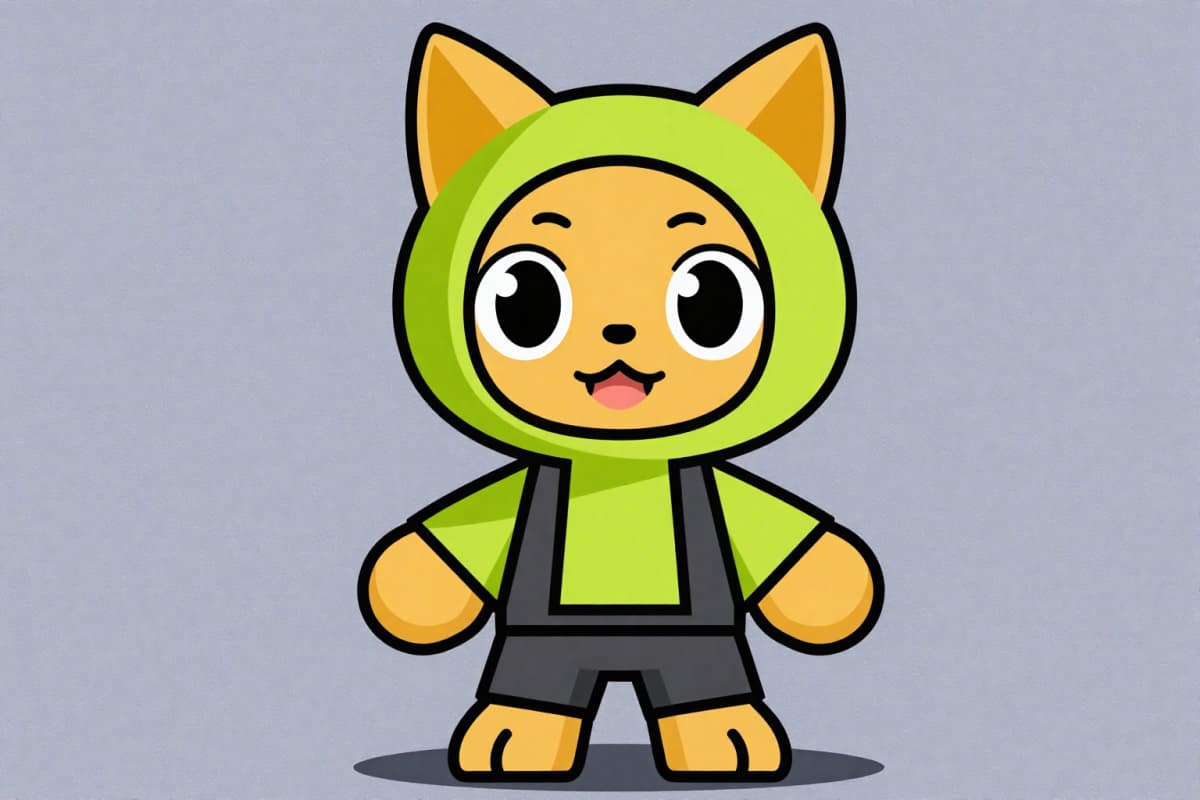
Cat-like performer
An orange cat-faced character wears a green round hat, green top and dark shorts against a muted purple background.
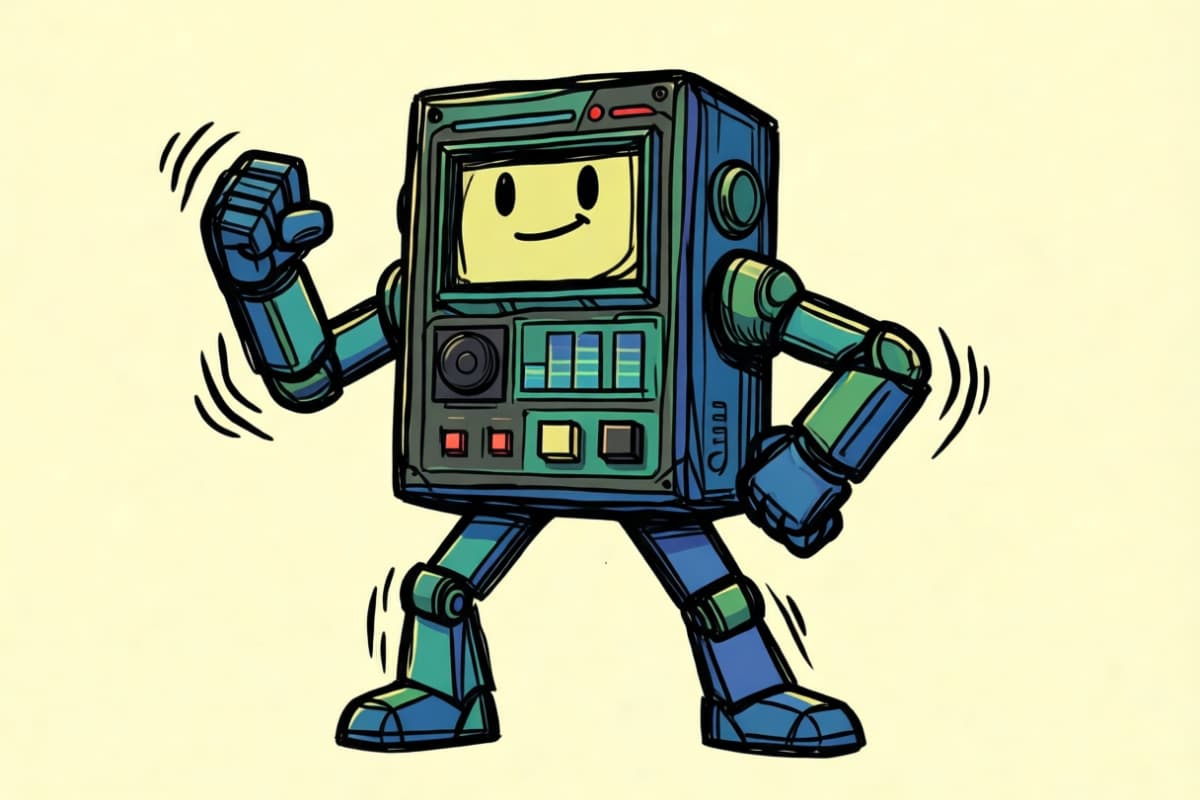
Cassette rhythm robot
An olive-green cassette-shaped robot has a yellow smiling screen and jointed arms and legs on a cream background.
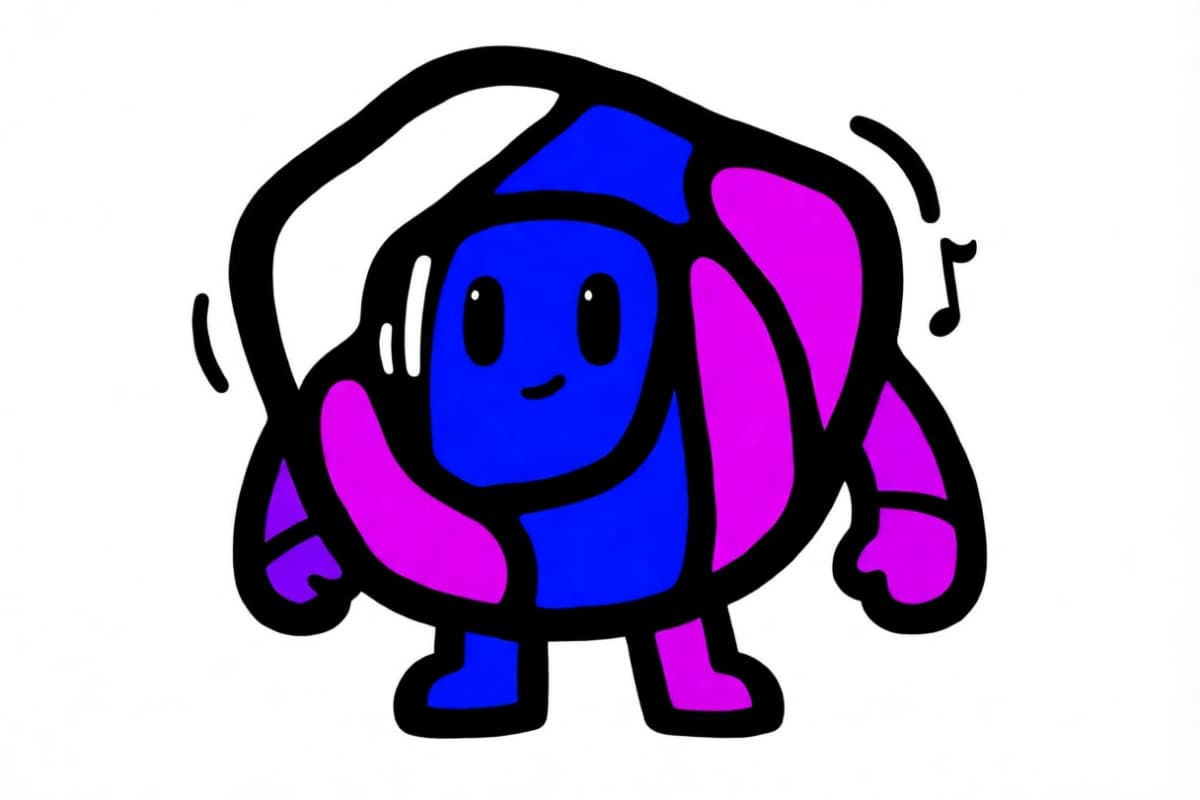
Headphone sound effect
A blue-purple abstract rounded character wears magenta headphones, with bold black outlines on white.
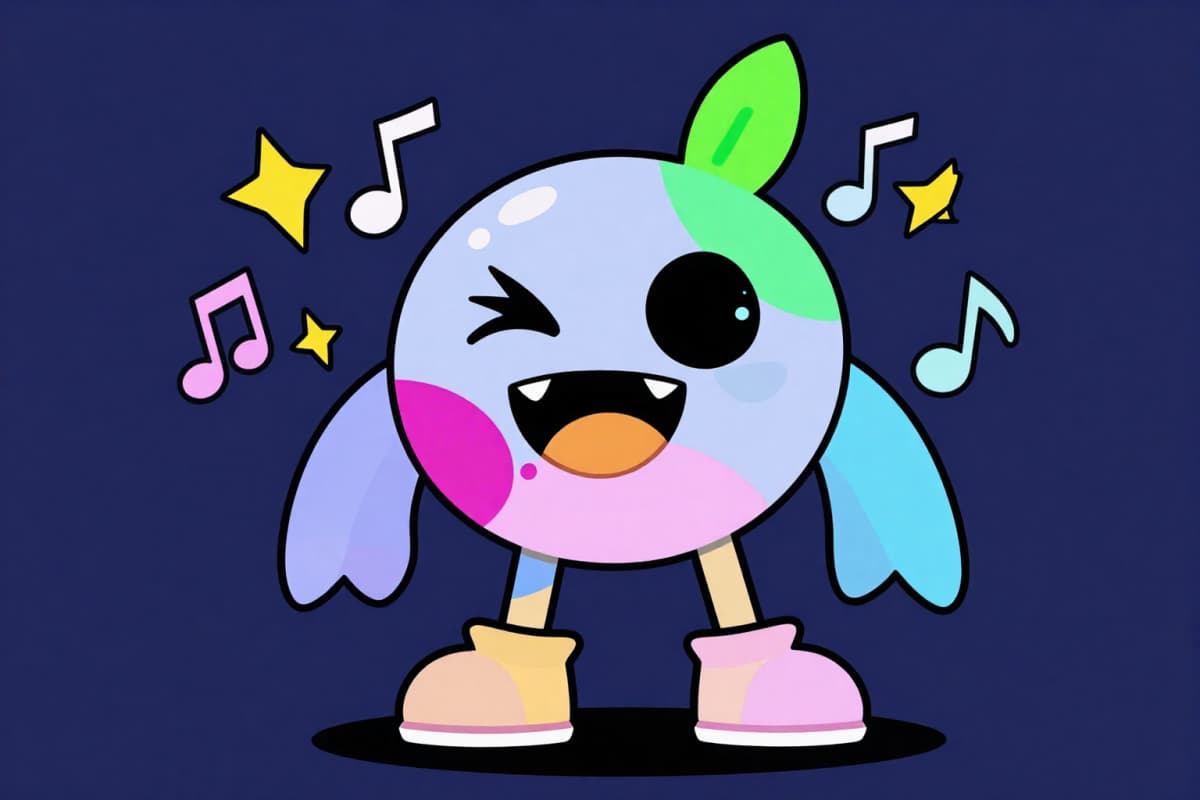
Leaf-topped character
A winking lavender character has a green leaf, pink cheeks and pink boots, with music notes on a dark blue background.
Is Sprunki OC Maker Free?
Sprunki OC Maker is not free with the current signup allowance. Browsing the examples and preparing your photo are free; generating one image costs at least 5 credits. The current 1-credit signup allowance is below one generation. From zero balance, the smallest purchase covering a generation is the one-time $5 pack with 10 credits. That pack needs no subscription. Completed PNGs have no separate download fee or added visible site watermark; paid-credit eligibility applies to the higher-quality choices.
Can I Make a Full-Body Sprunki OC?
Sprunki OC Maker asks the model for one full-body character with its head, accessories and feet in frame. The design brief uses simple shapes and photo-inspired colors rather than a realistic human body. A close-up photo may require the model to invent unseen clothing or proportions. Check the outline before saving; exact anatomy, a matching face and identical details across separate generations are not guaranteed.
Does a Sprunki OC Maker Add Music or Game Files?
Sprunki OC Maker creates a still character image, without music, sound loops, animation or playable game files. Beat and Effect describe visual roles such as rhythm equipment or headphones; they do not produce audio. A Scratch Sprunki OC maker or a music-game editor serves a different task. To use a design in a mod, you would need separate drawing, animation, sound and programming work after downloading the PNG.
Pricing & Credits
One character image costs 5, 7, 8 or 9 credits, depending on quality. The one-time $5 Trial Pack includes 10 credits, enough for two Fast images from zero balance. At that pack rate, Fast is $2.50 per image; subscriptions and other packs change the cash equivalent. Each generation returns one image, including Custom. Creating a separate normal and eerie version requires two generations and does not guarantee matching details.
| Quality | Output | Credits | Pack equivalent |
|---|---|---|---|
| Fast | 1K · PNG | 5 | $2.50 |
| HD | 2K · PNG | 7 | $3.50 |
| Ultra HD | 4K · PNG | 8 | $4.00 |
| Studio | 2K · PNG | 9 | $4.50 |
| Item | What is included |
|---|---|
| Signup allowance | The current 1-credit signup allowance is below one generation. |
| Smallest purchase | $5 once · 10 credits · no recurring subscription |
| Download | One 3:4 PNG with a background; no extra download fee |
| Watermark | No added visible site watermark |
| Access | Mobile or desktop browser; no app needed; sign-in required to generate |
| Photo handling | Uploads are sent to this site and its image provider. Account pages check ownership; anyone holding a direct storage link may be able to open it. |
| Unfinished requests | Confirmed provider failures return credits; saving a delivered result is retried without another generation charge |
What This Character Tool Cannot Do
The tool asks AI to reinterpret a photo as an original fan character; it cannot guarantee a recognizable face, identical accessories or consistency between separate images. It supplies a flat PNG with a background, without transparent layers, a character rig or editable parts. Custom can request non-graphic eerie colors and expressions, but there is no paired normal-to-horror export. Fan-inspired artwork does not grant rights to existing characters, names or brands.
Character Creator FAQ
Choose this workflow when you want AI to reinterpret your own photo details rather than assemble fixed parts. A short character brief can name a color, a head shape and one signature accessory. The questions below explain the difference from manual dress-up tools, how to prepare a reusable design description and the limits of a human-style request.
How is this different from a Sprunki OC maker on Picrew?
Picrew-style makers assemble the parts their creator supplies. This AI workflow instead redraws a photo according to your chosen visual role or description, so details may vary between attempts. Use a parts-based maker when you need predictable choices; use this tool for a photo-inspired design rather than exact control over each drawn piece.
What can I copy and paste into a Sprunki OC template?
For Custom, start with “main color; head shape; one accessory; outfit; expression; imagined sound role.” For example: “teal; round head; star headphones; simple jacket; shy smile; bell melody.” This is a design description, not a playable template or sound file. Upload your photo first, then add the description; an optional reference can suggest a palette or accessory.
Can I make a human Sprunki OC?
You can describe human-inspired hair, glasses or clothing under Custom. The fixed task still asks for one rounded, simplified 2D fan character, so a realistic human portrait or a different anime style is outside this page’s workflow. Use the photo as a visual starting point, then check which details the model actually followed.
More Character Tools
Zootopia OC Maker asks for an animal-city character in a cinematic 3D treatment. Dragon Ball OC Maker follows a different anime-inspired character direction. Choose a page for the look you want rather than mixing those styles into this rounded 2D workflow. Each tool has its own presets and credit costs.