
Fortnite coloring pages on Consistent Character AI help parents, teachers, and players turn custom prompts or optional skin screenshots into printable black-and-white line art. Generate one vertical 3:4 PNG (768 × 1024 to 2480 × 3312) and export A4 or US Letter PDFs with no added visible site watermark. Eligible new accounts receive 1 signup credit; generating starts at 5 credits ($2.50 at trial-pack rate).
How to make printable Fortnite coloring pages
Create a custom sheet either from a written idea or by uploading a clear skin screenshot. Pick Peely & Skins, Battle Bus, Loot Llama, or Custom, select your quality tier, sign in to generate one 3:4 PNG, then download PNG, A4 PDF, or US Letter PDF with a 10 mm print margin.
1. Pick a character theme or choose Custom
Choose Peely & Skins, Battle Bus, or Loot Llama for a quick start, or select Custom to describe Fishstick, Jonesy, Meowscles, Cuddle Team Leader, Drift, Christmas, or Lego-style scenes.
2. Upload a skin screenshot (optional)
Attach one clear JPG, PNG, or WebP screenshot (up to 10 MB, 128–2048 px per side) to redraw your favorite locker outfit into line art, or leave it blank for prompt-only creation.
3. Generate, inspect lines, and export PDF
Select Fast (1K), HD (2K), Ultra HD (4K), or Studio (2K high detail), sign in to run, check that outlines are closed and clean, then save PNG, A4 PDF, or US Letter PDF.
Character and scene line-art examples
Browse five black-and-white line-art styles below—from easy thick-outline Peely and chibi Drift drawings for younger kids to detailed Battle Bus, Loot Llama, and Atlantean Fishstick sheets. These visual samples illustrate outline weight and background density; AI generation results vary by prompt and uploaded image.
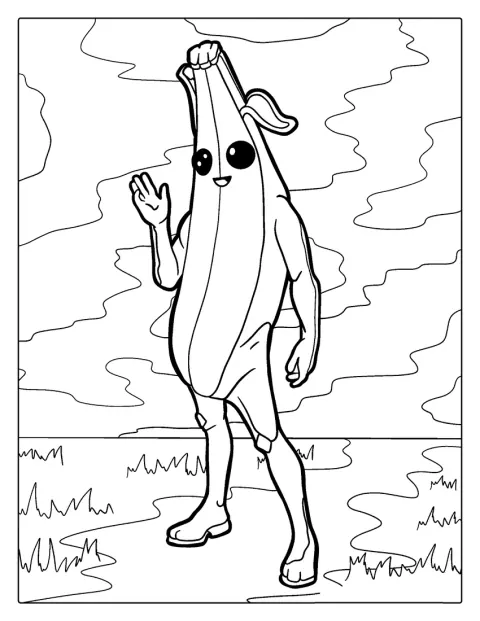
Peely waving outdoors
Large open banana-peel sections and simple clouds give younger kids wide spaces for crayons or markers.
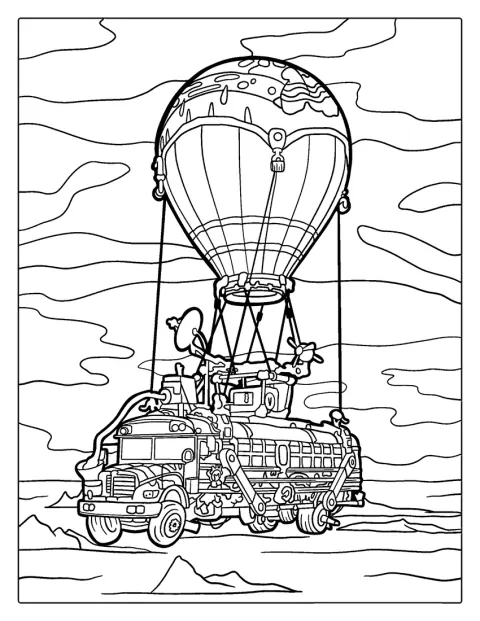
Flying Battle Bus over island hills
Medium line detail across the balloon panels, cables, and bus chassis suits colored pencils and fine-tip markers.
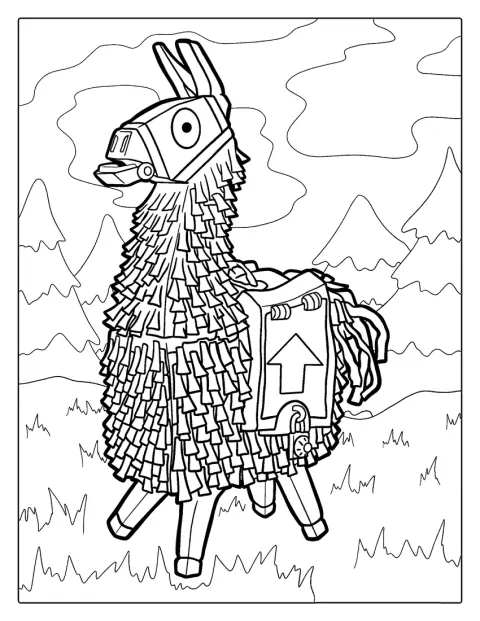
Supply Loot Llama in a pine meadow
Layered paper-fringe strips and saddle panels let older kids mix bright purple, blue, and teal palettes.
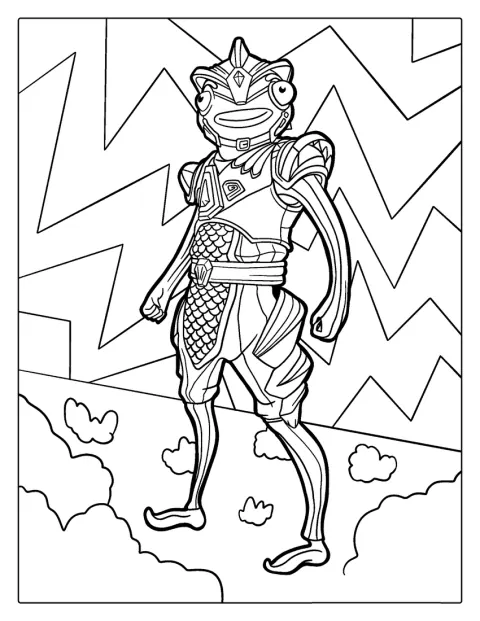
Atlantean Fishstick armored pose
Shows higher-detail armor scales and dramatic background shapes for older kids or adult coloring sessions.
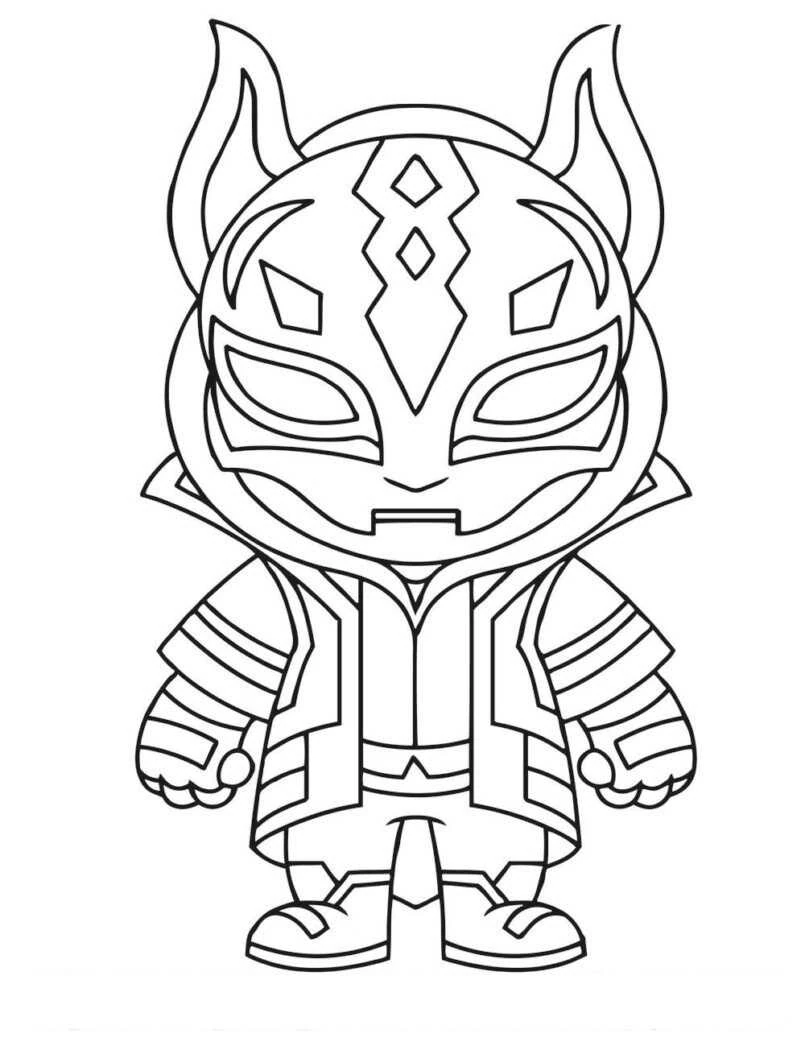
Chibi Drift fox-mask character
Zero background clutter and thick outer edges make this style easy for kindergarten classrooms and younger kids.
Are Fortnite coloring pages free to print as PDF?
Generating a custom sheet on Consistent Character AI is not free: each run requires signing in and costs 5 to 9 credits ($2.50 at the $5/10-credit trial-pack rate), though PNG, A4 PDF, and US Letter PDF export adds zero extra credits or site watermark. Eligible new accounts receive 1 signup credit. If you want free ready-made PDF libraries with no sign-up (checked 2026-11-29), ColoringPagesOnly (87 PDFs), Monday Mandala (59 PDFs), Colorumba (56 PDFs), and Colorilo (50 PDFs) all provide free printable files.
Use free static PDF libraries when you want dozens of ready-made classics quickly with zero sign-up. Use this generator when you need a specific skin combo, a weapon-free birthday pose, a seasonal costume, or a line-art redraw of your own locker screenshot.
Which Fortnite characters and kid-friendly scenes work best?
Characters with bold, unmistakable silhouettes—such as Peely, Agent Peely, Fishstick, Cuddle Team Leader, Meowscles, Tomato Head, Durr Burger, Drift, Jonesy, the Battle Bus, and the Loot Llama—translate most cleanly into black-and-white outlines. For younger kids or classroom packs, ask for thick lines, large open spaces, a plain white background, and no weapons.
Copy and adjust prompts in Custom mode such as "Peely waving beside a Loot Llama on a grassy hill, thick bold black outlines, plain white sky, easy for kids, no weapons" or "Fishstick wearing a winter scarf near a Battle Bus, crisp black-and-white coloring book page, clean closed shapes, no grey shading." For older kids or adults, request detailed armor panels, Chapter island scenery, or seasonal Halloween and Christmas themes.
How do you turn a Fortnite skin screenshot into a crisp printable sheet?
Upload a bright, uncluttered front-facing locker screenshot (JPG, PNG, or WebP up to 10 MB), pick Peely & Skins for thick outlines on a plain white backdrop or Custom to specify line thickness, and choose HD (2K) or Ultra HD (4K) when you plan to print full-page sheets. Our server prompt asks the model to remove grey shading and camera textures so black ink prints crisply.
After generating, click A4 PDF (210 × 297 mm) or US Letter PDF (8.5 × 11 inches) beneath the image; browser-side layout fits the entire 3:4 sheet inside a 10 mm white margin without cropping. Print at 100% (Actual Size) in black-and-white mode. Prefer coloring on an iPad? Download the PNG and import it into Procreate, ibisPaint X, or Adobe Fresco using their fill or reference-layer tools.
Pricing, credits, and printable library comparison
Each generation creates one vertical 3:4 PNG and costs 5 to 9 credits by quality tier. The one-time $5 trial pack includes 10 credits ($2.50 per 5-credit Fast sheet at pack rate). Ultra HD outputs 4K at standard detail (8 credits), while Studio outputs 2K at high detail (9 credits); PNG and A4/Letter PDF downloads cost 0 extra credits.
| Quality | Pixels & export | Credits | Trial-pack equivalent |
|---|---|---|---|
| Fast (1K, standard detail) | 768 × 1024 · PNG + A4/Letter PDF | 5 | $2.50 |
| HD (2K, standard detail) | 1536 × 2048 · PNG + A4/Letter PDF | 7 | $3.50 |
| Ultra HD (4K, standard detail) | 2480 × 3312 · PNG + A4/Letter PDF | 8 | $4.00 |
| Studio (2K, high detail) | 1536 × 2048 · PNG + A4/Letter PDF | 9 | $4.50 |
| Feature | Details |
|---|---|
| Free access | Browse examples and presets. Eligible new accounts receive 1 signup credit. |
| Account & tiers | Sign in to generate. HD, Ultra HD, and Studio require an active subscription or eligible paid credits. |
| Export formats | One 3:4 PNG plus browser-side A4 (210 × 297 mm) and US Letter (8.5 × 11 in) PDFs with a 10 mm margin. |
| Watermark | No added visible site watermark on PNG or PDF. |
| Failed runs | Pre-generation rejections and upstream provider failures refund credits automatically; delivered valid PNGs remain charged. |
| Service | Free access | Paid options | Watermark | Output |
|---|---|---|---|---|
| Consistent Character AI (this tool) | Browse examples (Eligible new accounts receive 1 signup credit.) | $5 trial pack (10 credits); 5–9 credits/sheet | No added visible site watermark | Custom AI PNG + A4 / US Letter PDF from prompt or screenshot |
| ColoringPagesOnly | 87 free printable PDFs + browser coloring, no account | Free library | No site watermark observed on sample drawings | Ready-made static PDFs |
| Monday Mandala | 59 free printable PDFs, no sign-up | Free library | Site URL printed in bottom border of sheets | Ready-made US Letter PDFs (fit A4) |
| Colorumba | 56 free printable PDFs, no account | Free library | No site watermark observed on previews | Ready-made static PDFs |
| Colorilo | 50 free printable PDFs, no account | Free library | Small site label printed at bottom of sheets | Ready-made US Letter PDFs |
Checked 2026-11-29 on each site’s public pages. Consistent Character AI is our own tool; other sites are independent and summarized from their public pages.
What this coloring page maker cannot do
This tool creates one vertical 3:4 raster PNG per request through a hosted AI image model and lays out that single image into an A4 or US Letter PDF in your browser. It does not bundle multi-page coloring books, export editable SVG vectors, generate color-by-number keys, or provide an interactive paint-bucket canvas. Character likeness, hands, and fully closed line regions vary by prompt and screenshot, so review each sheet before printing.
Looking for non-Fortnite subjects or full-color game concept art instead of black-and-white line art? Explore our related tools below. Try the Coloring Page Generator, Fortnite Skin Generator, or Photo to Color Sketch for other printable or game-character styles. Fan-made coloring sheets are unofficial artwork intended for personal, non-commercial use under the Epic Games Fan Content Policy.
Frequently asked questions
Are fan-made Fortnite coloring pages official Epic Games artwork, and can I use them for a party or classroom?
No—AI-generated and fan-made coloring sheets are unofficial fan art, not official Epic Games merchandise. Epic Games’ Fan Content Policy covers personal, non-commercial fan art (such as home coloring, birthday parties, or classroom activities) subject to Epic’s rules, and does not grant rights to resell Fortnite characters or logos commercially.
Can I make and print coloring pages on a phone or tablet without an app?
Yes. The generator works directly in mobile Safari and Chrome with no app download required. You can choose a preset, write a Custom description, optionally upload a JPG, PNG, or WebP screenshot, and save the PNG or A4/US Letter PDF straight to your phone or tablet after signing in.
How do I print a coloring sheet cleanly on A4 or US Letter paper?
After your image finishes, click A4 PDF or US Letter PDF beneath the preview. Each PDF places the full 3:4 artwork inside a 10 mm white margin without cropping or stretching. In your printer dialog, select matching paper size, black-and-white ink, and 100% (Actual Size) scaling.
Where are uploaded screenshots and finished coloring sheets stored?
Uploaded screenshots and generated PNGs are stored as unlisted files in our single project cloud storage bucket so the hosted image model can read inputs and serve account-checked previews and downloads. Anyone holding a direct storage link can open that file, and this page does not promise automatic deletion or physically private storage.