AI Pet Portrait Generator
Turn your pet's photo into a cartoon, watercolor, or illustrated portrait. Keep their distinctive look — the ear shape, eye color, and coat pattern that make them yours.
Sign in to generate. New accounts in most regions get 3 free generations. 1K portraits cost 1 credit.
Upload one pet photo, pick a style, and generate.
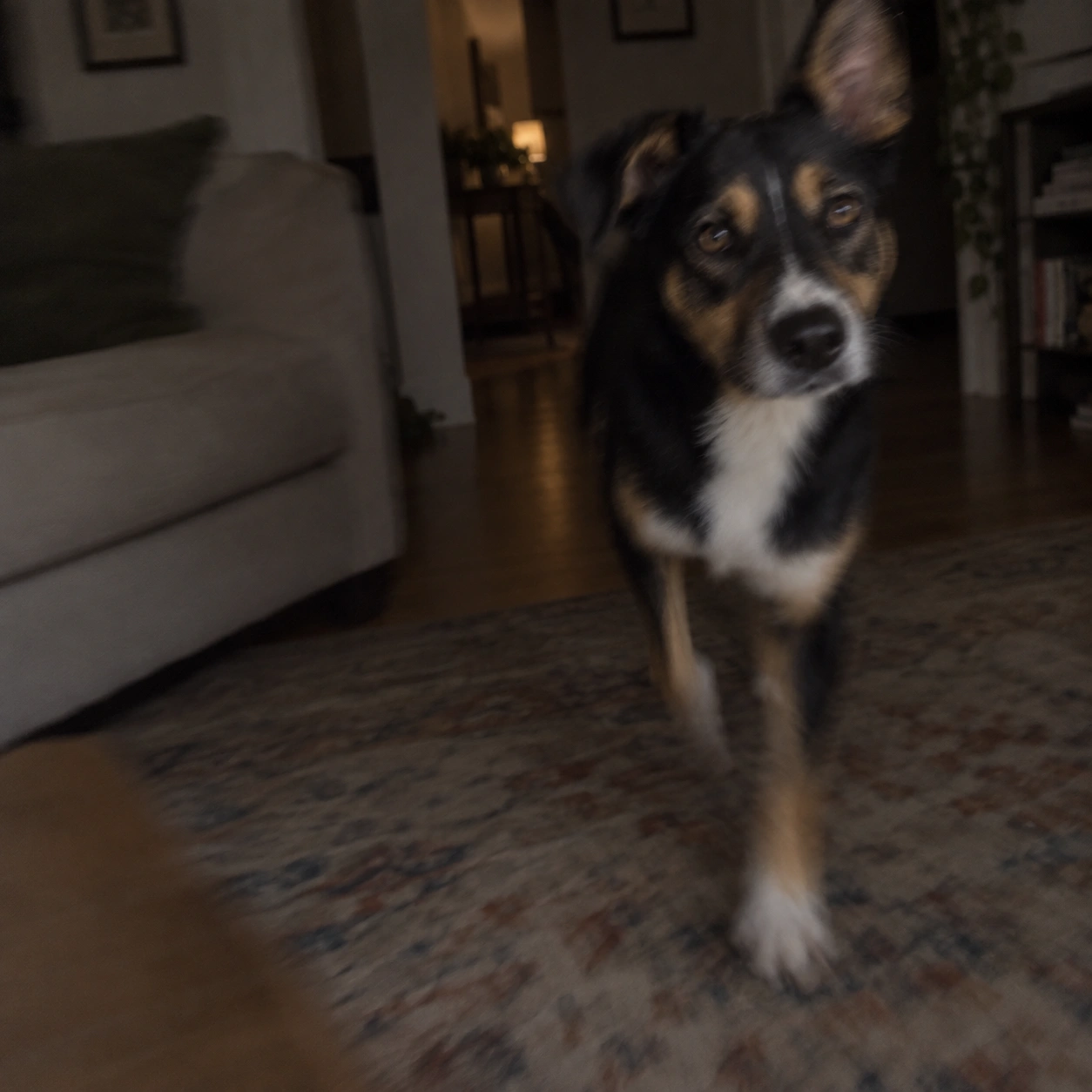
Pet portraits from photos work best with a clear, front-facing shot. Face and ears fully in frame.
1K快速出草稿,适合试想法。


Explore 52 pet portrait art styles
One photo, from watercolor and pencil to 3D animation and realistic portraits. Browse every style in the generator above.
Click a card to apply that style in the generator above.
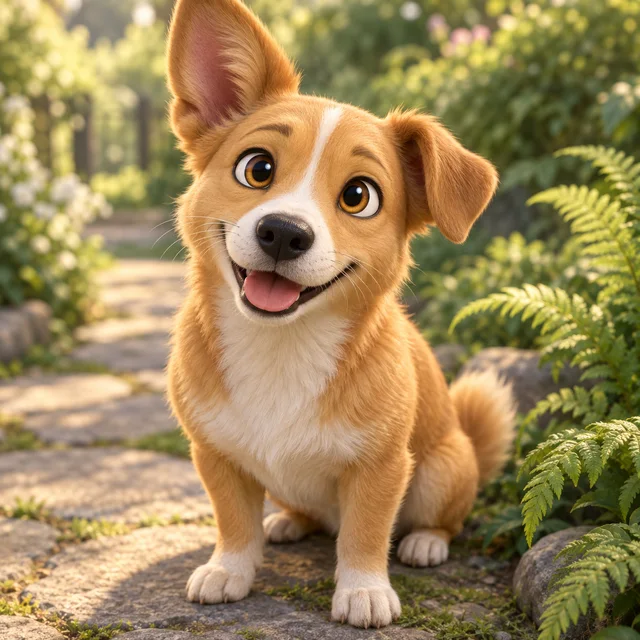
3D cartoon
A rounded, studio-style portrait. Soft lighting, readable face, still clearly your pet.
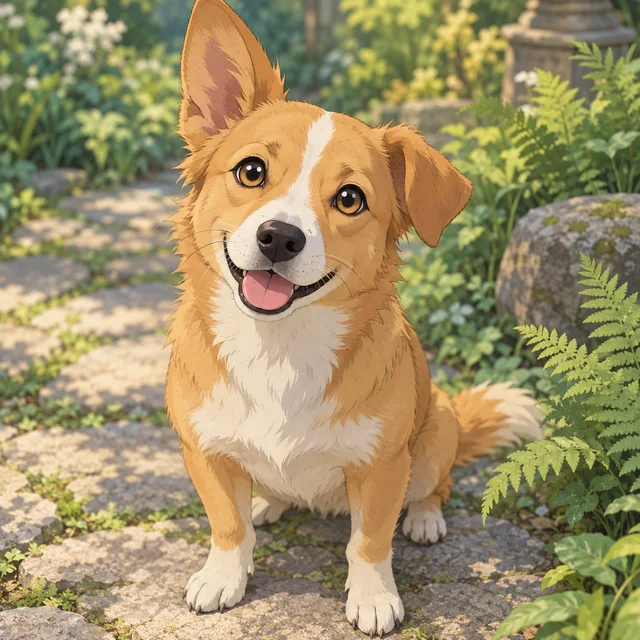
Anime
Clean linework and stylized eyes, without replacing their coat pattern or ear shape.
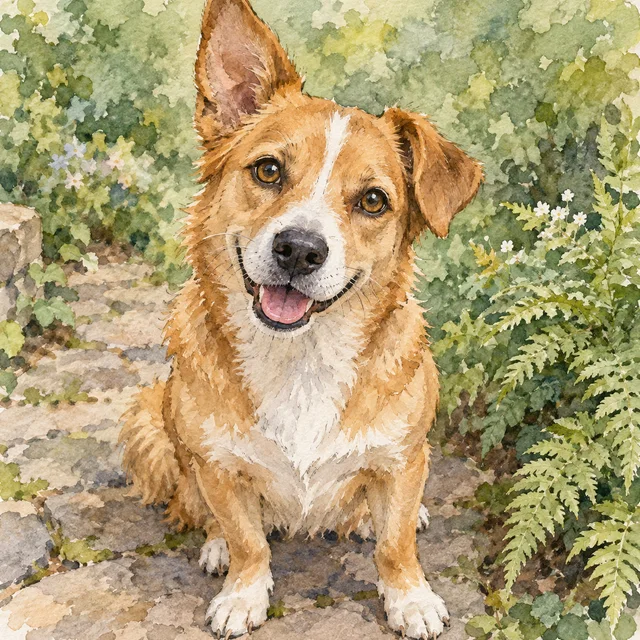
Watercolor
A painted pet portrait from your photo — pigment edges and paper texture, same markings. This is the “turn photo of dog into painting” look, without waiting weeks for a commission.
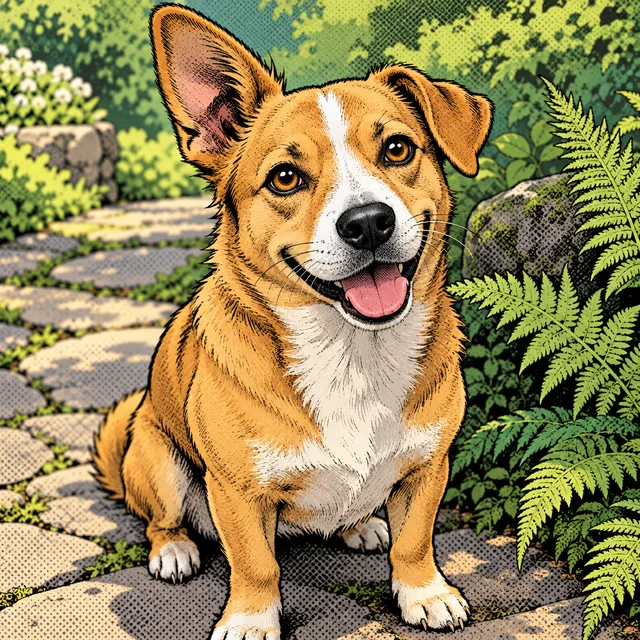
Comic
Bold outlines and inked shading. Good for stickers, avatars, and story panels.
AI-generated pet previews illustrate each visual style. Your portrait uses your uploaded pet photo as its reference.
AI dog portrait generator examples
Upload a dog photo with a clear face. The portrait should keep the same ear set, muzzle length, and coat pattern — so friends recognize this dog, not “a dog of that breed”.
Original photo → AI dog portrait. Look for the ear shape, eye color, and chest blaze.
AI cat portrait generator examples
Cats are unforgiving when the markings drift. A tabby stripe, a bicolor split, or odd-eye color has to survive the style change.
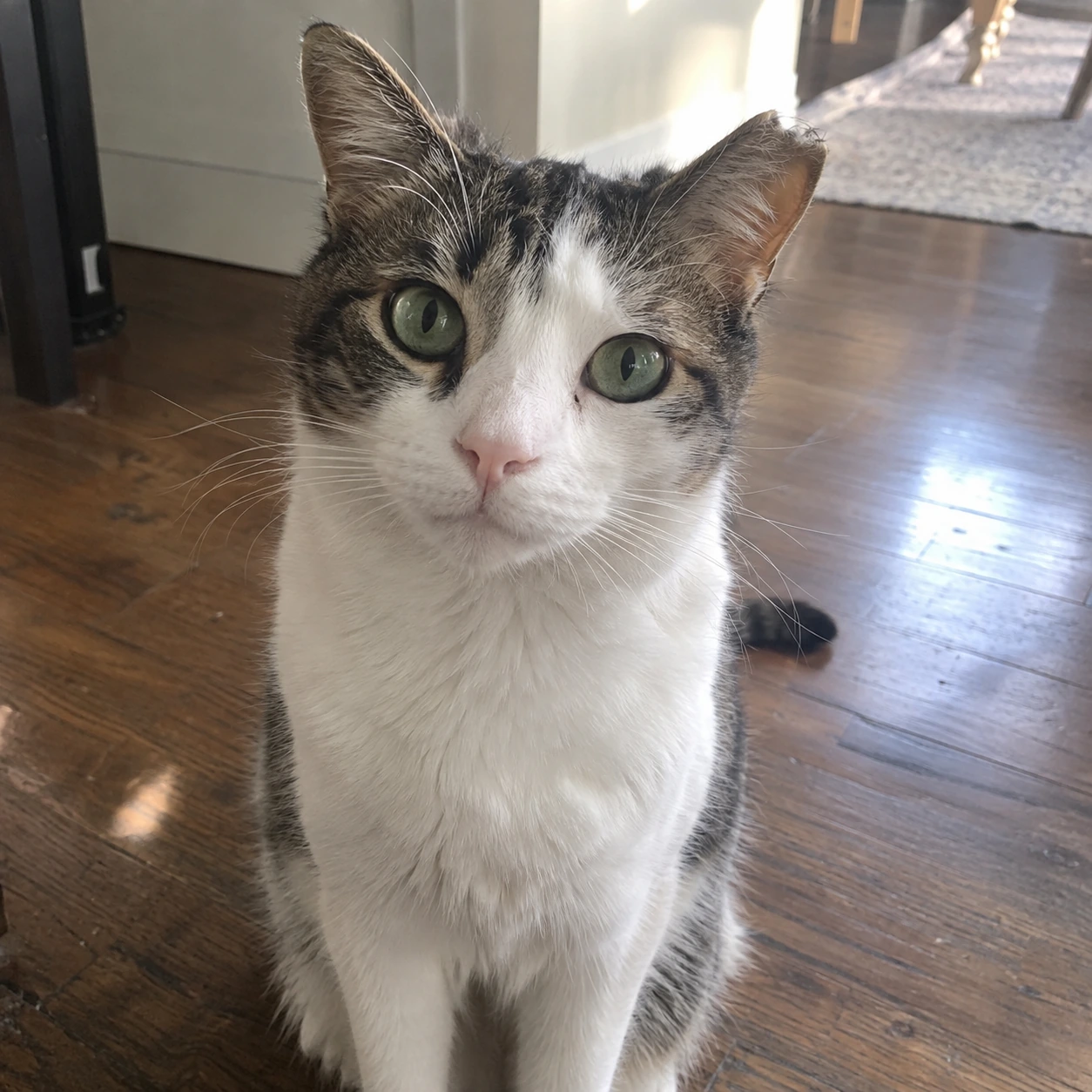
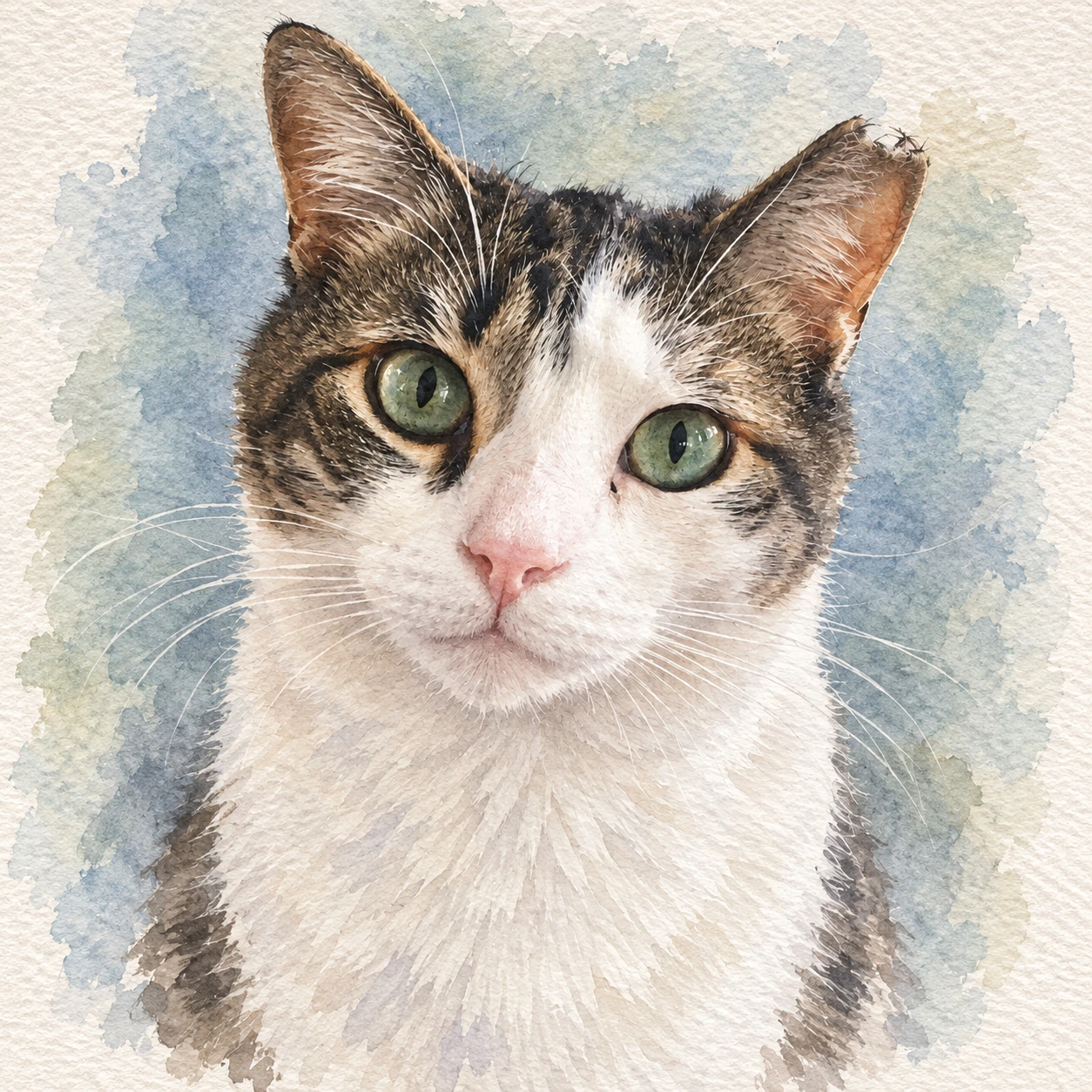
Original photo → AI cat portrait. The facial markings should match the source, not a stock calico.
We do not promise a perfect copy of every hair. Side-on shots, heavy blur, and cropped ears make likeness harder. See the photo guide below.
Keep the same pet, create new scenes
Most AI pet portrait tools stop at one download. PawToAI-style products ask for a dozen photos and an hour of training. Here, the portrait you just made can become a reusable pet character.
- Generate the portrait from one photo.
- Save it as a pet character in your library.
- Prompt a new scene — a sofa, a park, a birthday table — from that fixed reference.
The next image should start from the saved pet, not from a random same-breed animal, and not from a warped copy of the last result.
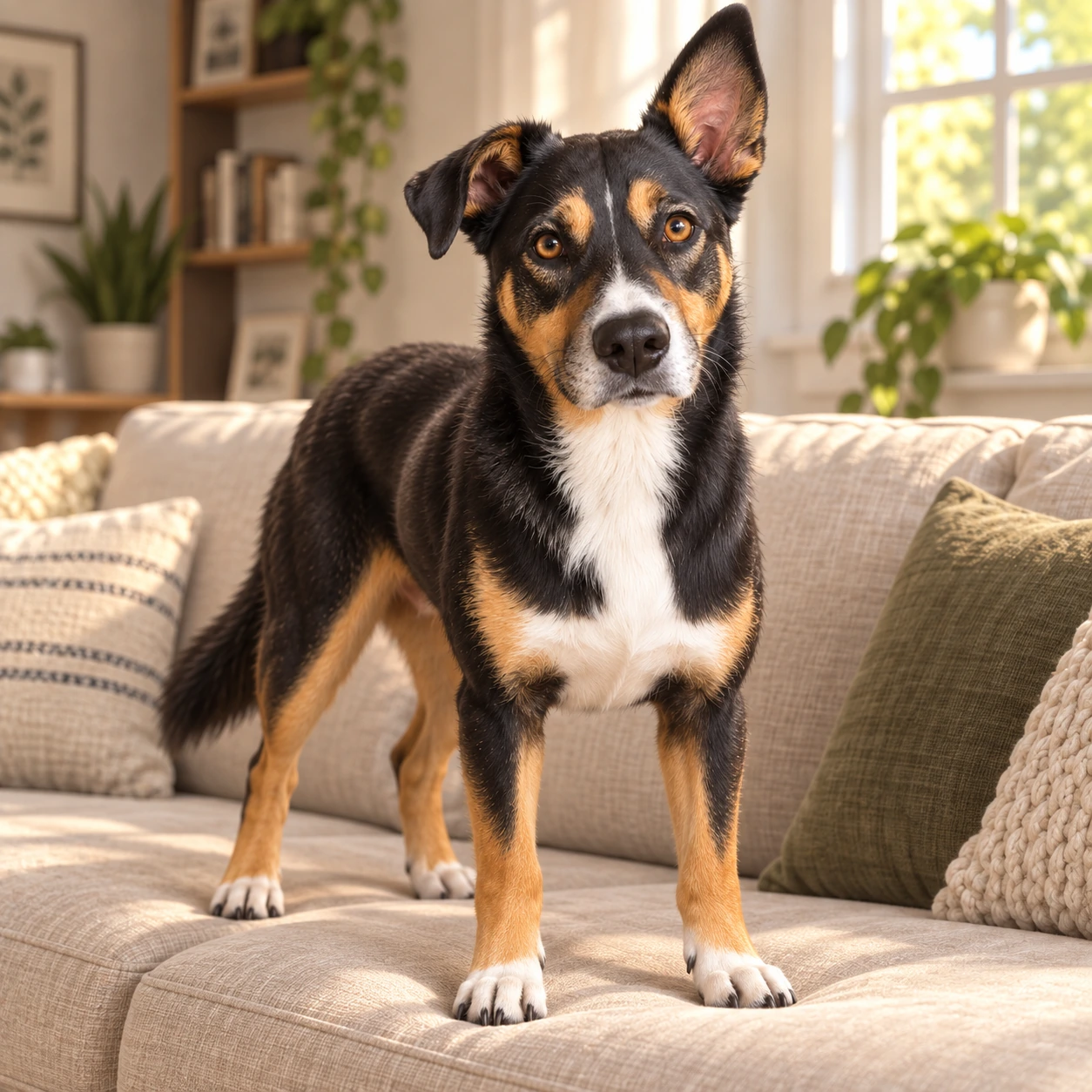
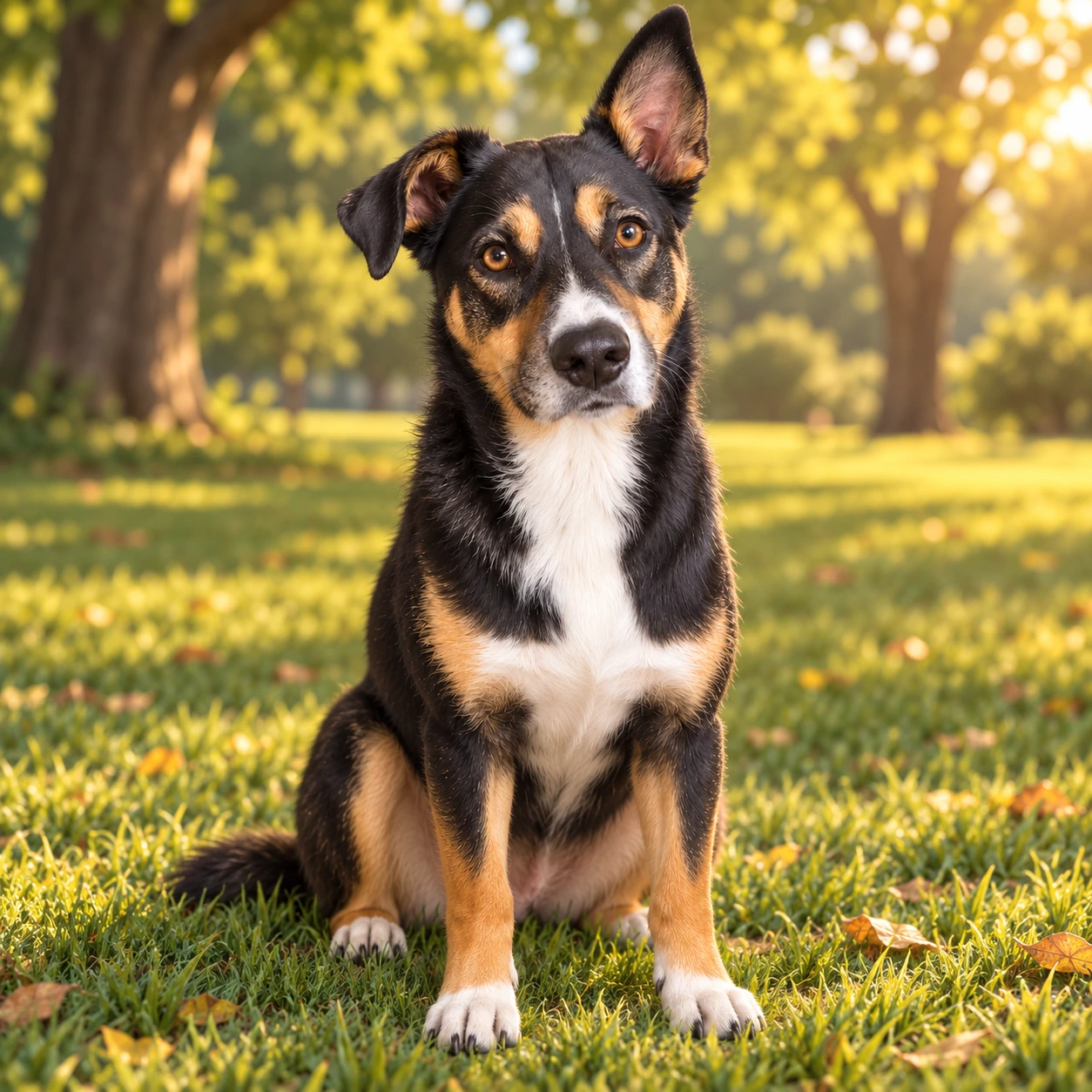
After the character exists, you can also take it into a picture book. That is a next step, not the first-screen job.
How to create a pet portrait from a photo
Three steps. No prompt required unless you want one.
1. Upload a clear pet photo
One animal, face toward the camera, ears and eyes visible. JPG, PNG, or WebP, up to 20MB.
2. Choose a style
3D cartoon, anime, watercolor, or comic. Open Advanced only if you want a short scene note.
3. Generate and download
Sign in, spend 1 credit at 1K, wait for the job to finish. If generation fails, credits are returned.
What photo to upload
Natural light helps. Morning, late afternoon, or a well-lit room is enough — you do not need a studio.
Why this AI pet portrait generator
Built for pets, not people.
The generator is instructed to keep coat color, markings, eye color, ear shape, and body type — not hairstyle and outfit.
52 styles for your pet.
Cartoonize my pet, paint them, or ink them without changing identity.
Save the pet, then keep going.
One portrait can become a character for later scenes on Consistent Character AI.
Honest limits.
Sign-in required. Free-to-try credits in most regions (3 generations for new accounts). Likeness depends on the source photo. We do not promise human-pet selfies, multi-pet group shots, or turning a quadruped into a standing mascot by default.
What people use pet portraits for
- ✓A portrait to keep or gift
Input: one clear photo. Output: a downloadable illustration you can print at home or send as a digital gift. We do not ship canvas in-house. - ✓Profile pictures and stickers
Comic and 3D styles stay readable at small sizes. - ✓The same pet in a story
Save the portrait as a character, then build scenes or take the pet into the storybook maker. - ✓A memorial still
If the only remaining photo is old or soft, try it — and know the likeness may be weaker. We will not claim a restoration that the photo cannot support.
Related tools
photo-to-character for people and general reference shots. Use this pet page when the subject is an animal portrait.
saved pets live here after you click Save as pet character.
turn a saved character into illustrated pages.
if you do not have a photo yet.
general photo cartoonizer for people and mixed subjects. Use this page for pet portraits.
Frequently Asked Questions
Is this pet portrait generator free?
It is free to try after you sign in. New accounts in most regions receive 3 free generations. After that, a 1K portrait costs 1 credit; 2K costs 4 credits; 4K costs 6 credits. High-resolution options follow the same paid-credit rules as the rest of Consistent Character AI. This is a free pet portrait generator only in the sense of a credit trial — not unlimited and not without an account.
Will the portrait look like my pet?
It should keep the distinctive parts of the source photo: ear shape, eye color, muzzle, and coat markings. It will not lock every hair. Blurry photos, side angles, and cropped faces make “generic same-breed” results more likely.
What photo should I upload?
A sharp, front-facing photo with both eyes visible and the head and ears in frame. One pet, even lighting. Skip heavy filters. Group photos are not a first-version promise.
Can I cartoonize my pet?
Yes. Choose the 3D cartoon, anime, or comic style. The aim is a stylized portrait of your pet, not a random cartoon animal.
Does this work as an AI dog portrait generator and an AI cat portrait generator?
Yes. Dogs and cats are the examples on this page. Other pets may work if the face is clear; we do not list every species as a guarantee.
Can I put two pets in one portrait?
Not as a first-version promise. Upload one animal. Multi-pet portraits are easy to get wrong.
Can I print the image?
You can download a PNG and print it yourself. We do not operate a canvas print shop on this page.
Do I need to describe a prompt?
No. Pick a style and generate. Optional extra description lives under Advanced.
What happens after I save the pet as a character?
The original photo, the portrait, the style, and the character ID stay linked. Later scenes should use that character as the reference, instead of reinventing the pet each time.
Turn a pet photo into art
Upload one photo, pick a style, and generate an AI pet portrait you can download or save as a character.
Sign in to start. Most new accounts get 3 free generations. 1K costs 1 credit; failed jobs are refunded.
Create pet portrait