
AI Head Swap edits a single-person photo using an original and a separate head reference. Fast makes one 1024 × 1024 PNG for 5 credits ($2.50 at the $5 for 10 credits pack rate). Eligible new accounts receive 1 signup credit, below the 5 needed for a Fast result. Sign-in is required. Downloads add no fee or visible site watermark; larger outputs require eligible paid access.
How to swap heads in a photo
AI Head Swap starts with the photo whose body and background you want to keep. Add a separate portrait with the replacement face and all of its hair visible. Select an image quality, confirm you have permission to edit both photos, and run the swap. Inspect the hairline, neck and collar in the result before downloading the PNG.
1. Add the original
Choose a photo with one adult, a visible head and a clear neckline. This image sets the scene and pose.
2. Add the replacement head
Pick a sharp portrait with the full hair and both sides of the face in frame. Match the viewing angle as closely as you can.
3. Swap, check and download
Choose a quality level and check the cost. Sign in to run the edit; compare the neck edge, hair and background before saving.
Head swap examples: hair, face and framing
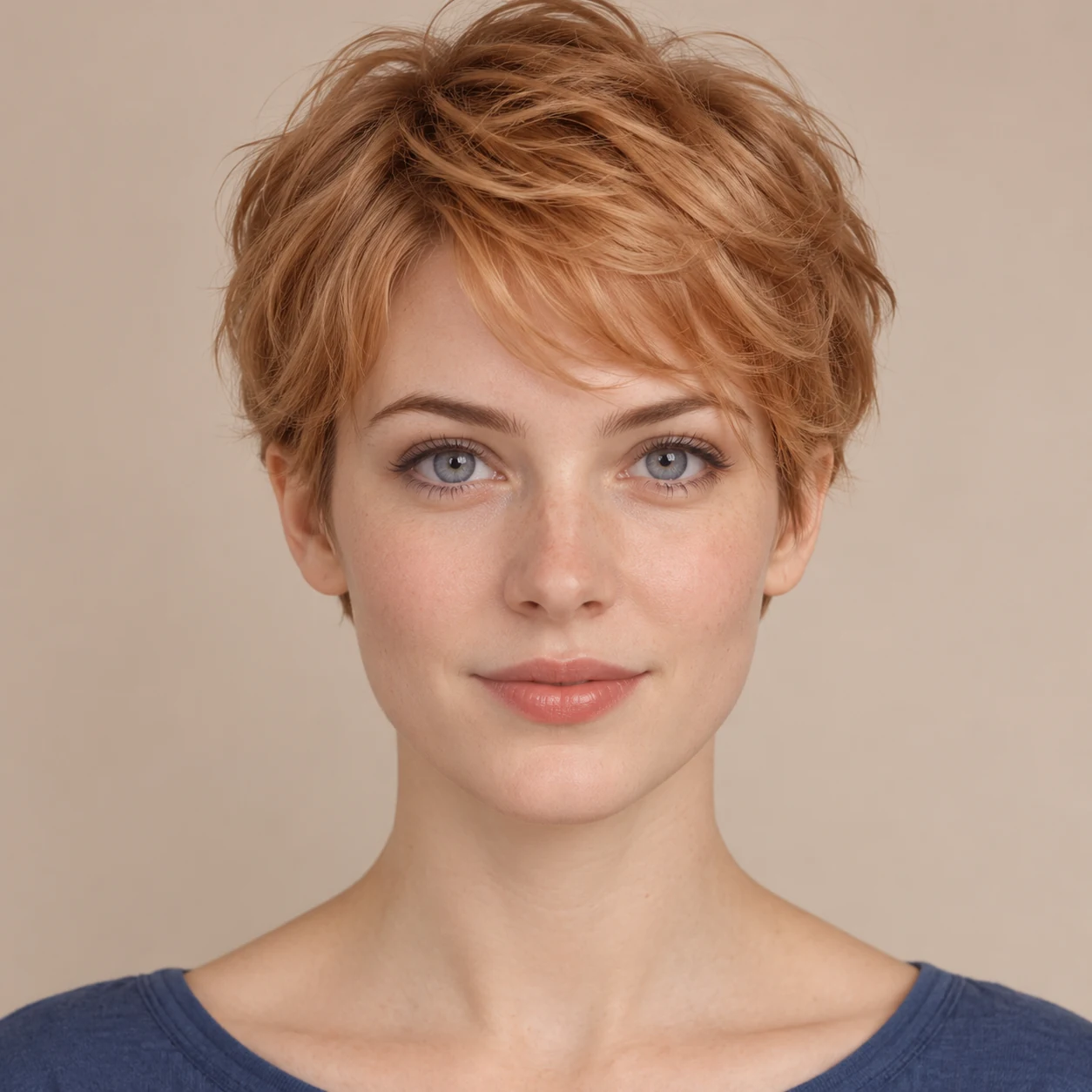
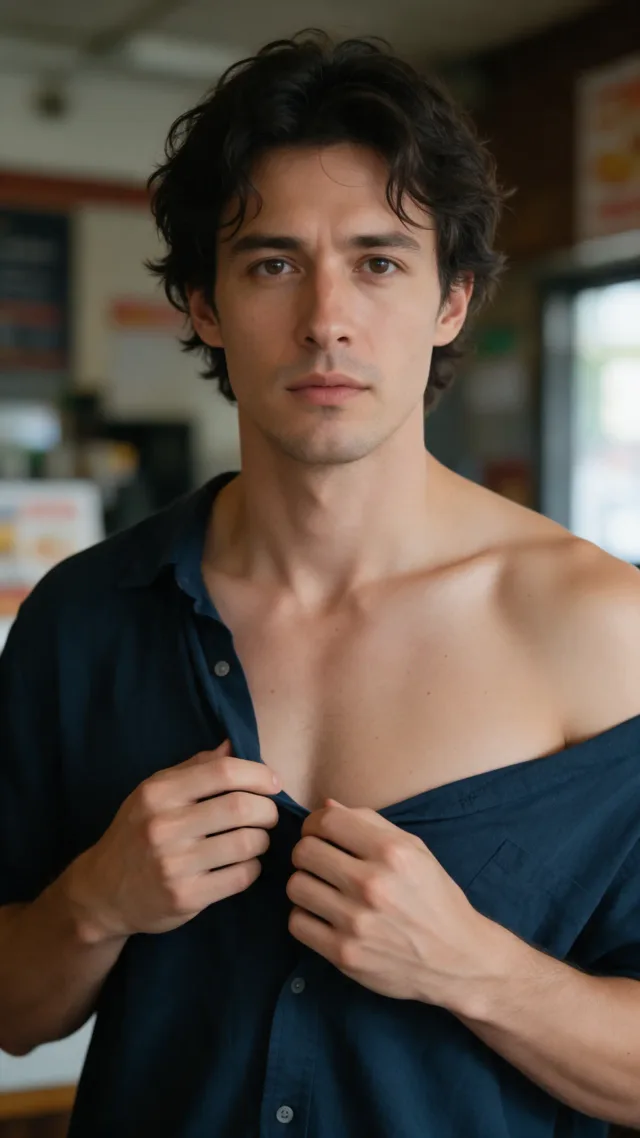
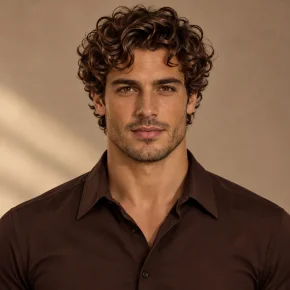
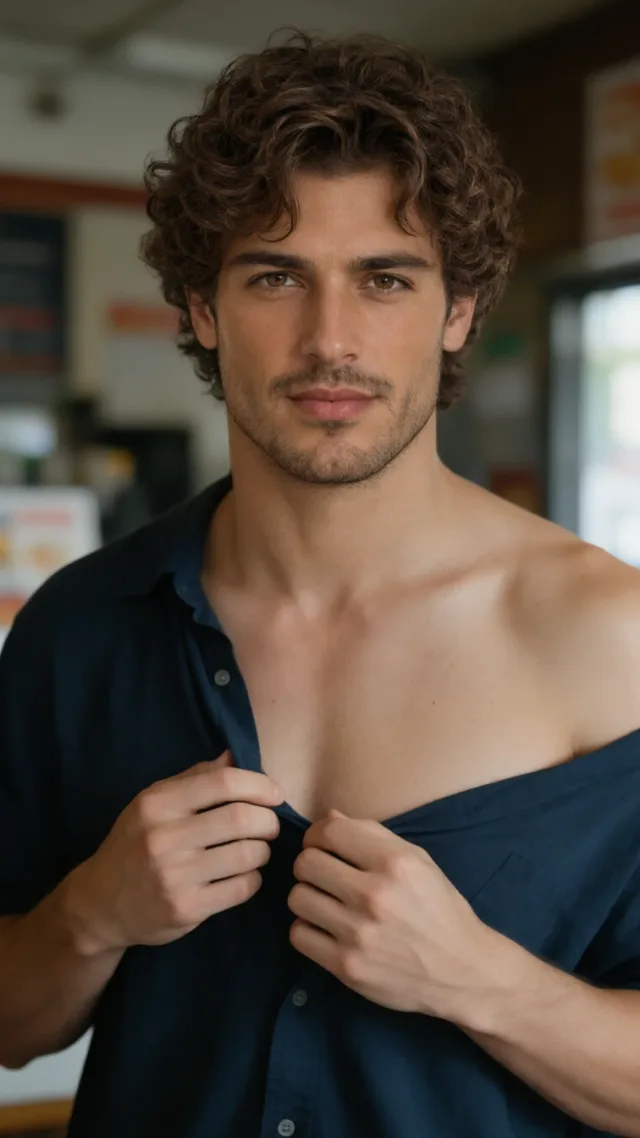
Compare the original and the result to see how a whole-head swap changes the hairstyle, hairline and face. The middle photo provides the replacement head, not the clothing or background. Check the neck and shoulders as well as the face. These examples show possible results, not a promise of identical framing or a seamless blend on every photo.

Original
New head

Result
A short haircut in office light
The replacement pixie cut changes the silhouette, while the blazer, chair and indoor light remain recognizable.
Original
New head
Result
Curly hair in a soft-lit portrait
The curls and a different face replace straight hair. Compare the front of the shoulders and the shadows by the neckline.

Original
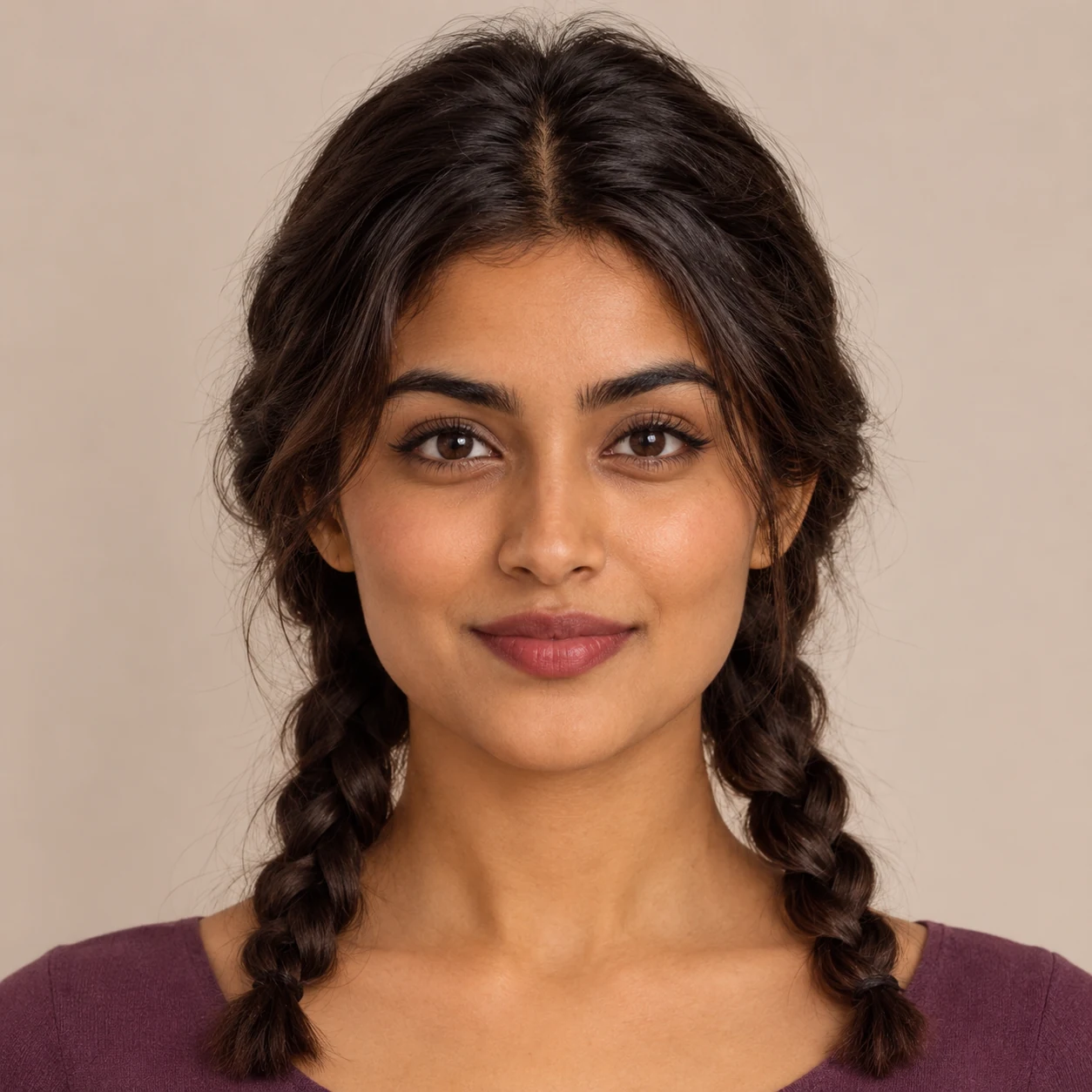
New head

Result
Braids in a costume portrait
Twin braids and the reference face replace loose hair. The draped costume, pose and beam of light remain visible.
How can I do an AI head swap online?
AI Head Swap runs in a phone or desktop browser without an app. Add two JPG, PNG or WebP images, each up to 10 MB and 128–2048 pixels per side. The original goes first and provides the pose and setting; the replacement head goes second. A similar head tilt and direction of light in both photos make the neck blend easier.
Does a full AI head swap include the hair?
A full AI head swap includes the hair in its editing instructions. It asks the model to transfer the face, ears, hairline, visible hairstyle and head shape from the replacement photo. A face-only swap targets facial features and generally keeps the original hair and head shape. If the result retains the old hairline, try a less obstructed replacement portrait.
Swap faces without changing the hairstyleAI head swap pricing and free allowance
AI Head Swap is not free to generate at the current signup allowance. Eligible new accounts receive 1 signup credit, below the 5 needed for a Fast result. Each edit uses 5–9 credits ($2.50–$4.50 at the trial-pack rate). The lowest purchase is $5 for 10 credits. Examples are free to browse, and downloading the finished result costs nothing extra.
| Quality | Pixels | Credits | Pack-rate equivalent |
|---|---|---|---|
| Fast | 1024 × 1024 | 5 | $2.50 |
| HD | 2048 × 2048 | 7 | $3.50 |
| Ultra HD | 2880 × 2880 | 8 | $4.00 |
| Studio | 2048 × 2048 | 9 | $4.50 |
| Feature | Details |
|---|---|
| Signup allowance | Eligible new accounts receive 1 signup credit, below the 5 needed for a Fast result. |
| Paid access | Sign in with enough credits; higher quality levels require eligible paid access. |
| Download | One square PNG per edit; no separate download charge. |
| Watermark | No visible watermark added by this site. |
| Tool | Free access | Paid cost | Watermark | Output |
|---|---|---|---|---|
| Consistent Character AI | Eligible new accounts receive 1 signup credit, below the 5 needed for a Fast result. | 5–9 credits per edit | No added visible site watermark | Square PNG |
| Magic Hour | 3 free photo swaps per day without sign-in | Paid web price per image not published on tool page | No watermark | Photo |
| QuickFaceSwap | First photo swap free with sign-in | 3 credits per photo; $5.99 for 250 credits | No watermark | Photo; video also offered |
Checked 2026-11-20. Credits are specific to each service.
When a head swap won’t look right
An AI head swap is harder when the photos use different angles, the collar hides the neck, or a hat covers the hair. Long hair can cover part of the outfit, and square output can change the framing. Use one person per photo: there is no control for selecting people in a group. The tool processes still photos one at a time, not videos or GIFs.
AI head swap FAQ
Get permission from the adults in both photos before uploading. The editor sends those images for processing rather than editing them on your device. If you close this page while an edit is running, return on the same browser and account to check the original request.
Can I use a photo of someone else?
Use only photos of adults you have permission to edit. Get permission from both people before uploading, and don’t present a swap as an authentic photograph.
What happens to the two photos I upload?
This is not an on-device editor. The site uploads the photos and sends them to its image provider for processing. The result preview and download require your account; someone with a direct storage link may still be able to open that file. Don’t upload sensitive photos.
Can I download my head swap again after closing the page?
Open this page in the same browser and account. If the existing request is recovered, use Download PNG once the result is ready. Checking or downloading it again does not start a new edit or use more credits.