
AI Smile Generator edits one adult portrait, from a neutral selfie to a serious headshot, and asks the model to keep the person and setting recognizable. Fast costs 5 credits ($2.50 at the trial-pack rate) for a 1024 × 1024 PNG. Eligible new accounts get 1 signup credit, below the 5 needed for a Fast edit. Sign in to generate and download without an extra fee or added site watermark.
How to add a smile to a photo
Start with a sharp portrait of one adult whose lips and cheeks are clearly visible. Choose a soft, closed-mouth smile for a headshot or a smile with visible teeth for a more expressive selfie. Pick a quality level, confirm permission, and run the edit. Compare the smile and facial details with the original before downloading.
1. Upload one portrait
Choose a sharp JPG, PNG or WebP. An unobstructed face and even light help preserve facial details.
2. Pick the smile
Choose Soft smile, Show teeth, or Custom. Custom needs a smile description. You can also add a photo to show the expression you have in mind.
3. Compare and download
Select a quality level, confirm permission and sign in to generate. Check the mouth and cheeks against the original, then download the PNG.
Smile filter before-and-after examples
Compare each original with its edited portrait and look at how the mouth corners, cheeks and visible teeth change. Check the eyes and jawline, too. A smile can look convincing at thumbnail size even when the rest of the face has shifted at full size.
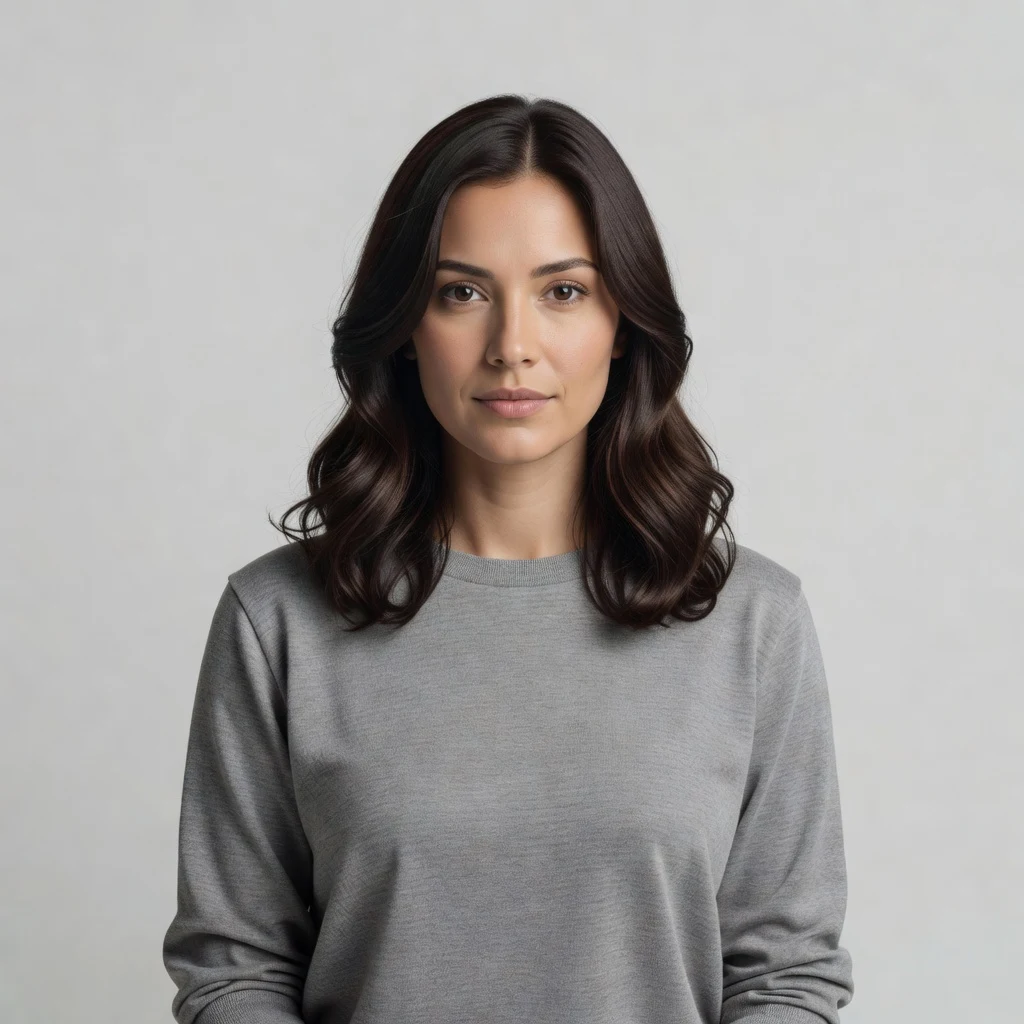
Original

Smile edit
A tooth-showing studio smile
A neutral studio expression opens into a smile with visible upper teeth. The gray sweater, shoulder position and plain backdrop stay recognizable.

Original

Smile edit
A warmer professional portrait
The smile lifts the cheeks in a navy-blazer portrait. The crossed arms, framing and office setting stay recognizable.
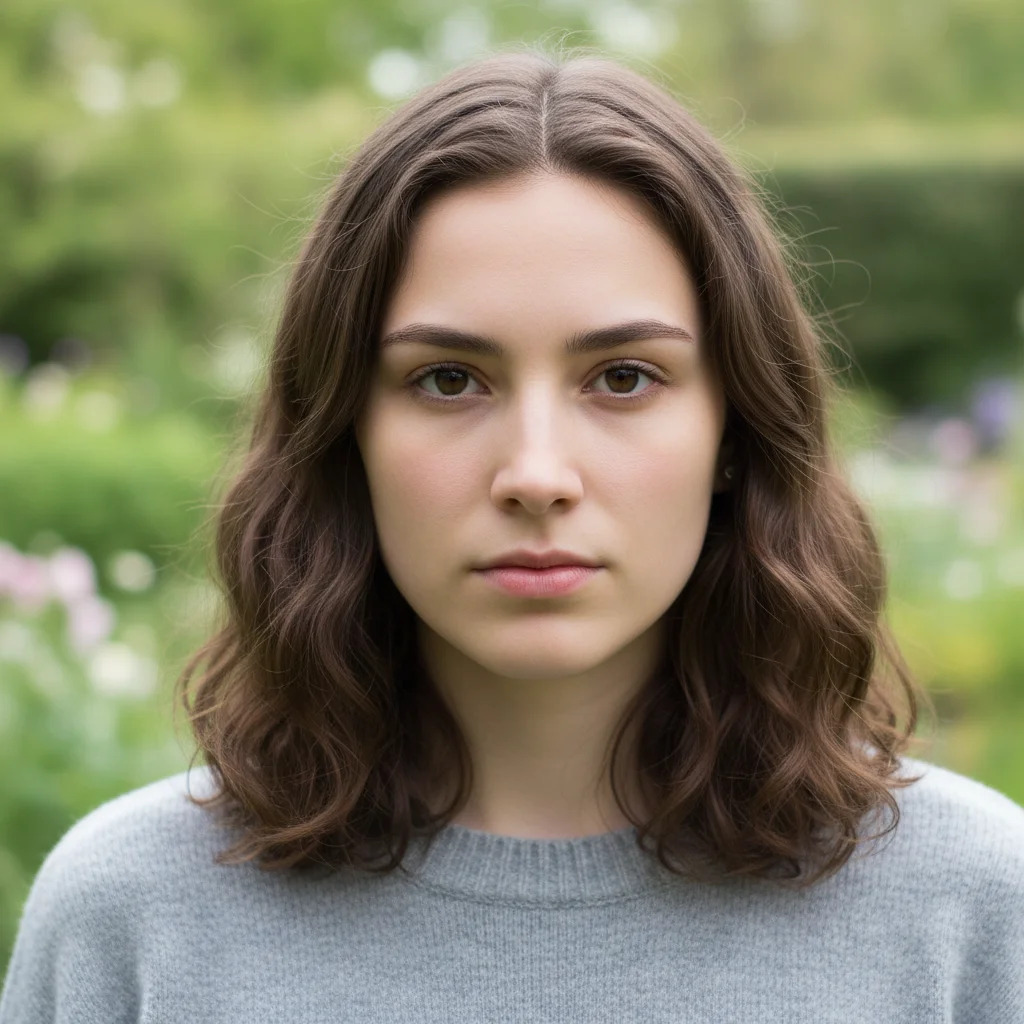
Original
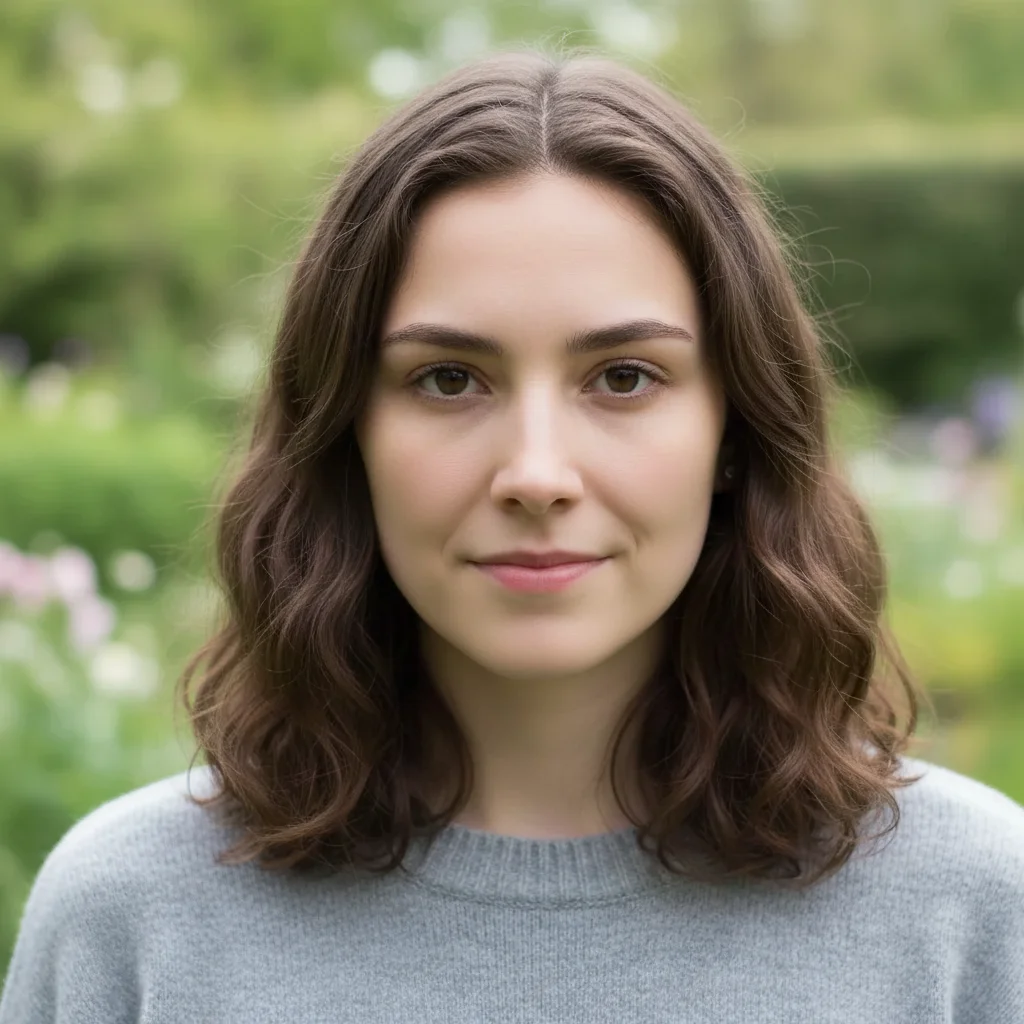
Smile edit
A soft, closed-mouth smile
The corners of the lips lift slightly in this outdoor portrait. The wavy hair and softly blurred greenery remain visible.
How can an AI smile filter look natural?
The Consistent Character AI smile filter works best with a clear, front-facing portrait and a small closed-mouth smile. It asks the model to adjust the mouth and cheeks while keeping the face and background recognizable. If you choose visible teeth, examine their shape and shadows at full size and compare the jawline and eyes with the original.
Can I use an AI smile generator online on my phone?
The Consistent Character AI smile editor works in a phone or desktop browser with a JPG, PNG or WebP. Each image can be up to 10 MB, with each side between 128 and 2048 pixels. Pick a smile and sign in to run the edit. Compare the original and result on the same page and save the square PNG.
How is an AI smile meme different from a natural smile?
The Consistent Character AI smile editor offers two natural presets for profile photos and a Custom setting for more theatrical grins. A smile meme exaggerates the expression for a joke, often with raised cheeks and more visible teeth. For a playful edit of your own portrait, use Custom to describe the expression, then compare it with the original.
Smile filter prices and free access
Generating a smile edit requires credits. Eligible new accounts get 1 signup credit, below the 5 needed for a Fast edit. Sign in to generate for 5–9 credits ($2.50–$4.50 at the trial-pack rate). The examples are free to browse. A one-time pack costs $5 for 10 credits, with no extra charge or added site watermark on the download.
| Quality | Pixels | Credits | Pack-rate equivalent |
|---|---|---|---|
| Fast | 1024 × 1024 | 5 | $2.50 |
| HD | 2048 × 2048 | 7 | $3.50 |
| Ultra HD | 2880 × 2880 | 8 | $4.00 |
| Studio | 2048 × 2048 | 9 | $4.50 |
| Feature | Details |
|---|---|
| Signup allowance | Eligible new accounts get 1 signup credit, below the 5 needed for a Fast edit. |
| Paid access | Fast needs enough credits. Higher quality levels also require eligible paid access. |
| Download | One square PNG per edit. Download included. |
| Watermark | No visible watermark added by this site. |
| Tool | Free access | Paid cost | Watermark | Output |
|---|---|---|---|---|
| Consistent Character AI | Eligible new accounts get 1 signup credit, below the 5 needed for a Fast edit. | 5–9 credits per edit | No added site watermark | Square PNG |
| WaveSpeed | Free sliders without sign-in or upload | Separate AI retake price shown before generation | No watermark on slider edits | Edited photo |
| SandBase | Free daily quota without sign-in | Paid API beyond the daily allowance. Smile-specific price unpublished. | No watermark on free tool | Edited photo |
Checked 2026-11-20. Consistent Character AI is the tool on this page. Each service uses its own pricing and credits.
When the smile edit is less reliable
Use a portrait with one adult. This tool has no face-selection control for groups. Covered mouths, strong side angles and blurred inputs can produce uneven lips or teeth. The model can shift details around the mouth and elsewhere, and a square result may change framing. The editor returns a still portrait one at a time.
Smile editing FAQ
Choose an image you have permission to edit and keep an untouched copy. A smile edit can change how someone’s reaction is understood, so share it with context. The questions below cover scanned photos, permissions, how images are processed, and getting back to a finished edit.
Can I use an old scanned photo?
Yes. Scan or export it as a clear JPG, PNG or WebP. If the face is faded, grainy or partly covered, try a small closed-mouth adjustment first and compare the result at full size.
Can I edit a photo of someone else?
Get permission from each adult shown before uploading. Ask before publishing the edited photo, and avoid presenting the new expression as a genuine reaction.
Where are my portraits processed?
The site uploads the photos and sends them to its image provider for processing. The result uses account-checked preview and download endpoints. A person who has the direct storage link may still be able to open the file.
Can I reopen a smile edit after closing the page?
Return in the same browser and sign in to the same account. If the original request is recovered, check its status and download the PNG when ready. Checking or downloading that edit again uses no extra credits.