Black PFP — Make a Dark Avatar

Black PFP by Consistent Character AI turns one photo into a square avatar with a dark look from the gallery.

Choose photo

JPG, PNG, WebP · 10 MB max

Dark style

Style preview

Black profile picture inside a circular crop
Circle crop
Quality

1K1024² · square PNG

One square PNG from 5 credits · $5/10-credit pack

Black PFP lets you browse dark avatar ideas for free and turn one photo into a square profile picture. Sign in to generate one 1024 × 1024 PNG for 5 credits ($2.50 at the trial pack rate) with no added site watermark. The current signup allowance is 1 signup credit, below the 5 needed for one Fast image.

Make a black PFP from your photo

Pick a black profile picture style and upload one clear image with a single subject. Choose your output quality, confirm permission to use the image and generate a square PNG. Check the circle preview before downloading so your face, pet’s ears or other important features have room around the edges.

  1. 1. Upload one image

    Choose a photo of yourself, a pet or a simple subject you have permission to use.

  2. 2. Choose a dark look

    Start with a gallery style or describe your own lighting, background and palette in Custom.

  3. 3. Check the crop and download

    Create one square PNG, check the circle preview and download it for your profile.

Pick soft side lighting for a portrait, a backlight for a silhouette, or a narrow silver edge for a black cat. The examples below show how much shadow each look can carry while keeping the subject readable. Use a style to bring its direction into the editor, or open its prompt to copy the wording.

Black and white PFPs & dark portraits

Compare original photos with darker results and see how the lighting changes the focus.

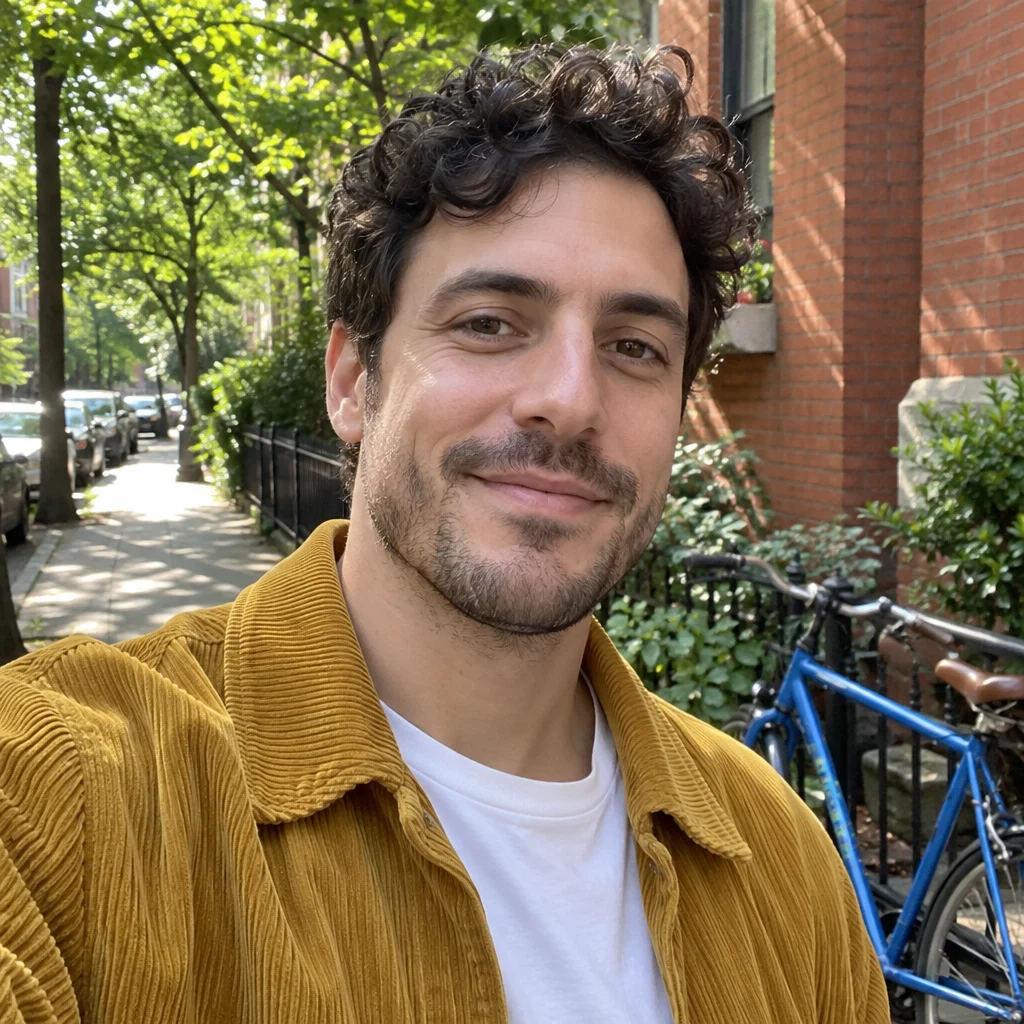
Curly-haired man in a mustard jacket on a tree-lined street
Original
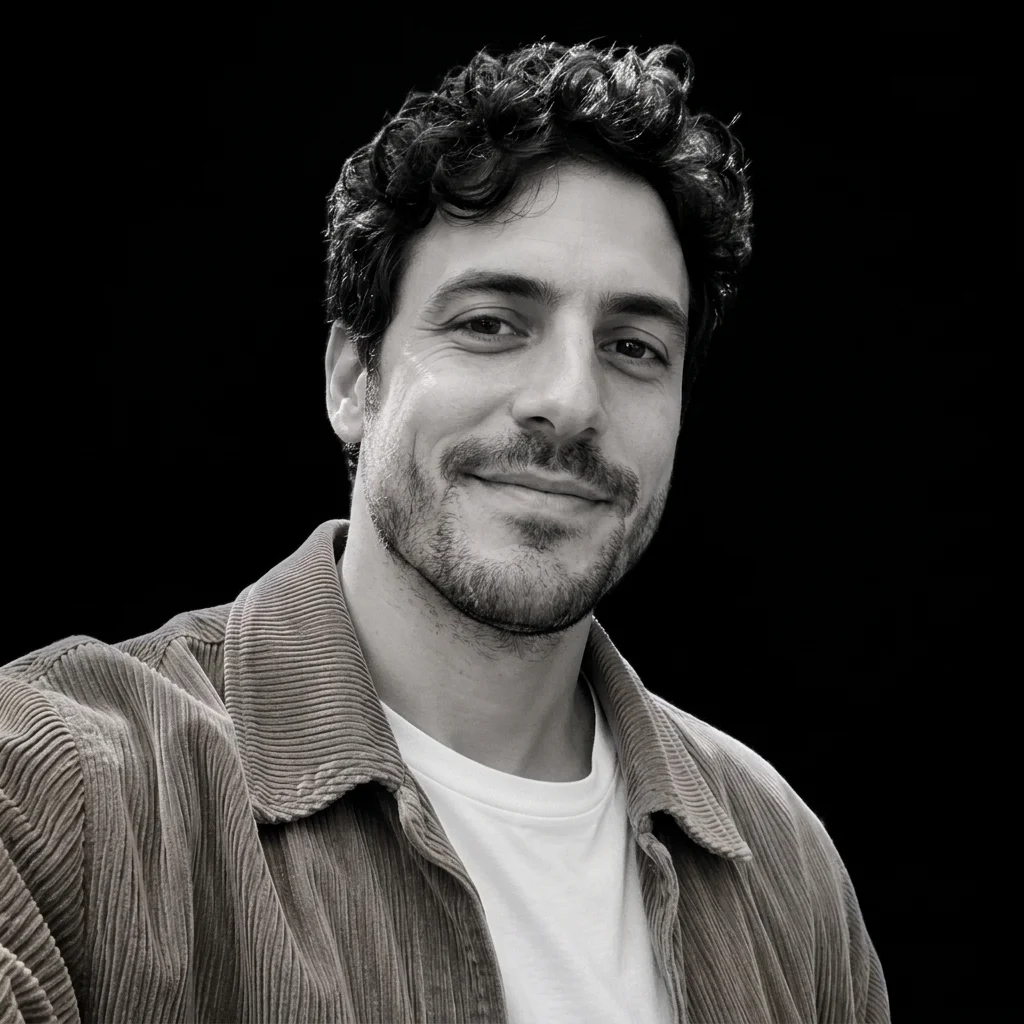
Black-and-white profile portrait of a curly-haired man against black
Dark edit

Black-and-white street portrait

The street, trees and bicycle give way to black. Soft gray light keeps the curls, jacket texture and half-smile readable.

View prompt

Make a high-contrast black-and-white avatar with a black background and soft side light. Keep detail in the illuminated face and let the other side fall into charcoal shadow.

Dark-haired woman in a gray sweater in a bright office
Original
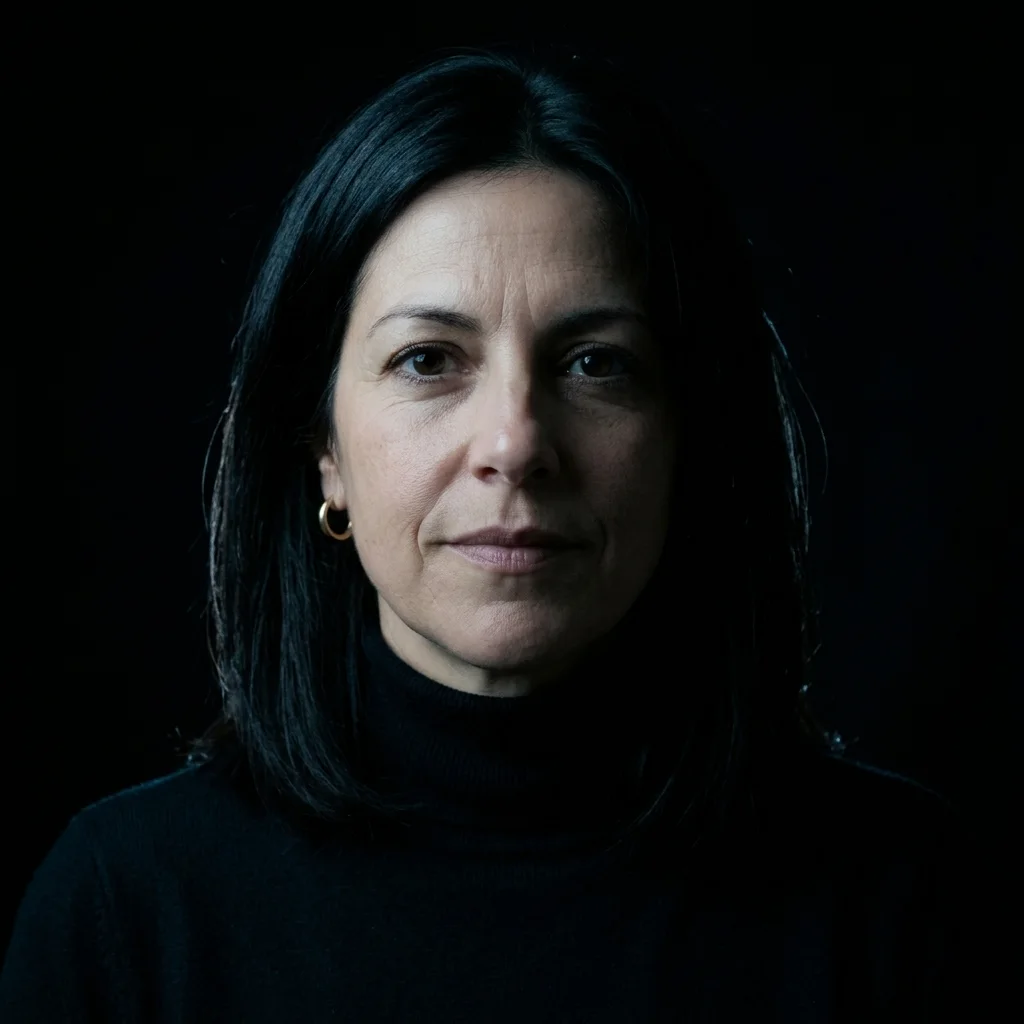
Dark profile portrait of a woman in a black turtleneck with cool sidelighting
Dark edit

Cool side-lit portrait

Cool light picks out the cheek and hair against black. A black turtleneck takes the place of the gray sweater.

View prompt

Use a near-black studio background and cool, soft side light. Keep some color in the skin or fur and leave enough detail to read the features in the shadows.

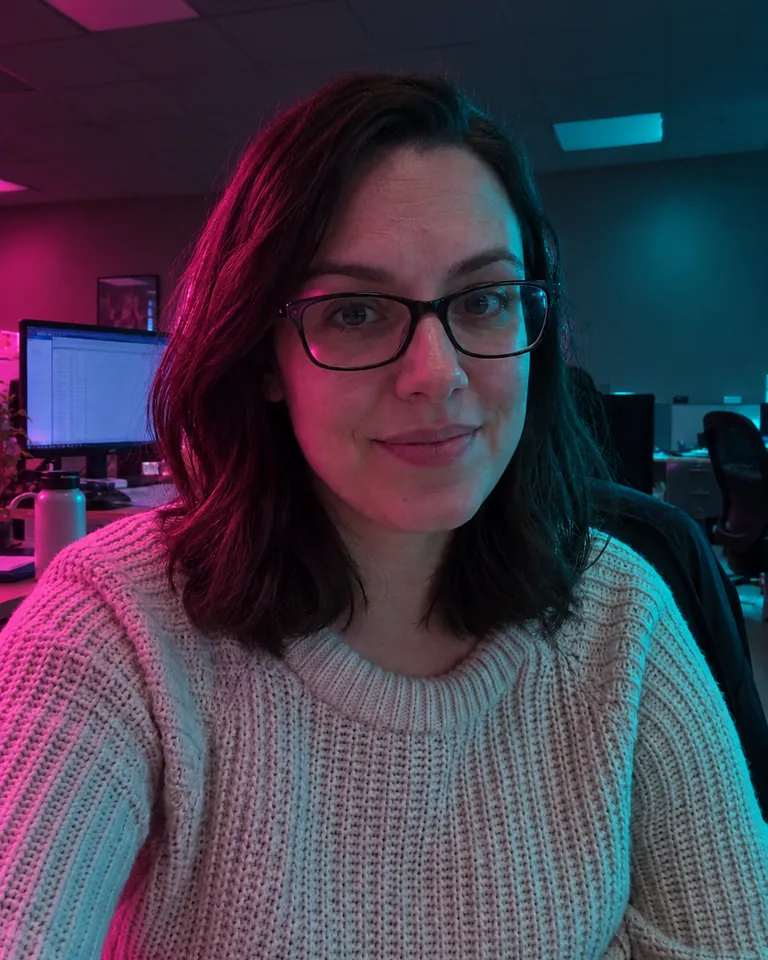
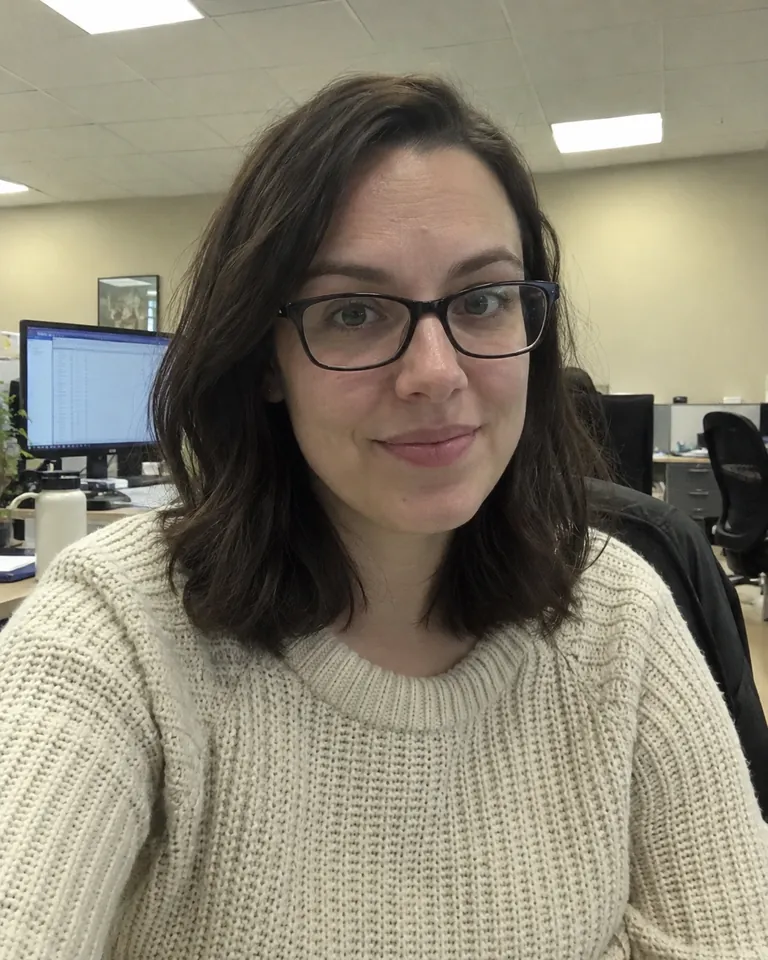
Woman in glasses and a cream sweater under neutral office lighting
Original
Dark portrait of a woman in glasses lit by pink and teal light
Dark edit

Pink-and-teal low light

Pink and teal light frame the woman’s glasses and hair. Desk monitors are still faintly visible in the darkened room.

View prompt

Use a dark backdrop with restrained blue and magenta edge lighting. Preserve the original face, glasses, hair and other recognizable details, with the focus on the subject.

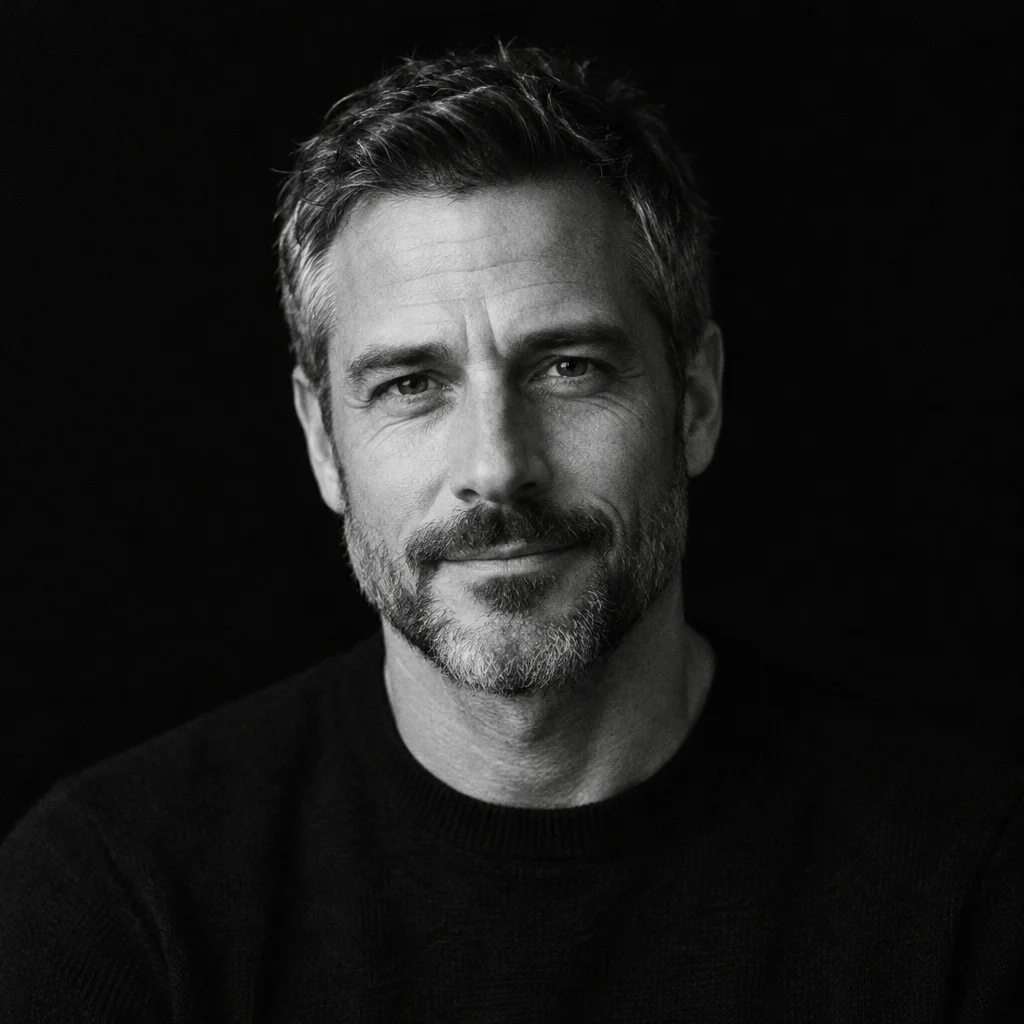
Black-and-white portrait of a bearded man in a black sweater against black

Soft-light monochrome

One source of soft light defines the cheek and beard against black.

View prompt

Make a high-contrast black-and-white avatar with a black background and soft side light. Keep detail in the illuminated face and let the other side fall into charcoal shadow.
Black cats & silhouettes

Backlight and bright edges help an otherwise dark subject read at avatar size.

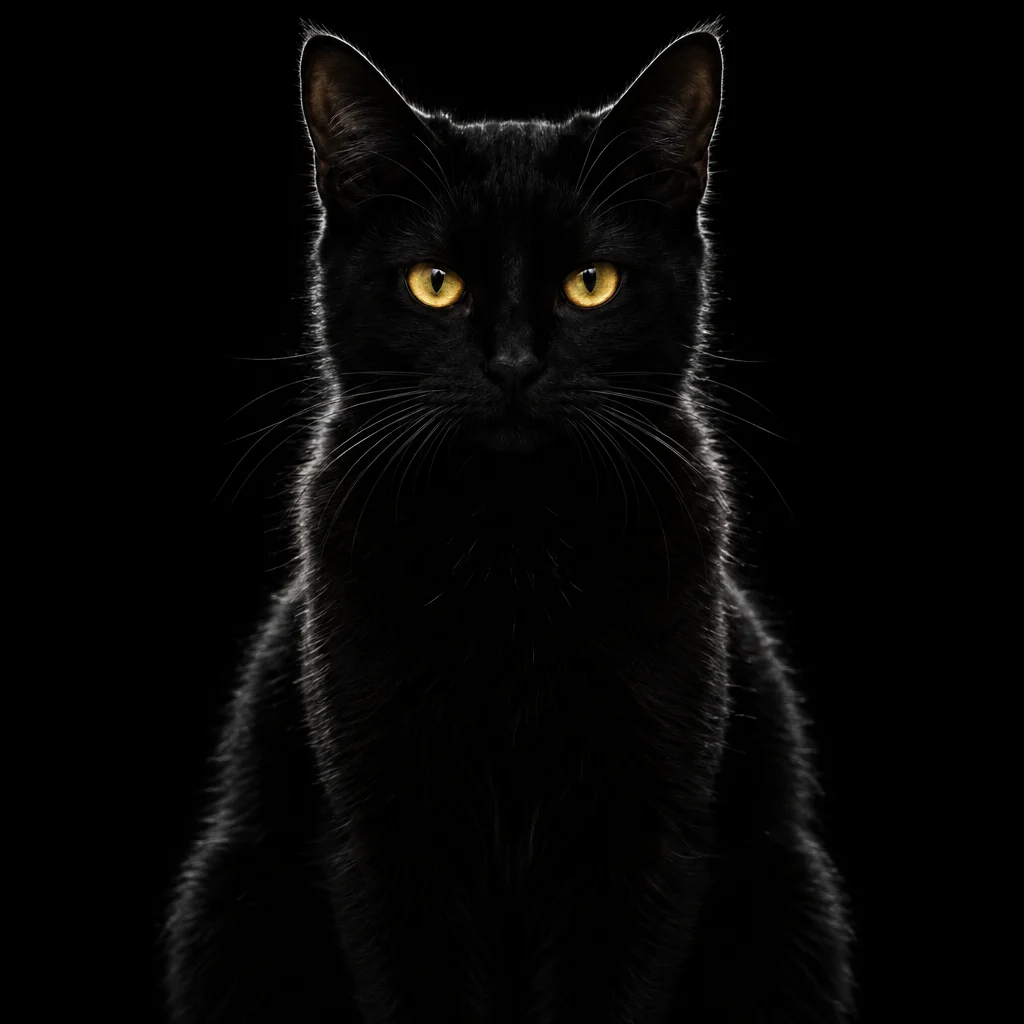
Black cat avatar with amber eyes and a fine silver rim of light

Amber-eyed black cat

Light along the ears and whiskers keeps the cat recognizable at small sizes.

View prompt

Place the subject against an ink-black background with a narrow silver rim light along the fur or outline. Keep eye highlights and any whiskers visible, with enough separation to read at avatar size.

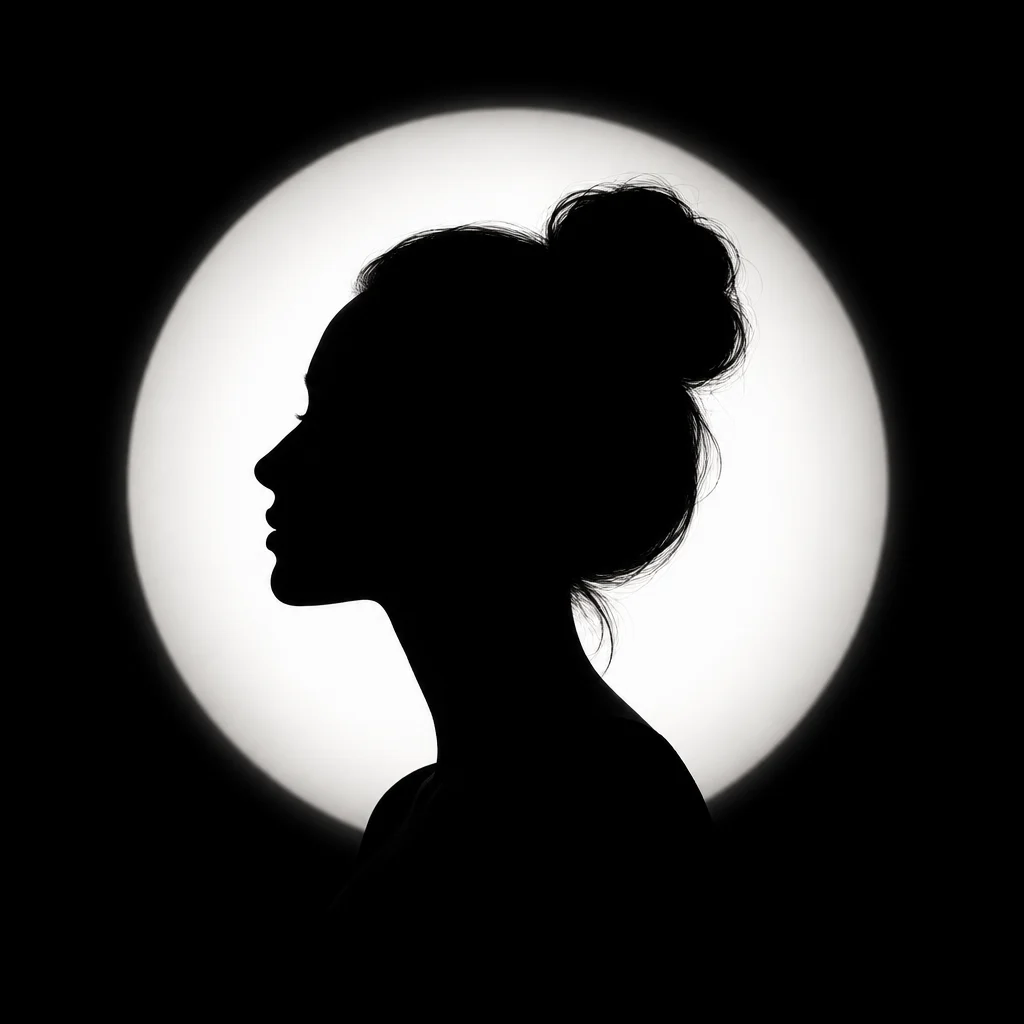
Black side-profile silhouette of a woman with an updo in front of a white circle

Backlit silhouette

A white circle makes the profile and updo readable without showing facial details.

View prompt

Turn the subject into a near-black silhouette on a charcoal background, with a soft circular backlight. Keep the outline of the head, hair or ears readable and leave generous space around it.

All-black & black-and-red accents

Try a single highlight, a crescent shape or a small red accent against a black background.

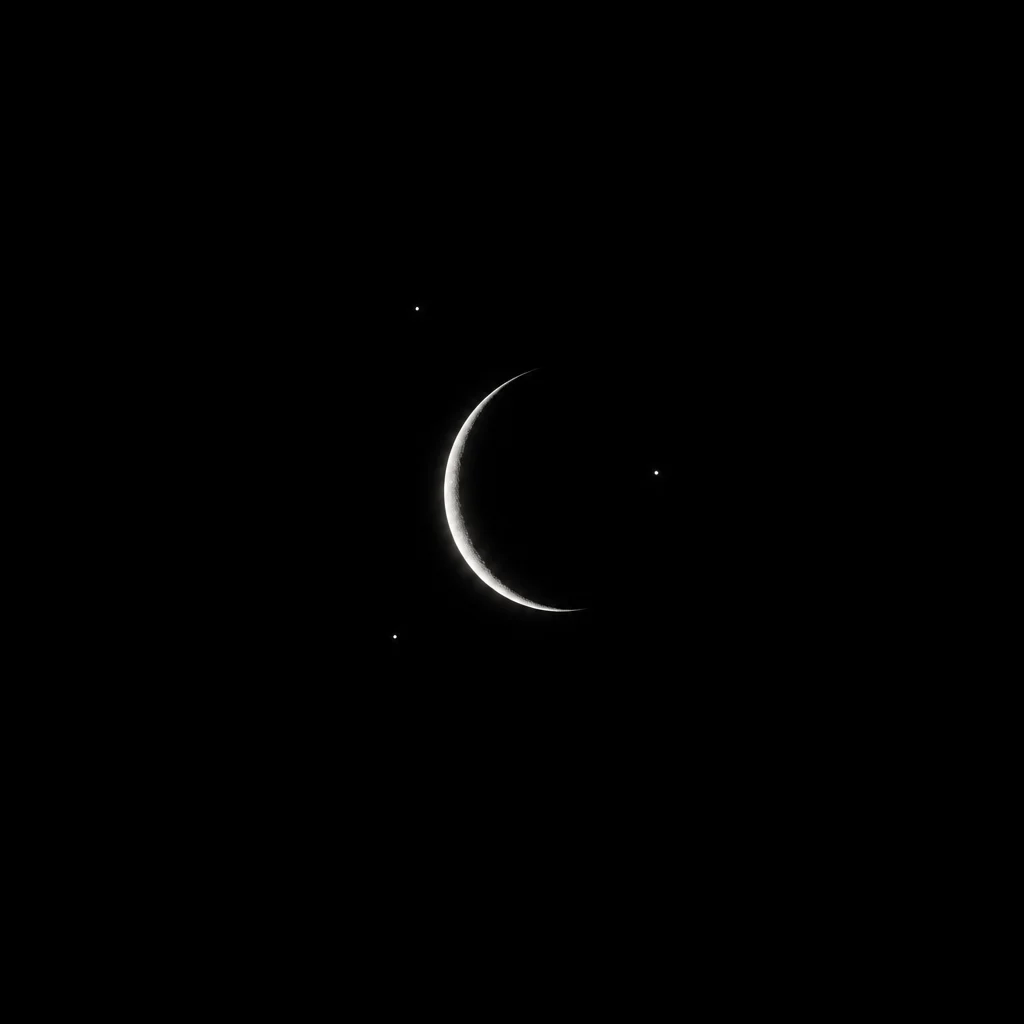
Thin white crescent moon and tiny stars centered on a black square

Crescent on black

A small crescent and a few stars leave most of the square black.

View prompt

Use an ink-black backdrop with a thin crescent of cool light. Use the narrow light to outline the subject and leave the rest in deep, readable shadow.

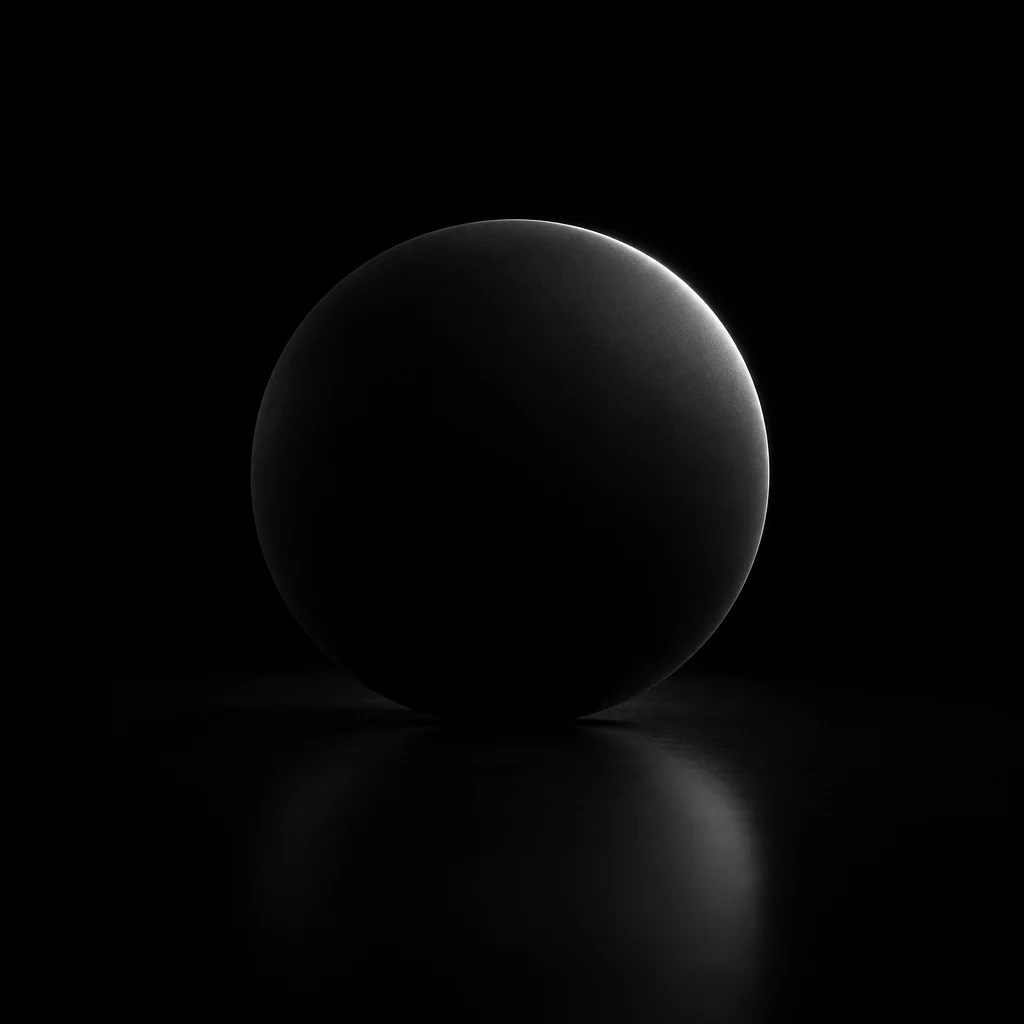
Matte black sphere with a narrow white rim of light on a black surface

Light on a black orb

A thin highlight outlines the sphere above a faint reflection.

View prompt

Use a matte-black backdrop with one broad, faint gray reflection. Preserve a clean silhouette and a visible edge between the main subject and the background.

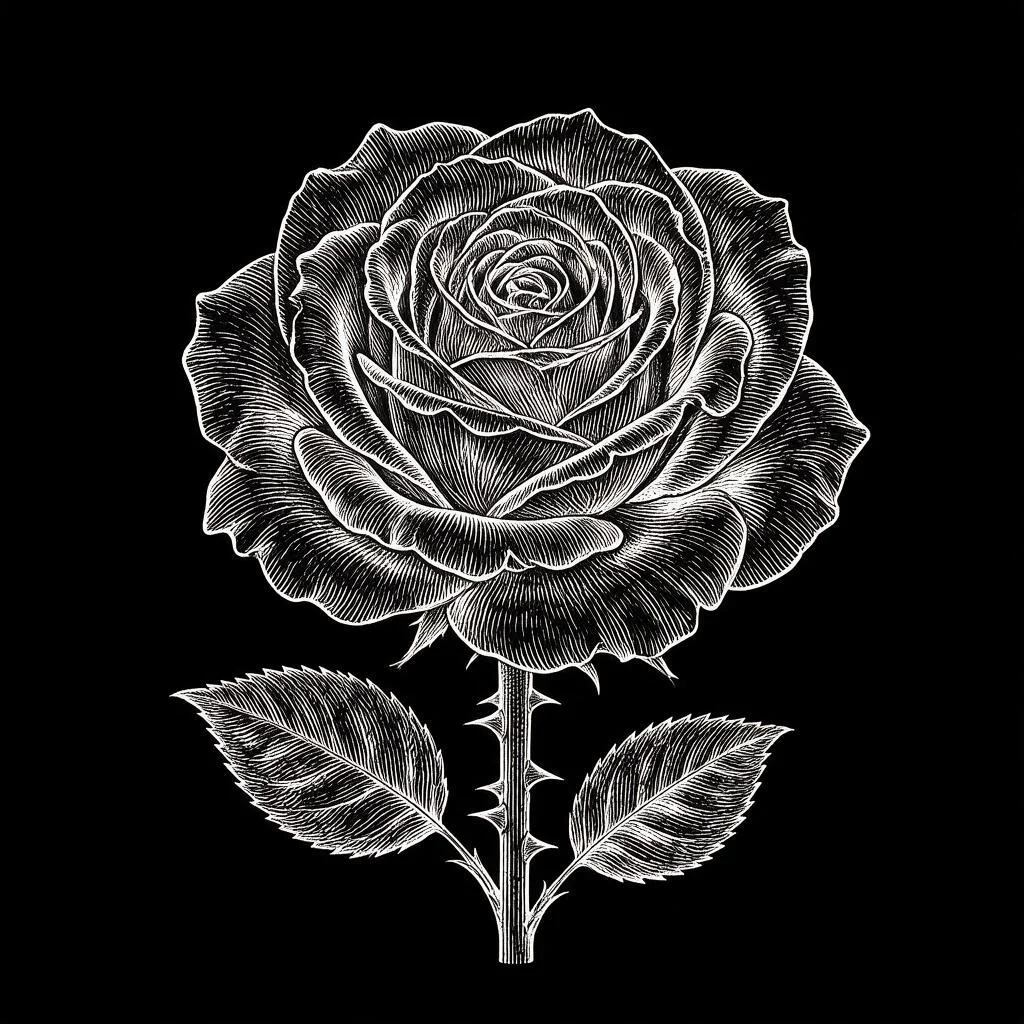
White engraved rose with two leaves against black

White-ink rose

Fine engraved lines pick out the bloom and leaves on a black field.

View prompt

Render the subject in clean white engraved linework against ink black. Preserve its recognizable outline with a few bright contours and leave enough empty space for a circular crop.

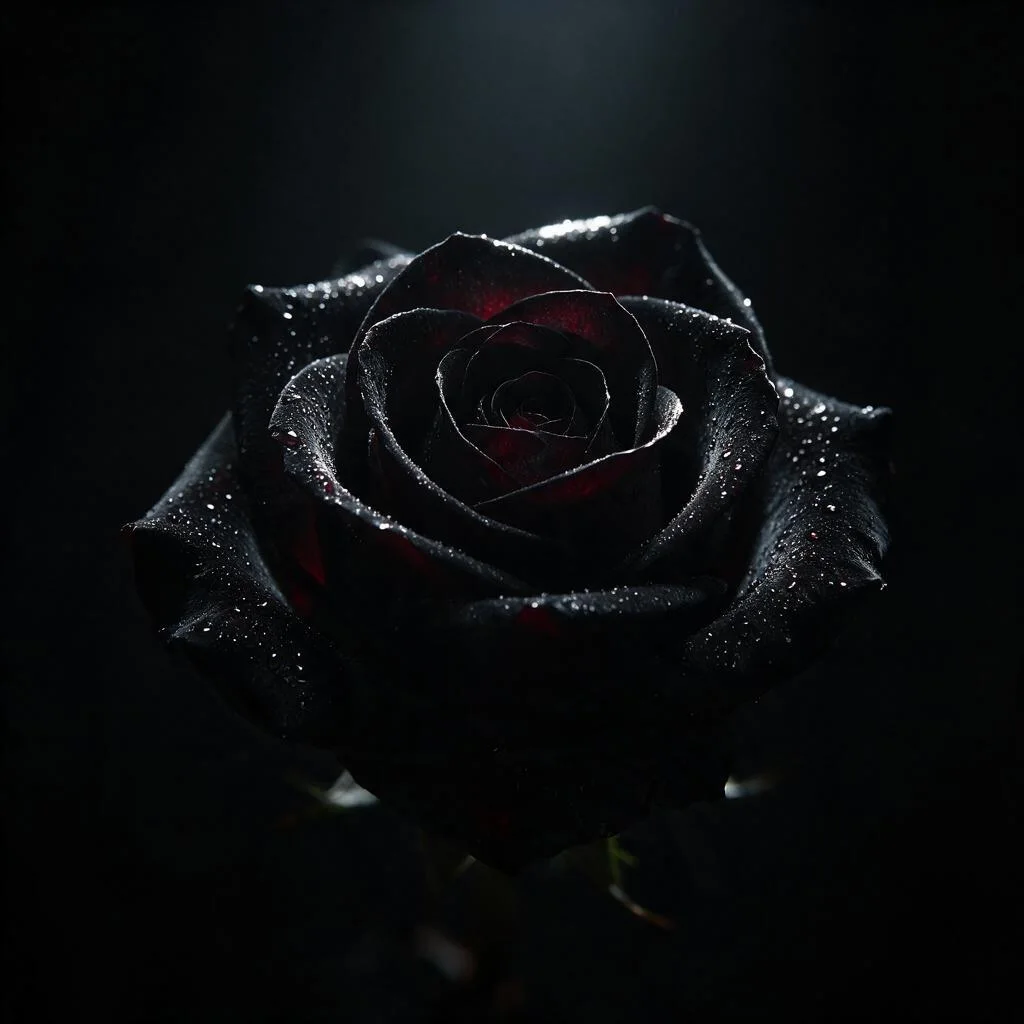
Dark rose with fine water droplets and a faint crimson tint in the petals

Black rose with red shadows

A narrow highlight separates the petals. Muted red stays in the shadows.

View prompt

Use a black background with a small deep red accent and soft directional lighting. Leave charcoal detail around the subject so the red is the only vivid color.

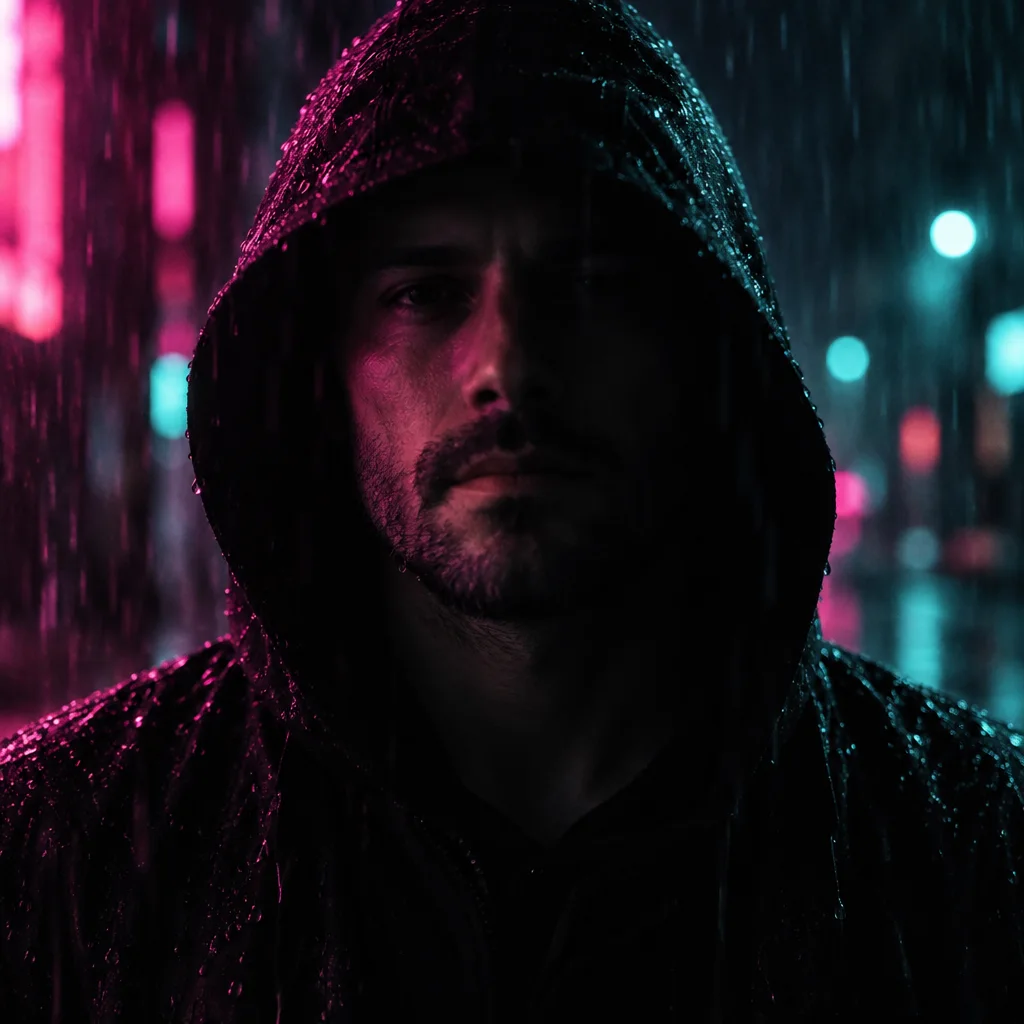
Dark avatar of a hooded man in rain with magenta and teal lighting

Neon hood in the rain

Magenta and teal rim light reveal the hood and raindrops.

View prompt

Use a black hood, a wet dark backdrop and narrow magenta and teal rim lights. Keep the source subject recognizable and place it centrally, with dark space around the hood.

How do I make a black and white PFP from a photo?

Black PFP turns one clear photo into a black-and-white profile picture with its Noir style. Noir asks for a black background and soft light from one side so lit features stay visible against deep shadow. If the image loses detail around the eyes or hair, use Custom to describe where you want the highlight and which features should stay recognizable.

What does an all-black PFP mean?

An all-black PFP can be a plain black square, a nearly black image or a silhouette. It can match a dark profile theme, lower the visibility of a face, or signal something shared by a community. There is no universal meaning. When it appears across a group at the same time, the surrounding posts or the person’s own explanation are better clues than the image alone.

How do I crop a black Discord PFP?

A black Discord PFP stays readable when the face, ears or symbol fits inside the central circle of a square image. Leave dark space around the subject and check the small circle preview. If the outline blends into a dark interface, try a brighter rim light. Upload the square PNG in your Discord profile settings and check its crop there.

Dark avatar pricing, browsing and downloads

One square avatar uses 5–9 credits, equal to $2.50–$4.50 at the one-time $5 pack rate for 10 credits. The current signup allowance is 1 signup credit, below the 5 needed for one Fast image. Gallery browsing and prompt copying are free. Each completed PNG can be downloaded without extra credits or an added site watermark.

One square PNG per generation
QualityOutputCreditsTrial pack equivalent
Fast1024 × 1024 · PNG5$2.50
HD2048 × 2048 · PNG7$3.50
Ultra HD2880 × 2880 · PNG8$4.00
Studio2048 × 2048 · PNG9$4.50
Free browsing, access and image handling
FeatureDetails
Browse & copy promptsFree without signing in
Signup allowanceThe current signup allowance is 1 signup credit, below the 5 needed for one Fast image.
Smallest purchase from zero$5 once for 10 credits
Download and watermarkSquare PNG with no added site watermark or extra download charge
AccessSign-in required. HD, Ultra HD and Studio require eligible paid access.
Uploaded imagesThe site stores your uploads and sends them to the image provider. Account checks protect previews and downloads in the app. People who have a direct storage link may be able to open it.
See credit packs and monthly plans

Where dark avatar edits can lose detail

A dark edit can hide small details in hair, glasses or fur, especially if the original already has deep shadows. The model can also change a face or a marking, even when it is asked to preserve it. Start with one well-lit subject and check the preview. The output has a filled background and the service leaves the final profile crop and upload to you.

Profile picture FAQ

Use a phone or desktop browser to start with your own image, then download a still PNG for your avatar. If you want your profile to coordinate with a friend’s, use the same look for both images. Check the photo requirements and output format before you start.

Can I browse black PFP ideas for free?

Yes. The black PFP gallery is freely available and its prompts can be copied without signing in.

Can I make a black PFP on my phone?

Yes. Upload a JPG, PNG or WebP from a mobile browser without installing an app. Each photo can be up to 10 MB, with both sides between 128 and 2048 pixels. An optional Custom style image follows the same limits.

Can this make an animated black PFP?

The tool returns one still PNG. That file works as a static profile picture. The tool generates no GIF or video.

Can I make matching black and white PFPs?

Use the same style, light direction and framing for two separate photos. Make one request per person and use photos you have permission to edit. Two Fast images cost 10 credits. Review the results together because separate requests can vary.