
A couple photo prompt helps you make an anniversary or social portrait from a joint photo or two individual selfies. Copy any prompt for free, or sign in to create one vertical 3:4 PNG without a site watermark from 5 credits for 768 × 1024 pixels. New accounts receive 1 signup credit, and the smallest purchase is $5 for 10 credits.
How to make a couple portrait from your photos
Upload a clear photo of both people, or put one individual portrait in each upload slot. Pick a scene or write your own, select the detail you want, then check the credit total and confirm permission before you generate. Save the PNG after processing.
Add your reference photos
Use one photo showing both faces, or upload Person A first and Person B second.
Choose the scene and quality
Pick Sunset, Polaroid or Wedding. In Custom, write the scene you want and optionally add a style reference.
Generate and download
Confirm you have permission to use the photos. Sign in, check the credits, and download the finished PNG from the result panel.
Couple photo prompts with before-and-after examples
Each example pairs the reference portraits with a finished couple photo and a prompt for the look. Sunset asks for warm outdoor light, Polaroid calls for direct flash and grain, and Wedding uses a formal garden setup. Copy the full prompt or open the matching scene above.
The examples keep their original proportions. New portraits from the tool use a vertical 3:4 frame.
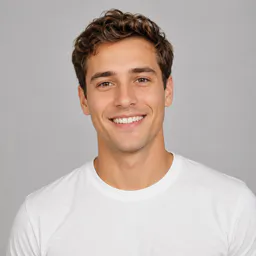
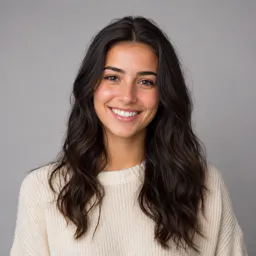
Reference photos
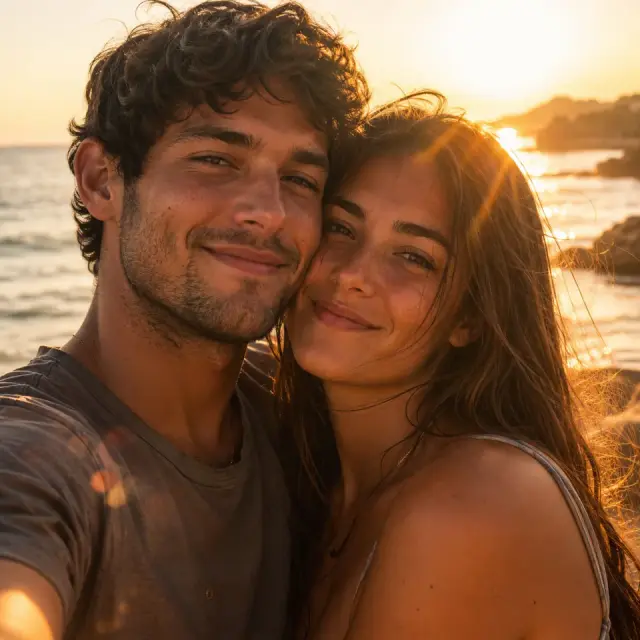
Couple portrait
Golden-hour couple portrait
Two individual portraits become a close couple photo in warm sunset light.
Create one realistic portrait of the two people in my reference photos. If I attach two portraits, use image 1 for Person A on the left and image 2 for Person B on the right. If I attach one photo, keep both people in their original order. Keep each person’s own face shape, eyes, skin tone, hairstyle and apparent age. Keep their identities separate and show both faces clearly. Frame us cheek to cheek in a handheld selfie by the sea just before sunset. Keep both faces visible and softly lit, with warm backlight around our hair, orange sky over the water and natural skin texture.
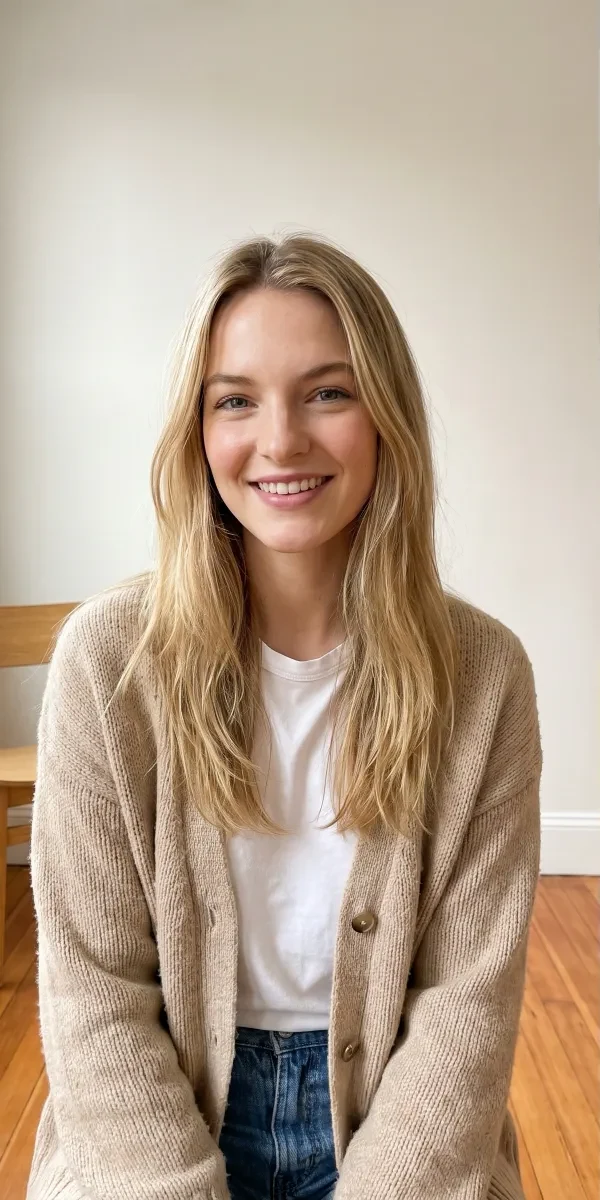
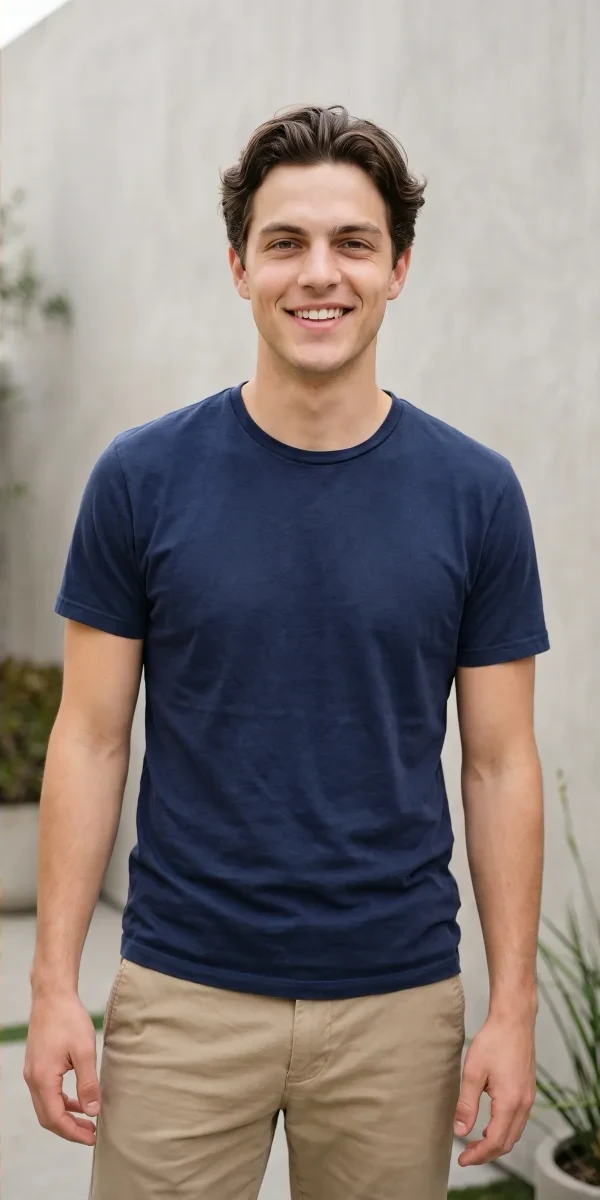
Reference photos
Couple portrait
Retro Polaroid couple portrait
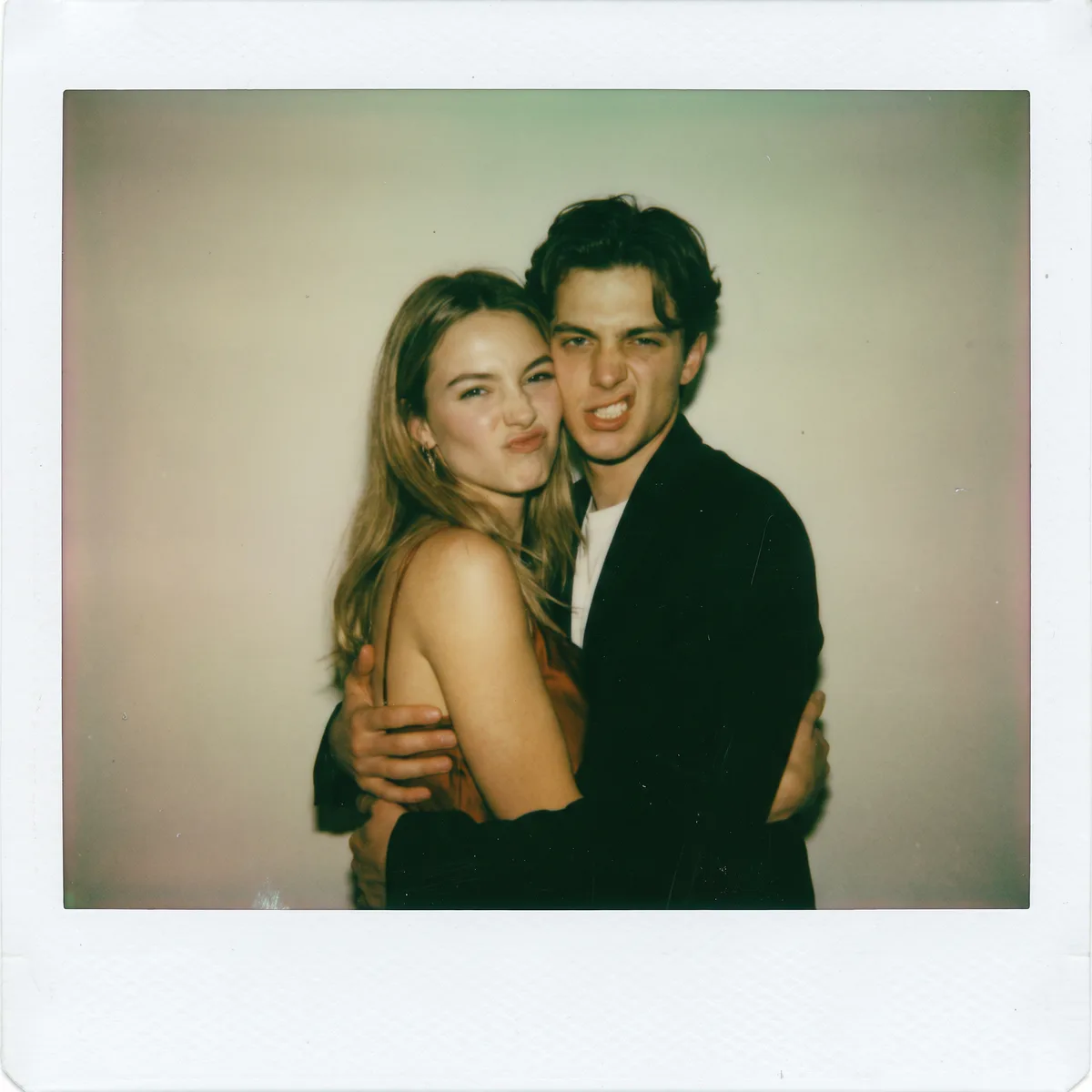
Two individual portraits become a softly grainy instant-film photo with a white border.
Create one realistic portrait of the two people in my reference photos. If I attach two portraits, use image 1 for Person A on the left and image 2 for Person B on the right. If I attach one photo, keep both people in their original order. Keep each person’s own face shape, eyes, skin tone, hairstyle and apparent age. Keep their identities separate and show both faces clearly. Make a candid instant-film photograph of us standing close together indoors. Use direct camera flash, subtle grain, a muted green backdrop and a white instant-print border. Keep real skin texture and leave the border blank.
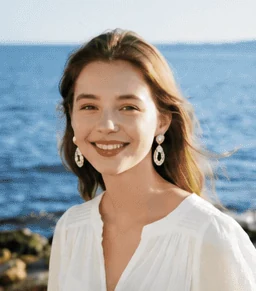
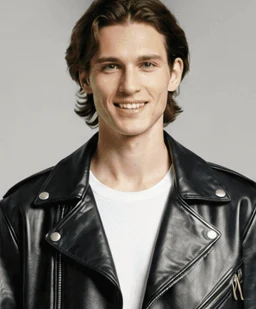
Reference photos
Couple portrait
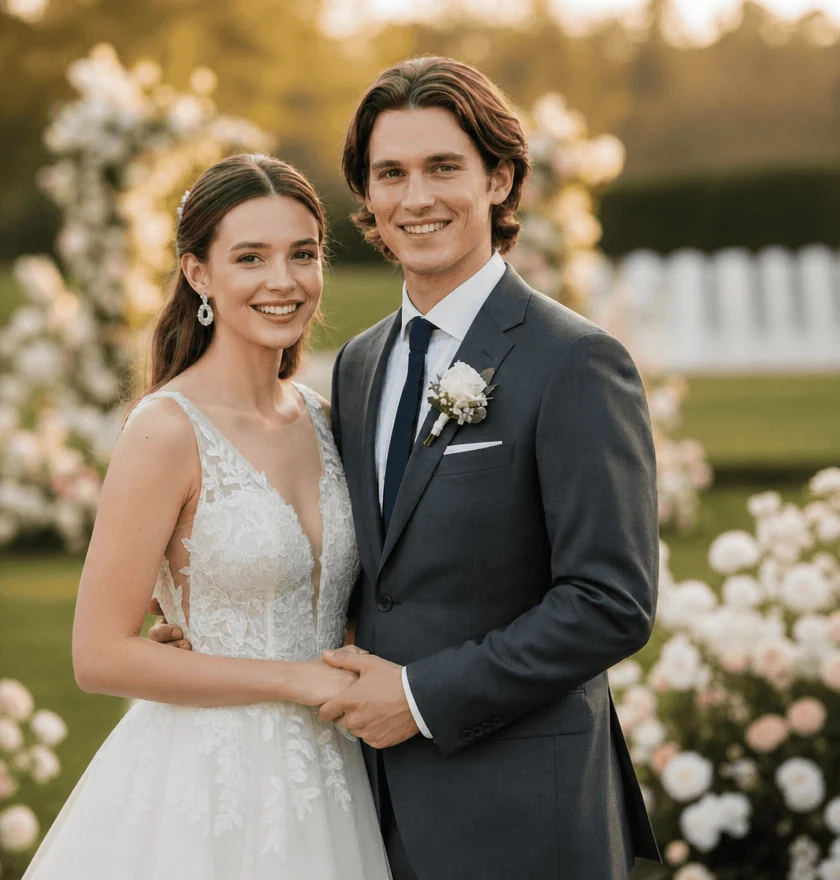
Formal wedding couple portrait
Two reference portraits become a formal wedding photo with coordinated outfits.
Create one realistic portrait of the two people in my reference photos. If I attach two portraits, use image 1 for Person A on the left and image 2 for Person B on the right. If I attach one photo, keep both people in their original order. Keep each person’s own face shape, eyes, skin tone, hairstyle and apparent age. Keep their identities separate and show both faces clearly. Show us standing with hands joined beneath a flower arch in a garden. Use coordinated wedding clothes, relaxed shoulders and warm late-afternoon light. Keep both faces in the same focal plane and leave room around the couple.
What is a realistic ChatGPT couple photo prompt I can copy and paste?
A realistic ChatGPT couple photo prompt assigns each uploaded face to a person in the scene. Attach both selfies in order, then ask Images to put the first person on the left and the second on the right. Follow the identity instructions with one scene, one pose and one lighting direction.
Create one realistic portrait of the two people in my reference photos. If I attach two portraits, use image 1 for Person A on the left and image 2 for Person B on the right. If I attach one photo, keep both people in their original order. Keep each person’s own face shape, eyes, skin tone, hairstyle and apparent age. Keep their identities separate and show both faces clearly.
How do I use a Gemini couple photo prompt with two selfies?
A Gemini couple photo prompt can use two uploaded selfies to create one new portrait. Attach both selfies to the same message and map Person A to image 1 and Person B to image 2. Then add a setting and pose. Start with clear faces under similar light. A side-by-side pose makes it easier to see whether the result kept both identities.
How do I make an AI couple photo prompt look realistic?
A realistic AI couple photo prompt specifies one light source and a relaxed pose with both faces visible. Use reference photos with similar light and framing, and ask for natural skin texture. If one face drifts, retry with a clearer original and change a single instruction at a time. Broad styling requests can make it harder to identify which edit changed the likeness.
Couple photo prompt pricing and credits
Creating one Fast PNG here requires sign-in and 5 credits, about $2.50 at the Trial Pack rate. New accounts receive 1 signup credit. From a zero balance, the smallest purchase is the $5 Trial Pack for 10 credits. Reading and copying prompts is free without an account. Each paid generation includes one PNG download with no added site watermark or separate export charge.
| Quality | Output pixels | 1–2 uploads | 3 uploads | Site watermark |
|---|---|---|---|---|
| Copy prompts | Text | $0 · no account | — | — |
| Signup allowance | Account credits | 1 credit | — | — |
| Fast | 768 × 1024 | 5 credits · $2.50 | 7 credits · $3.50 | None |
| HD | 1536 × 2048 | 7 credits · $3.50 | 8 credits · $4.00 | None |
| Ultra HD | 2480 × 3312 | 8 credits · $4.00 | 10 credits · $5.00 | None |
| Studio | 1536 × 2048, high detail | 9 credits · $4.50 | 11 credits · $5.50 | None |
Generation uses GPT Image 2.6 Flare. A third distinct upload is a Custom style reference. HD, Ultra and Studio require an active subscription or eligible paid credits. See credit options or compare free image options.
When a couple photo prompt has trouble
An AI portrait can shift a face, hands or expression, especially if a source face is tiny, covered or shot at a sharp angle. Use clear images of consenting people and check both faces before sharing. Each run makes one still image. The tool works best when the prompt describes one moment and one pose.
Couple photo prompt FAQ
Can I use the couple photo prompt on my phone?
Yes. Open this page in your mobile browser to upload photos, copy prompts, generate and download. An app installation is unnecessary.
Which photo files can I upload?
Use JPG, PNG or WebP, up to 10 MB per image and 128 to 2048 pixels per side. Export an HEIC photo to one of those formats first.
Can I use one photo with both of us in it?
Yes. Add the joint photo in the first slot and leave the second slot empty. Choose one where both faces are clearly visible.
Can I share an AI couple portrait with others?
Get both people’s permission to use and share their likeness, and check that you have rights to the input photos. Review the result carefully before publishing or using it in a paid project.
You can use the generator in a phone or desktop browser. Check that your files fit the upload limits and that both people have given permission before uploading. Completed downloads are available through your account, and direct storage links may be accessible to anyone who has the link.