
An AI baby generator gives curious couples a way to imagine a baby portrait from two adult photos. The gallery is free to browse, and one Fast PNG costs 7 credits ($3.50 at the $5.00 trial-pack rate for eligible accounts). The longest edge reaches 3312 pixels, and the site adds no visible watermark.
How to make a baby portrait from two photos
Upload one clear face photo of each adult, with both people’s permission. Choose the age and appearance you want to see, then pick a shape and image quality. The generator uses the two photos as visual inspiration for a single fictional baby portrait you can review and download.
1. Add two adult photos
Upload one JPG, PNG, or WebP for each person. Use two different files, up to 10 MB each, and check that both faces are clearly visible.
2. Choose a baby look
Pick Newborn, Infant, or Toddler and choose an appearance. For a different age or backdrop, select Custom, describe it, and add an optional scene photo.
3. Generate and download
Choose a shape and quality, sign in and confirm permission to use the photos. Check the credits shown on the button, then generate and download the PNG.
AI baby face generator examples
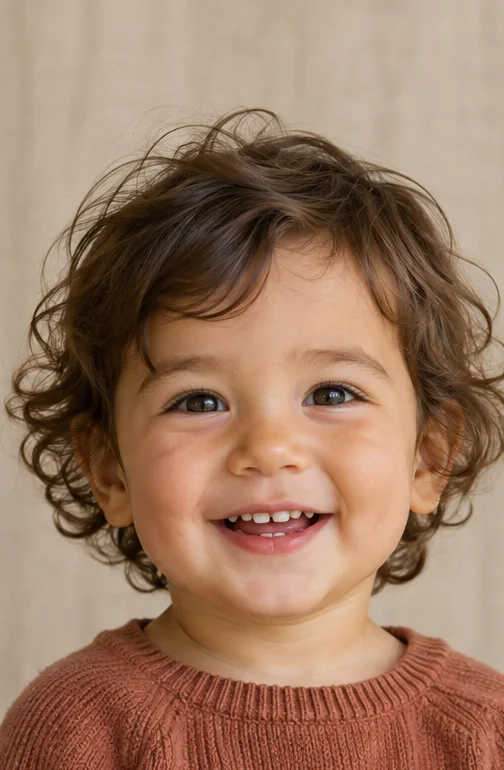
The newborn example shows a sleeping baby in cream tones. The infant example centers on a smile in soft green, and the toddler example has a warm, sunlit look. Each set shows two fictional adult portraits and an imagined baby portrait at the selected age.
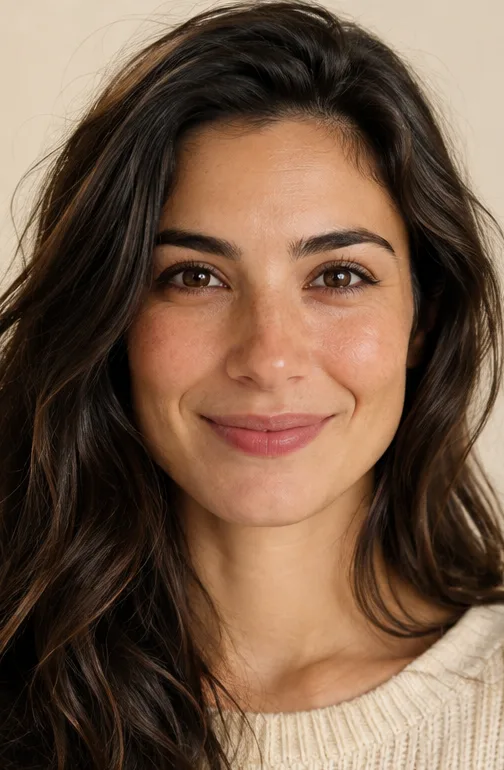
Parent 1
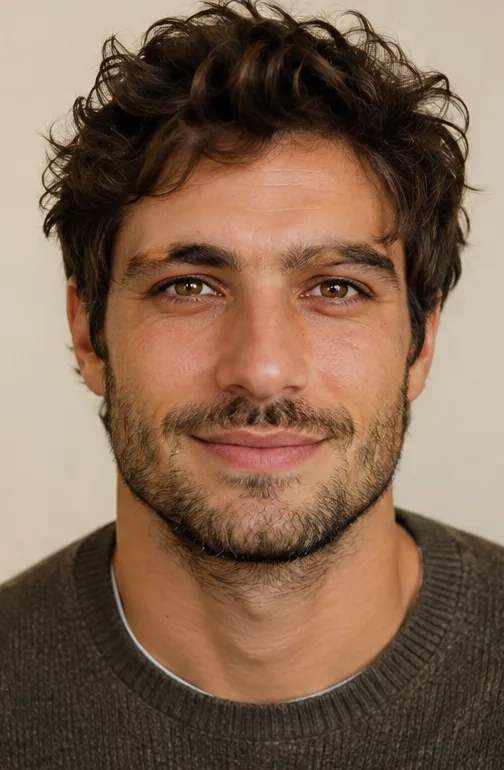
Parent 2
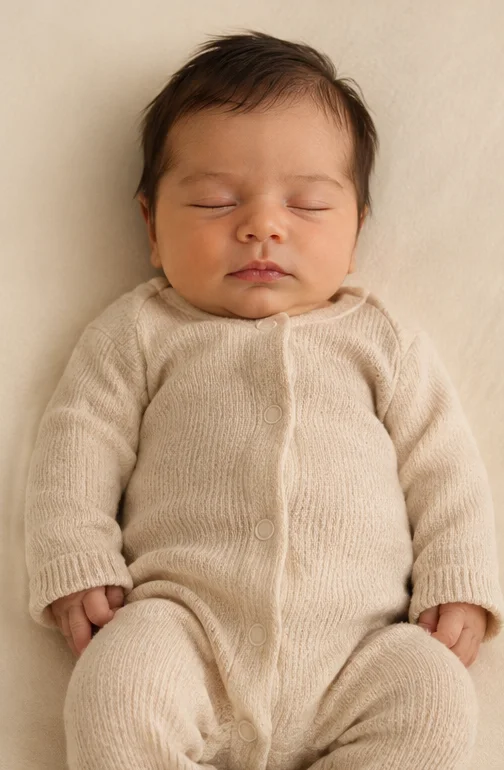
Baby look
Sleeping newborn
A cream knit outfit and soft studio light frame a sleeping newborn.
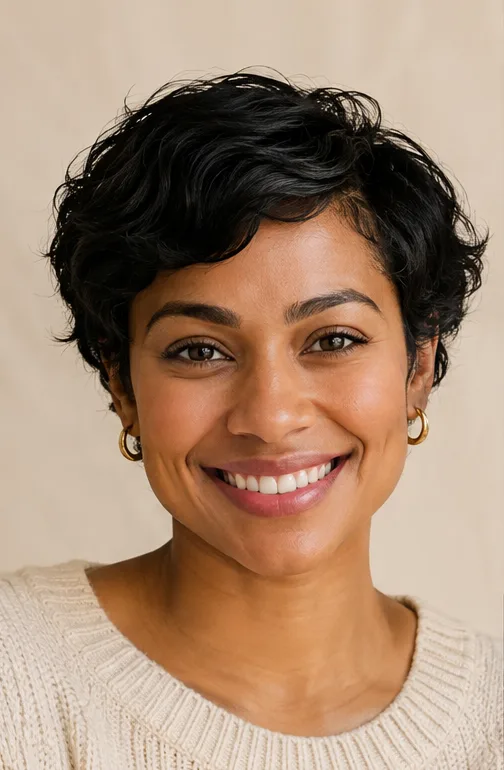
Parent 1
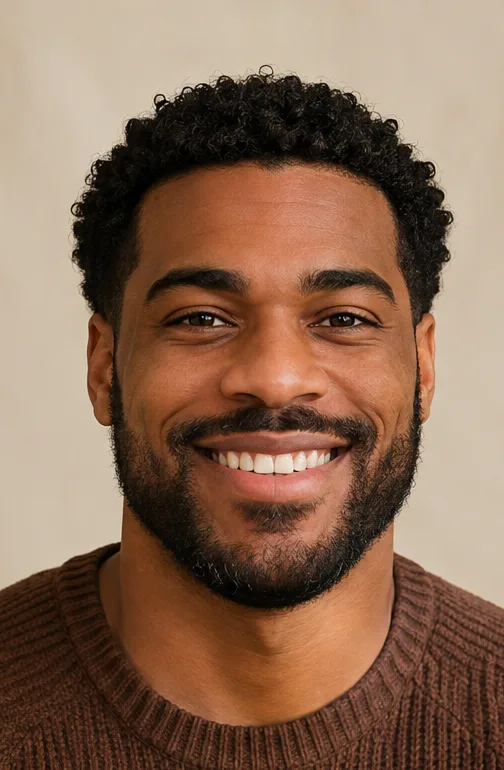
Parent 2
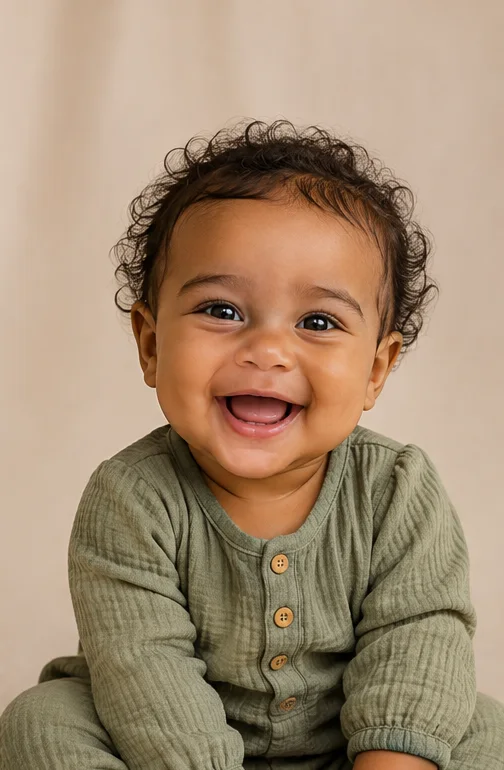
Baby look
Smiling infant
A sage romper and warm ivory backdrop frame a bright smile.
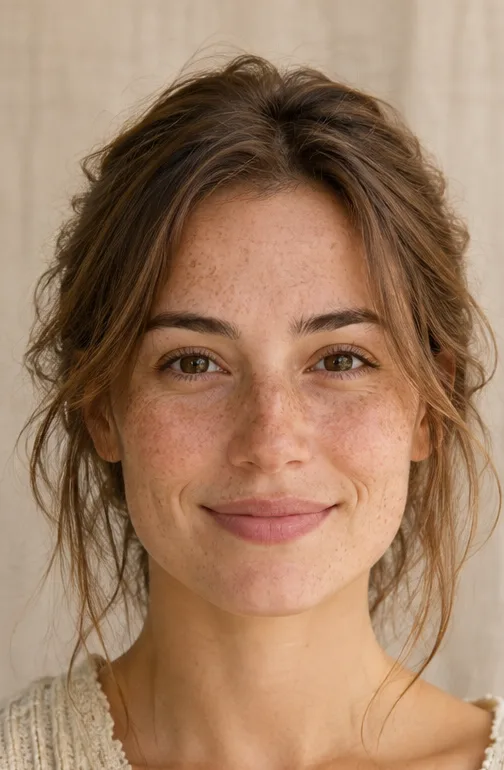
Parent 1
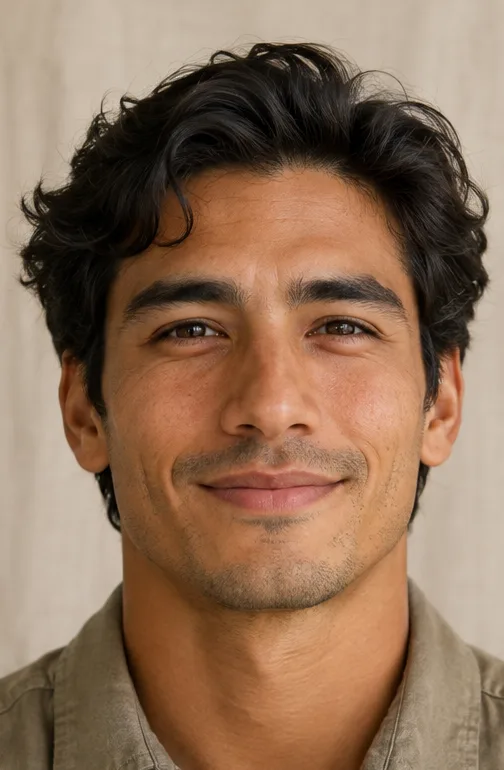
Parent 2
Baby look
Sunlit toddler
Soft daylight and a terracotta knit give this toddler portrait a warm look.
How do I use an AI baby generator from two photos?
The AI Baby Generator uses one recent, front-facing photo of each adult. Use even light and a single face in each frame. Match how close both faces are to the camera. Heavy filters, sunglasses, shadows and a face turned far to the side give the model fewer details to work with. Either adult can go in either upload slot.
Can I try the baby face generator for free?
The baby face generator gallery is free to browse without signing in. To create and download a portrait from your own photos, sign in and use 7 credits for Fast quality. Eligible new accounts receive 1 signup credit, toward the 7 credits needed for one Fast portrait. Eligible accounts can buy the 10-credit trial pack for $5.00. One Fast portrait uses $3.50 of that pack. The PNG download is included with a successful generation.
Consistent Character AI publishes this comparison and makes the tool in the first row. We’re independent of the other providers. Their terms come from their official pages.
| Tool | Free access | Paid generation | Download |
|---|---|---|---|
| Consistent Character AI | Free gallery. Fast uses 7 credits; signup allowance depends on eligibility. | Eligible accounts can buy the 10-credit trial pack for $5.00. One Fast portrait uses $3.50 of that pack. | One still PNG; no added visible watermark. |
| EaseMate | Advertises a free start. | Ongoing allowance and per-image price unpublished on its tool page. | Still image; advertises no watermark. |
| Cradlepeek | Two watermarked previews per day. | $6.99 for 10 images. | Paid HD JPGs have no watermark. |
Checked
Is an AI baby generator accurate?
An AI baby generator makes an imagined portrait based on visual details in your photos. It cannot predict the face, eye color, hair texture, or skin tone of a real future child. A different photo, age choice, or generation can change the result, even when the same two people are shown.
AI baby generator pricing and image sizes
Each generation creates one PNG for 7–11 credits. At each quality level the price is the same in all three shapes. Eligible accounts can buy the 10-credit trial pack for $5.00. One Fast portrait uses $3.50 of that pack. HD, Ultra HD, and Studio require an active subscription or eligible paid credits. The trial pack covers one portrait at Fast, HD, or Ultra HD quality. Studio needs 11 credits. The standard 100-credit pack at $14.90 can cover it.
| Quality | 3:4 | 4:3 | 1:1 | Credits |
|---|---|---|---|---|
| Fast | 768 × 1024 | 1024 × 768 | 1024 × 1024 | 7 |
| HD | 1536 × 2048 | 2048 × 1536 | 2048 × 2048 | 8 |
| Ultra HD | 2480 × 3312 | 3312 × 2480 | 2880 × 2880 | 10 |
| Studio | 1536 × 2048 | 2048 × 1536 | 2048 × 2048 | 11 |
| Feature | Details |
|---|---|
| Signup allowance | Eligible new accounts receive 1 signup credit, toward the 7 credits needed for one Fast portrait. |
| One-time trial pack | Eligible accounts can buy the 10-credit trial pack for $5.00. One Fast portrait uses $3.50 of that pack. The trial pack covers one portrait at Fast, HD, or Ultra HD quality. Studio needs 11 credits. The standard 100-credit pack at $14.90 can cover it. |
| PNG download | Included with one successful generation. |
| Watermark | The site adds no visible watermark. |
What a future baby generator can show
The generator makes one baby portrait per run. It can change the apparent age, clothes, framing and background, but a second run can show a different face. For a better chance of a recognizable visual resemblance, start with two clearly lit headshots and review the output before printing or sharing it.
If you already have a baby photo you want to style, try Newborn Christmas Photos.
AI baby generator FAQ
Can I use one photo of us together?
Use two separate uploads. If you only have a couple photo, crop it into two separate files so each crop shows one face clearly. Only upload both crops if both adults agree.
Can I make a baby boy or a baby girl portrait?
Yes. Choose Boy or Girl for the appearance of the fictional portrait, or leave it on Surprise. You can choose an age preset separately or describe a different look in Custom.
What happens to the two adult photos I upload?
The service sends your photos to its image provider to generate the portrait and keeps the uploaded photos permanently. The in-site result requires your account. Anyone who obtains a direct storage link may be able to open the file, so share only the finished portrait you intend to share.
Can I make a portrait with two moms or two dads?
Yes. Both upload slots use the same requirements and work with any two consenting adults. The photos guide the appearance of a fictional portrait.
You can use the future baby generator in a mobile or desktop browser. Use photos of adults who have agreed to the upload. Return to this page in the same browser and account to reopen your latest result, or save the PNG after reviewing it.