
Create a superhero profile picture, comic portrait or character concept from a selfie or a description. Each run makes one vertical 3:4 PNG, up to 2480 × 3312 pixels, with no added site watermark. Sign in to generate from 6 credits. New accounts receive 1 signup credit. Credit packs start at $5.
How to make your own superhero
Start with Photo for a hero portrait based on one person, or choose Text to design a character from scratch. In Photo, pick a preset for a cinematic or inked look, or describe your own design in Custom. Select an image quality, check the credit cost and generate one PNG.
Choose Photo or Text
Upload a portrait in Photo mode. In Text mode, describe the character you want the model to draw.
Choose the look
Use Cinematic or Comic Book with a portrait, or choose Custom to specify the suit and powers. In Photo mode, Custom also accepts an optional image to guide the style.
Generate and download
Review the selected quality and credit cost, then sign in to generate. Check the face, hands and costume in the finished PNG before you save it.
Superhero portraits before and after
Compare each portrait with its hero interpretation. The first two show hard light and detailed suit materials, while the comic example uses strong outlines and flatter shading. Look at how each treatment changes the costume and background around visible features such as glasses, facial hair or a familiar expression.
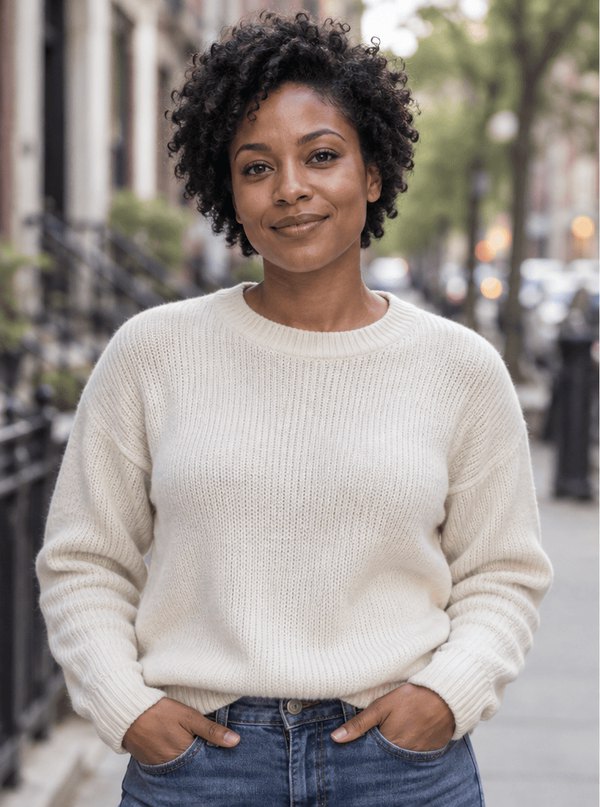
Original photo
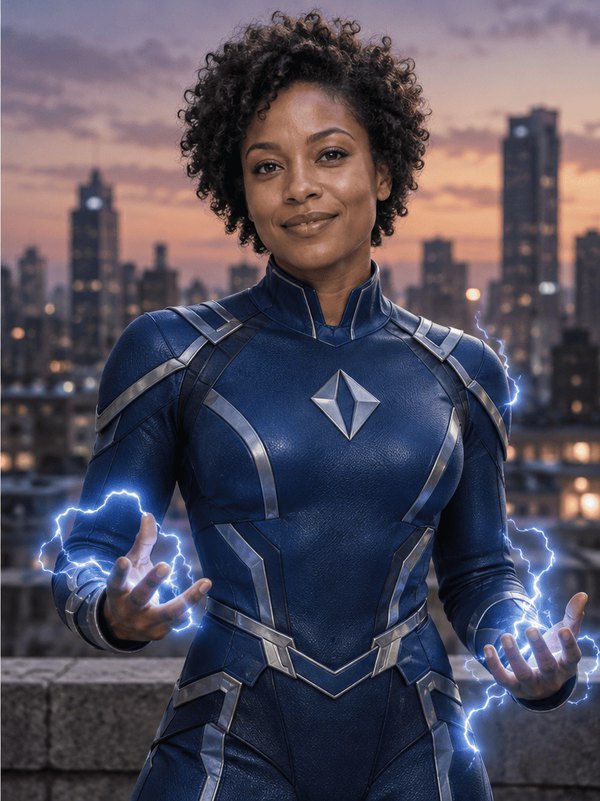
Hero portrait
Lightning hero
Blue light and a midnight suit give this street portrait a cinematic finish.
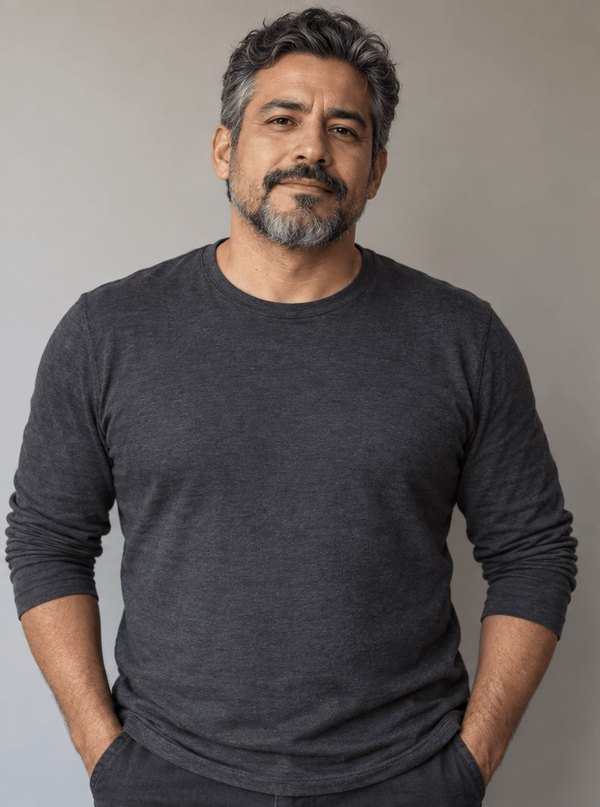
Original photo
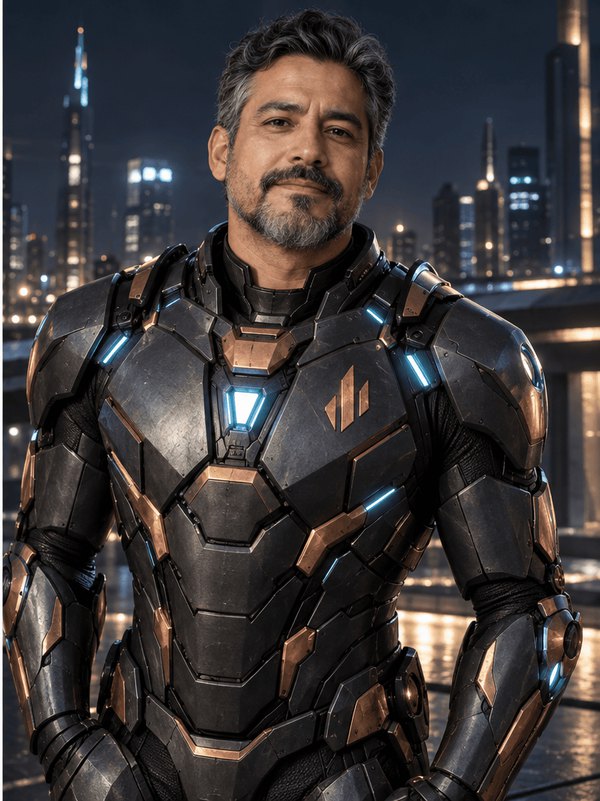
Hero portrait
Tech armor hero
A close-up becomes a copper-and-black suit concept with a luminous chest piece.
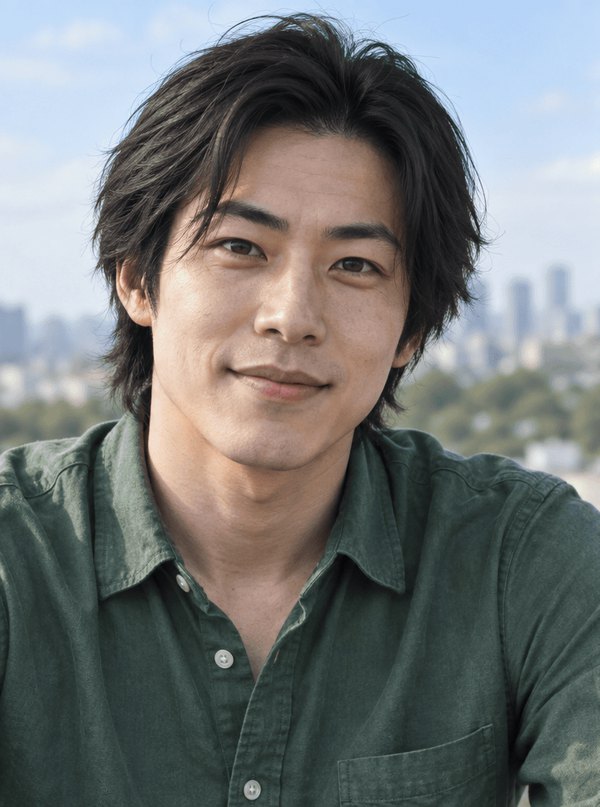
Original photo
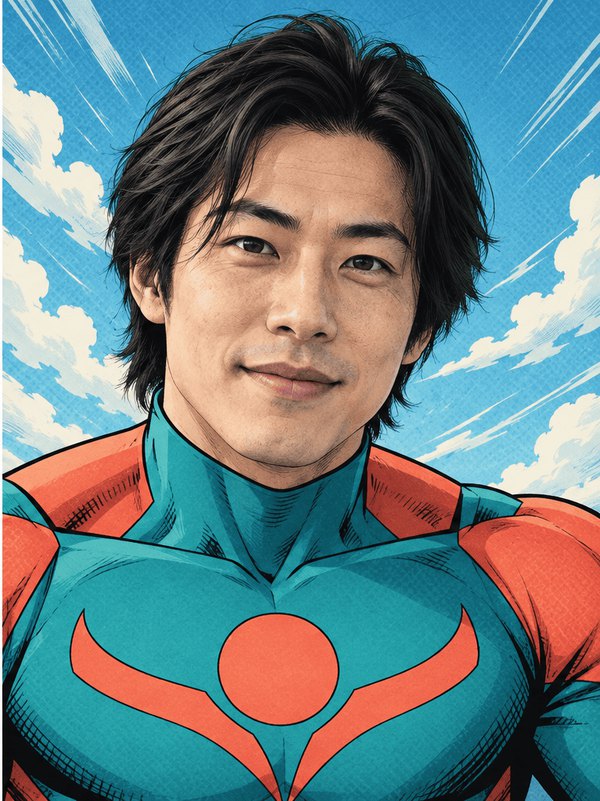
Hero portrait
Inked comic hero
Bold ink, a blue suit and warm orange accents bring the portrait into a comic-book scene.
How do I turn a photo into a superhero?
Upload a sharp portrait with the face in clear view and choose a cinematic or comic-book look. The preset asks the model to draw on the original facial features and hairstyle while changing the outfit and setting. If glasses, freckles or a specific hairstyle matter, choose Custom and name them in your description. Likeness varies with the photo and style.
How do I write a prompt for an original superhero?
In Text mode, give the AI superhero generator one defining power, a costume with specific colors and materials, and a setting that shows what the hero does. Try “A rescue hero in a rust-orange climbing suit with a compass emblem, bending wind to clear smoke from a bridge, drawn with heavy comic inks.” Describe the framing if you want a close-up or full-body image.
Can I use this superhero generator for free?
Generating a superhero image takes at least 6 credits. A new account receives 1 signup credit, which is short of one Fast generation. You can view examples and explore the styles before signing in. When your image is ready, you can download the PNG from your account without additional credits or a site watermark.
Portrait pricing and credits
A single hero portrait uses GPT Image 2.6 Flare and costs 6–10 credits, depending on quality. Using the Trial Pack, that is $3.00–$5.00 in credits per PNG. The one-time pack itself costs $5 for 10 credits. HD, Ultra HD and Studio require an active subscription or eligible paid credits.
| Access or quality | Output | Cost or allowance | Site watermark |
|---|---|---|---|
| View examples | Gallery | Free · no account | — |
| Signup allowance | Account credits | 1 signup credit | — |
| Fast | 768 × 1024 PNG | 6 credits · $3.00 | None |
| HD | 1536 × 2048 PNG | 8 credits · $4.00 | None |
| Ultra HD | 2480 × 3312 PNG | 9 credits · $4.50 | None |
| Studio | 1536 × 2048 PNG, high detail | 10 credits · $5.00 | None |
Image output and limitations
Each run creates one still image of a single hero. Separate runs can vary in face, costume and proportions even with the same description. For a comic series, pick a design you like and reuse its portrait and costume description when exploring a new scene. Inspect small emblems, text and hand details before using an image in print.
Superhero maker FAQ
Choose a photo you have permission to edit and crop out bystanders or details you would prefer to leave out before you upload it. Keep the original when you convert a file or crop a reference. That way you can try a different framing later without losing the full photo.
Do I need a superhero generator app on my phone?
You can upload a photo, generate a hero and download your PNG in a phone browser.
Which files can I upload as a photo reference?
Use a JPG, PNG or WebP up to 10 MB, with each side between 128 and 2048 pixels. Convert HEIC photos to a supported format before uploading.
Who can see my superhero photo and result?
You can preview and download your files through your account. Anyone with an unlisted direct file link can open that file, so share links only with people you want to have access.