
Newborn Christmas photos give families a way to make a first-holiday keepsake from a photo they already have. Browse the ideas for free, then turn your chosen scene into one PNG from 5 credits ($2.50 at the trial-pack rate). The longest edge is up to 3312 pixels, and the site adds no visible watermark.
How to make newborn Christmas photos
Start with one clear photo that already shows your baby in the pose you want. Pick a holiday look, then choose the shape and quality for sharing or printing. After generating, compare the portrait with the original and check familiar details such as the face, hands, skin tone, and sleeping pose before downloading.
1. Add a baby photo
Choose a clearly lit JPG, PNG, or WebP up to 10 MB. Confirm that a parent or guardian has given permission to use every photo you upload.
2. Pick a Christmas look
Choose Santa Knits, Evergreen Lights, or Cream & Linen. To describe your own scene, select Custom and optionally include a reference for the decor.
3. Generate one PNG
Pick a shape and quality, sign in, and check the credit quote. Generate, review, and download your still photo.
Newborn Christmas photo ideas
A soft Santa cap adds a bright focal point, an evergreen backdrop frames the baby with warm light, and a cream knit keeps the face at the center of the picture. These six style previews use fictional babies. Each pair shows an unstyled photo beside a festive interpretation you can use as inspiration.
Santa Knits
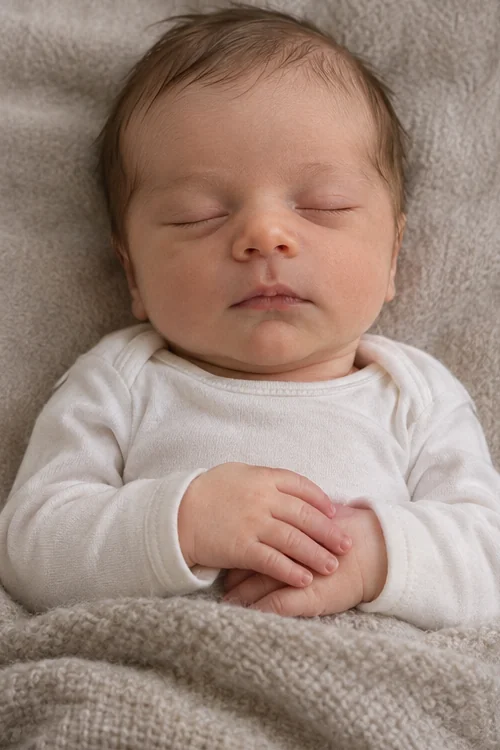
Unstyled
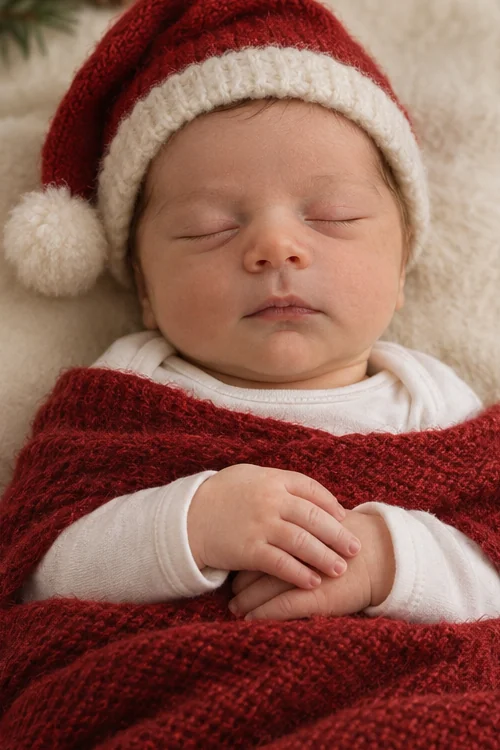
Style preview
Classic Santa cap
A red cap with cream trim and a red knit blanket against soft pine.
Unstyled
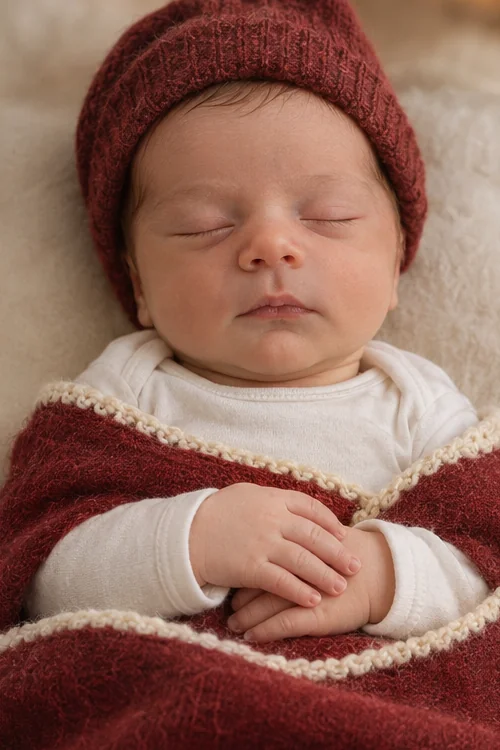
Style preview
Vintage cranberry
A cranberry cap and cream-trimmed knit with warm lights behind.
Evergreen Lights
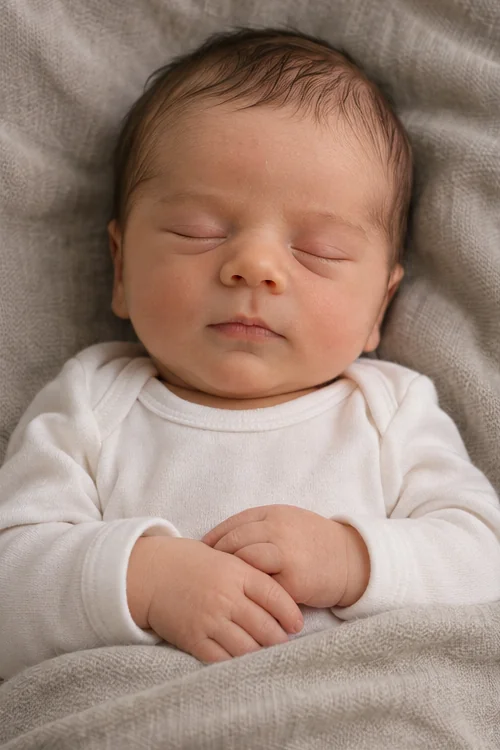
Unstyled
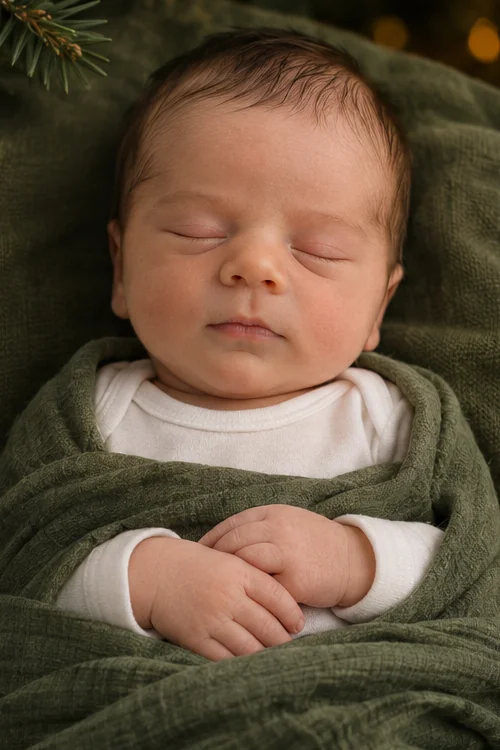
Style preview
Forest green wrap
Deep green fabric and a branch at the edge of the portrait.
Unstyled
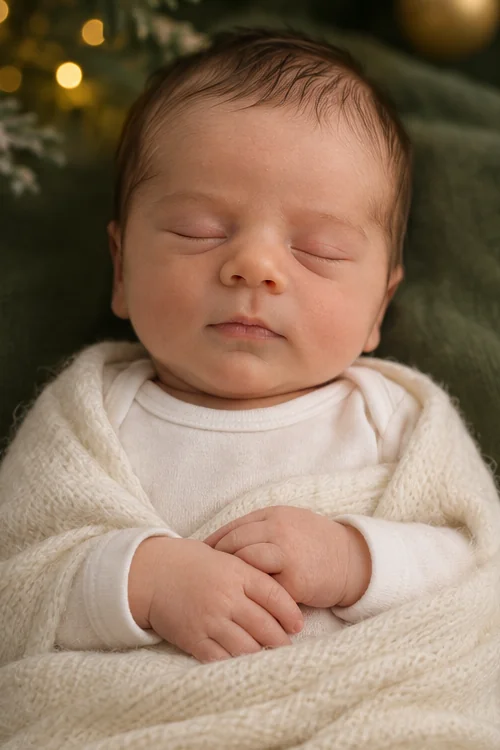
Style preview
Amber and pine
A warm white wrap with a muted gold ornament in the background.
Cream & Linen
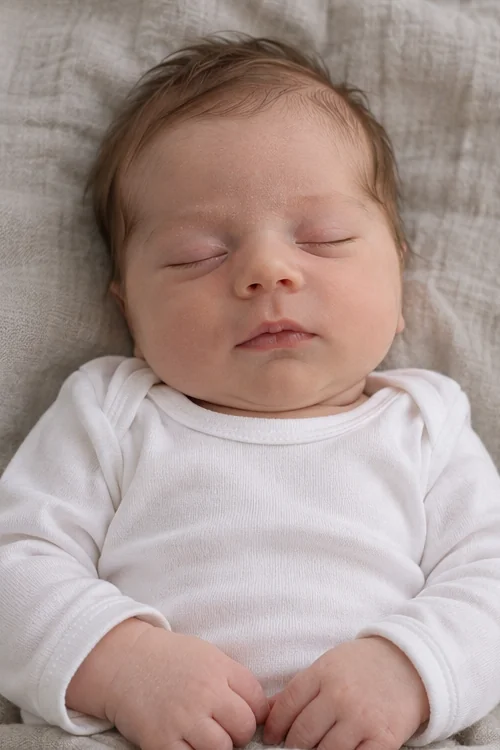
Unstyled
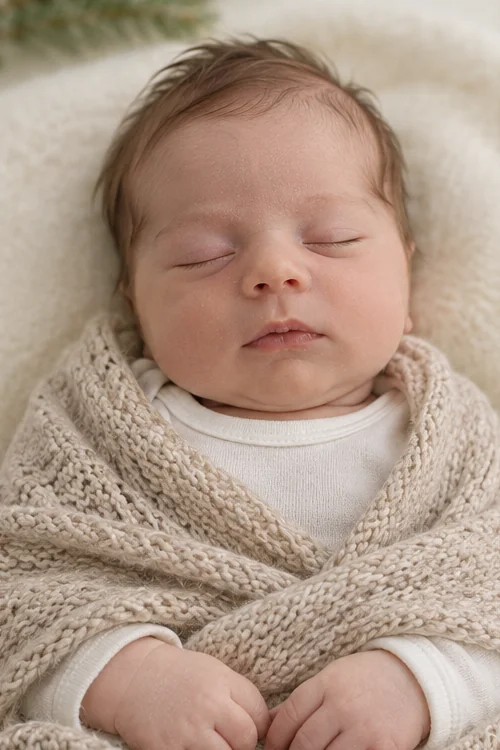
Style preview
Nordic linen
Oat knit, winter daylight, and a single fir accent.
Unstyled
Style preview
Ivory glow
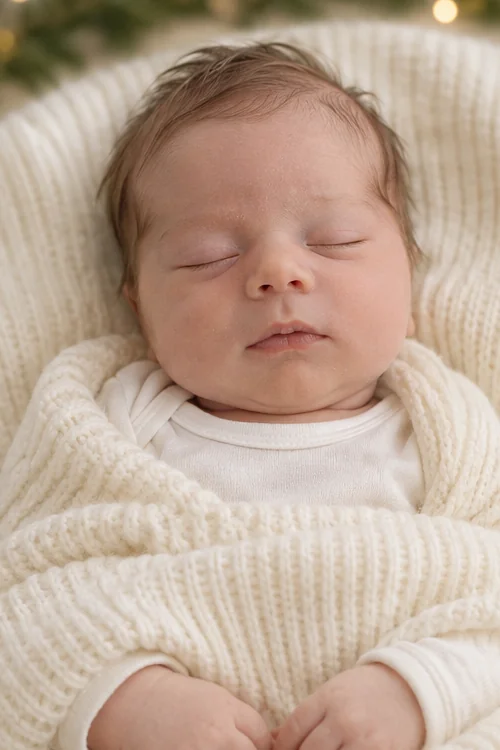
Ribbed ivory knit and a few soft lights behind the baby.
What are easy newborn Christmas photo ideas at home?
Start with a photo you already like. A cream knit and soft window light make a quiet holiday portrait, a red knit brings out the Santa colors, and an out-of-focus tree adds a warm glow behind the baby. The editor asks the model to add lights and decorations behind the baby and preserve the pose from your source photo.
Can I make newborn Christmas photos for free?
The newborn Christmas photo gallery is free to browse. Generation requires sign-in and 5 credits for a Fast PNG. Eligible new accounts get 1 credit. One Fast image requires 5 credits. The one-time trial pack costs $5 for 10 credits; at that rate one Fast image uses $2.50 of the pack. Download is included.
Newborn Christmas photo prices and PNG sizes
One newborn Christmas photo costs 5–9 credits and downloads as a PNG. The credit price applies to all three shapes at each quality level. Dollar equivalents use the one-time trial pack of $5 for 10 credits. HD, Ultra HD, and Studio require an active subscription or eligible paid credits.
| Quality | 3:4 | 4:3 | 1:1 | Credits (pack equivalent) |
|---|---|---|---|---|
| Fast | 768 × 1024 | 1024 × 768 | 1024 × 1024 | 5 ($2.50) |
| HD | 1536 × 2048 | 2048 × 1536 | 2048 × 2048 | 7 ($3.50) |
| Ultra HD | 2480 × 3312 | 3312 × 2480 | 2880 × 2880 | 8 ($4.00) |
| Studio | 1536 × 2048 | 2048 × 1536 | 2048 × 2048 | 9 ($4.50) |
| Feature | Details |
|---|---|
| Browse | All six style previews are free to view without an account. |
| Signup allowance | Eligible new accounts get 1 credit. One Fast image requires 5 credits. |
| Download | One PNG is included per generation. |
| Watermark | The site adds no visible watermark. |
What the newborn photo edit can change
The edit requests the original baby’s face, skin tone, age, and resting position. Because the model redraws the photo, it can still shift a facial feature, change the shape of a hand, or make a baby look older. Use a sharp source photo and review the result closely before sharing it or printing a card.
For holiday portraits of pets or other family members, try the AI Christmas Photo Generator.
Newborn Christmas photos FAQ
You can make a newborn Christmas photo in a phone or desktop browser. For a portrait card, leave some room around the face for your printer’s trim. If your photo library stores HEIC by default, export a JPG copy before you upload.
Which size should I use for newborn Christmas card photos?
Pick vertical 3:4 and use Ultra HD if you want room to crop to a 5 × 7-inch card. At 300 pixels per inch, a full 5 × 7 needs 1500 × 2100 pixels after cropping. A vertical Ultra HD image is 2480 × 3312 pixels, which leaves room for the crop.
Can I make a Christmas family photo with my newborn?
Yes. Use one photo that already includes the baby and each family member. Pick a simple scene such as Evergreen Lights and leave some space around everyone in the source photo so the editor has room for the decorations.
Who can access my uploaded newborn photos?
The site sends your photos to its image provider for the edit and keeps uploaded photos permanently. The in-site preview and download require your account. A person with the direct storage link may be able to open the file, so keep the link to yourself.