
Fill Text With Image — Put Any Photo Inside Your Words
Fill text with image by Consistent Character AI places your photo inside the letters of any word, name or year and downloads a transparent PNG, free in your browser.
Fill text with image editor
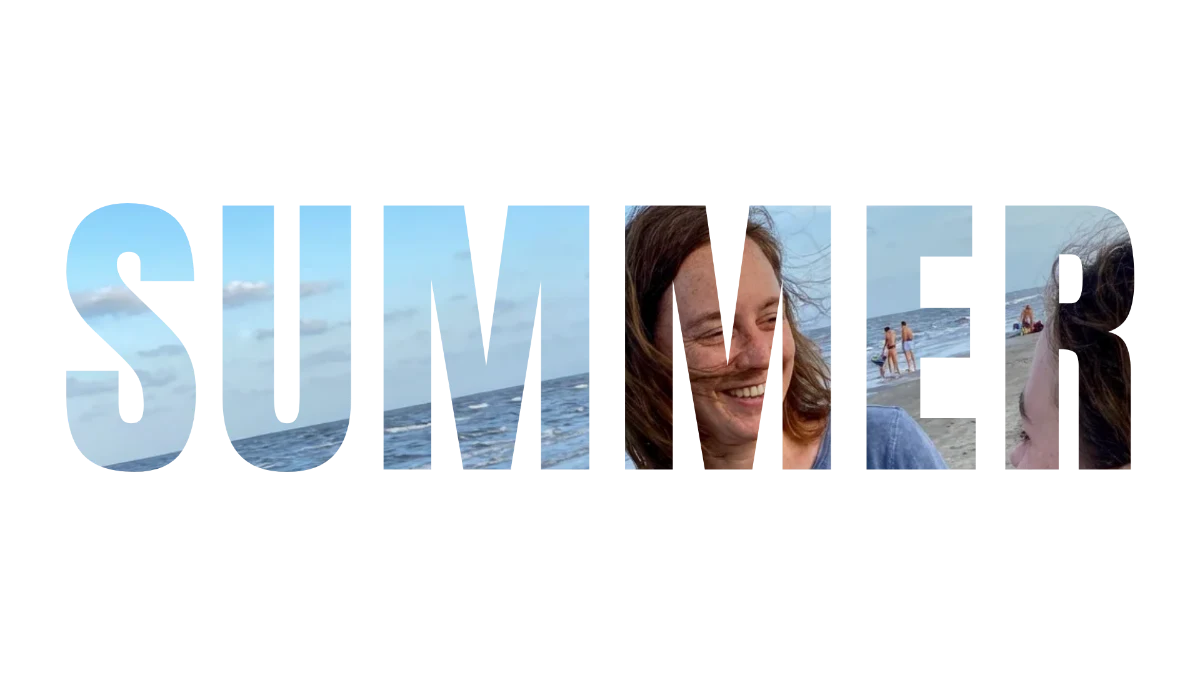
Fill text with image means placing a photo inside the letters of a word, so the text becomes a window onto the picture. Use it for birthday posts, wedding signs, travel titles or a pet's name: type up to 3 lines, add one photo or one per letter, and download a PNG or JPG up to 2400 pixels wide. It costs $0, needs no account, adds no watermark and never uploads your photos.
How to fill text with a picture in four steps
You can fill your text with any photo online in under a minute. The preview updates as you type, so you see the photo inside the letters before you download.
1.Type your text
Enter a word, name or year. Press Enter for a second or third line. Short, bold words show the most photo.
2.Add your photo
Upload a JPG, PNG or WebP (up to 25 MB), or start from a sample. Add up to 12 photos to put a different picture in each letter.
3.Move and zoom the photo
Drag the preview or use the zoom and position sliders to keep faces inside the letters. Pick a font, background and size.
4.Download
Save a PNG (transparent when the background is set to Transparent) or a JPG for a flat white background.
Fill text with image examples
Each example below shows the original photo and the downloaded design made in this editor with the settings listed.
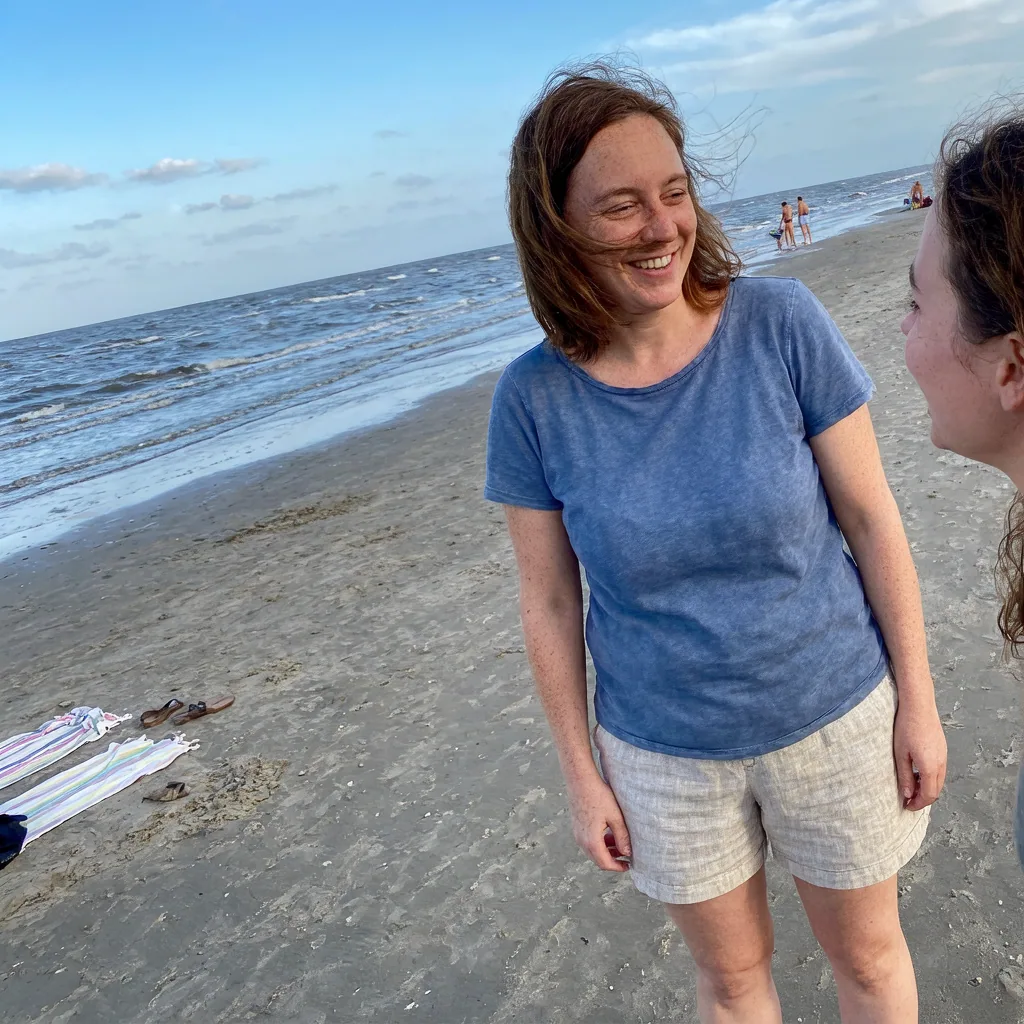
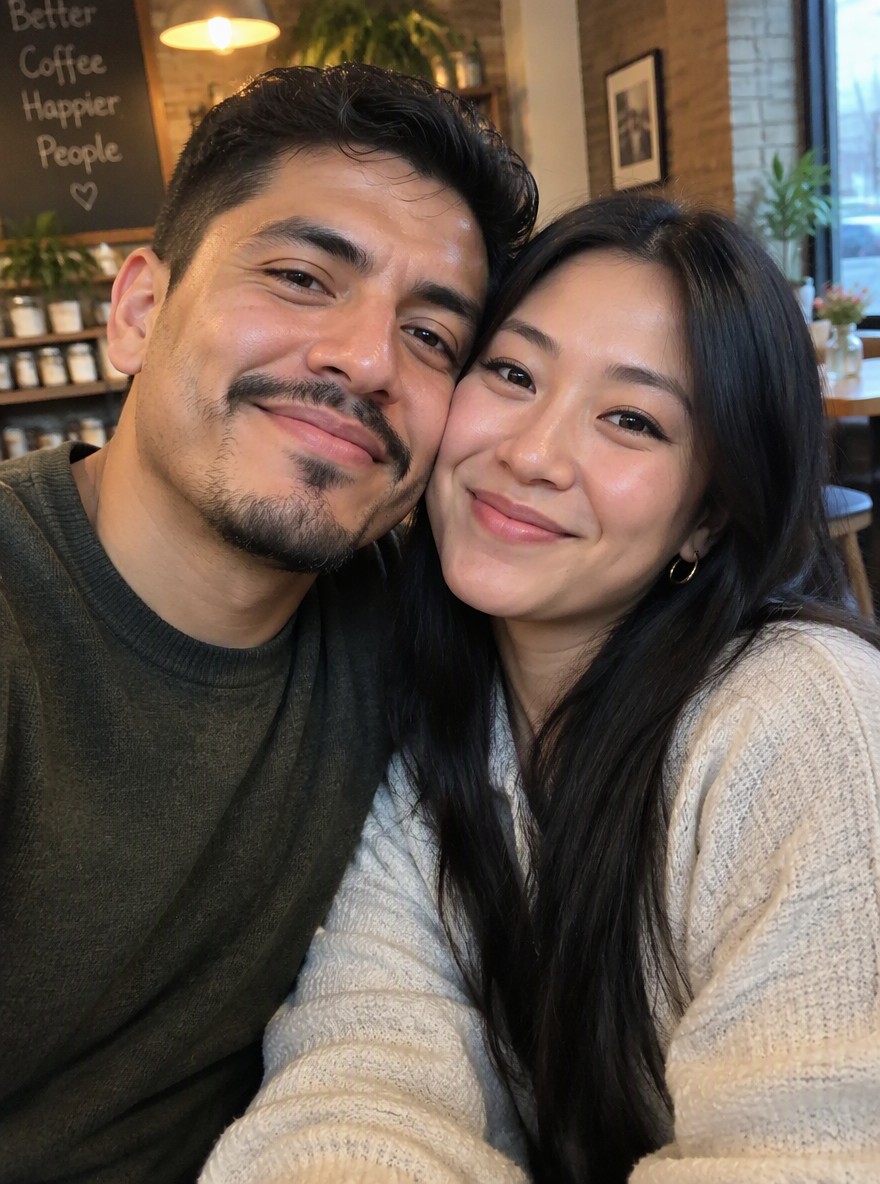
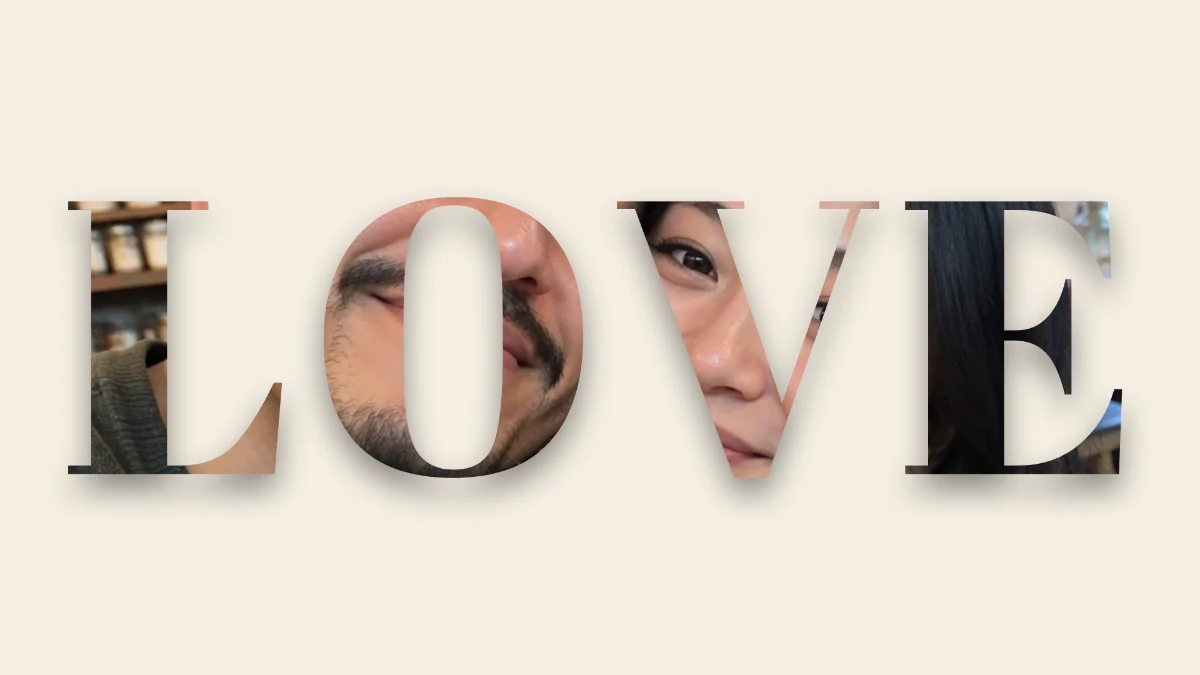

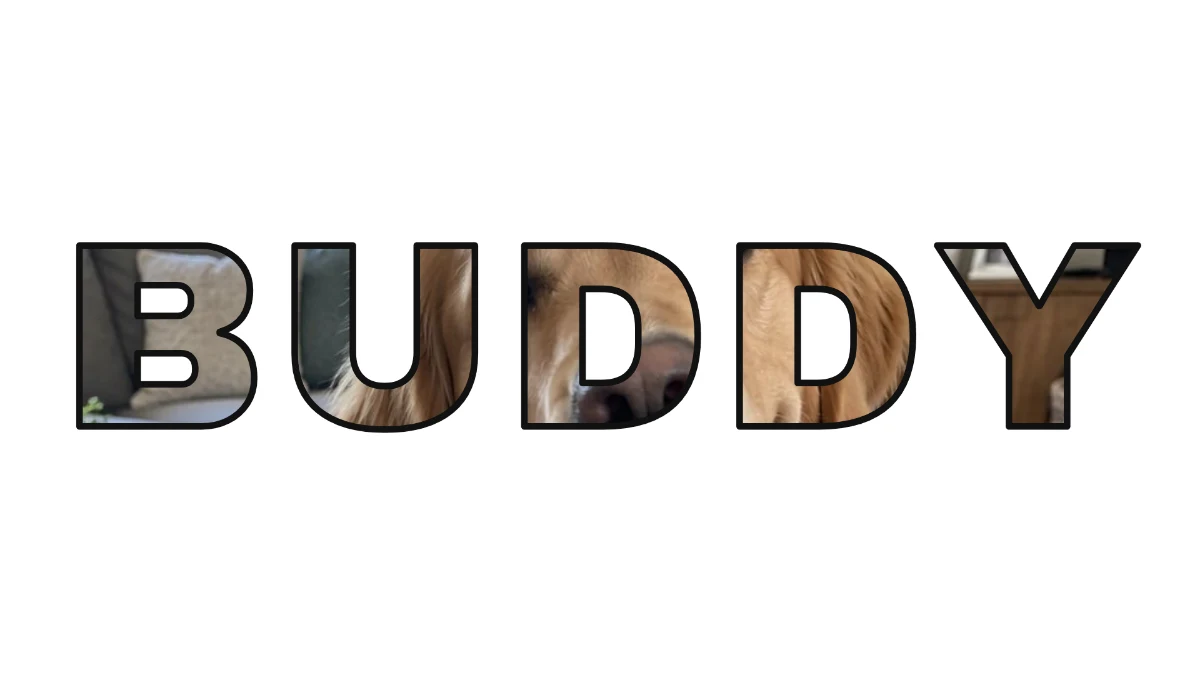

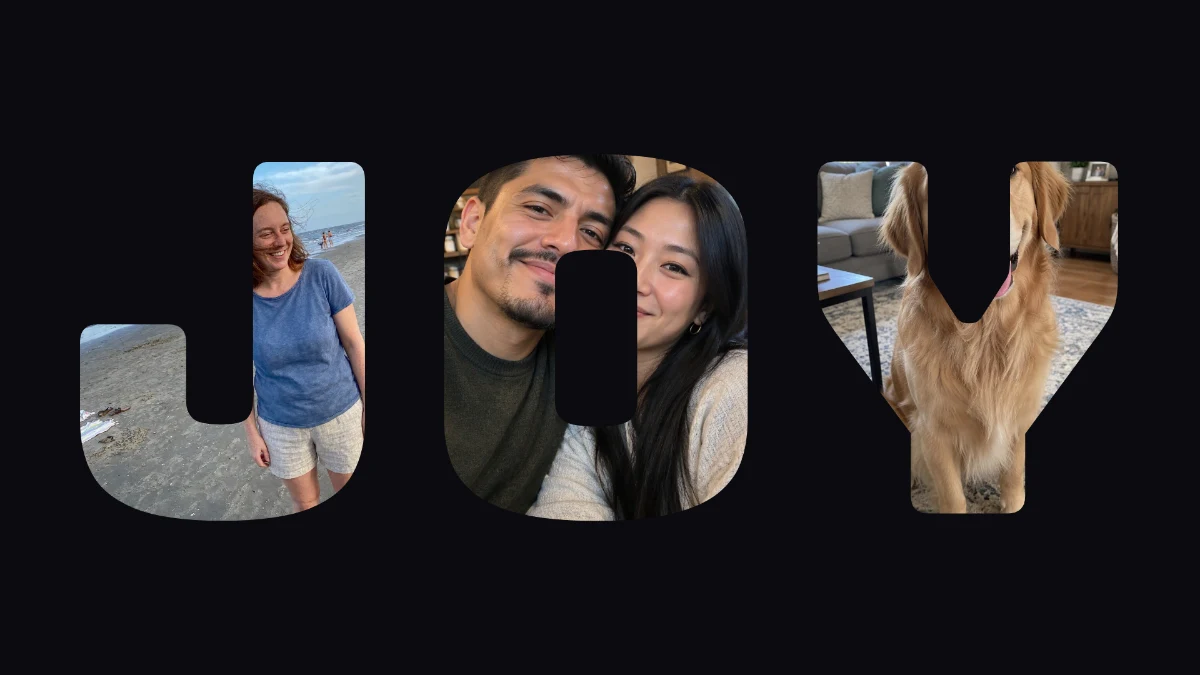
Can you fill your text with any photo free online, without an app?
Yes. This page fills your text with any photo for free in a phone or desktop browser, with no app to install and no account. Every download is free at full size (up to 2400 pixels wide), with no watermark and no daily limit. The editor works in Safari on iPhone, Chrome on Android, and desktop browsers, and the photo never leaves your device.
On a phone, tap Upload photo to pick from your camera roll, drag the preview with one finger to move the picture, and tap Download; iPhone saves the file to Downloads in the Files app, from where you can share it or save it to Photos.
What is picture inside text, and how is it different from text behind an image?
Picture inside text (also called image inside text, photo-filled text or a text clipping mask) shows a photo only within the shapes of the letters, so the word itself becomes a window onto the picture. Text behind an image is a different effect: the words sit behind a person or object cut out from the same photo. This tool makes the first kind.
Design apps name the same picture inside text effect differently: Photoshop and Illustrator call it a clipping mask, Canva uses frames or a clipping mask app, Figma uses an image fill on text, and PowerPoint has a picture fill for text. The result here is the same, without layers or a paid plan.
Which photos and fonts work best when you fill text with an image?
Bold, wide fonts with thick strokes, such as Anton, Archivo Black or Montserrat Black, show the most of the photo. Pick a photo whose subject sits near the middle, with clear contrast, then zoom and drag until the important part lands inside the letters. Short words of three to eight letters keep faces recognizable.
When a busy photo makes the word hard to read, switch the background to White or Black, or turn on Outline and Drop shadow so the letter edges stand out. A portrait photo in a long word shows only a horizontal band, so try One photo per letter or a two-line layout.
Pricing: free fill text with image downloads
There are no credits, plans or paid exports for this tool. The table lists exactly what you get.
| Item | What you get |
|---|---|
| Price per download | $0 (no credits used) |
| Sign-up | Not required |
| Watermark | None |
| Daily limit | None |
| Output | PNG (transparent or solid background) or JPG |
| Sizes | 1080 × 1080, 1080 × 1350, 1080 × 1920, 1920 × 1080, 2400 × 800 |
| Photo upload | Up to 12 JPG, PNG or WebP files, 25 MB each, processed on your device |
What this picture inside text tool can't do
- It makes a still image only, not a GIF or video inside the letters.
- You cannot upload your own font file; choose one of the six built-in bold fonts.
- Text is limited to three lines of up to 14 characters, written left to right. Thin scripts and right-to-left scripts such as Arabic are not supported yet.
- It does not upscale photos. A small or blurry photo stays soft at 1920 or 2400 pixels, so use the original camera file for print.
- It does not cut a person out of the photo to place words behind them.
Need a transparent cut-out first? Try the hair background remover to get a transparent PNG of a person or pet, or the speech bubble maker to add a caption to a photo.
Fill text with image FAQ
Short answers about privacy, photo order, sizes and commercial use.
Are my photos uploaded to a server?
No. The photo is read and drawn by your browser, and the PNG or JPG is created on your device. Nothing is uploaded or stored, so private family or wedding photos stay private. Closing the tab clears them.
Can I put a different photo in each letter?
Yes. Add two or more photos and set One photo per to Each letter. Photos are used in the order you added them and repeat if the word has more letters than photos (up to 12 photos).
Which size should I download for Instagram, a story or a print?
Use 1:1 (1080 × 1080) or 4:5 (1080 × 1350) for an Instagram post, 9:16 (1080 × 1920) for stories and reels covers, 16:9 for YouTube thumbnails and slides, and 3:1 (2400 × 800) for banners or a wide printed name.
Can I use the design commercially?
We claim no rights to what you make. Whether you can sell it depends on the photo and the use: you need rights to the photo you put inside the letters, and permission from anyone recognizable in it for advertising. The built-in fonts are under the SIL Open Font License, which allows commercial use of images that use them.
Updated