
Remove Hair Background for Transparent Portraits
Remove Hair Background by Consistent Character AI helps isolate the subject in a photo for a transparent PNG.
If the image service returns no result, credits are returned. A completed run uses credits even without usable transparency.
Use this background remover for hair around portraits, product photos and pet stickers. Preview your upload for free, then sign in to run a cutout for 2 credits. Download the PNG with no added watermark when the cutout has usable transparency. Upload a JPG, PNG or WebP up to 10 MB and 2,048 pixels per side. The final image size depends on the cutout.
How to remove hair background
Start with one sharp photo and leave some space around the tips of the hair. The tool isolates the foreground automatically. After it finishes, inspect the outline against a dark and a light preview, then save the PNG to place the subject over a new background.
- Upload one photo
Choose a JPG, PNG or WebP with the hair and shoulders fully visible.
- Remove the background
Sign in, confirm that you can use the photo, and run the cutout for 2 credits.
- Check the edges and save
Preview the cutout on a checkerboard, white or dark background. Download the PNG if the cutout has usable transparency.
Hair and fur cutout examples
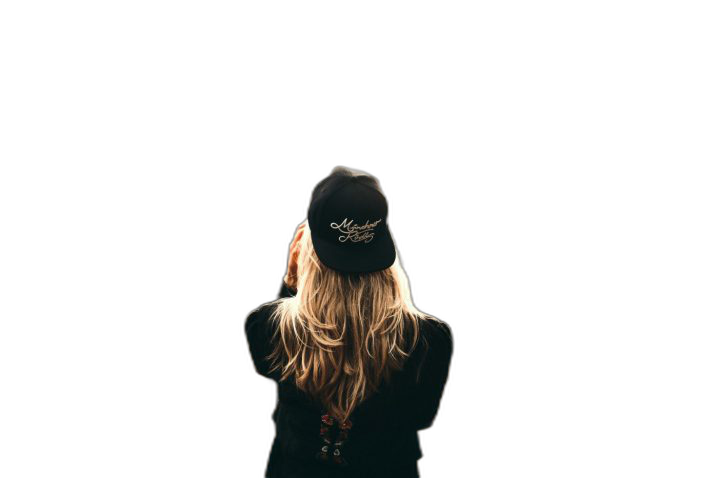
Compare each source photo with its transparent cutout to see where the background ends and the subject begins. Pay attention to the narrow gaps between locks, the fine outline of flyaway hair and the transition from solid fur to the thinner strands at its edges.
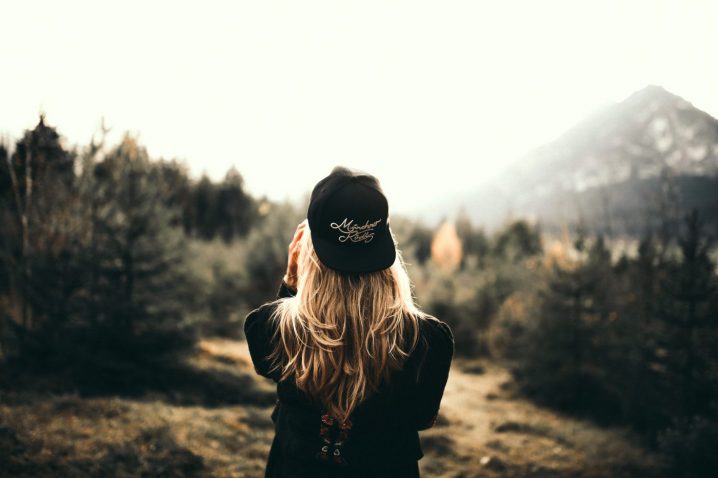
Original
Cutout
The bright mountain light makes the finest strands easy to miss. Compare the pale tips and wisps along the edge.

Original

Cutout
Compare the dark waves and loose strands against the street, then look at the outline against the transparent background.
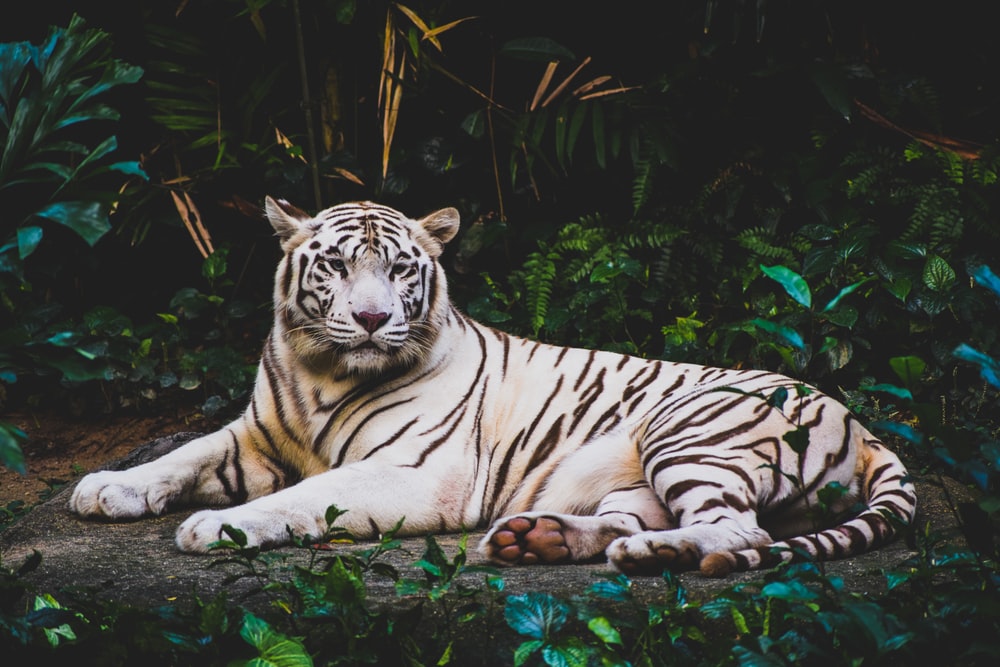
Original
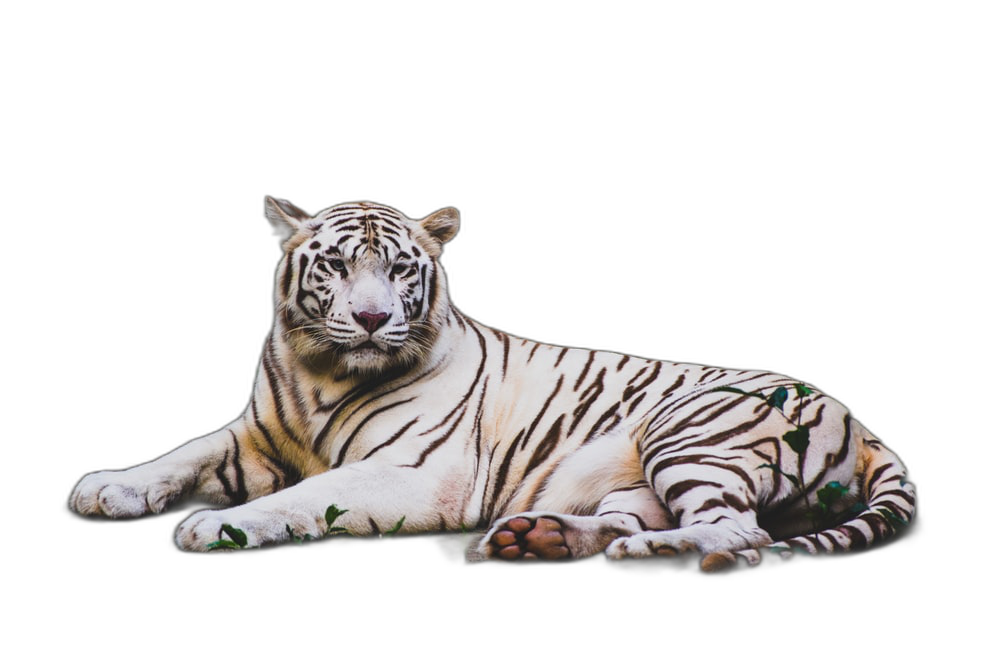
Cutout
Look at how the white fur around the ears and paws reads once the surrounding foliage is removed.
How do you remove background around hair and curls?
Use a sharp portrait with visible separation between the hair and the backdrop. Avoid cropping through curls or flyaways. After removing the background, compare the cutout on a dark and a light preview. A white rim shows up on dark backgrounds, while missed gaps between curls often stand out more on light ones.
Can you remove hair background online for free?
Removing the background uses 2 credits per photo. You can select and preview the original in your browser for free. When the cutout has usable transparency, download the PNG with no added watermark. Existing credits in your account can cover the charge, and you can check your balance before submitting.
Hair background remover pricing
One completed cutout costs 2 credits. Download the watermark-free PNG when it has usable transparency. That is about $0.13 of credits at the standard Max Monthly rate of $79.90 for 1,200 credits. The Trial Pack costs $5.00 and includes 10 credits. Browsing the examples and previewing the original are free.
| Action | Price | What you get |
|---|---|---|
| Original photo preview | Free | Select a photo in your browser |
| Background removal | 2 credits | Sign in · 1 image · download a usable transparent PNG without a watermark |
| Trial Pack | $5.00 | 10 credits in one purchase |
When fine hair needs extra cleanup
Fine hairs can disappear against a background close to their color. A busy scene, motion blur or strong backlighting can also leave a fringe. Use the sharpest photo you have, with space around the silhouette, and inspect the PNG on the background where it will actually appear.
The tool applies one automatic pass. For individual strands that need correction, open the PNG in a layer-based editor and refine the existing edge with a mask.
Hair background remover FAQ
Do I need a prompt to remove the background from hair?
Upload a single photo and choose Remove background. The cutout runs automatically.
Can I use the hair background remover on my phone?
Open the tool in your phone browser and pick a JPG, PNG or WebP from your photo library. The download goes to your browser’s downloads.
Why should I save the hair cutout as PNG?
PNG keeps the see-through background and can preserve partially transparent edge pixels. Use the downloaded file in your design so the new background can show through.
Can I remove backgrounds from several portraits at once?
Each run processes one photo. Upload each portrait separately and review the hair edges before downloading it.
Updated